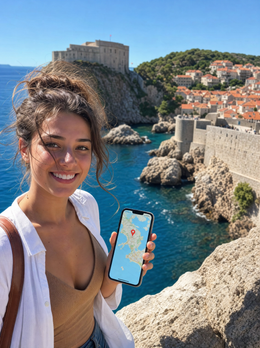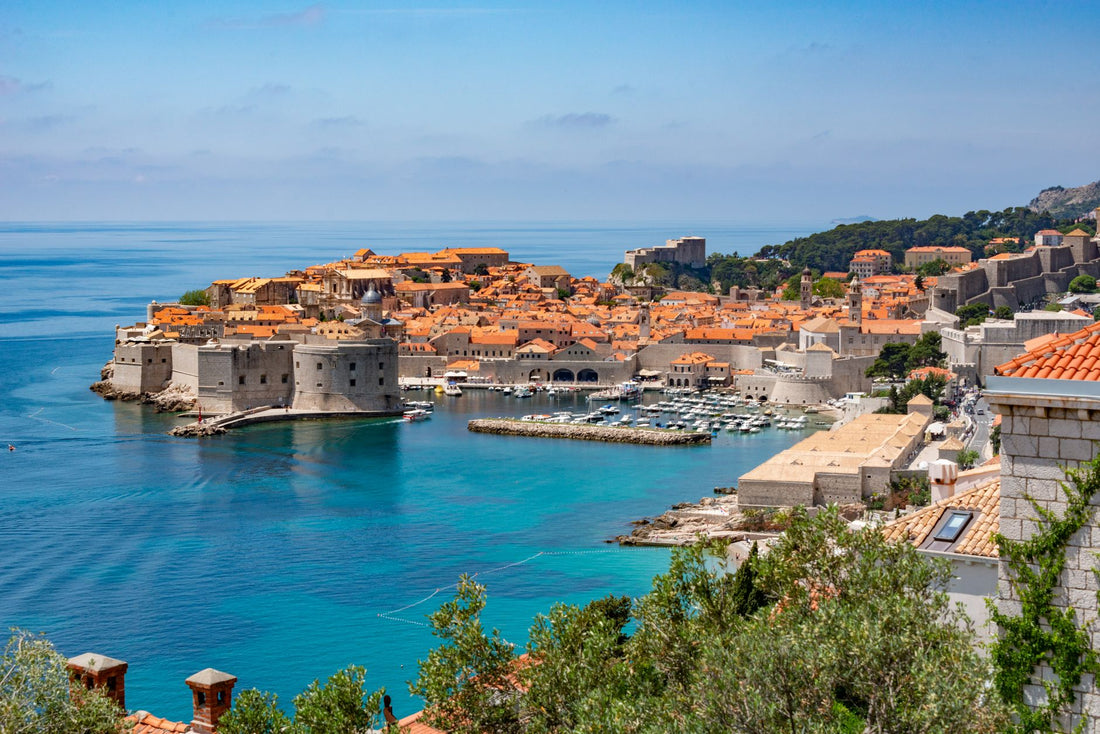
Croatia has become one of the most popular destinations in the Mediterranean, and it's not hard to see why. The medieval walls of Dubrovnik, the Roman palaces of Split, the crystal-clear waters of Hvar, and the hundreds of islands dotting the Dalmatian coast form a perfect setting for an unforgettable vacation.
But to make the most of your trip, you need to stay connected: share those sunsets from the walls, find the best konobas (traditional restaurants), book last-minute tours, or simply stay in touch with home. This is where an eSIM makes a difference, allowing you to be connected from the first moment without relying on public Wi-Fi or paying exorbitant roaming bills.
In this guide, we explain everything you need to know about using an eSIM in Croatia: from coverage in every corner of the Dalmatian coast to how much data you actually need, along with specific tips to ensure your connection works perfectly even on inter-island catamarans.
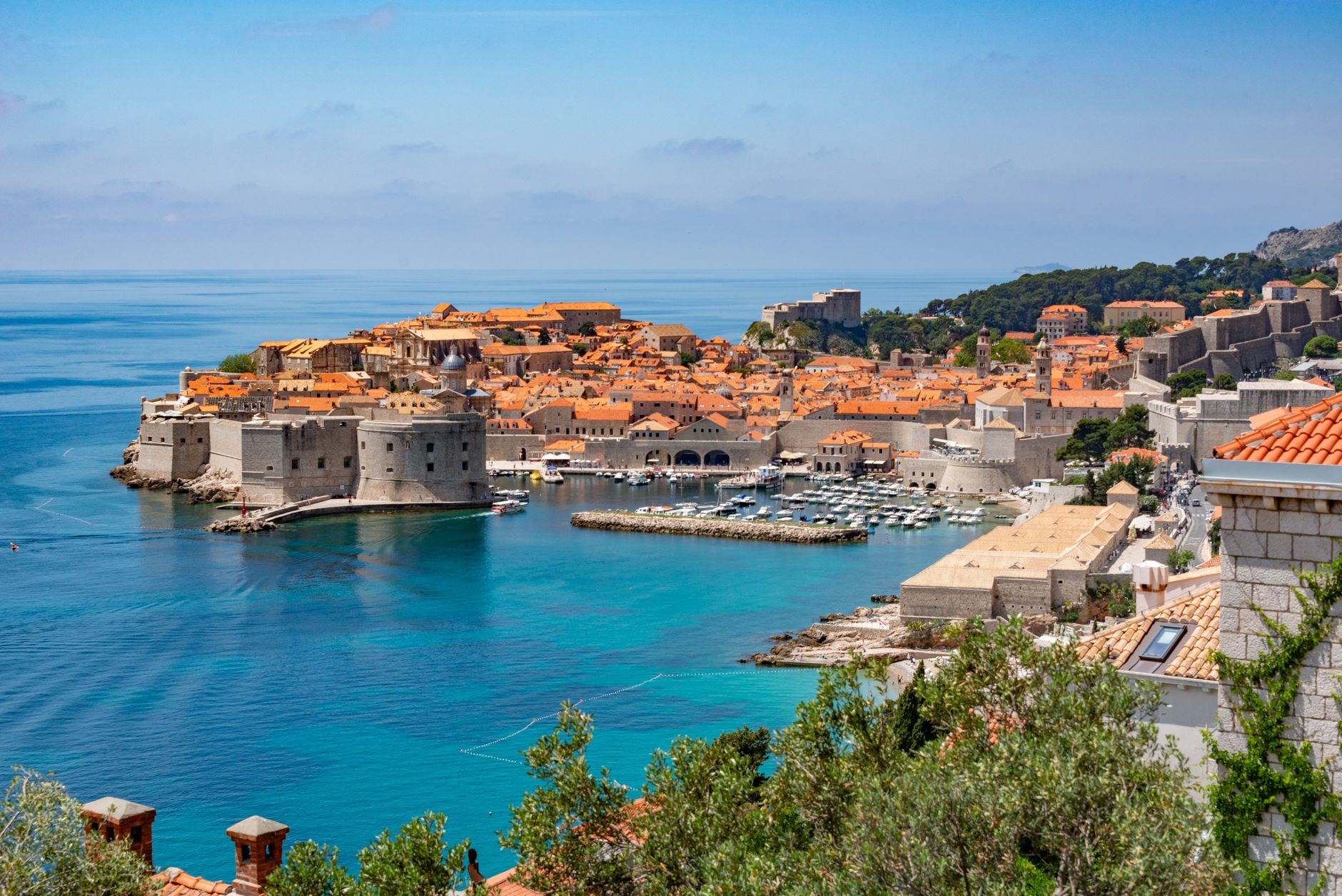
Why use eSIM in Croatia
Croatia presents some particular challenges for staying connected. The coastal geography, with hundreds of islands and mountainous terrain, means that connectivity can vary significantly depending on where you are. Furthermore, although Croatia has been part of the European Union since 2013, not all Latin American operators include the country in their free roaming plans, and those that do often apply strict limits.
An eSIM eliminates these concerns at a stroke. You install it before leaving home, and when you land at Dubrovnik or Split airport, your phone automatically connects to local networks. You don't need to look for SIM stores, queue, or deal with language barriers. You simply activate your plan and you're browsing.
Flexibility is another key point. If your itinerary includes several Balkan or European countries, many eSIM plans cover multiple destinations with a single data package. You can move from Croatia to Montenegro, Bosnia, or Slovenia without changing cards or worrying about coverage. This is especially useful if you plan day trips to neighboring countries, which is very common from Dubrovnik.
Cost control is transparent and predictable. You know exactly how much you pay and how much data you have available. There are no surprises when you get home, no unexpected bills for automatic app updates or background data consumption. For Latin American and Spanish travelers looking to budget precisely, this offers enormous peace of mind.
Additionally, keeping your main number active on your physical SIM means you can receive important calls and SMS (bank verification codes, for example) while using the eSIM exclusively for data. This duality gives you the best of both worlds: efficient local connectivity and accessibility on your usual number.
Coverage and operators in Croatia
Croatia has a modern and well-developed telecommunications infrastructure, especially in the tourist areas of the Dalmatian coast. The main operators in the country are Hrvatski Telekom (the largest, with the most extensive coverage), A1 Hrvatska (formerly VIPnet), and Telemach. These three operators offer robust 4G/LTE networks and are gradually deploying 5G coverage in major cities.
International eSIMs connect to these networks via roaming agreements, meaning your device will automatically select the operator with the best signal in each location. In practice, this works exceptionally well in Dubrovnik, Split, Zadar, Hvar, and other popular coastal cities. Coverage within historic centers is particularly good: in Dubrovnik, for example, the signal penetrates the medieval walls and cobblestone streets of the old town without problems.
The Dalmatian islands present a mixed scenario. Larger and more touristy islands such as Hvar, Brač, Korčula, and Vis have excellent 4G coverage in their main towns and beaches. However, in remote coves or mountainous areas in the interior of the islands, the signal may weaken or be limited to 3G. This rarely poses a real problem, as most tourist activities are concentrated in well-covered areas.
The point where you'll notice the most variation is on sea journeys. Catamarans and ferries connecting the islands have irregular coverage. Near the coast, the signal usually remains strong, but halfway between Split and Hvar, for example, it's normal for the connection to fluctuate or be lost temporarily. This is no cause for alarm: just keep this detail in mind and download any maps, content, or information you need before boarding.
In inland continental Croatia (Zagreb, Plitvice, Istria), coverage is also solid in cities and main roads. National Parks like Plitvice or Krka have basic coverage at entrances and main areas, but it may be limited on more remote trails. Again, this is expected in protected natural areas and should not affect your experience if you plan ahead.
How many GB do you need for your trip

The million-dollar question: how much data do you really need to enjoy Croatia without running out or wasting money on gigabytes you won't use? The answer depends on your travel style, but we can give you very specific references based on real usage patterns.
For a standard 10-day trip along the Dalmatian coast, we recommend between 6-8 GB. This range comfortably covers typical traveler usage: Google Maps for navigating between Split and Dubrovnik, Instagram and WhatsApp for sharing sunset photos from the walls, searching for restaurants and activities, occasional video calls home, and checking ferry and catamaran schedules.
Let's break down approximate consumption: Google Maps in navigation mode consumes about 5-10 MB per hour (very little if you download offline maps beforehand). Instagram and social media can consume 100-200 MB daily if you post stories and browse your feed regularly. WhatsApp with messages, photos, and occasional video calls adds another 100-150 MB daily. Web searches, email checks, and travel apps add another 50-100 MB per day.
If you're a more connected traveler who works remotely, makes many video calls, or uploads high-quality content to social media, consider 10-12 GB for 10 days. Video calls via Zoom or Google Meet consume approximately 500-700 MB per hour, and uploading videos to Instagram or TikTok can quickly devour gigabytes if you're not connected to Wi-Fi.
Conversely, if you're a minimalist traveler who primarily uses their phone for maps, basic messaging, and occasional inquiries, 4-5 GB may be enough. The key is to leverage hotel and restaurant Wi-Fi for heavy tasks like updating apps or backing up photos to the cloud.
A practical tip: most modern smartphones allow you to monitor your data consumption in real-time. Activate this feature upon arrival in Croatia and check your usage every couple of days. This will give you a clear idea of your consumption rate and allow you to adjust habits if necessary. You can also set alerts when you reach certain thresholds, such as 50% or 75% of your plan.
Traditional roaming vs. eSIM: cost comparison
Understanding the cost differences between using your usual operator's roaming and contracting an eSIM can mean saving hundreds of dollars or euros on your trip. The differences are substantial, especially for Latin American travelers.
For Spanish travelers, the situation is relatively favorable thanks to the European Union's "Roam Like at Home" policy. Croatia, being part of the EU, is included in this regulation, meaning many Spanish operators allow you to use your usual rate without additional costs. However, there are important nuances: some operators apply data limits when you travel, even within the EU. For example, if your plan in Spain includes 50 GB, you may only have access to 10-15 GB in Croatia. Moreover, if your plan includes unlimited data, it is almost certain that you will have a specific limit for roaming.
For Latin American travelers, the story is completely different. Operators in Mexico, Colombia, Argentina, Chile, and other countries in the region typically charge international roaming fees in Croatia ranging from $10-20 USD per day for limited data packages (generally 100-500 MB). For 10 days, this means $100-200 USD in daily charges alone, not counting additional data consumption if you exceed the limits.
Let's look at a concrete example: a Mexican traveler with Telcel could pay approximately $15 USD daily for a roaming package with 200 MB. For 10 days in Croatia, that adds up to $150 USD for barely 2 GB total. In contrast, an 8 GB eSIM for 10 days typically costs between $25-40 USD, depending on the provider. The savings are 70-80%.
Another factor to consider is hidden charges. Traditional roaming can generate unexpected costs for automatic app updates, background photo synchronization, or simply for receiving calls (some operators charge for both making and receiving calls while roaming). With an eSIM, these risks disappear: you pay a fixed price for a specific amount of data, and that's it.
For travelers visiting multiple countries on the same trip, regional eSIMs offer additional advantages. A plan that covers all of Europe allows you to move between Croatia, Italy, Greece, or any other country without worrying about changing cards or activating different packages. Traditional roaming plans usually require country-by-country activation, with costs that quickly accumulate.
Activation and practical tips
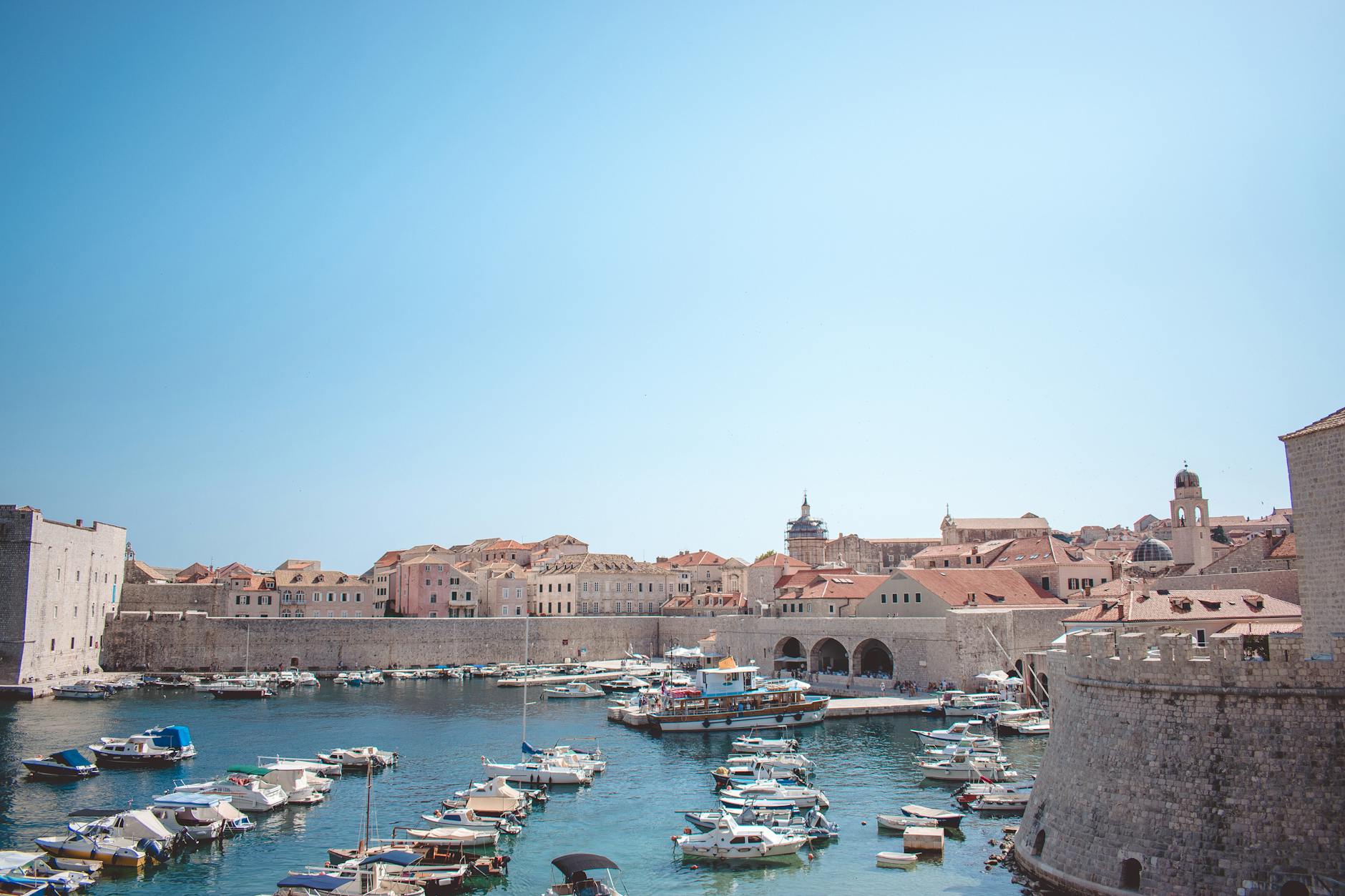
Activating your eSIM for Croatia is a simple process, but there are a few steps and tips that will make your experience much smoother. The first is to install the eSIM profile before leaving home, while you still have access to reliable Wi-Fi. You don't need to activate it immediately after installation; the profile will be saved on your device ready for use when you arrive in Croatia.
The installation process varies slightly depending on your device, but generally involves scanning a QR code you receive by email after purchase. On iPhone, go to Settings > Cellular > Add Data Plan and scan the code. On Android, the path is Settings > Connections > SIM card manager > Add mobile plan. The process takes less than two minutes and does not require special technical knowledge.
Once installed, set your eSIM as your primary data line, but keep your physical SIM active for calls and SMS. This allows you to continue receiving bank verification messages or important calls on your usual number, while all data is routed through the Croatian eSIM. In your phone settings, specifically select which line to use for mobile data, calls, and messages.
The activation moment is important. Most eSIMs automatically activate when your phone first connects to a network in Croatia. Some plans require manual activation, which you can do from the provider's app or via a simple SMS. Read your plan's specific instructions before traveling. A useful tip: activate airplane mode during the flight and deactivate it upon landing in Croatia. This forces your phone to search for available networks and connect to the local network.
To maximize your coverage in the Dalmatian islands, ensure your phone has automatic network selection enabled. This allows the device to switch between operators depending on which offers the best signal at any given moment. In your mobile network settings, verify that "Automatic operator selection" is enabled.
Here are some specific tips for Croatia: First, download offline Google Maps for Dubrovnik, Split, and the islands you'll visit. This drastically reduces data consumption and saves you in areas with weak signal. Second, on inter-island catamarans, take advantage of moments of good signal (near ports) to send messages or update information, and accept that on the open sea, the connection will be intermittent.
Third, within the walls of Dubrovnik, coverage is excellent, so feel free to use your connection normally for photos, social media, or video calls. The telecommunications infrastructure in the old town is surprisingly good due to high tourist traffic. Fourth, if you visit national parks like Plitvice or Krka, download trail maps and any information you need beforehand, as coverage on trails can be limited.
One last practical tip: configure your social media apps not to upload high-quality content automatically. Instagram, for example, has an option to "Use Less Data" which significantly reduces consumption without greatly affecting visual quality. WhatsApp also allows you to configure automatic downloading of photos and videos only when you are on Wi-Fi.
Frequently asked questions
How many GB do I need for 10 days in Croatia?
For 10 days in Croatia, we recommend between 6-8 GB. This covers map usage, social media, occasional video calls, and searches. If you plan to upload many videos or stream, consider 10-12 GB. For minimalist use (only maps and basic messaging), 4-5 GB may be sufficient.
Does the eSIM work on inter-island ferries?
Coverage on catamarans and ferries can fluctuate, especially on long journeys. Near the coast, the signal is usually good, but it may be temporarily lost on the open sea. Download offline maps and important content before boarding. Short trips like Split-Hvar generally maintain acceptable signal.
Can I use my eSIM within the walls of Dubrovnik?
Yes, coverage within the old town of Dubrovnik is excellent. The walls do not interfere with the signal, and you will be able to use data normally throughout the old city, including the narrow streets and squares. The telecommunications infrastructure in the historic center is very well developed due to high tourist traffic.
When should I activate my eSIM for Croatia?
Activate your eSIM when you arrive in Croatia or are about to land. Some plans activate automatically when connecting to the local network, others require manual activation. Check your plan's specific instructions. You can install the eSIM profile days in advance from home, but activation and data consumption begin when you connect in Croatia.
What operators do eSIMs use in Croatia?
eSIMs in Croatia primarily connect to networks such as A1 Hrvatska, Hrvatski Telekom, and Telemach. These operators offer 4G/LTE coverage in major cities and most tourist areas along the Dalmatian coast. Your device will automatically select the operator with the best signal in each location, without the need for manual configuration.
Activate your eSIM before you leave and arrive connected from the very first moment.
View eSIM plans →