Pay once and you're done
No surprise bills when you get back. Pick your GB and days, pay a fixed price and browse worry-free. If you don't use it, we refund you.






 Coverage in Africa
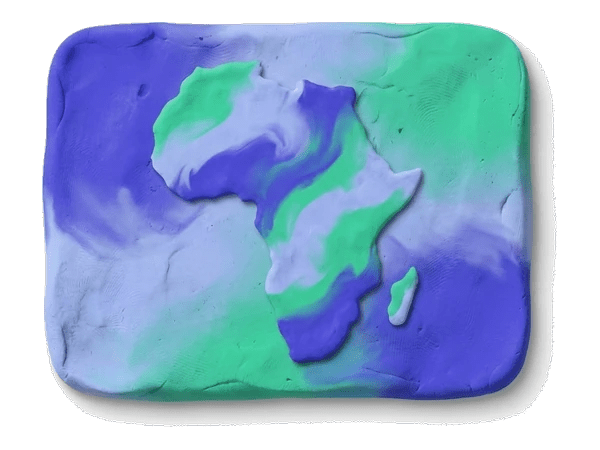
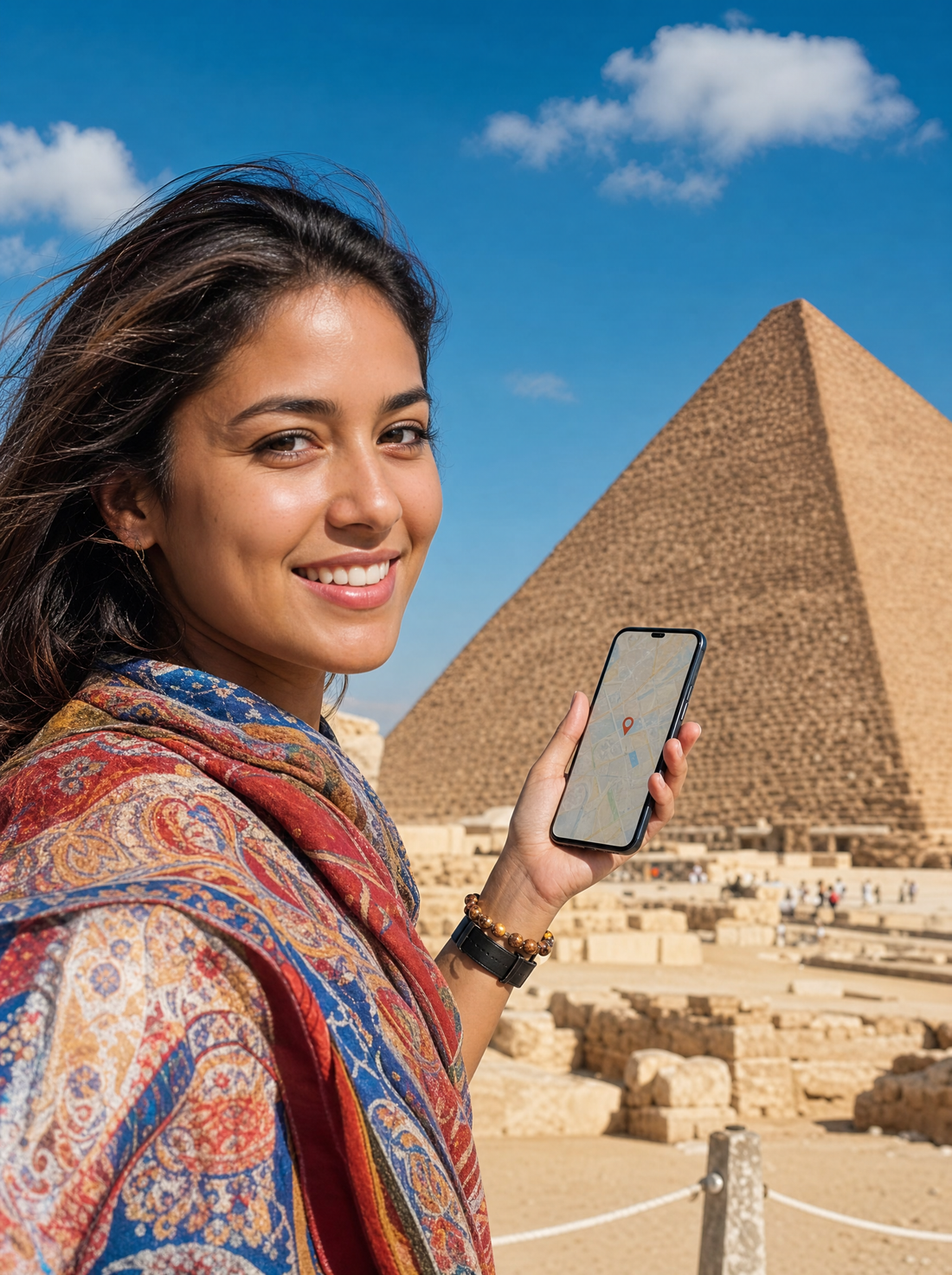
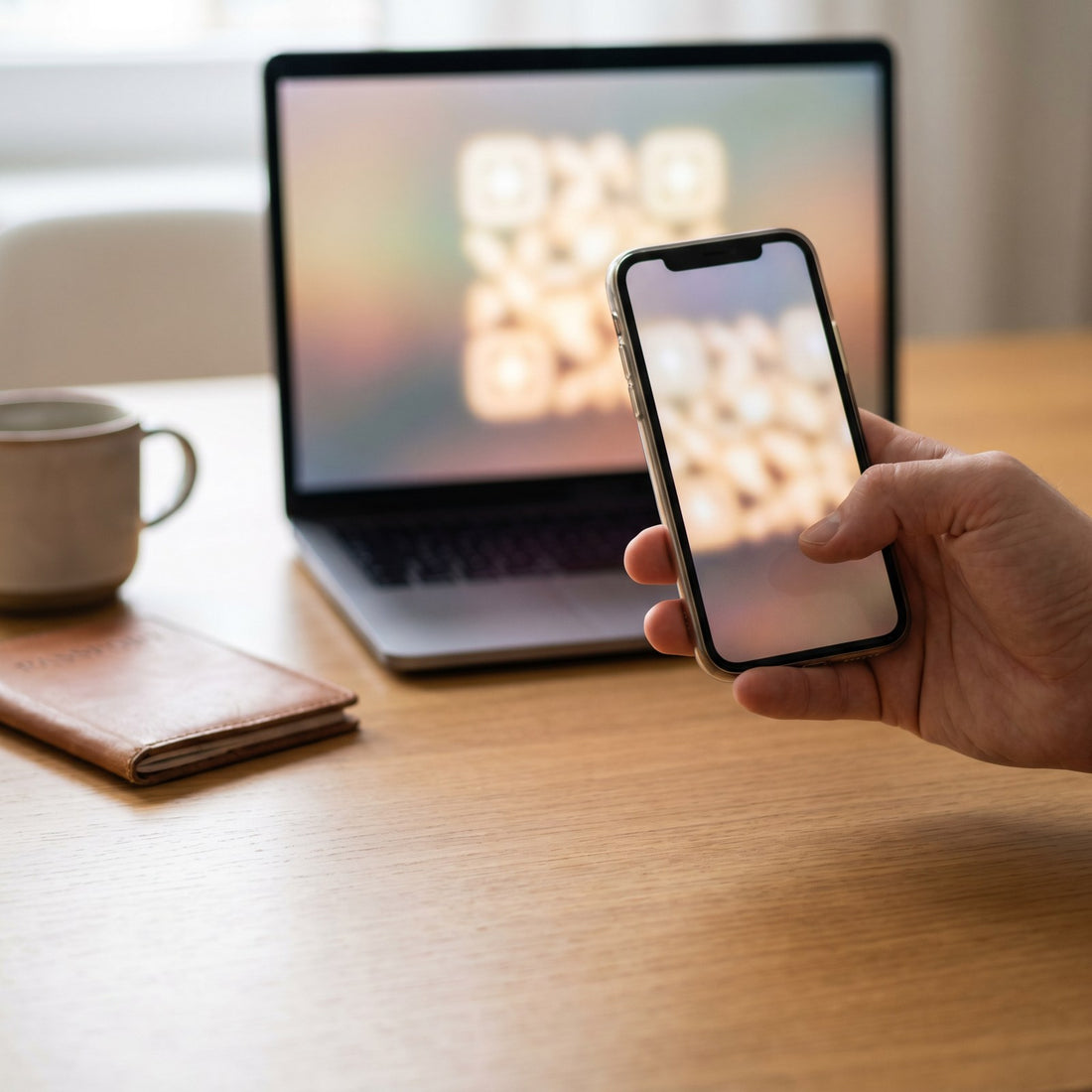
eSIM Africa keeps you moving with internet in Africa without roaming on your next trip across the continent. You get the QR by email and scan it in a minute, without touching your physical SIM or hunting for local shops: you land ready for Google Maps, WhatsApp, translating signs or sharing your photos.
You browse on leading local networks with 4G/5G coverage depending on the country you visit. Choose the GB and days that fit your trip, keep your usual number for WhatsApp and calls, and share data by hotspot with your group.

If you don't end up traveling, you have a money-back guarantee. And if something doesn't work at your destination, our human support helps you 24/7 until you're connected. No fine print, no complications.

Africa
Land with the Internet already on. Share every moment of Africa without hunting for WiFi or overpaying.
No surprise bills when you get back. Pick your GB and days, pay a fixed price and browse worry-free. If you don't use it, we refund you.
Coverage in 218 destinations on top-tier local networks, even outside big cities. And if something fails, human support 24/7 until you're online.

No paperwork or SIM cards. You get a QR, scan it and the eSIM installs itself. Your number and WhatsApp stay exactly the same.

Pick your data and days. Fixed price, no surprises, across Africa.
| Data | Duration | Price |
|---|---|---|
| Africa · 1 GB | 7 days | €13,69 |
| Africa · 3 GB | 30 days | €38,95 |
| Africa · 5 GB | 30 days | €57,36 |
Almost every phone since 2018 supports eSIM. Check it in 10 seconds — we show you step by step. Swipe →


Open the phone dialer and enter *#06#, just like a call. No need to press call.


If a 32-digit EID code appears, your phone supports eSIM. Good news!


Just add your Africa plan. Activate it with a QR and land with internet.
Prefer to check by brand and model? Pick it here:
 1
1Install it before you travel. It uses no plan data.
 2
2Tap "Add eSIM" → "Use QR Code".
 3
3The one in your email. The eSIM installs itself.
 4
4At your destination, turn on "Data Roaming" for PuraSim.
 1
1Install it before you travel.
 2
2Tap "Add eSIM" or "Add mobile plan".
 3
3Confirm the profile download.
 4
4Select PuraSim and enable roaming.
 vs. the old way
Compared to roaming, an airport local SIM or hotel WiFi, the PuraSim eSIM for Africa is the simplest and cheapest way to get internet abroad.

 Don't lose money
Fixed price before you leave, no surprises on your bill when you return.
 Don't lose connection
High-speed internet as soon as you land, no need to search for WiFi.
 Don't lose your number
Your SIM stays in: WhatsApp and your usual calls, active.
 Don't lose time
No queues or paperwork to buy a SIM at the airport.
 Don't lose coverage
Connect to top-tier local networks, not second-rate signals.
 Don't lose your cool
No commitment, no small print, and a money-back guarantee.
One store for all your trips. Pick your country and leave the plane already connected.
Fast, stable connection on top-tier local networks. Peak performance in the apps you use every day.
 WhatsApp
 Instagram
 TikTok
 Maps
Maps YouTube
 Spotify
 Netflix
 Gmail
GmailBook, get around and browse at your destination with data from minute one — no hotel wifi or local SIMs needed.
 eSIM for an African safari: coverage, parks, and offline tipsRead guide
 eSIM for safari trips: Coverage in Africa and staying connectedRead guide
 eSIM Africa: Complete Guide for Travel Data Across the ContinentRead guide
 eSIM for Africa: the multi-country pack that keeps you connected across the continentRead guide

With a single eSIM for Africa you travel with data in many countries across the continent without swapping cards or paying your carrier's expensive roaming. The plan connects to the real local networks of each country: Vodacom and MTN in South Africa, Safaricom in Kenya, Vodafone and Orange in Egypt, Maroc Telecom in Morocco or Airtel in Tanzania and Uganda. That way you get quality 4G/LTE coverage whether you are on safari in Kenya, exploring the coast of Zanzibar or the medinas of Morocco, all on a single plan and with no surprises on the bill.
Africa is not part of the European Union, so "roam like at home" doesn't apply here. Using your home data abroad can cost you between 10 and 15 € a day, or even per-megabyte rates that inflate the bill without you noticing. A local-data eSIM removes that risk: you pay a fixed price before you leave, you know exactly how many GB you have and you don't depend on buying a physical SIM when you land at an unfamiliar airport. It is the easiest and safest way to have internet in Africa from minute one.
Go up depending on the GB and days you need. For a short city trip, with maps, messaging and a bit of social media, 1 GB per 3 or 4 days is usually enough. If you are going on safari, share lots of photos or watch a lot of video, count on 1 to 2 GB a day. You can compare all the options and choose the coverage that fits your route in all destinations, and top up with no problem if you stay more days than planned.
The traditional SIM card forces you to find a store on arrival, show your passport, register and sometimes wait hours until they activate it; in some countries the procedure is slow and confusing. The eSIM is 100% digital: you buy it from your sofa at home, install it before flying and it activates by itself on arrival. Plus you keep your home number active to receive bank texts or important calls, something impossible if you replace your physical SIM with a local one.
Yes. The eSIM works in the big cities and tourist areas of the covered destinations: Cape Town and Johannesburg on the Vodacom and MTN networks, Cairo and Luxor with Vodafone and Orange Egypt, Marrakech, Casablanca and Fez with Maroc Telecom and Inwi, and Nairobi, Mombasa or Zanzibar with Safaricom and Airtel. In nature reserves and very remote routes the signal may be weaker, as it would be with any local card, but in urban centers, hotels and airports the connection is stable and fast.
Very easy. After purchase you receive a QR code by email that you scan from your phone's settings to install the data profile. Do it on wifi before you travel and leave the eSIM ready; on landing you just have to turn on the data and you are browsing. If it is your first time, follow the step-by-step in our eSIM guide, where we explain how to check that your phone is compatible and how to set up the eSIM in a few minutes.
 North Americafrom €4,70
 Europefrom €6,84
 Europe 30 Countriesfrom €2,56
 Central Asia 4 Countriesfrom €3,42
 Central Asiafrom €3,42
 United States and Canadafrom €4,70
 Asia 7 Countriesfrom €4,27
 Singapore, Malaysia, and Thailandfrom €3,42
 Ireland and Sloveniafrom €2,99
 Balkansfrom €5,98
 Middle Eastfrom €16,69International eSIM →