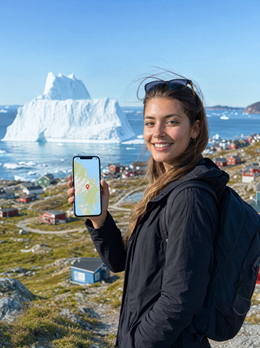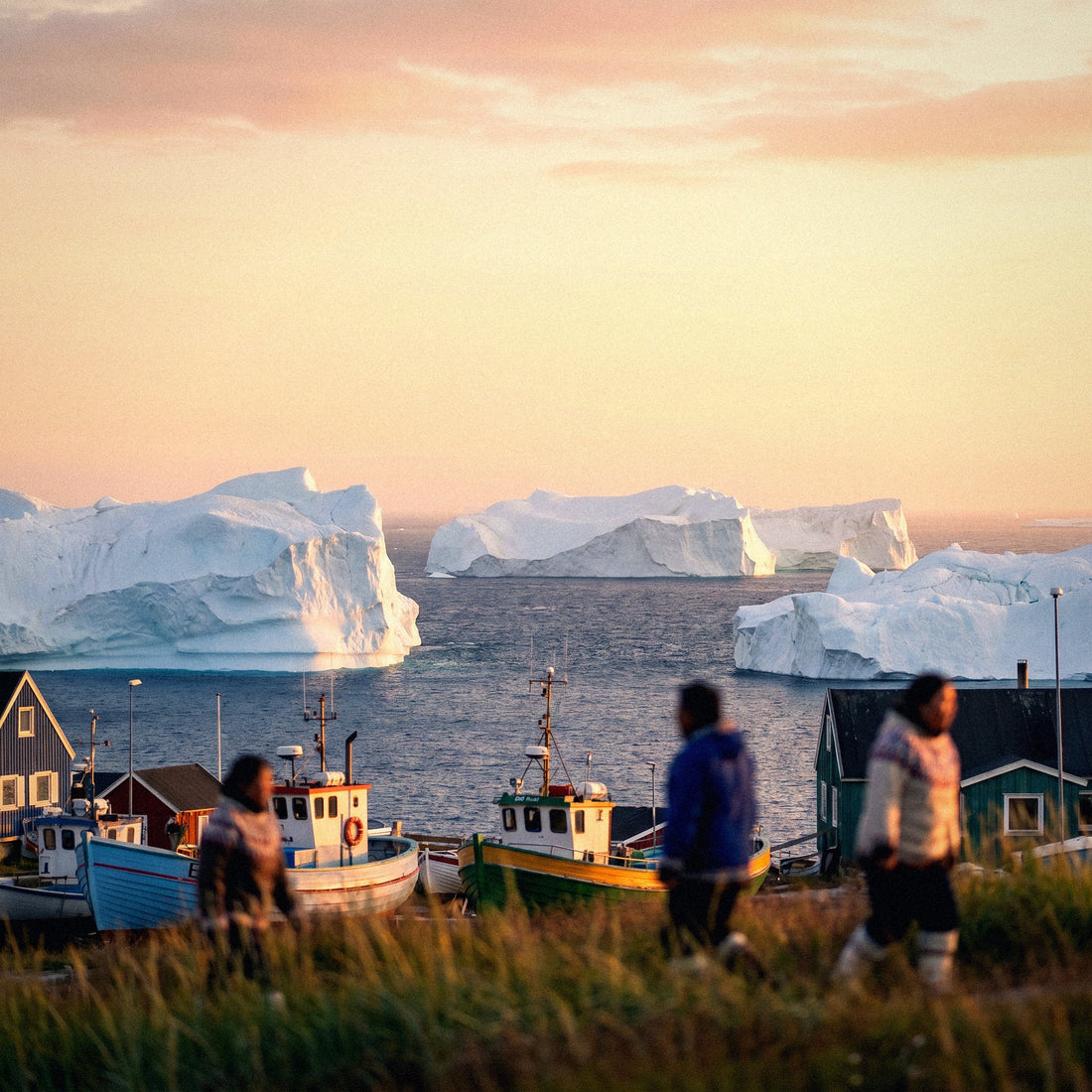

In short: Greenland is Danish territory but not in the EU, so your Spanish plan does not offer free roaming. A Greenland eSIM relies on Tusass, the island's only operator, and provides data in Nuuk, Ilulissat, and other coastal cities. In the interior ice and at sea, there is no coverage of any kind.
Traveling to Greenland means venturing into the world's largest island: icebergs, northern lights, and towns reachable by boat or plane, never by road. In such a remote place, knowing how you'll have internet is key, and an eSIM for Greenland saves you from expensive roaming fees with your Spanish plan and the uncertainty of where to buy a SIM. Here's the real coverage, the local operator, how many GB to bring, and why the connection works differently than in any other destination.
Do you need an eSIM in Greenland?
Yes, if you want reliable data without paying a fortune. Greenland is not in the EU's surcharge-free roaming zone, so your Spanish plan will incur expensive international roaming charges. A data eSIM for Greenland installs in a minute and connects you to the local network, though it's important to understand how the connection works in such an isolated territory first.
Typical plans here include cruises along the west coast, aurora borealis viewing in winter, summer hiking under the midnight sun, or routes between Nuuk, Ilulissat, and the ice fjords. In all of them, you'll want to share those incredible photos, check the weather (which changes rapidly), and coordinate excursions. Relying on Wi-Fi is risky: outside of hotels and cafes in cities, there's barely any, and distances between towns are enormous. An eSIM gives you data wherever there's coverage, and your Spanish SIM still receives calls with your number.

How the connection works on the island
Straight to the point: there is mobile coverage in Greenland, but only around inhabited cities and towns. The interior, covered by the ice cap, and sea routes between settlements lack signal. The network is concentrated on the coast, where people live, and operates via satellite and radio links to the outside.
This changes your way of traveling compared to a normal European destination. Don't expect 5G in the middle of a fjord or on a boat between villages: there are no antennas there. The realistic expectation is to have good data in Nuuk, Ilulissat, Sisimiut, Qaqortoq, and the main localities, and offline navigation for the rest. Download maps of the area and information about your excursions when you have urban coverage. An eSIM will give you internet whenever a local network is available, which is in the areas where you will spend most of your time between transfers anyway.
Reality on the ground: there are no roads connecting cities in Greenland. You travel by plane, helicopter, or boat, and there is no coverage on these journeys. Download maps and guides before leaving each town.
Local operator and coverage by area
The island's telecommunications operator is Tusass (formerly TELE Greenland / TELE-POST), the only company that provides mobile and internet service throughout the territory. A travel eSIM relies on the Tusass network, so you don't need to buy their physical card in Nuuk or register locally.
- Nuuk (capital): the best coverage on the island, with stable 4G for maps, social media, and video calls.
- Ilulissat: good signal in the ice fjord city, the main tourist base in the west.
- Sisimiut, Qaqortoq, Nanortalik: coverage in the urban core.
- Icy interior and sea crossings: no coverage; offline planning is essential.
The speed is decent in cities, but don't expect fiber: it's an Arctic territory with a dispersed population. To avoid surprises, rely on our general guide to eSIM vs. roaming and have your eSIM ready before landing.
Greenland is Danish, but not like Denmark
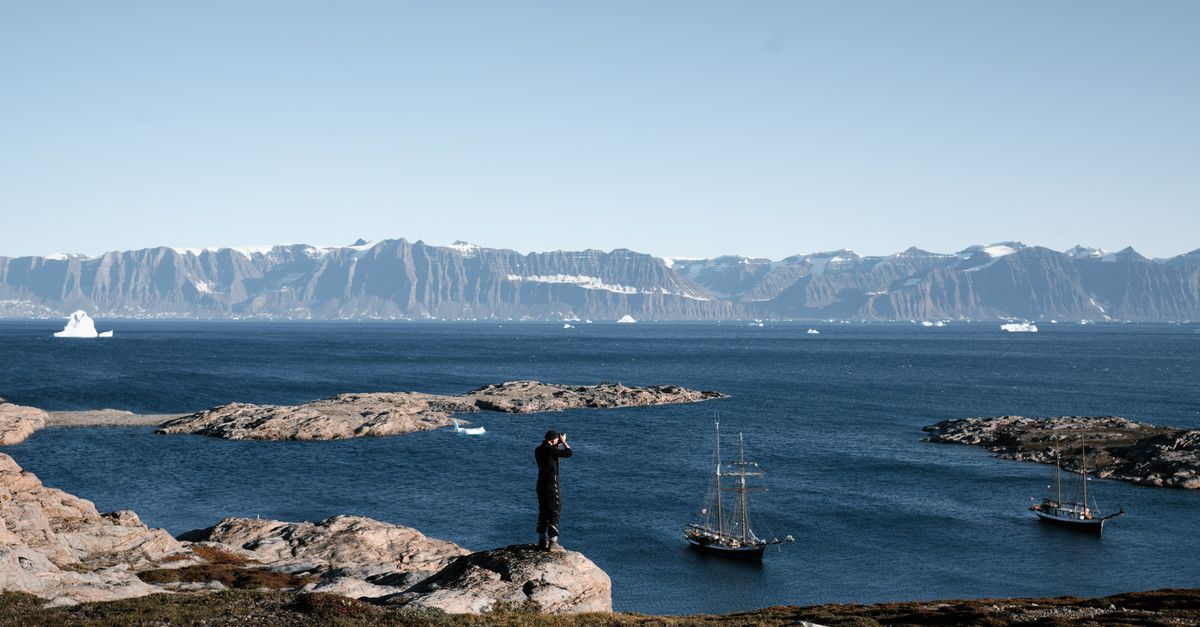
Greenland is an autonomous territory of the Kingdom of Denmark, but it is not part of the European Union, unlike mainland Denmark. This nuance directly affects your mobile: your Spanish plan does not give you "roaming like at home" here, although it would in Copenhagen.
That's why many travelers stop over in Denmark or Iceland on their way to Greenland and get confused, thinking their European plan covers everything. That's not entirely true: in mainland Denmark, you're in the EU and your Spanish plan works as if you were at home (if you need more data for those days, an eSIM for Europe would be useful), but as soon as the plane takes off for Greenland, you suddenly leave that surcharge-free roaming zone. Iceland, a common stopover on this route, is also not part of the EU, so if you spend the night there before continuing your journey, you'll also need your own data for that leg. If you're confused about which territories count as free roaming and which don't, our guide on what data roaming is clarifies it segment by segment, which is especially useful on Arctic routes where each stopover has its own rules. In short: each leg of the journey needs its own data solution, and it's good to have that clear before taking off.
How many GB you really need
Since much of the trip takes place without coverage (by boat, on the ice, during air travel), the actual consumption is lower than in an urban destination. For one or two weeks, with usage in cities and photo uploads, 3-5 GB is usually enough. Here's a guide by trip type.
| Trip type | Typical usage | Recommended data |
|---|---|---|
| Expedition cruise | Data only at port calls | 1-2 GB |
| Week in Nuuk / Ilulissat | Maps, social media, photo uploads | 3-5 GB |
| Two weeks in several cities | Photos, light video, planning | 5-8 GB |
| Remote work from the capital | Video calls, email, cloud | 10 GB or more |
Since you'll spend long stretches without a network, take advantage of urban coverage to download and schedule. Our tips for saving data on your trips will help you fine-tune the calculation based on the apps you use.
How to activate your eSIM before leaving
eSIM installation requires a connection, so do it with Wi-Fi at home before flying, especially when going to a destination where the network is scarce. The whole process takes less than a minute, and you arrive with data ready.
- Check that your mobile is compatible with eSIM (most mid-to-high-end phones from recent years are).
- Purchase your eSIM for Greenland and receive the QR code by email.
- Install it with Wi-Fi before flying (Settings > Mobile Data > Add eSIM).
- Upon landing in Nuuk or Kangerlussuaq, activate the eSIM data.
If it's your first time, follow the step-by-step guide on how to install an eSIM. Leave the eSIM installed before leaving Spain: in the Arctic, you won't want to rely on finding Wi-Fi to get it started.
What almost no one tells you before going to Greenland
There are details about the connection in Greenland that are not usually found in travel guides, and that make the difference between arriving relaxed or having trouble with your phone.
- There is no operator store on every corner. Outside of Nuuk, finding a physical Tusass point of sale is the exception, not the rule: in many towns, the "operator" is a post office or a local agent with limited hours. Buying and activating your eSIM before leaving Spain saves you that search upon arrival, when all you want to do is rest from the flight, not go from store to store.
- GPS works even without data, but the map doesn't. This is the most common confusion among travelers: your phone's satellite positioning works anywhere on the island, whether or not you have mobile coverage. What fails without data is that the map loads on the screen. That's why it's advisable to download the area in Google Maps or Maps.me with Wi-Fi before leaving each city: you'll see your blue dot moving across the ice even if the eSIM has no signal.
- Cold takes a toll on battery life. At sub-zero temperatures, a mobile phone can lose autonomy much faster than usual, especially if you're persistently searching for coverage in fringe areas. Carry it in an inside pocket, close to your body, and activate power saving mode on long journeys between towns.
- Ship Wi-Fi is not onshore coverage. If you're on a cruise, onboard satellite Wi-Fi is a separate service, usually paid and slow, and only covers you while you're on the ship. As soon as you go ashore, you need your own connection, which is exactly where the eSIM comes in.
- Keep your Spanish physical SIM active in parallel. The eSIM handles data; keep your Spanish line active (even without data, just for calls and SMS) so you don't miss bank verification codes or important alerts. This is the standard dual SIM configuration, and in Greenland, with so little infrastructure around, it's wise not to rely on a single channel.
When do you NOT need an eSIM for Greenland?
We sell eSIMs, but there's no point in buying one if you won't benefit from it. There are specific situations where you can save the expense:
If your stay in Greenland is a few hours' layover at Kangerlussuaq airport on your way to Iceland or Copenhagen, don't buy anything: the airport's Wi-Fi is free and sufficient to check your next flight. If you're taking an expedition cruise along the east coast, where some itineraries barely touch land in a couple of small villages, it won't be worth it either: you'll end up paying for GB that you won't be able to use for most of the trip, and onboard Wi-Fi will be enough for the minimum at those stops. And if your plan is to stay only in Nuuk, in accommodation with decent Wi-Fi (there are more and more in the city center) and you don't plan to move outside the urban area, it's possible that the hotel and airport Wi-Fi will be enough without spending on mobile data. Outside of these specific cases, as soon as your plan includes moving between cities, going on excursions, or relying on maps and communication outside the hotel, the eSIM pays for itself in peace of mind.
Frequently Asked Questions
Is there mobile coverage throughout Greenland?
No. Coverage is concentrated in coastal cities and towns, where the population lives. The icy interior and sea crossings between settlements have no signal. An eSIM works in inhabited areas; for the rest, plan with offline maps downloaded in advance.
Does my European plan work if Greenland is Danish?
No. Although Greenland is a territory of the Kingdom of Denmark, it is not part of the EU, so you do not have "roaming like at home." Your Spanish plan will incur expensive international roaming charges. That's why a local eSIM is recommended, different from what you would use in Copenhagen.
What is the mobile operator in Greenland?
Tusass (formerly TELE Greenland) is the only telecommunications company on the island and provides all mobile coverage. A travel eSIM automatically relies on its network, so you don't need to buy its physical card or register upon arrival in Nuuk.
Will I have internet during a fjord cruise?
Only at port calls, when the ship reaches a village with coverage. Between ports, while sailing at sea or near the ice, there is no mobile signal. Many cruises offer paid satellite Wi-Fi on board, but it is usually slow and expensive.
How many GB should I buy for two weeks?
Since you will spend a lot of time without coverage, consumption is lower than usual. With 5-8 GB, you have enough for two weeks with urban use and photo uploads. If you work remotely or make frequent video calls, increase to 10 GB or more.
Can I buy a physical Tusass SIM upon arrival in Greenland?
In theory, yes, but the network of sales points outside Nuuk is scarce, and the registration process may not be as immediate as in an EU country. An eSIM saves you that step: you buy and activate it before leaving Spain and arrive with data ready from the first moment, without having to find a place to buy it.
What happens if I lose coverage on the ice or on the ship?
This is to be expected, not a fault of your eSIM: no operator in the world, with or without an eSIM, provides mobile coverage in the polar ice cap or on the high seas between towns. Download offline maps before each leg and, if you are going on a serious expedition inland, consider bringing a separate emergency satellite communication device.
Conclusion
Greenland is one of the most remote destinations on the planet, and its connection works differently: data in coastal cities, none on the ice or at sea. With a local eSIM, you arrive with internet ready, avoid international roaming, and use urban coverage to plan your excursions. Install your eSIM for Greenland before flying to the Arctic and enjoy the icebergs without worrying about the bill. You can buy your eSIM for Greenland right now and have it ready before leaving home.