Nepal is one of those destinations that changes you. Between ancient temples in Kathmandu, tranquil lakes in Pokhara, and the highest mountains on the planet, you'll want to share every moment. But connectivity in Nepal has its peculiarities, especially if your plan includes trekking in the Himalayas.
Unlike other Asian destinations where 4G coverage is omnipresent, in Nepal the reality is more varied. In the main cities you'll have excellent connection, but once you start climbing towards the mountains, the signal becomes a scarce commodity. And that's where a well-planned eSIM makes the difference between being connected when you need it or relying on the unreliable WiFi of lodges.
In this guide, I'll tell you everything you need to know to choose your eSIM for Nepal: from how many GB are realistic for your type of trip, to what to expect in terms of coverage on the way to Everest Base Camp or the Annapurna Circuit. Let's get practical.

Why use eSIM in Nepal
Arriving in Kathmandu after a long flight and having to look for a SIM card store at the airport is not the best plan. Options at Tribhuvan Airport are often limited, with inflated prices and vendors who don't always speak fluent Spanish or English. Additionally, the SIM registration process in Nepal requires documentation and can take valuable time from your first day.
With an eSIM, you arrive with connectivity from the moment you land. You can order your Uber or taxi, notify your accommodation, open Google Maps and orient yourself without relying on airport WiFi. For many travelers, especially those arriving at night in Kathmandu, this is not a luxury but a matter of safety and convenience.
But the real advantage of eSIM in Nepal goes beyond initial convenience. If your trip includes trekking, you will appreciate having even intermittent coverage to send WhatsApp messages to your family, share your location, or check the weather forecast before a complicated stage. In the mountains, lodge WiFi is usually paid (between 3-5 USD per day) and extremely slow, when it works.
eSIM also allows you to keep your main number active. You can receive bank verification codes, keep your WhatsApp working normally, and manage any urgent matters from home without complications. In a country where unforeseen events are part of the adventure (cancelled flights to Lukla, itinerary changes due to weather), staying connected gives you flexibility to rearrange plans on the fly.
Another important point: eSIMs for Nepal usually come with pure data, without voice minutes you'll never use. This makes the price more efficient. For calls, apps like WhatsApp, Telegram, or FaceTime Audio work perfectly where there's coverage, and they're free.
Coverage and operators in Nepal
Nepal has two main operators: Ncell (private) and Nepal Telecom or NTC (state-owned). Ncell is generally the preferred choice for travelers because it has better coverage in tourist areas, major cities, and popular trekking routes. International eSIMs, including those from PuraSIM, typically operate with Ncell as the primary network.
In Kathmandu and Pokhara, coverage is excellent with both operators. You'll have stable 4G virtually throughout the city, from Thamel to Durbar Square, and all around Phewa Lake in Pokhara. The speed is sufficient for video calls, uploading photos to social media, and using map applications without problems. Don't expect European or Latin American fiber speeds, but for mobile use, it's more than adequate.
The story changes when you leave the cities. On the road to Pokhara from Kathmandu, coverage is intermittent, with stretches of no signal in mountainous areas. Towards Chitwan National Park, coverage is good in populated areas but patchy within the park.
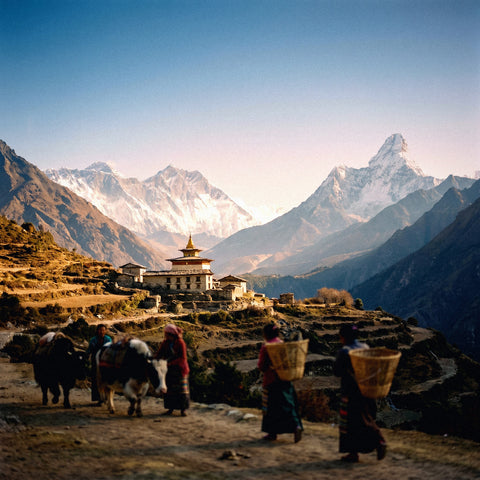
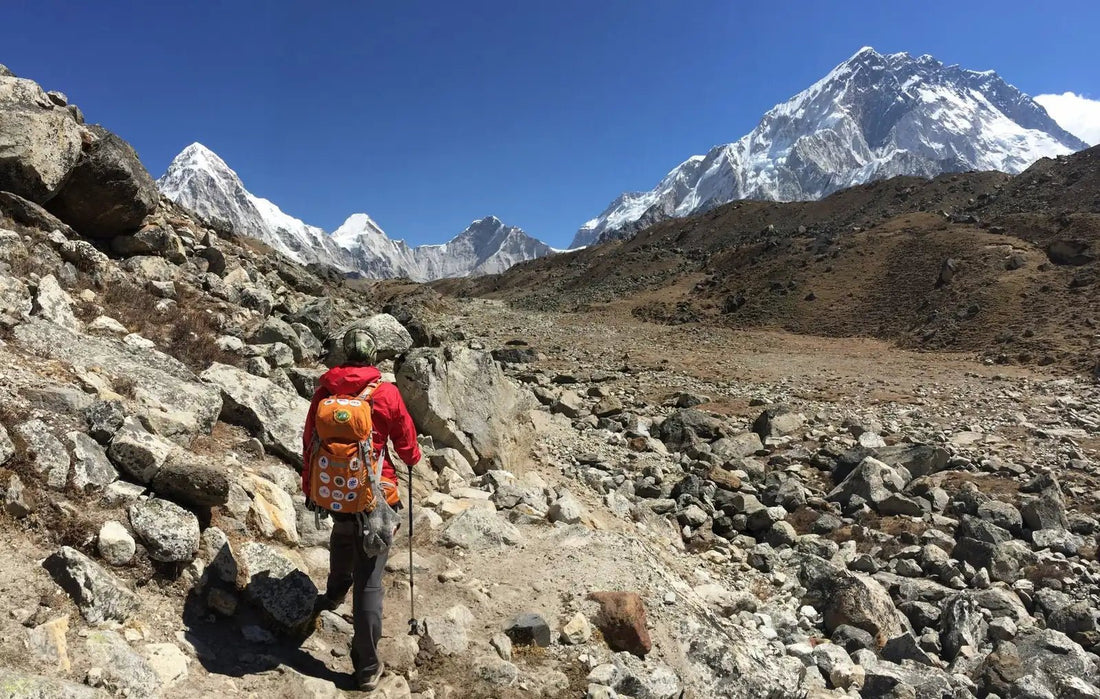
For treks, here's the real picture: on the Everest Base Camp route, Ncell has coverage up to Namche Bazaar (3,440m) with good strength. From Namche to Tengboche, there's intermittent signal. Between Dingboche and Lobuche, coverage becomes very patchy, and at base camp, it's practically non-existent. Major towns like Namche, Tengboche, and Dingboche usually have a better signal than the stretches between them.
On the Annapurna Circuit, there is coverage up to Manang with interruptions, and some spots on the descent towards Jomsom. Thorong La Pass has no coverage. In Langtang, the signal reaches Kyanjin Gompa irregularly. In general, consider mobile coverage on treks as a useful complement but not a guarantee. Always inform your family of the days you will be offline.

How many GB you need depending on your route
This is probably the most important question, and the answer depends entirely on your type of trip. A week-long urban trip through Kathmandu and Pokhara consumes data very differently from two weeks that include the Everest Base Camp trek.
For a 7-10 day urban trip focused on Kathmandu, Pokhara, and perhaps Chitwan, estimate between 5-6 GB. This allows you to use Google Maps without restrictions, upload photos to Instagram, make occasional video calls, and browse social media normally. If you're someone who shares a lot of Instagram stories or actively uses TikTok, consider 8 GB to be on the safe side.
If your trip includes the Everest Base Camp trek or any long trek in the Himalayas, the equation changes completely. During hiking days, your data consumption will be minimal or non-existent because there simply won't be any coverage. A 4 GB plan is more than enough for 15-20 days that include 10-12 days of trekking. You'll primarily consume data in Kathmandu before and after the trek, and perhaps a few MB in Namche Bazaar to update your family.
For mixed trips (one week of cities + one week of trekking), 5 GB is the sweet spot. It gives you enough margin for the urban part without running out, and some reserve for when you have signal in the mountains. Remember that in mountain lodges, WiFi is paid and very slow, so if you have mobile data available, even 3G, it will be your best option.
An important tip: download offline Google Maps before heading out on any trek. This allows you to navigate without consuming data and have a reference even where there is no signal. Also download entertainment content (series, podcasts, music) for long hours on buses or rest days in lodges. Nepal has internet, but not always where and when you need it.
If you're traveling as a couple or group, consider that each person needs their own plan. Sharing a hotspot in Nepal is not practical because the signal is already limited, and dividing it among several devices makes it practically unusable. Plus, on treks, each person should have independent communication capabilities for safety.
How to activate and use your eSIM
The installation of your eSIM for Nepal is done in two separate steps: first you install the profile (ideally before traveling), and then you activate it when you arrive in the country. This distinction is important because it prevents you from starting to consume days of validity prematurely, especially if you have layovers.
Before leaving home, with stable WiFi, install the eSIM profile on your phone. You will receive a QR code by email after your purchase. On iPhone, go to Settings > Cellular > Add Data Plan and scan the code. On Android, the process is similar: Settings > Connections > SIM card manager > Add mobile plan. The profile is installed but NOT activated yet.
Once installed, make sure to configure your main line (your physical SIM) for calls and SMS, and leave the eSIM turned off until you arrive in Nepal. This is crucial: if you turn on eSIM data prematurely, your plan will start counting. Also check that your phone is unlocked and compatible with eSIM (iPhone XS or later, Samsung S20 onwards, Google Pixel 3 or newer).
When you land in Kathmandu, once the plane allows you to use electronic devices, activate the eSIM. Go to mobile data settings, select your Nepal eSIM plan, and activate mobile data and data roaming. Within 1-1 minute, you should see the Ncell signal appear. If it doesn't connect immediately, toggle airplane mode on and off, or restart your phone.
During your trip, you can switch between your main SIM and the eSIM whenever you want. This is useful if you need to receive a call on your main number or verify something. But for data, always keep your Nepal eSIM active to avoid international roaming charges from your main carrier. Configure WhatsApp and other apps to use mobile data from the eSIM.
A practical tip for treks: on days you know you won't have coverage, activate airplane mode to save battery. Your phone consumes a lot of energy constantly searching for a signal when there isn't one. Save that battery for photos, offline GPS, and for when you reach a village with coverage. In mountain lodges, charging devices usually costs between 2-4 USD per full charge.
Roaming vs eSIM: cost comparison
Using your operator's roaming in Nepal is technically possible, but economically unwise. International roaming rates in Nepal are among the highest in Asia, and you can accrue significant charges in a few days if you're not careful.
For travelers from Spain, operators like Movistar charge around 13-15 EUR per day for roaming in Nepal with their "Travel Connected" tariff. Vodafone has similar rates. Orange offers data passes that are around 6-10 EUR per day depending on the plan. For a two-week trip, we're talking about between 84 and 210 EUR just for connectivity, and with daily data limits that are usually low (100-500 MB per day).
From Latin America, the situation is similar or worse. Claro and Movistar in countries like Mexico, Colombia, or Argentina charge between 10-15 USD per day for roaming in Nepal, with data limits that usually don't exceed 200-300 MB daily. Personal in Argentina and Entel in Chile have comparable rates. For a typical 15-day trip, the cost can easily exceed 150-200 USD.
In contrast, a 5 GB eSIM for Nepal with 30 days of validity costs around 30-40 USD. That's a 70-85% saving compared to roaming, with more data available and without worrying about daily limits. The difference is so significant that it pays for itself in the first 2-3 days of travel.
But beyond the pure cost, there's another factor: predictability. With roaming, it's easy to lose track of days or consume data without realizing it, especially if your phone updates apps in the background. I've met travelers who came home with bills of 300-400 EUR for uncontrolled roaming. With a prepaid eSIM, you know exactly how much you're going to spend. When data runs out, you simply no longer have internet, with no surprises on the bill.
The only situation where roaming might make sense is if your operator includes Nepal in an international plan at no additional cost (something extremely rare), or if you're only going to be in the country for 1-2 days in transit. For any real trip to Nepal, eSIM is the logical choice both economically and practically.
Frequently asked questions
How many GB do I need for a trip to Nepal?
For a typical 10-15 day trip to Nepal, we recommend between 4 and 6 GB. If you plan to trek to Everest Base Camp or mountain routes, consider that coverage will be limited and you won't consume as much data at high altitudes. For urban trips focused on Kathmandu and Pokhara, 6 GB will give you enough margin for maps, social media, and occasional video calls. If you are a heavy social media user or will be working remotely from the cities, consider 8-10 GB.
Is there coverage at Everest Base Camp?
Coverage on the Everest Base Camp route is progressive and limited. Up to Namche Bazaar (3,440m) there is good 4G signal with Ncell. Between Namche and Tengboche, coverage is intermittent. From Dingboche onwards, the signal becomes very patchy and practically non-existent near base camp. Lodges along the route usually offer paid WiFi (3-5 USD/day) as an alternative, although the speed is very slow. Plan to communicate with your family mainly from Namche, where the connection is more stable.
Which operator has the best coverage in Nepal?
Ncell is the operator with the widest coverage in Nepal, especially in tourist areas and trekking routes. It covers Kathmandu and Pokhara well, and has a presence up to Namche Bazaar on the Everest route. Nepal Telecom (NTC) also has good urban coverage and is the only option in some very specific remote areas. PuraSIM's international eSIMs mainly operate with Ncell, which is the most reliable option for travelers. In cities, the difference is minimal, but in the mountains, Ncell usually has an advantage.
When should I activate my eSIM for Nepal?
Ideally, you should install the eSIM profile before leaving home (with Wi-Fi), but DO NOT activate it until you arrive in Nepal. Activation occurs when you turn on mobile data within Nepalese territory. This is especially important if you have a layover in another country, as it will prevent you from consuming validity days prematurely. Once activated upon landing in Kathmandu, your plan will start counting from that moment. You can install the profile even weeks before traveling without a problem, just make sure to keep the mobile data for that eSIM turned off until you arrive.
Does eSIM work on the Annapurna and Langtang treks?
On the Annapurna Circuit, there is intermittent coverage up to Manang and at some points on the descent towards Jomsom. Thorong La Pass has no coverage. In Langtang, the signal reaches Kyanjin Gompa with variations depending on the operator and weather conditions. In both cases, coverage is better in the main villages and weakens between stages. For long treks, consider the eSIM as a useful complement for specific moments and not as the sole source of communication. Always inform your family of periods when you will be offline.
Activate your eSIM before you leave and arrive connected from the very first moment.
View eSIM plans →