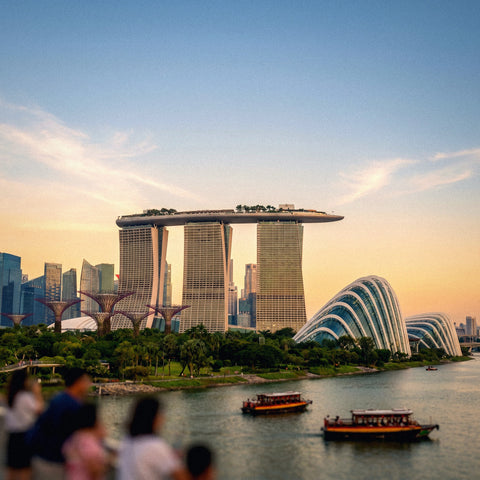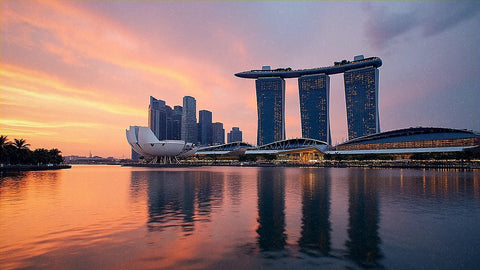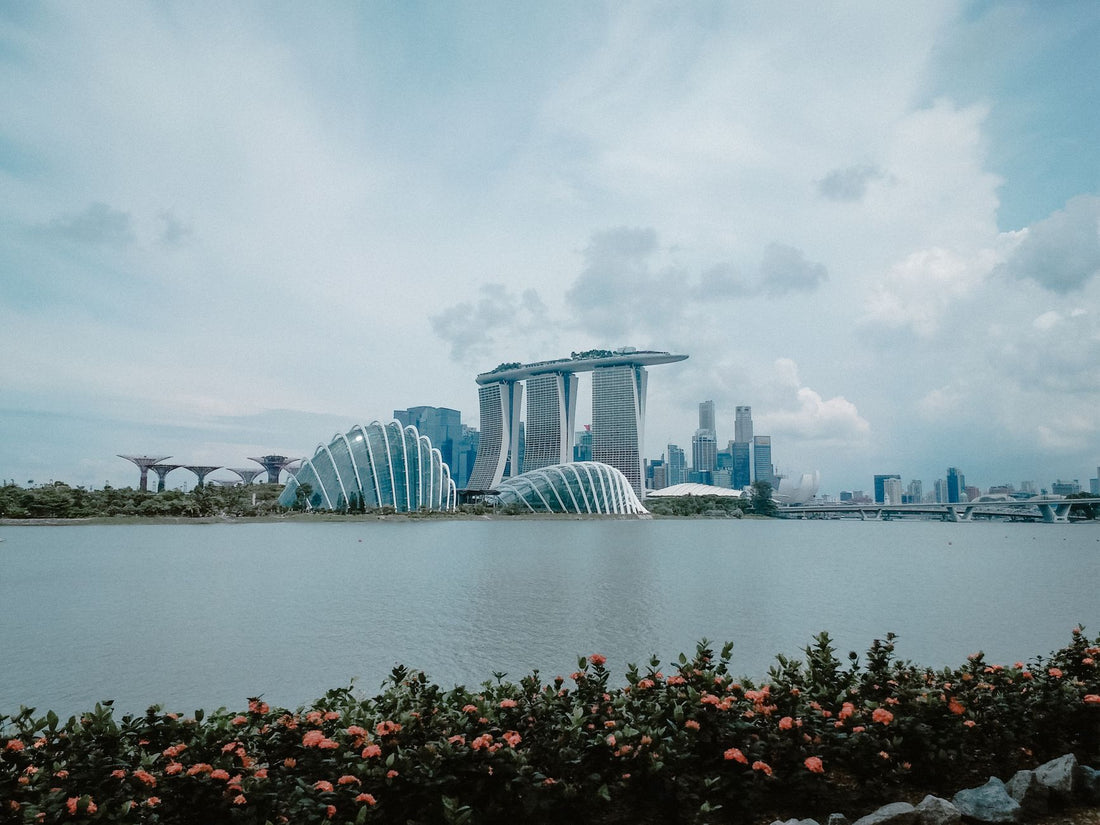
Singapore is one of those destinations that does everything right: the city is clean, safe, incredibly efficient, and, to the delight of any modern traveler, it is among the best-connected cities on the planet. If you're going to spend a few days exploring Gardens by the Bay, Chinatown, the hawker centers, or the beaches of Sentosa, a good data connection is not a luxury, it's a real necessity.
The classic problem for Latin American and Spanish travelers is arriving at Changi Airport and being forced to search for a physical SIM card in a store, or worse, relying on their home operator's roaming at prices that can easily skyrocket. The good news is that there's a much smarter solution: the eSIM. And in this article, we'll tell you everything you need to know to arrive in Singapore with internet from the first second, without queues or bill surprises.
Singapore has no municipalities or secondary cities to visit: it is a city-state. That means a single eSIM covers absolutely everything you'll explore, from the Marina Bay financial center to the botanical gardens, Changi Airport, and the more distant neighborhoods. Simple, efficient, just like the country itself.

1. Internet options for tourists in Singapore
When you arrive in Singapore as a tourist, you basically have four ways to connect to the internet. Each has its advantages and disadvantages, and it's important to know them to make the best decision based on your travel profile.
Roaming from your home operator: The most convenient option in theory, but also by far the most expensive. Latin American and Spanish operators charge roaming rates in Asia that can range between 5 and 15 dollars per day, or worse, charge for each megabyte consumed if you don't have an activated bundle. For a week in Singapore, the cost can easily exceed 50-100 euros. We do not recommend it.
Local tourist SIM: At Changi Airport, you can buy SIM cards from local operators such as Singtel, StarHub, or M1. They offer good rates (7-day plans with unlimited data for around 15-25 SGD, about 10-18 euros). The problem is that you have to queue, make sure your phone is unlocked, and store your original SIM in a safe place so you don't lose it.
Pocket WiFi: A portable router that you can rent at the airport or book online. It's useful if several people are traveling and want to share the connection. The downside: you need to carry an extra charged device, and if you forget it at the hotel or the battery runs out, you'll be without internet.
Travel eSIM: The option we recommend without hesitation. You install the digital profile on your phone before leaving, activate the plan when you land, and you're done. No queues, no physical SIMs to lose, no extra devices. Your phone can have your local number active on the physical SIM while the eSIM manages data for Singapore. The value for money is excellent, and activation is instant.
For most individual travelers or couples, the eSIM is clearly the best option. It's convenient, economical, and completely digital. Furthermore, if your phone is compatible (and the vast majority of models from the last 4-5 years are), there's no reason not to use it.
2. How many GB do you need for your trip to Singapore?
This is the question we get asked the most, and the honest answer is: it depends on how you use your phone. But we can give you a very practical guide based on a typical traveler's usage in Singapore.
Map usage: Google Maps or Apple Maps in Singapore consumes approximately 50-100 MB per day if you actively use them to navigate around the city. For a week, we're talking about 350-700 MB just for navigation.
Social media: If you post stories on Instagram, upload photos to WhatsApp, or browse TikTok, consumption can vary greatly. Moderate use (viewing content, some posts) consumes between 300-500 MB per day. Uploading videos or streaming can consume 1 GB or more daily.
Video calls: A 30-minute video call via WhatsApp or FaceTime consumes approximately 300-500 MB in standard quality. If you call home every day, add 2-3 GB per week.
Music or podcast streaming: Spotify in normal quality consumes about 40-80 MB per hour. If you listen to music while walking around the city, add about 300-500 MB per week.
That said, our specific recommendation for Singapore is as follows:
- 5 GB: Perfect for light travelers. You use maps, WhatsApp, moderate Instagram, and make a few video calls. For stays of 5 to 7 days.
- 8 GB: Ideal if you upload content regularly, make long video calls, or occasionally use your phone as a hotspot for your laptop.
- 10 GB or more: If you work remotely from Singapore, stream frequently, or travel in a group sharing data.
An important advantage in Singapore: WiFi coverage on the MRT, in hawker centers, shopping malls, and most public places is excellent. This significantly reduces mobile data consumption compared to other Asian destinations. In practice, many travelers end up using fewer GB than they expected.

3. 5G coverage and MRT network: Singapore's connectivity
Singapore is, without exaggeration, one of the most connected countries in the world. Since 2020, the government and private operators have invested massively in 5G infrastructure, and the results are visible: according to the latest reports from Opensignal and Ookla, Singapore is consistently among the top five countries with the best mobile internet speed globally.
Singapore's three major operators are:
- Singtel: The largest operator, with the most extensive 5G coverage. It has roaming agreements with many international eSIM providers.
- StarHub: Second option in terms of coverage, with excellent presence in commercial and tourist areas.
- M1 (Maxis): Smaller but with solid coverage, especially in the city center.
4G LTE coverage is practically 100% across the entire island. 5G coverage already exceeds 95% of the population according to IMDA data (Singapore's telecommunications regulatory authority). This means that if your phone is 5G compatible and your eSIM plan includes it, you will enjoy speeds that can exceed 500 Mbps in crowded areas.
The MRT and connectivity: Singapore's Mass Rapid Transit is famous for its efficiency, but also for something that surprises many travelers: it has free WiFi at all stations and in the train cars. The network is called Wireless@SG and is available at more than 5,000 access points across the country, including MRT stations, shopping malls, public libraries, and parks. To connect, you just need to register once with your email address.
This has an important practical implication for eSIM users: while you're using the metro, the MRT's WiFi can handle your basic browsing without consuming your mobile data. It's a real saving, especially on long commutes between Changi Airport and the city center, or between Orchard Road and Jurong East.
In outdoor areas such as Gardens by the Bay, Marina Bay Sands, Sentosa, or the Arab Quarter of Kampong Glam, the 4G/5G signal is excellent. You'll have no problem making video calls outdoors or uploading photos in real-time from anywhere on the island.
4. How to install and activate your eSIM for Singapore
One of the great advantages of an eSIM is that you can install it days before your trip, from the comfort of your home. You don't need to wait until you're in Singapore to do anything. The process is simple and takes less than 5 minutes.
Step 1: Check your phone's compatibility. Most smartphones from the last 4-5 years are eSIM compatible. On iOS: iPhone XS, XR and later models. On Android: Samsung Galaxy S20 onwards, Google Pixel 3 onwards, Motorola Razr 2019+, and many others. If you have doubts, you can check in Settings → General → About → eSIM Availability (on iPhone) or Settings → Connections → SIM Manager (on Android).
Step 2: Make sure your phone is unlocked. If you bought your phone with a carrier contract, it may be locked to that network. Contact your carrier to request unlocking before traveling. In Spain and Latin America, carriers are required to unlock phones once the contract period has been completed.
Step 3: Purchase and download your PuraSIM eSIM. Choose the plan that best suits your trip from our store. You will receive a QR code by email that you can scan directly from your phone.
Step 4: Install the eSIM profile. Go to Settings → Mobile Data → Add Data Plan (on iPhone) or Settings → Connections → SIM Manager → Add Plan (on Android). Scan the QR and follow the instructions. The profile installs in seconds.
Step 5: Configure mobile data. Once installed, set the Singapore eSIM as the preferred data line. You can leave your local SIM active for calls and SMS. Activate the eSIM when the plane lands in Changi or even shortly before arriving, and you'll be connected as soon as you exit the arrivals gate.
An extra tip: in your phone's settings, disable data roaming on your local SIM to avoid accidental charges while the eSIM manages all data connectivity.
5. Practical connectivity tips in Singapore
Beyond the eSIM itself, there are some Singapore-specific things worth knowing to make the most of your connection during your trip.
Wireless@SG WiFi: As mentioned earlier, this free government network in Singapore covers over 5,000 points across the city. It's a completely legal and secure network (managed by the IMDA). Register before you arrive at: wireless.imda.gov.sg. You only need an email and a phone number to receive the verification PIN. Once registered, your device will automatically connect at all available points.
Essential apps to download with WiFi: Before leaving your country (or as soon as you arrive at the hotel), download offline maps of Singapore in Google Maps or Maps.me. Also download the MyTransport.SG app (Singapore's official transport app), the SG Hawkers hawker center guide, and Grab (the Asian equivalent of Uber, essential for getting around). These apps work best with data, but having cached maps saves you a lot of megabytes.
Singapore and payment cards: Singapore is very cashless: most establishments, including hawker centers, accept QR payments (PayNow, PayLah) and credit/debit cards. Major contactless payment methods work perfectly. This is relevant for your eSIM because many hotels and restaurants have high-quality WiFi available for guests, which can complement your data plan.
Real-time data management: On both iPhone and Android, you can monitor your eSIM usage in real-time from your mobile data settings. Set an alert when you reach 80% of your plan so you don't run out of data at an inconvenient time. Many eSIM plans also have their own apps or web portals where you can view usage.
Roaming within Singapore vs. excursions to neighboring countries: If your travel plan includes visits to Kuala Lumpur (2 hours by train), Batam (45 minutes by ferry) or Bangkok, remember that your Singapore eSIM only covers Singaporean territory. If you plan to leave the country, consider a regional eSIM for Southeast Asia that covers multiple destinations or purchase separate plans for each country.
Phone charging: Singapore uses Type G plugs (the same as the UK, three square pins). If you're coming from Spain or Latin America, you'll need an adapter. The connection to the electricity grid is stable and high-quality, without outages. Most hotels have USB ports in the rooms, and some modern MRT train carriages have USB stations.
Frequently asked questions
How many GB do I need for a week in Singapore?
For a week in Singapore, we recommend between 5 and 8 GB. If you use maps, social media, and WhatsApp moderately, 5 GB is enough. If you upload content frequently, make long video calls, or use your phone as a hotspot for a laptop, opt for 8 GB. Remember that the MRT has free WiFi, which reduces consumption during commutes.
Does the eSIM work on Singapore's MRT metro?
Yes, and wonderfully. Singapore's MRT has 4G/5G coverage throughout almost the entire network, including underground tunnels. In addition, all stations and most carriages have free WiFi via the government's Wireless@SG network. Your eSIM will work perfectly anywhere on the public transport system.
Is there 5G coverage in Singapore with a travel eSIM?
Singapore has one of the most comprehensive 5G coverages in the world, exceeding 95% of the population. Most travel eSIMs access Singtel, StarHub, or M1 networks. If your phone is 5G compatible and your plan includes it, you will enjoy extraordinary speeds almost anywhere on the island.
Do I need to unlock my phone to use an eSIM in Singapore?
Yes, it is an essential requirement. Your phone must be carrier-unlocked and compatible with eSIM technology. Most iPhones from XS (2018), Samsung Galaxy from S20, Google Pixel from 3, and many other recent models are compatible. If you bought your phone with a contract, contact your current carrier to request unlocking before you travel.
When should I activate my eSIM for Singapore?
You can install the eSIM profile days before leaving your country: you only need to scan the QR code with WiFi or data from anywhere in the world. The plan activation (when the validity period begins) generally occurs when you first connect to a network in Singapore. This way, you arrive connected from the moment the plane lands at Changi, without relying on airport WiFi or waiting in line at any counter.
Activate your eSIM before you leave and arrive connected from the very first moment. No queues, no physical SIMs, no bill surprises.
See eSIM plans →