In short: an eSIM for Bangkok gives you mobile data as soon as you land at Suvarnabhumi or Don Mueang, with no counter queues or sky-high roaming charges. It's installed before you fly and activates automatically when it connects to the Thai network. Choose between 3 and 10 GB depending on the length of your trip, and if you're leaving the capital, get a plan that covers all of Thailand, not just Bangkok.
Landing at Suvarnabhumi and being able to use Grab, Google Maps, and WhatsApp from the get-go: that's what an eSIM for Bangkok gives you. This guide gets straight to the point: what coverage you'll have in the city, what to do at the airports, how many GB to get for a trip, and why buying data before you fly saves you queues and stress as soon as you arrive.
Is an eSIM just for Bangkok worth it?
Yes. Bangkok is a city where you constantly rely on your mobile: ordering a Grab, haggling in markets with a translator, finding hidden temples, or calling your hotel. An eSIM with data from the airport prevents you from being cut off just when you need it most: when you arrive tired from a long flight and don't know your way around.
The big advantage over roaming is the price. Thailand is outside the European Union, so your Spanish plan does not apply the "free" EU roaming: it will be billed at international rates, which for most operators is significantly higher than what you pay at home. Always check your operator's current rates before you leave, as they vary from company to company. With an eSIM, you buy a fixed data plan (e.g., 3, 5, or 10 GB) and know in advance what you will spend, with no surprises on your bill when you return. If you want to see a point-by-point comparison, we detail it in eSIM vs. roaming. In addition, you install it at home before you fly and it activates when it connects to the Thai network, so you arrive with everything ready. Keep in mind that Bangkok is almost always the gateway to a longer trip through Thailand, so it's a good idea to think big about your plan from the start.

Airports: what to do when you land
Bangkok has two airports: Suvarnabhumi (BKK), the main international airport, and Don Mueang (DMK), used mainly by low-cost and domestic flights. At both, you'll see counters for local operators (AIS, TrueMove, dtac) selling tourist SIMs right after you exit customs. They work, but there's usually a queue, and the airport counter price is higher than in the city.
With an eSIM, you bypass that counter entirely. You get off the plane, connect your phone to the airport's free WiFi (or directly if your eSIM is already activated), and in seconds you have data to order your transport. The Airport Rail Link from Suvarnabhumi to the city center, or a Grab from Don Mueang, can be managed instantly without looking for a shop. That first journey without data is exactly where most people get stressed, and an eSIM solves it before you land. If you want to understand the installation process clearly, review it in our guide to installing an eSIM.
Coverage and speed in the city
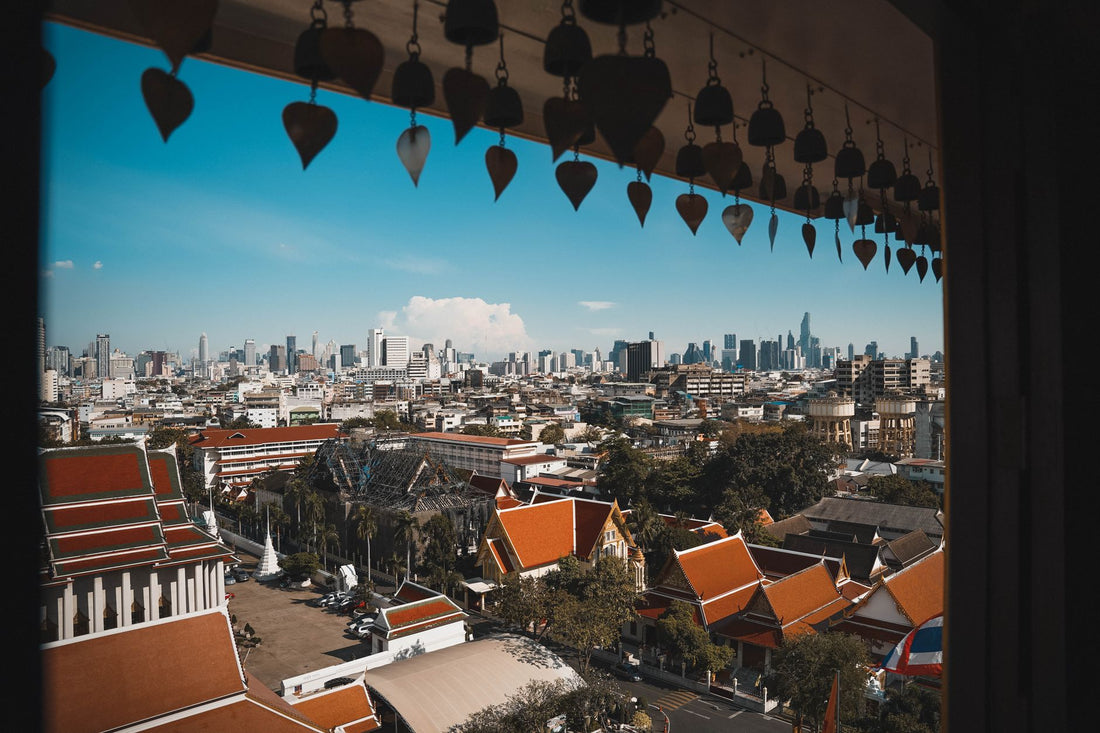
Bangkok has excellent mobile coverage. 4G is super fast throughout the city and 5G is widely available in central areas like Sukhumvit, Silom, Siam, and the riverside. The three main operators (AIS, TrueMove H, and dtac) have dense networks, and a travel eSIM relies on them, so you'll browse at the same speed as a local.
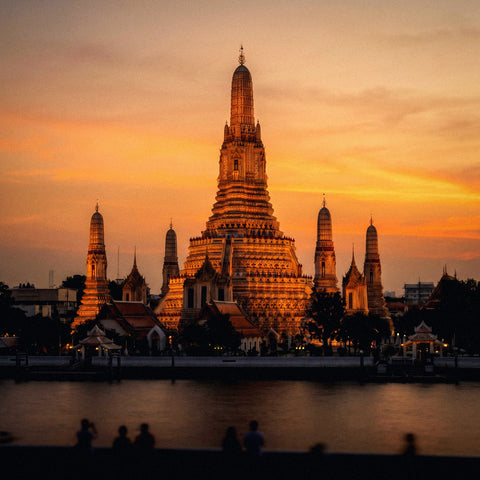
In tourist spots like the Grand Palace, Wat Pho, Chatuchak, or trendy rooftops, you'll have plenty of signal to upload live stories. Even in the city's chaotic traffic, inside the BTS Skytrain or the MRT subway, coverage holds up well. If your trip includes leaving Bangkok for Ayutthaya, Kanchanaburi, or the southern beaches, the eSIM will continue to provide coverage because it covers the entire country, not just the capital. For that type of route, it's most practical to buy a plan designed to cover all of Thailand, with more GB, instead of limiting yourself to a capital-only plan and having to top up on the fly.

GB for a city break
For a few days in Bangkok, typical usage involves maps, Grab, social media, and a translator. An average traveler uses around 1 to 1.5 GB per day in the city; if you do a lot of stories or video calls, it goes up to 2-3 GB daily. This table guides you based on the days of your trip:
| Days in Bangkok | Light usage | Medium usage | Content creator |
|---|---|---|---|
| Long layover (1 day) | 1 GB | 2 GB | 3 GB |
| Short trip (3 days) | 2-3 GB | 5 GB | 8 GB |
| Full week | 5 GB | 8-10 GB | 15 GB |
Tip to spend less: connect to the hotel and shopping mall WiFi (in Bangkok, there's free WiFi in almost all malls) to download offline maps and upload photos. This way, you save your mobile data for when you're out and about.
If you run out, topping up is a matter of seconds from the app. And if you want to optimize your spending without running out, we have specific tips on how to save eSIM data while traveling.
Bangkok is a city: consider a Thailand plan
Here's the most important piece of advice: don't buy an eSIM "just for Bangkok." Bangkok is a city within Thailand, and almost all travelers combine the capital with southern beaches (Phuket, Krabi, Koh Samui) or the north (Chiang Mai). That's why what you almost always need is a plan that covers you throughout the country, not a plan designed only for the capital.
Buying a national plan from the start is more cost-effective and prevents you from losing coverage when you leave the city. A Thailand eSIM works just as well in Bangkok's Chinatown as on a beach in Koh Phi Phi, without changing anything. If your trip is two weeks long, covering several areas of the country, choose a plan with more GB designed for longer stays, instead of running short and having to top up halfway through your trip. And if you're going to hop to neighboring countries like Cambodia or Vietnam, consider a regional eSIM that covers several countries with the same plan, instead of buying a new SIM at each border.
eSIM vs 7-Eleven SIM card
In Thailand, it's very common to buy a tourist SIM card at 7-Eleven stores, which are on every corner. It's a cheap option, but it has disadvantages compared to an eSIM: you have to take out your Spanish SIM (and keep it safe), sometimes they ask for your passport for registration, and the service is usually in basic Thai/English.
With an eSIM, you keep your Spanish number active for bank SMS and calls, while using Thai data in parallel. You don't have to fiddle with tiny cards or risk losing them at the hostel. We compare both approaches in depth in international chip vs. eSIM. The practical conclusion: if you value arriving with data already working and no paperwork, an eSIM wins; if you have plenty of time and are looking for the absolute lowest price, a 7-Eleven SIM is still a valid option.
What almost no one tells you before traveling to Bangkok
There are a few myths about eSIMs that need to be clarified before packing your bags, and a couple of details that can only be learned by experiencing the city.
"Roaming deactivates itself, so it doesn't matter if I forget." False, and it's the oversight that causes the most headaches when returning home. Before boarding the plane, go to your phone settings and deactivate data roaming for your Spanish line; leave only the eSIM's roaming active. This prevents your phone from connecting to a Thai network using your original plan while you're queuing for boarding at the airport on your way back. If you want to understand what roaming is and how it works, we explain it in what is data roaming.
"Free Wi-Fi in shopping malls is as reliable as my data." Not exactly. On open networks in malls like Siam Paragon, at the airport, or in any cafe, any other user connected to the same network can try to snoop on traffic if it's not encrypted. If you're going to check your bank or make a transfer, it's better to use your eSIM data instead of public Wi-Fi, or add a travel VPN on top; we explain this in eSIM and VPN for private travel.
"In covered markets like Chatuchak, there's always perfect coverage." Almost always, but in the narrower, more crowded aisles inside, under metal roofs and with thousands of stalls packed together, the signal can drop a bit just when you need it most to avoid getting lost. Download a map of the area before entering, so you don't rely on live GPS if you get disoriented between aisles.
"I need an unlocked phone and to mess with weird settings to install an eSIM." Partially true: you need an unlocked phone (not carrier-locked) and eSIM support, which is common in recent iPhones and mid-to-high-end Android phones. You don't need to unlock anything or mess with the system: it installs like any other profile. If you're unsure if your model is compatible, check it in what is a virtual eSIM before buying.
And here's when it is NOT advisable to buy an eSIM for Bangkok: if your layover in Suvarnabhumi lasts less than 3-4 hours and you don't plan to leave the boarding area, the airport's free Wi-Fi is enough to check your phone and find your gate. Save the expense for a trip where you'll actually be out and about.
Frequently asked questions
Can I use the eSIM as soon as I land at Suvarnabhumi?
Yes. If you installed it at home before flying, it activates when it detects the Thai network as soon as you land. Connect your phone, activate data roaming on the eSIM line, and you'll have internet to order a Grab or take the Airport Rail Link without going through any counter.
Does a Bangkok eSIM work in the rest of Thailand?
eSIM plans for Thailand cover the entire country, not just Bangkok, as they rely on national networks (AIS, TrueMove, dtac). That's why we recommend buying a Thailand eSIM directly: it covers the capital, the southern beaches, and the north with the same plan.
How many GB do I need for 3 days in Bangkok?
For a 3-day trip with medium usage (Grab, maps, social media, translator), about 5 GB is more than enough. If you're a light user, 2-3 GB will suffice. Take advantage of free Wi-Fi in shopping malls and your hotel to upload photos and save mobile data.
Is an eSIM better or should I buy a SIM card at 7-Eleven?
It depends. An eSIM gives you data upon landing, keeps your Spanish number, and involves no paperwork. A 7-Eleven SIM is very cheap but involves queuing, registration, and handling cards. If you value convenience and no surprises, an eSIM is worth it; if you're looking for the lowest price and have time, a local SIM is a valid option.
Will I have coverage in Bangkok's temples and markets?
Yes. 4G/5G coverage in Bangkok is excellent in tourist areas like the Grand Palace, Wat Pho, Chatuchak, or Khao San Road, and even inside the BTS Skytrain and MRT subway. You'll be able to use maps, a translator, and upload content without problems almost anywhere in the city.
Do I need a special phone to use an eSIM in Bangkok?
You need an unlocked phone (not carrier-locked) with eSIM support, which is common in recent iPhones and mid-to-high-end Android phones. You don't need to unlock anything or mess with the system: it installs like any other profile. If you have doubts about whether your model is compatible, review it in what is a virtual eSIM before buying.
What happens if I run out of GB halfway through my trip in Bangkok?
Nothing serious happens: from the same app, you can see how much you have left and top up in seconds, without leaving the hotel or looking for a store. It's a good idea to check your balance on the second or third day of your trip, especially if you've been using continuous GPS navigation, which consumes the most data without you realizing it.
Conclusion
Bangkok demands your mobile at all times, and an eSIM gives you data from the moment you step foot in the airport, without queues or SIM cards to lose. Since the capital is almost always the gateway to a broader trip, the smart thing to do is to buy a plan for all of Thailand and forget about it. Choose your GB, install it at home, and leave Suvarnabhumi already connected heading to your first temple.