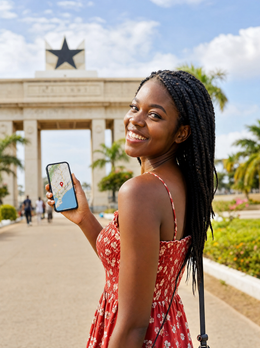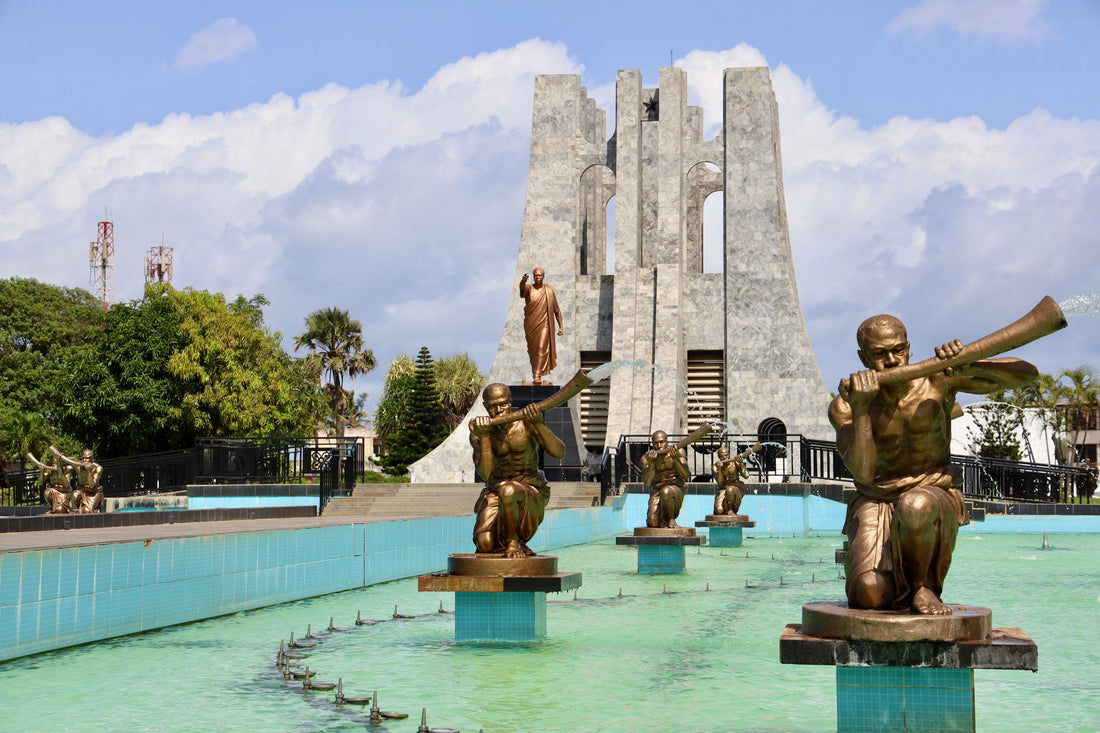
In short: an eSIM Ghana provides mobile data as soon as you land in Accra, without passport registration or queues to buy a local SIM. It connects to MTN, Telecel, or AirtelTigo 4G networks, works well in cities and along main roads, and loses strength in the rural north and nature parks. For a normal week-long trip, 5-8 GB should be more than enough.
What is an eSIM and how does it work in Ghana?
An eSIM is a digital SIM card that is installed by scanning a QR code, without having to open the phone's tray or touch anything physical. If your phone is compatible, the eSIM Ghana connects directly to local data networks as soon as you activate the profile, so you have internet in Accra right from the airport. If you don't know exactly what it is or how it differs from a regular card, here's what a virtual eSIM is explained in simple terms.
The difference compared to buying a physical SIM upon arrival is enormous: you don't queue, you don't hand over your passport for the mandatory registration required by Ghanaian law for any local SIM, and you don't have to rely on finding a trustworthy vendor at the terminal. You buy it from home, install it using your home or hotel Wi-Fi before leaving, and it waits, ready to activate the moment you land.
A nuance that many people overlook: the eSIM doesn't replace your Spanish line; it complements it. Your physical SIM remains in your phone to receive calls and texts with your usual number, while the eSIM only handles data. This is called dual SIM, and it's precisely what makes this work better than roaming: you remain reachable with your number, but you browse with a data plan designed for your trip, not for your home contract.

Real coverage: Accra, Kumasi, the coast, and the interior
In Accra, 4G coverage is solid throughout the city center, Osu, East Legon, and around Kotoka Airport. You can move around by trotro or taxi with the map open without interruptions. In Kumasi, something similar happens, although in the Kejetia market —the largest in West Africa— the network saturates during peak hours and speeds drop, not because of a lack of coverage but because too many phones are requesting data simultaneously in a small area.
The tourist coast also performs well: Cape Coast, Elmina, and Busua have stable 4G for browsing, uploading photos, and making short video calls, although a bit slower than in the capital. Where you should lower your expectations is in the rural north, in parks like Mole, and in villages far from the main road: there, the signal is intermittent or nonexistent, just like with any local operator.
A specific case that often catches people by surprise: the Volta Lake and Ada Foah area. In Ada Foah itself, you have decent coverage, but as soon as you cross by boat to the river islands or move away from the shore, the signal completely disappears. If your route includes that area or any safari, download offline maps before leaving Accra or Kumasi; once there, there's no backup Wi-Fi to rely on.
Another detail that almost no one mentions: if your itinerary borders Togo or Ivory Coast —for example, towards Aflao—, your phone might automatically connect to a neighboring network as soon as it detects a better signal on the other side, even if you are still in Ghanaian territory. If you see the operator name change on the screen, deactivate data for a moment and reactivate it to make it search for a network in Ghana again; this way, you avoid unintended international roaming.
Useful tip: Kotoka Airport (Accra) has free Wi-Fi, but it's slow and requires registration with a phone number. Arriving with the eSIM already installed frees you from relying on that network precisely when you need it most: to order a taxi or confirm the hotel address.
eSIM vs local MTN SIM vs roaming
The dominant operator in Ghana is MTN, with Telecel and AirtelTigo as alternatives. Buying a physical MTN SIM upon arrival makes sense if you're staying for months, but for a short trip, it comes with three real friction points: mandatory registration with an ID, cash top-ups with street vendors —no card payments—, and an English data menu that isn't always intuitive the first time.
| Option | Registration | Activation | Ideal for |
|---|---|---|---|
| Travel eSIM | None | Minutes, upon arrival | Tourists and short stays |
| Local SIM (MTN, Telecel, AirtelTigo) | Mandatory ID document | In store or authorized point | Long stays, months |
| Roaming from your Spanish operator | None | Automatic upon landing | Almost never worth it outside the EU |
For a few days or a couple of weeks, the eSIM clearly wins in convenience: you buy it from your couch, activate it upon landing, and forget about it. A local SIM only makes sense if you're staying for a long period and will consume a lot of data month after month. Classic roaming outside the European Union usually skyrockets the cost without you noticing until the bill; if you have doubts, here are the differences between eSIM and roaming, and what data roaming is exactly if the term sounds foreign to you.
If you're torn between an eSIM and a physical prepaid SIM card bought online before your trip, the comparison of international chip vs eSIM clarifies when each makes sense; for Ghana, unless your phone is very old and doesn't support eSIM, the digital option almost always wins for speed.
How many GB you need depending on your trip
It depends on your days and how much you use your phone, but as a practical reference: maps, WhatsApp, social media with photos, and some music consume around 1 GB per day with normal use. If you add video streaming or share internet with your laptop to work from the hotel, that figure can double without you realizing it.
- 5-7 day getaway to Accra and the coast: 5 GB will be more than enough for normal use.
- Two-week trip combining cities and the interior: 8-10 GB provides margin for backup offline maps and internet calls.
- Long stay or remote work from Ghana: A larger plan with extended validity is better, or directly consider a local SIM if you plan to stay for months.
Don't overbuy "just in case": almost all travel eSIMs can be topped up or extended directly from your phone in a couple of taps if you find yourself running low, so it's better to estimate conservatively and extend on the fly than to pay for gigabytes you'll never use. If your Ghana itinerary is the first stop on a longer trip through other countries, check beforehand how many days of validity the plan gives you so you don't end up with an expired eSIM halfway through your journey.
How to activate your eSIM upon arrival in Accra
The process is always the same and doesn't depend on being in Ghana to do it: buy the eSIM before leaving home, install it with your usual Wi-Fi —you'll receive a QR or an installation link— and keep it stored on your phone without activating it yet. Upon landing in Kotoka, activate the mobile data of that eSIM, and within minutes you'll have internet.
The basic steps, in summary: go into your phone settings, add a new eSIM, scan the QR, mark that eSIM as your data line (leaving your physical SIM for calls and SMS), and activate data roaming for that specific profile —beware, roaming for the eSIM profile, not your Spanish line—. If it's your first time installing one, follow the step-by-step guide on how to install an eSIM to avoid skipping any steps; the most common mistake is activating roaming for the wrong SIM and wondering why there's no internet.
Before boarding your flight to Ghana, do a quick check: go into your Spanish operator's settings and confirm that data roaming for your physical line is deactivated. This way, when the plane lands and your phone automatically searches for a network, it won't connect to MTN using your Spanish plan, and you'll avoid any charges before even activating the eSIM.
What almost no one tells you before traveling to Ghana
Beyond the theory, there are a series of small details that make the difference between a connected trip without drama and one with unnecessary scares.
Myth: If I have an eSIM, I don't need Wi-Fi at any point. You only need Wi-Fi to install it, not to use it afterward. Install it calmly at home, with a good connection; doing it in a hurry at the departure airport, or already in Ghana without data, is the surest way to waste ten frustrating minutes precisely when you least feel like it.
Myth: The more gigabytes I buy, the more at ease I'll be. Buying too much doesn't bring peace of mind, only money spent on something you won't use. Real peace of mind comes from knowing you can top up on the fly from your phone, so adjust to your actual days and extend if you see you're running low.
What almost everyone forgets: battery. Searching for a network in areas with weak coverage —the interior, roads between cities, the Volta Lake area— drastically increases consumption because the phone boosts antenna power trying to connect. If you're going to spend hours on the road outside cities, activate airplane mode and check it only occasionally; you'll arrive with plenty of battery for sunset in Cape Coast.
When a travel eSIM is NOT for you: If you're moving to Ghana for several months for work and need a local number for paperwork, banks, or rentals, a travel eSIM is not the solution. In that case, the process of getting a local MTN or Telecel SIM with its corresponding registration is worthwhile, because you'll need a real Ghanaian number, not just data. Travel eSIMs are designed for tourism or occasional work, not for relocating to live.
The Makola market trick in Accra: one of the city's most vibrant spots, but also one of the most densely populated with people and stalls. If you're taking photos or videos for social media while walking through the narrow aisles, it's easier to lose sight of your group than to lose coverage; the network generally holds up well, the problem is usually something else.
Tips to make your data last the entire trip
Ghana has heat, humidity, and long road trips between cities, and all of that encourages more mobile use than usual. These simple habits make your GB go further:
- Download offline maps of Accra, Kumasi, and your specific routes before leaving the hotel each day.
- Use the hotel Wi-Fi to upload heavy photos and make backups, not mobile data.
- Deactivate automatic video playback in social media from each app's settings.
- Save long video calls home for when you have stable Wi-Fi, not for your trotro ride.
- If you're traveling with someone, consider whether you really need two active eSIMs or if one, sharing the hotspot, is enough for the essentials.
With these practices, a data plan tailored to your days will perfectly last a typical trip through Ghana without you having to check the counter every two hours. If you want to delve into more general tips to make any eSIM last longer in any destination, here's how to save data with an eSIM on a trip. And if you're concerned about connecting to public Wi-Fi networks in hotels or airports to save data, take a look at eSIM, VPN, and privacy on your trip before entering your passwords on any open Wi-Fi.
If your West Africa route doesn't end in Ghana, it's worth planning in advance how you'll connect at your next stop: for example, if you add a jump to the Comoros, keep in mind that coverage there is much more limited than in Accra, and it's advisable to adjust expectations before arriving.
Frequently asked questions
Do I need to register the eSIM with my passport in Ghana?
No. Mandatory registration with an identification document applies to local SIMs purchased within the country (MTN, Telecel, AirtelTigo). A travel eSIM activates directly on local networks without this process, saving you bureaucracy and airport queues.
What coverage does the eSIM have outside Accra?
Good in cities and main routes like Kumasi and the tourist coast (Cape Coast, Elmina, Busua), with stable 4G. In the rural north, national parks like Mole, and villages far from the main road, the signal is intermittent or non-existent, just as it would be with any local operator.
Can I still use WhatsApp with my Spanish number?
Yes. The eSIM only provides data, so your WhatsApp continues to work with your usual number because the app uses the internet, not the phone line. You'll chat and make video calls normally as long as you have active data, without touching your physical SIM.
How much does an eSIM for Ghana cost?
It varies depending on the gigabytes and days you choose. As a general reference, travel eSIM plans are usually more cost-effective than traditional roaming from your Spanish operator outside the European Union, whose cost can quickly skyrocket if not managed. Check the current price based on the GB you need for your specific itinerary.
Does the eSIM work as soon as I land?
Yes, provided you installed it beforehand with Wi-Fi from home. Upon arrival in Accra, you just need to activate the data on that eSIM, and within minutes, you'll have internet to order a taxi, open the map, or notify that you've landed.
What happens if my route borders Togo or Ivory Coast?
Your phone might mistakenly connect to a neighboring network if it detects a better signal right across the border, even if you are still in Ghana. If you see the operator name change on the screen, deactivate and reactivate data to force it to search for the Ghanaian network again and avoid unintended international roaming.
Can I have the eSIM and my physical SIM active simultaneously?
Yes, that's exactly how it's designed. Your physical SIM remains for calls and SMS with your Spanish number, and the eSIM handles mobile data in Ghana. You won't lose your number or have to notify anyone of a change.
Conclusion
Ghana is a comfortable destination for staying connected: solid 4G coverage in Accra, Kumasi, and the tourist coast, an eSIM that bypasses passport registration for local SIMs, and some specific points of attention —the rural interior, Volta Lake, border crossings— which you are now aware of. Adjust your GB to your actual days, download offline maps for areas without signal, and activate it as soon as you land at Kotoka. Start your trip with PuraSim's eSIM for Ghana and leave Accra airport already connected, without queues or paperwork.