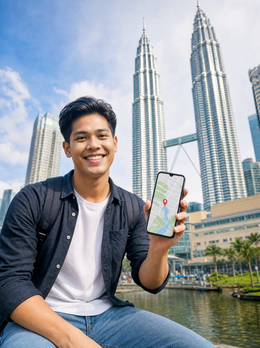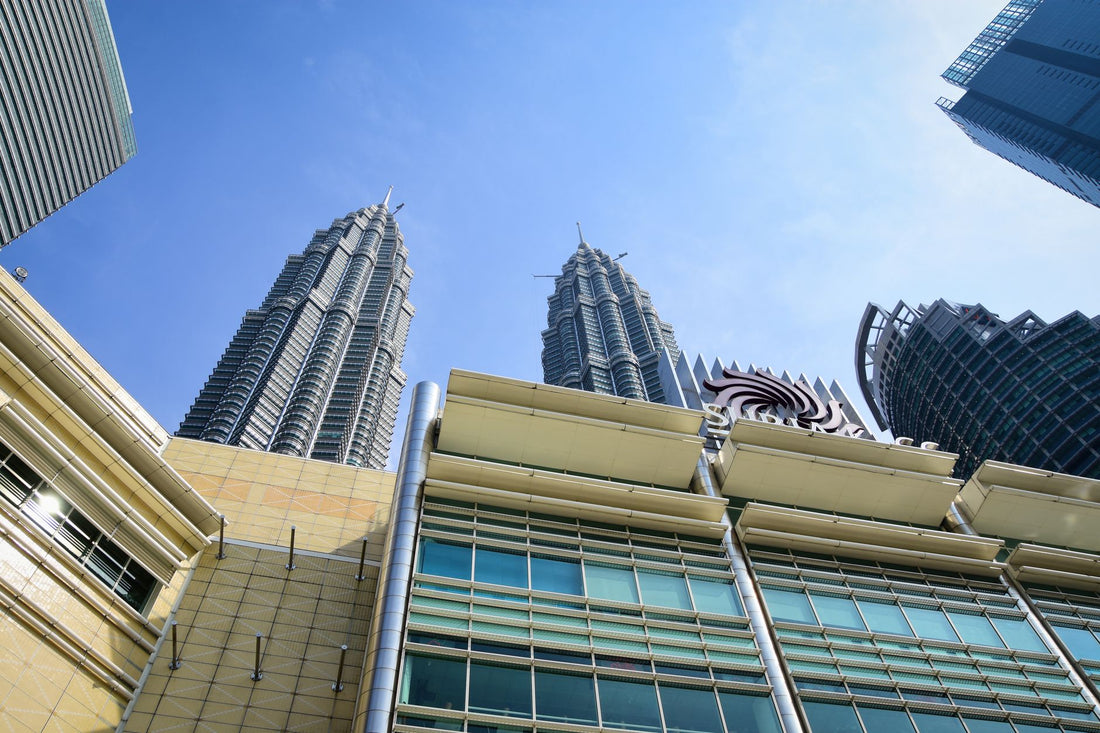
In short: to have internet as soon as you land in Kuala Lumpur, the simplest option is to install a Kuala Lumpur eSIM (actually, a Malaysia eSIM) at home and activate it when you arrive at KLIA. 1 GB covers a one-day layover; 3 GB covers a multi-day trip. It also works for Penang, Langkawi, or Malacca without buying anything new.
For many travelers, Kuala Lumpur is the layover city: the flight to Bali, Bangkok, or Australia makes a technical stop at KLIA, and from there, you rush to the next gate. But KL can perfectly handle a one-day or one-week stopover: the Petronas Towers, the bustle of Bukit Bintang, temples among skyscrapers, and street food that could fill several separate articles. Whether you have a six-hour layover or you stay for four days, the first thing you need when you get off the plane is data. Here's the complete guide: how to connect from KLIA, what real coverage you'll find in the city, and how many GB you need depending on the type of visit.
eSIM for Kuala Lumpur: what it is and why it avoids roaming
An eSIM is a digital SIM card installed via a QR code, without plastic or an airport ATM. You buy it online, scan the code with Wi-Fi before flying, and upon arrival, activate the data for that line to connect to a local Malaysian network. Your Spanish line remains intact in the other slot, so you continue to receive calls and SMS (e.g., bank codes) while using the eSIM's data for everything else.
The obvious alternative is roaming from your Spanish operator, but Malaysia is not in the European Union: there is no flat rate "roam like at home" there. If you activate roaming on your Spanish line in KL without having previously contracted a specific bundle, the cost skyrockets per megabyte, and you could get a nasty surprise on your bill when you return. You can find a complete comparison, with pros and cons of each method, in the eSIM vs. roaming comparison, and if you want to understand exactly what data roaming is and why it's so expensive outside the EU, it's explained in what is data roaming.
The other classic alternative, a physical airport SIM, works, but it requires queuing and showing your passport just when you're in a hurry. An eSIM is installed at home at your leisure, and all you have to do is press "activate" upon arrival.
Internet from the airport: KLIA and KLIA2
Kuala Lumpur actually has two terminals that function as separate airports: KLIA, the main one, and KLIA2, where most low-cost airlines (including AirAsia) operate. If your connecting flight changes from one to the other, expect a 10-minute train or shuttle bus journey between terminals, and that will eat up a good portion of a short layover. Knowing this with data in hand —literally— allows you to calculate if you have time to go out or if it's better to stay in the transit area.
Downtown Kuala Lumpur is 45-60 minutes from KLIA. The fastest way to get there is the KLIA Ekspres train, which connects directly to KL Sentral, the city's transport hub; from there, monorail or Grab (the ride-hailing app used in Southeast Asia, not Uber) for the last leg to Bukit Bintang or KLCC. To order that first Grab, buy a train ticket from your phone, or simply check the KLIA Ekspres schedule, you need data already in the arrivals terminal, before passing through passport control.
With the eSIM installed beforehand, you activate the data for that line as soon as you get off the plane, and in less than a minute, you have coverage, without having to search for airport Wi-Fi or queue at the physical SIM counter, which during peak hours can easily take half an hour that you don't have if you're on a layover.
Real layover trick: if your connection in KL is 6-8 hours, with data from the moment you land, you can go downtown, see the Petronas up close, and return with plenty of time. Without internet, calculating trains, transportation, and return time blindly makes that plan much more complicated, and the margin of error on a layover is the one you can least afford.
A detail almost no one mentions: in the international transit area of KLIA, there is reasonably stable free Wi-Fi for messages and basic maps, so if your layover is less than two hours and you're not leaving the terminal, you probably don't need to use a single gigabyte of your eSIM inside. Save it for when you go out.

Real coverage in Petronas, Bukit Bintang, Chinatown, and Batu Caves
In downtown Kuala Lumpur —KLCC and the Petronas Towers, Bukit Bintang, Chinatown (Petaling Street), and the Merdeka Square area— 4G/5G coverage is among the best you'll find in Southeast Asia. Malaysia has invested heavily in its urban mobile network, so for maps, social media, video calls, and translators, you won't experience any interruptions at any tourist spot in the city.
If your getaway includes a trip to the Batu Caves, 13 km from the center, coverage remains strong all the way to the 272-step staircase and the temple itself. A warning that is worth giving, because it has nothing to do with the signal: the macaques of Batu Caves are used to stealing food, sunglasses, and mobile phones from the hands of careless tourists. Keep your phone in your pocket while climbing and only take it out for a quick photo; the classic "my phone fell down the stairs" story that is repeated in any traveler forum to Malaysia almost always starts like this.
If instead of Batu Caves your plan is Genting Highlands, the signal may weaken on the cable car section and in higher areas surrounded by clouds, so make sure to download the map and your reservation in advance.
For the rest of the city, the urban network performs more than adequately all day; only in rural areas or deeper jungle areas is it advisable to have offline resources prepared as a backup.
How many GB do you need depending on the type of visit?
Kuala Lumpur is basically experienced in two modes: a few hours' layover or a multi-day stop. The GB you need change quite a bit from one to the other, and the factor that most drives consumption is not maps or chat, but video: an afternoon uploading stories or watching content on your phone from the hotel can eat up in a couple of hours what a whole day of maps and messaging would.
| Type of visit | Typical use | Estimated GB |
|---|---|---|
| One-day layover (not leaving the terminal much) | Messaging, some maps | 0.5 - 1 GB |
| Long layover with downtown visit | Maps, Grab, transport, photos | 1 - 2 GB |
| 2-3 day getaway | Normal use + photos + social media | 3 GB |
| Week in Malaysia (KL + another city) | Intensive, some video | 5 - 7 GB |
| Remote work / nomadic stay | Daily video calls, file uploads | Unlimited plan |
If you're running low on GB, use Wi-Fi: KL shopping malls (Pavilion, Suria KLCC, Mid Valley) have decent and free Wi-Fi, and most hotels do too. So save your mobile data for when you're out and about, and heavy downloads —updates, photo backups— for when you're under a roof with Wi-Fi. To get the most out of the plan you buy, you have specific tricks in how to save data with your travel eSIM. For a layover, it's better to opt for a small but reliable plan than to run out of data halfway through your journey with a flight pending.
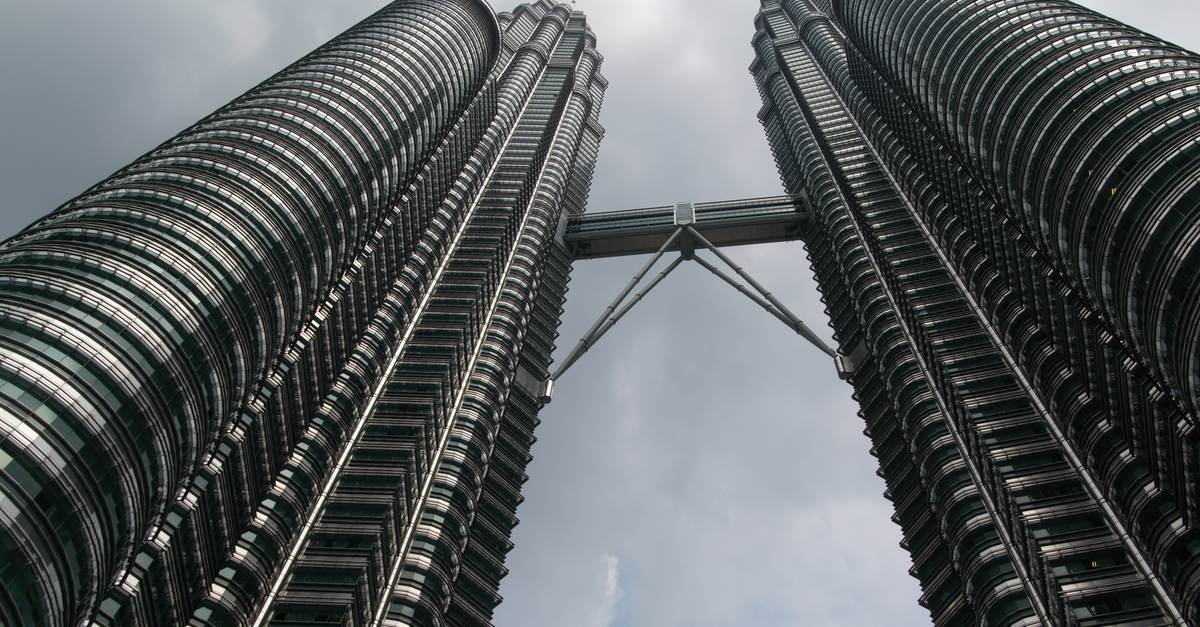
City vs. country: the eSIM you buy is for all of Malaysia
Here's the idea that most confuses those looking for "eSIM for Kuala Lumpur": there isn't an eSIM exclusively for the city. What you buy is the eSIM for Malaysia, and you use it in KL just as you would in Penang, Langkawi, or Malacca. This is an advantage, not a limitation: if your getaway expands on the fly and you decide to go down to George Town for food or up to Langkawi for a few days at the beach, you continue with the same line, without buying anything new or going through the installation process again.
This has a practical consequence that is not always considered: if your actual itinerary is Kuala Lumpur plus another Southeast Asian country on the same trip —Singapore, Thailand, Indonesia—, buying an eSIM country by country is more expensive and more complicated than a plan that covers the entire route. In that case, before buying the Malaysia-only eSIM, it's worth checking if your complete itinerary fits better with a multi-country plan. For a single stop in KL or Malaysia, however, the country eSIM is the simplest and cheapest option: don't pay more for coverage in countries you won't visit.
How to install and activate your eSIM: step-by-step
The process takes a couple of minutes and is done at home, with Wi-Fi and without rushing. The only thing you leave for landing is the activation:
- Purchase the Malaysia eSIM and receive the QR code by email in a few minutes.
- With Wi-Fi at home, go to Settings > Mobile Data (or Cellular) > Add eSIM and scan the QR code.
- Give it a recognizable name, like "Malaysia," so you don't confuse it with your Spanish line when you have both active.
- Upon landing at KLIA, select that eSIM as your data line and activate data roaming specifically for that line (not for your Spanish line).
- Check that it connects to a local operator in the status bar, and you'll have navigation.
If this is your first time using an eSIM, it's a good idea to check before flying if your mobile is compatible (most recent models are, but it's worth confirming) and to understand the real difference compared to a physical SIM; it's explained in detail in what is a virtual eSIM and in the comparison between a physical international chip and an eSIM. Your Spanish card stays inside the phone for SMS and calls, so if your bank sends you a verification code during your layover, you will still receive it without any problem.
Common myths and mistakes with eSIM in Kuala Lumpur
There are a few misunderstandings that recur trip after trip and should be debunked before they catch you at the worst possible moment, which is usually right after getting off the plane:
- "Airport Wi-Fi is enough for me." KLIA's transit Wi-Fi works well for messages, but as soon as you step outside to wait for a Grab or the train, it's gone. If you're leaving the terminal, you absolutely need mobile data.
- "I'll activate roaming on my Spanish line just in case, completely." Malaysia is not in the European roaming zone with a flat rate. Leaving roaming activated without a specific plan contracted is the quickest way to find a surprise charge when you get home.
- "I'll buy a physical SIM at the airport, there's always one." They exist, but they involve a queue, your passport, and time that you simply don't have on a short layover. Plus, you have to remember to remove it and put your own back in when leaving the country, something you don't even consider with an eSIM: it stays installed, and you deactivate it whenever you want.
- "The Malaysia eSIM also works for a layover in Singapore on the same trip." No. Each country has its own network of local operators and its own eSIM. If your route also passes through Singapore, South Korea, or any other destination, you need a line for each country or a regional plan that covers them all.
- "With an eSIM, I can't use a VPN or any privacy on public networks." On the contrary, an eSIM with its own data is more secure than connecting to open Wi-Fi in a shopping center or at the airport, and you can combine it with a VPN without problems if you are concerned about privacy on third-party networks; we explain it in eSIM, VPN, and travel privacy.
When you DON'T need to buy an eSIM for Kuala Lumpur
Let's be honest, because not everything is an advantage of buying: if your layover at KLIA lasts less than two hours and you don't plan to leave the transit area, don't spend on an eSIM for that stop; the airport's free Wi-Fi is enough for checking gate maps and replying to a couple of messages. Nor does it make sense if you already have an international bundle with your Spanish operator that expressly includes Malaysia with enough GB. Outside of those cases —going downtown, a multi-day trip, remote work from KL— the eSIM is definitely worth it, much more so than roaming without a plan or queuing for a physical SIM at the counter.
Frequently asked questions
Is an eSIM worth it just for a layover in Kuala Lumpur?
It depends on how long it lasts and if you leave the terminal. If you're going downtown, even for a few hours, yes: you need data to order a Grab, locate the Petronas Towers, and manage your return in time for your flight. A small plan of half a gigabyte to one gigabyte is more than enough for a one-day layover. If you stay inside the transit area for less than two hours, the airport's free Wi-Fi is usually sufficient, and you can save the purchase.
Will I have internet as soon as I land at KLIA?
Yes, if you installed the eSIM before flying. As soon as you get off the plane, activate the data for that line and the specific data roaming for that eSIM, and in less than a minute, it will connect to the Malaysian network. This way, you can check KLIA Ekspres schedules or order your first Grab right from the arrivals terminal, even before passing passport control.
Does the Kuala Lumpur eSIM work for the rest of Malaysia?
Yes. There is no exclusive KL eSIM: you buy the one for all of Malaysia and it covers Penang, Langkawi, Malacca, and the rest of the country with the same line. If your getaway expands and you end up moving to another Malaysian city, you don't have to buy anything new.
Is there good coverage at the Petronas Towers and Bukit Bintang?
Yes, excellent. Downtown Kuala Lumpur has a very solid 4G/5G network, so in KLCC, Bukit Bintang, Chinatown, and Merdeka Square, you can browse seamlessly for maps, social media, video calls, and translators. Coverage remains good even up to the Batu Caves; however, it might be weaker in high sections of Genting Highlands surrounded by clouds.
How many GB do I need for 3 days in Kuala Lumpur?
With maps, Grab, WhatsApp, and social media, about 3 GB is enough for a 2-3 day trip in KL. If you're going to make long video calls or frequently watch videos on your phone, estimate a bit more or look for a plan without a fixed limit. Wi-Fi in shopping malls and hotels helps a lot with heavy downloads, so save your mobile data for when you're out and about.
Can I use the Malaysia eSIM if I also have a layover in Singapore?
Not with the same line. Each country has its own operators and its own eSIM, so if your route combines Kuala Lumpur with Singapore, South Korea, or any other destination, you need an eSIM per country or consider a regional plan that covers all of them; for a different Asian destination on the same trip, for example, you have the guide for eSIM for South Korea.
What's the difference between activating roaming on my Spanish line and using an eSIM?
Roaming on your Spanish line in Malaysia does not have a flat rate like within the EU: if you haven't previously contracted a specific bundle, the cost per megabyte skyrockets. An eSIM, on the other hand, is an independent local data line with its own fixed plan, so you know exactly what you'll spend even before getting on the plane.
Conclusion
For Kuala Lumpur, the strategy is simple: buy the Malaysia eSIM, install it at home at your leisure, and activate it upon landing at KLIA. You'll have data right from the terminal to get to the city center, excellent coverage in the Petronas Towers, Bukit Bintang, and Batu Caves, and a single line that works for all of Malaysia if your trip extends to Penang or Langkawi. A plan from half a gigabyte to one gigabyte saves even the shortest layover, and with 3 GB, you'll have plenty for a multi-day stop. The only thing you need to remember is to activate it as soon as you arrive at the terminal, even before queuing for passport control.