
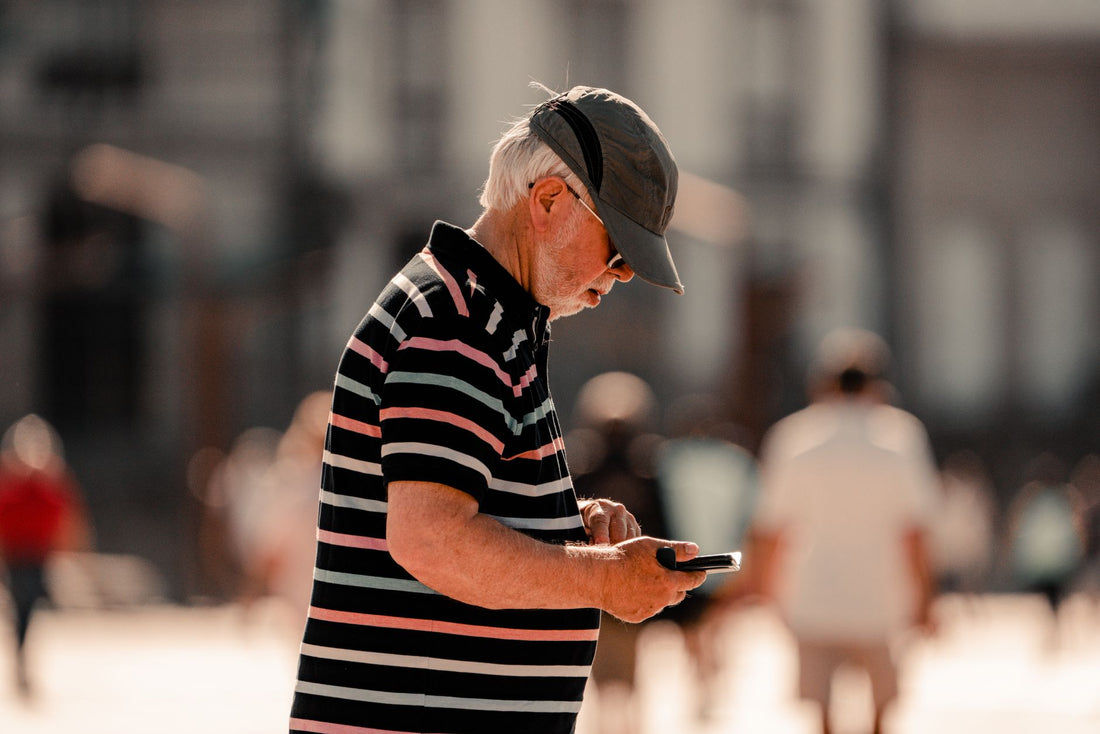
In short: an easy eSIM for seniors is set up at home, with Wi-Fi, before traveling: you scan a QR code once, and upon arrival, you just press "activate data." There's no need to change physical cards or touch complicated menus at the airport, and your usual number still works for calls and texts.
What is an eSIM and why is it so easy for seniors?
An eSIM is a SIM card that doesn't exist in physical form: it's a profile installed inside the phone itself. What might initially sound more technical is precisely what makes it simpler for a senior. There's no need to remove a tray with a clip, no tiny piece that can get lost in a bag, and no need to find a phone store at the destination to explain things in another language.
The process is reduced to two moments: one at home, calmly and unhurriedly, and another upon landing, with a single gesture. In between, there's nothing to touch. Furthermore, the senior retains their lifelong number for calls and SMS from the bank or family; the eSIM is used only for internet data. If you want them to understand even more clearly what they are installing, the guide on what a virtual eSIM is explains it with simple examples, without technical jargon.

Before buying: check your phone
The only real requirement is that the device supports eSIM. Most mid-to-high-end models sold since 2020 allow it, but it's advisable to check before buying the plan, not after. It takes less than a minute.
On iPhone: Settings → Cellular Data (or Mobile Data) → look for the "Add eSIM" or "Convert to eSIM" option. If it appears, it's compatible. On Android: dial *#06# on the call keypad; if an EID number appears in the results list, the phone supports eSIM. Keep in mind a nuance that many people miss: some models sold in certain regions come without eSIM even if the same model does have it in other countries, so don't just rely on the phone's name; check it on the actual device. You can see details by brand in the guide on how to install an eSIM. If the phone is older than 2018, consider upgrading to a basic compatible one before the trip: it's more cost-effective than complicating things with alternative solutions.
How to install it and get it ready at home
Here's the real trick: you install it, with the senior's phone in front of you, connected to your home Wi-Fi, a few days before the flight. On the day of the trip, nothing should be left to configure, not a single menu.
- Connect the phone to home Wi-Fi (essential: installation requires data, and you won't want to use up your regular contract data).
- Scan the eSIM's QR code, or tap "Install" if the provider sends it via a direct link.
- Give the new line a recognizable name, like "Travel Data" — this way it won't be confused with the usual line in the selector.
- Activate data roaming only for that new line, and leave it "on" for the entire trip.
- Don't turn on data for that line yet: that's done upon landing, so the plan doesn't start counting prematurely if it has a short expiration date.
Real tip: go through the entire process once yourself in front of the senior and write down, in large letters, the single button they'll need to press when they get off the plane. A piece of paper in their coat pocket works better than any verbal explanation that's forgotten in five minutes.
If you prefer to follow the installation with step-by-step screenshots, the full details are in the guide mentioned above on how to install an eSIM.

The only step they need to take upon arrival
With the eSIM already installed and roaming activated, the senior only has one thing left to do upon landing: turn on the data for that new line. No PIN, no cards, no looking for a counter at the airport.
It's advisable to make three clear points to them, slowly and just once: that their usual number is still active for calls and texts, that the internet will use the new line, and that if something goes wrong, they just need to turn the phone off and on again. With that sorted, they'll have WhatsApp and maps working from minute one in the arrivals terminal. To help them talk to family without wasting extra data, it's also worth showing them how to save data on their trip with the eSIM, especially if the contracted plan is tight.
eSIM versus your usual carrier's roaming
Many families, when in doubt, let seniors travel with their usual Spanish carrier's roaming, thinking that it "simplifies things." It's exactly the opposite: outside the European Union, regular carrier roaming can skyrocket costs without warning, and within the EU, although roaming is included, it still depends on the coverage that carrier has in each country, which is not always the best. An eSIM from a specialized provider, on the other hand, is purchased at a fixed price before leaving and won't bring surprises on the next month's bill.
| Aspect | Regular Carrier Roaming | Travel eSIM |
|---|---|---|
| Cost outside the EU | Can skyrocket without warning | Fixed price, known before traveling |
| Installation | Not required (uses regular SIM) | Single QR, set up calmly at home |
| Phone number | Same, for everything | Remains the same for calls; data uses eSIM |
| Risk of surprise bills | Real if not deactivated in time | Virtually none: plan has a fixed limit |
| Recommended for | Travel within the EU with low data usage | Travel outside the EU or with regular use of maps/video |
If you want to understand the difference in more technical detail, the guide on eSIM vs. roaming expands on it, and what data roaming is explains why that concept is the one to touch (and only that) upon arriving at the destination.
Common mistakes and how to avoid them
Almost no problem a senior has with an eSIM comes from the eSIM itself, but rather from a misplaced setting that no one checked before leaving home. Knowing them in advance saves a distress call in the middle of a trip.
| Common mistake | Solution |
|---|---|
| Activated data from Spain, before leaving | Only activate upon landing at destination |
| Data roaming is off | Leave it activated only for the eSIM line |
| Mobile data is set to the wrong line | Select the eSIM as the default data line |
| No coverage immediately after landing | Turn the phone off and on once, and wait a minute |
| Runs out of GB halfway through the trip without realizing it | Disable automatic photo and video downloads to the cloud |
Most of these errors can be avoided by setting everything up at home and doing a real test before leaving: put the phone in airplane mode, take it off, and check that the eSIM appears as an available data line. If something strange still arises at the destination, it can almost always be fixed by restarting the phone. PuraSim's 24/7 support, available in all languages via email and WhatsApp, can guide the process step-by-step if the senior gets stuck and no family member is nearby.
How much data plan to contract based on the trip
A senior usually consumes significantly less data than a young traveler: maps to avoid getting lost, WhatsApp to let family know they've arrived safely, a few scattered photos, and not much else. There's no need to contract the largest plan in the catalog; what's needed is one that fits that actual usage.
- Weekend getaway: 1-3 GB is plenty for maps and messaging without issues.
- One or two weeks: a 5 GB plan is usually a comfortable amount for normal use, without restricting anything.
- Long trip, or with frequent video calls to family: it's advisable to upgrade to 10 GB or choose a plan by days with some leeway, because video calls consume much more than they seem to.
If several family members are traveling together — for example, an older couple moving in the same group — it sometimes pays more to share the connection from a single phone with active data than to install an eSIM on each device, especially if one of them uses their phone sparingly. In any case, always check the specific destination: eSIM plans for Europe cover very different journeys than those for eSIM for the United States, and it's advisable to look at the one that corresponds to the actual itinerary, not to buy extra "just in case."
And if it's a senior who has traveled little outside Europe and finds the destination daunting, it's worth reminding them that PuraSim has plans for over 200 destinations, so no matter the country, there's usually a ready-made plan, without having to search for last-minute alternatives at the airport.
Myths and what almost no one tells you
There are several circulating ideas about eSIMs and seniors that don't quite align with reality, and some details that are only learned by actually trying it.
Myth: "an eSIM can be lost or accidentally deleted, like an app." It's not that easy to accidentally delete: it's in the phone line settings, not on the home screen, and deleting it requires several deliberate steps. The fear that "something will be touched and disappear" is unfounded if no one delves into Settings.
Myth: "if there's no Wi-Fi in the hotel, the eSIM is useless." On the contrary: the beauty of the eSIM is precisely that it provides its own mobile data, so it covers exactly those times when there's no Wi-Fi, like walking down the street with a map open or waiting at the wrong bus stop.
What almost no one tells you: font size matters more than technology. Before they travel, increase the phone's font size in Accessibility Settings. With large text, finding the "mobile data" switch or the "Travel Data" line name is much easier than memorizing the entire process.
What almost no one tells you: also write down the unlock PIN, not just the eSIM step. Many families carefully set up data installation and forget that if the phone locks due to inactivity at the airport, the senior has to remember a four-digit code under pressure, with a queue behind them. That detail causes more actual lockouts than the eSIM itself.
What almost no one tells you: be careful with public hotel Wi-Fi for banking transactions. With its own mobile data via eSIM, there's no need to rely on hotel Wi-Fi, which is usually a shared and less secure network, especially for more sensitive matters, like checking account balances. If you also want to enhance privacy on open networks, the guide on eSIM and data privacy while traveling explains how to do it without added complications.
When NOT to buy an eSIM
Here we need to be honest, because the most complete plan isn't always necessary. If the trip is a weekend to Paris, Rome, or any destination within the European Union, and the senior's Spanish operator already includes data roaming in their plan, they probably don't need to buy anything: their usual line already works the same as at home, at no extra cost, thanks to EU roaming regulations. Buying an eSIM in that case is an unnecessary expense that adds nothing.
It also doesn't make sense if the trip is to a place where they will be accompanied all the time by someone who already has data and shares their mobile Wi-Fi hotspot without consumption limits: in that case, a second data line is redundant. The eSIM makes sense when the trip is outside the EU, when data usage will be constant (maps, daily video calls), or when the senior is traveling alone and needs to rely on their own connection without depending on anyone else.
Frequently asked questions
Is it very difficult for a senior to use an eSIM?
No, as long as you install it before they travel. Once configured at home with Wi-Fi, the senior only needs to activate data upon arriving at their destination. There are no cards to change or complicated menus to touch during the trip, just that one switch.
Do they lose their phone number when installing an eSIM?
No. The eSIM is used only for internet data, while the main line with their usual number remains active for calls and SMS. They can continue to receive calls from family or bank notifications completely normally.
What kind of phone do they need to use an eSIM?
An eSIM-compatible device, which is common in models from 2020 onwards. On iPhone, check in Settings by looking for "Add eSIM"; on Android, dial *#06# and see if an EID number appears. If it does, the phone supports eSIM.
Can I set everything up for them before they travel alone?
Yes, and it is highly recommended. Install the eSIM with Wi-Fi at home, activate data roaming for that line, and write down, in large letters, the single button they need to press upon landing. On the day of the flight, they don't have to configure anything.
What do they do if they don't have internet upon arrival?
First, check that they have activated data for the eSIM line and not the main line. If there is still no coverage, simply turn the phone off and on once. If the problem persists, 24/7 support via email and WhatsApp can guide them step-by-step, in their language.
Do they need to be very tech-savvy to make it work?
They don't need to be phone experts: they just need to recognize a single switch, the "mobile data" switch on the line you've named "Travel Data." The more you simplify the process at home, the less they need to know once at the destination.
Can they use the eSIM for video calls with family?
Yes, without a problem, as long as the plan has enough GB: a daily video call of several minutes consumes significantly more than maps or WhatsApp, so if that's the primary use, it's advisable to choose a 10 GB plan instead of a tighter one.
Conclusion
A well-prepared eSIM is the most convenient way for a senior to travel connected: it's installed once at home, calmly, and then you just activate a switch upon arrival. Check that the phone is compatible, get everything ready before the flight, explain the one step they need to take, and if the destination and usage justify it, choose the appropriate data plan for that specific trip. With that sorted, they'll have easy internet from the first minute at the airport. Choose the plan for their destination and don't worry about the rest.






