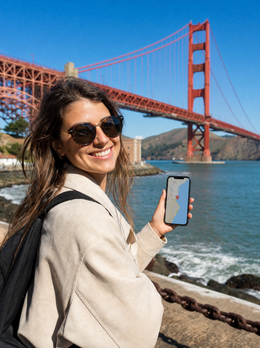
In summary: to get internet in San Francisco, you buy a USA eSIM (there isn't one specifically for the city), install it at home using Wi-Fi, and activate it upon landing at SFO. 5 GB will be more than enough for a weekend, and 10 GB will comfortably last a full week exploring the Bay Area, climbing hills with maps open, and ordering Uber or Waymo without relying on cafe Wi-Fi.
San Francisco is one of those cities best explored with your phone in hand: the Golden Gate looks better or worse depending on where Karl the Fog is that morning, Nob Hill's steep streets can confuse anyone, and navigating between Downtown, Mission, and the Presidio without data means wasting travel time searching for Wi-Fi. Having an eSIM for San Francisco ready before you board the plane prevents just that: arriving at SFO and having to queue at a carrier store, paying exorbitant roaming fees from your Spanish provider, or wandering aimlessly until you find an open network. If you've never used one and want to understand what a virtual eSIM is first, it's a good starting point before purchasing.

Why it's a USA eSIM, not a "San Francisco" one
No travel eSIM operator sells a plan that literally says "San Francisco." Plans are organized by country, so what you need is a USA eSIM, which works just as well in the city as it does anywhere else in the country. And in practice, this works out better for you: hardly anyone visits only San Francisco. It's common to combine it with a getaway to Napa, a hop to Silicon Valley to see the offices of major tech companies, or to continue along the coast. With the same card, you'll have coverage throughout your journey, without having to buy anything new when crossing a county line.
This also means that the plan you choose should consider the entire trip, not just the city days. If your itinerary includes a stop in Europe before or after, check out the Europe eSIM so you don't carry the same card to another continent where it won't work.
How to get data as soon as you land at SFO
San Francisco Airport (SFO) is about 20 kilometers from the city center and is connected by BART, the Bay Area's subway, with direct trains to Downtown in just over half an hour. The airport has free Wi-Fi, but it's one of those that goes in and out depending on how many people are using it at any given moment, and it's useless once you go outside to wait for an Uber or look for the BART stop.
The correct way to do it is to install the eSIM at home, using Wi-Fi, a few days before you fly. It will be stored in your phone's profile, ready to activate. The moment you land, all you have to do is disable airplane mode and turn on the data line: there's no need to scan any QR code in the terminal or rely on coverage to complete the installation. If it's your first time using one, the step-by-step instructions are in how to install an eSIM, and it's best to do it calmly before leaving home, not in the SFO immigration line with nine hours of jet lag already setting in.
A real time-saver: the Clipper app (the Bay Area's transit payment system) can be loaded from your phone before you get to a physical machine. With active data from the arrivals gate, you can buy your BART ticket directly in the app and skip the vending machine queue, which can be quite long during peak hours.

Real coverage in the city: hills, fog, and the BART tunnel
San Francisco has some of the best mobile coverage in the United States, which is logical considering it's the gateway to Silicon Valley. Travel eSIMs route over T-Mobile, AT&T, or Verizon networks depending on the provider, so on the Golden Gate, Fisherman's Wharf, Mission, Castro, the Ferry Building, or even on the ferry back from Alcatraz, you'll have 4G or 5G most of the time.
That said, there are two local geographical peculiarities worth knowing about. The first are the hills: in areas like Lombard Street, Nob Hill, or climbing towards Twin Peaks, buildings and the elevation itself create pockets of weaker signal, nothing that will leave you without data but it might be a bit slower for a minute. The second is the section of BART that crosses under the bay between San Francisco and Oakland: there you will completely lose signal for a couple of minutes, it's an underwater tunnel and no operator has coverage inside. It's not a problem, but if you're making an important call, it's better to do it before going down to the platform.
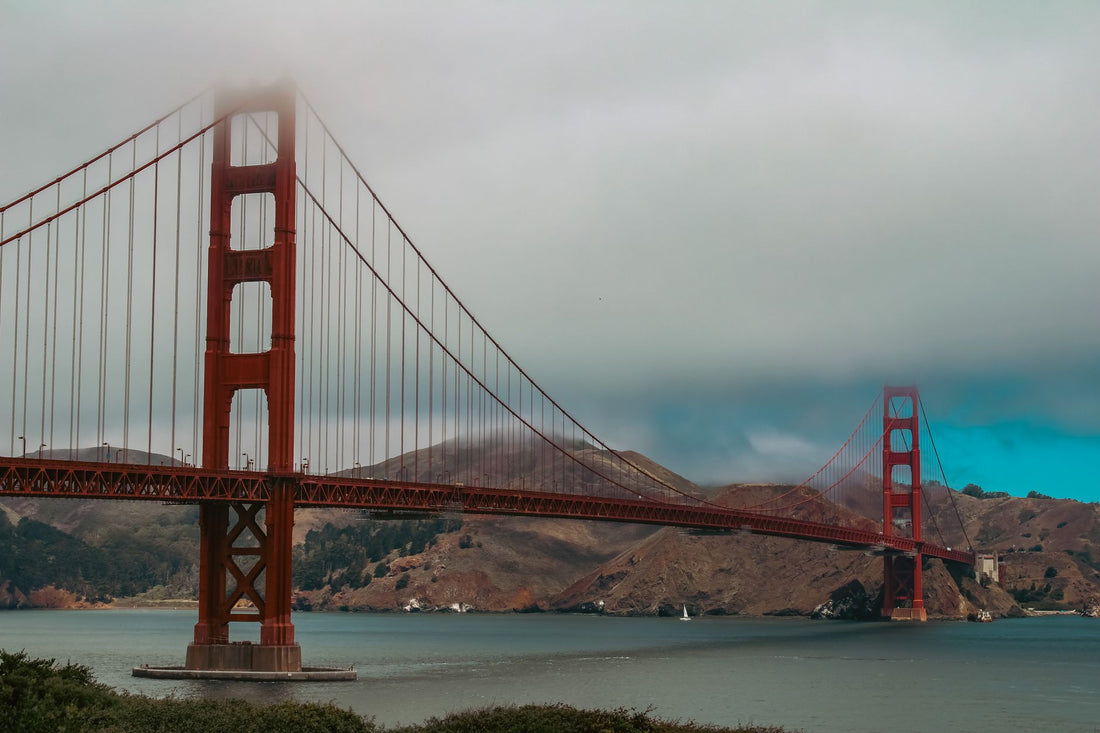
Then there's Karl the Fog, the fog that engulfs the Golden Gate most summer mornings. It doesn't affect the signal at all, but it does change the day's plan: with data at hand, you can check live bridge cameras before going up to a viewpoint and decide if it's worth the hour or waiting until mid-afternoon, when it usually clears up. Without a connection, you're relying on local proverbs.
How many GB you need based on your itinerary
Typical usage in San Francisco combines maps to navigate the hills, transport apps (Uber, Lyft, Waymo, BART), messaging, and plenty of photos and videos of the Golden Gate and the Bay. This table is a rough guide, not an exact science, to help you choose a plan without overspending or underspending:
| Trip Type | Duration | Estimated GB | Main Use |
|---|---|---|---|
| Weekend in the city | 3-4 days | 5 GB | Maps, transport apps, social media |
| Week in the Bay Area | 7 days | 10 GB | Above + Silicon Valley, Napa, or Sausalito |
| West Coast (SF + LA + Las Vegas) | 10-14 days | 15-20 GB | Long drives, rental car GPS, streaming |
| Business trip with video calls | Variable | 20 GB or more | Meetings, email, cloud documents |
If you run short halfway through your trip, the eSIM can be topped up directly from the app without needing to install anything new. And if you're renting a car to drive down Highway 1 or up to Napa Valley, factor in that road navigation and music streaming consume GB quickly, especially on long stretches without Wi-Fi.
Why your Spanish operator's roaming isn't worth it
The United States is not part of the European Union, so the "free" roaming included in your Spanish plan does not apply here. Operators charge roaming in the US as a destination outside the EU, with daily rates or fairly tight data limits depending on the company, and the cost skyrockets if you forget to deactivate it upon arrival. You should check the current price with your operator before you leave, as it changes frequently and a prepaid rate is not the same as a fiber contract with a mobile included.
A US eSIM designed for the entire stay avoids that bill surprise and, incidentally, allows you to keep your Spanish number active to receive bank SMS or verification codes, while browsing with data on the local network. If you want to see it compared in more detail, the guide eSIM vs. roaming goes into the numbers calmly, and if you've never used one and don't really know what data roaming is, you should start with what is data roaming before deciding.
However, there's one case where it's not worth buying anything: if your San Francisco getaway is just a two-day weekend, you're staying near Union Square, and you don't plan to leave the city center, you might be fine with the hotel's Wi-Fi and maps downloaded from home without spending any extra money. The eSIM becomes sensible as soon as you use public transport, order a car via an app, or venture outside the tourist core, which is common on most trips to the Bay Area.
What almost no one tells you before traveling with an eSIM to San Francisco
Several myths are repeated in travel forums and should be clarified before leaving home:
"My plan's roaming covers the United States just like Europe." This is the most common and most expensive mistake. Roaming-included plans from Spanish operators almost always limit coverage to the EU/EEA zone; the United States is charged separately, and often it's not even clear in the contract's fine print until the bill arrives.
"If my phone has 5G, I'll have 5G everywhere." This depends on the operator your eSIM routes through and the area: in the heart of Downtown or Silicon Valley, 5G is plentiful, but in hilly areas or less dense parts of the Bay, you might drop to 4G without it being a real problem for browsing or sending photos.
"The more eSIM I buy, the better." There's no need to buy the biggest plan "just in case": if you run short, you can top up from the app in a couple of minutes. It's better to adjust to your actual trip and extend if necessary than to overpay for GB you won't use.
"I'll activate it when I get to the hotel." Better not. eSIM profile installation requires a network (Wi-Fi or data) the first time, so if you wait until you're out on the street without Wi-Fi to install it, you might be unable to complete it until you find an open network. Install it at home; activate it upon landing.
"I'll have coverage in Alcatraz just like on land." On the ferry to and from the island, and especially inside the prison itself with its thick stone walls, the signal weakens considerably. This isn't an eSIM fault; it's physics: download the audio guide app or any maps you need beforehand if you're going to spend a couple of hours there.
Frequently Asked Questions
Is there an eSIM just for San Francisco?
No. You purchase a USA eSIM, which covers San Francisco and the rest of the country with the same profile. This is the most practical option, as most trips combine the city with Silicon Valley, Napa, or another stop on the West Coast.
Does it work as soon as I land at SFO?
Yes, as long as you've installed it at home using Wi-Fi beforehand and left it activated. At SFO, you just need to disable airplane mode: your phone will connect to the US network, and you'll have data to buy your BART ticket or order a car.
How many GB do I need for a week in San Francisco?
10 GB will be plenty for a week navigating the city and the Bay Area with maps, transport apps, and photos. For a short weekend, 5 GB is usually sufficient. If you add work video calls or a long road trip, it's better to upgrade your plan.
Is there 5G in San Francisco with a travel eSIM?
Yes, in much of the city, especially Downtown and Silicon Valley, where travel eSIMs rely on networks like T-Mobile or AT&T. In areas with steep hills or less dense areas, it might temporarily drop to 4G, which won't affect normal mobile use.
Can I use the same eSIM in Silicon Valley and Napa?
Yes. Being a nationwide eSIM, it covers the entire Bay Area: Palo Alto, Mountain View, San Jose, and also Napa Valley. With a single installation, you'll have data in the city and on any excursion in the region, without buying anything extra.
Is coverage lost in the BART tunnel under the Bay?
Yes, for a few minutes, in the underwater section between San Francisco and Oakland. This is common with all operators, not an eSIM issue. In the rest of the BART network, above ground, the signal is normal.
Can I use the eSIM to order Uber, Lyft, or Waymo?
Yes, in fact, it's one of the most frequent uses in San Francisco: with active data, you can open any of these apps from the moment you leave the airport or move around the city, without relying on finding Wi-Fi to request a car.
Conclusion
San Francisco is best enjoyed with a connected phone: for maps between hills, for BART tickets, for deciding if the Golden Gate is worth a photo now or in an hour when the fog lifts. A USA eSIM installed before you fly saves you expensive roaming and reliance on random Wi-Fi. Prepare your USA eSIM before landing in San Francisco and arrive with data from the first gate at SFO.