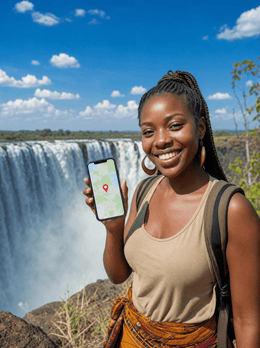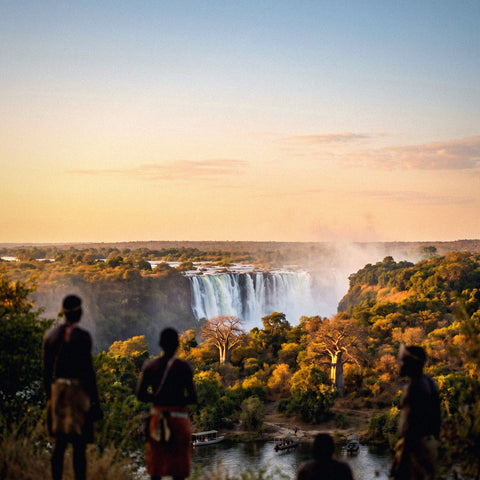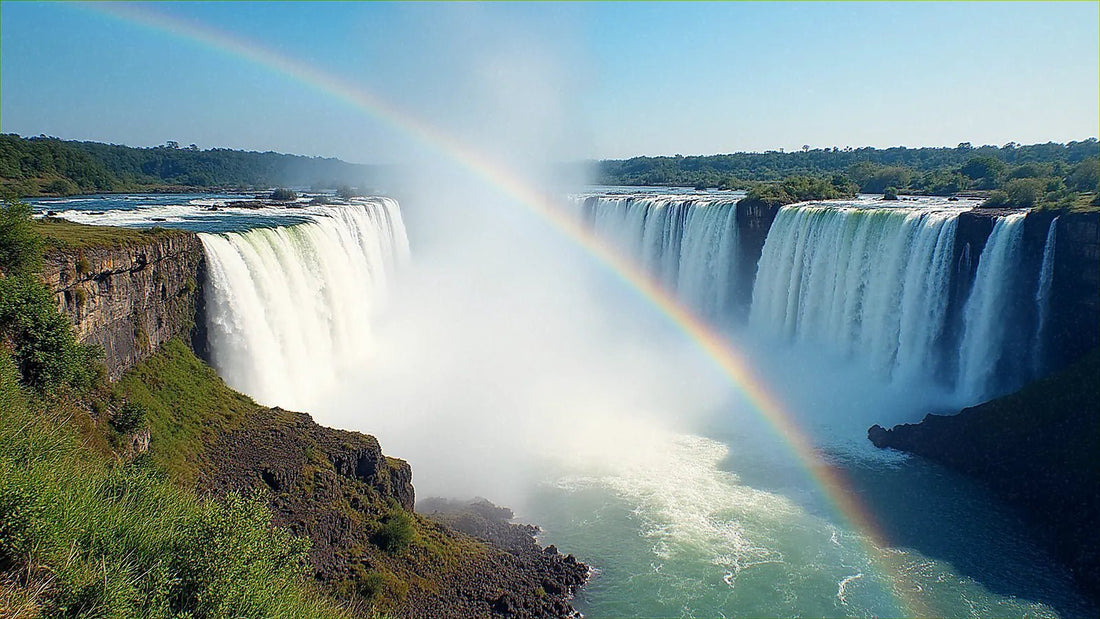

Zambia is one of those destinations where you want to be disconnected from noise but connected to what matters: sending photos of Victoria Falls, checking the route to the lodge, or letting people know the safari is running long. A Zambia eSIM gives you data from the moment you land in Lusaka without having to find a store or change your SIM card. In this guide, you’ll learn how to get internet in Zambia without paying roaming fees, what coverage is actually available in cities and parks, and how many GB you’ll need.
In summary: a Zambia eSIM provides you with 4G data as soon as you land in Lusaka or Livingstone, without a physical SIM or passport registration. It works well in cities and at Victoria Falls; in safari parks, you'll only have coverage within the lodge. With 3-5 GB, you'll be well covered for a one- or two-week trip.
Does an eSIM work in Zambia?
Yes. An eSIM works perfectly in Zambia, provided your mobile phone is compatible and unlocked. It connects to the 4G networks of local operators, so you have data as soon as you land in Lusaka or Livingstone, without buying a physical SIM or going through immigration with your phone turned off.
The beauty of an eSIM is that you buy and install it before you leave home, with the comfort of Wi-Fi. When your plane touches down at Kenneth Kaunda International Airport in Lusaka, you activate the data and you're good to go. No airport queues or negotiating prices in a language you don't speak. However, it's a good idea to check beforehand that your phone supports eSIMs and is unlocked by your carrier, because if it's locked by your company, it won't recognize the profile. Most iPhones from the XR and high-end Android phones from recent years support it; if you have doubts, check our guide on what a virtual eSIM is and how to know if your phone supports it before booking your flight.

Coverage and local operators in Zambia
Mobile coverage in Zambia is concentrated in cities and major routes. The three dominant operators in the country are MTN Zambia, Airtel Zambia, and Zamtel, the state-owned operator. Together, they cover Lusaka, Livingstone, Kitwe, Ndola, and most urban centers with 4G, while in rural areas and national parks, the signal drops to 3G or disappears entirely.
A good travel eSIM doesn't tie you to a single company: it relies on the local network with the best signal at each point, usually MTN or Airtel, which have the most antennas deployed. This is very important in a country as vast as Zambia, where traveling from the Copperbelt to the Zambezi Valley involves hundreds of kilometers.
| Operator | Technology | Where it works best |
|---|---|---|
| MTN Zambia | 4G / 3G | Lusaka, Copperbelt, main corridors |
| Airtel Zambia | 4G / 3G | Livingstone, South, and tourist areas |
| Zamtel | 4G / 3G | Statewide coverage, some rural areas |
With an eSIM that uses the best available network at all times, you avoid having to choose a company or buy different SIMs if you cross into Zimbabwe or Botswana on the same trip. If your itinerary includes another African country, check out our Comoros eSIM guide, with similar coverage challenges to Zambia.
Internet at Victoria Falls and on safari
The bulk of a trip to Zambia revolves around two very different scenarios in terms of connectivity: Livingstone and Victoria Falls, with decent urban coverage, and the large safari parks, where the signal is an intermittent luxury.
In Livingstone, the gateway city to Victoria Falls, you'll have 4G without problems in the center, hotels, and a good part of the Zambian side of the falls area. It's the ideal place to upload videos of the Victoria Falls Bridge or book the Devil's Pool excursion. In contrast, in the national parks of South Luangwa, Lower Zambezi, or Kafue, coverage is spotty: you'll have it at the lodge or camp, and practically none during game drives in the middle of the savanna.
Traveler's tip: download offline maps of Zambia and confirm transfers before entering the park. In South Luangwa, it's normal not to have a signal until you return to camp, so take advantage of the 4G in Livingstone or Lusaka to organize everything.
If your itinerary includes a serious safari, check out our tips for saving data while traveling: those hours without coverage in South Luangwa or Lower Zambezi will come in handy.

How many GB do you need for Zambia
Zambia is not a high data consumption destination, precisely because you will spend many hours without coverage in the parks. For most one- or two-week trips, between 3 and 5 GB are sufficient if you use data for messaging, maps, some social media, and uploading photos via Wi-Fi at your accommodation.
The calculation changes if you make long video calls, work remotely, or upload many 4K videos of the falls. In that case, aim for 8-10 GB to be on the safe side. As a quick reference:
- Short getaway (5-7 days): 3 GB for messaging, maps, and occasional photos.
- Full trip (10-14 days): 5 GB combining waterfalls and safari.
- Nomad or content creator: 10 GB or more if you frequently upload video.
Remember that at the lodge you usually have Wi-Fi for heavy tasks (uploading photos, backups), so mobile data is for daily use. If you want to fine-tune the calculation based on how much you usually spend on social media, maps, and messaging, apply the same criteria from the previous section and add a margin if you are traveling with more than one device.
eSIM vs. local SIM and roaming in Zambia
You have three ways to connect in Zambia: activate your Spanish operator's roaming, buy a local SIM upon arrival, or install an eSIM before you leave. Each has its logic, but for a tourist trip, the eSIM usually wins for convenience and price.
Roaming from Spanish companies outside the EU is expensive in countries like Zambia, with per-megabyte rates that can significantly increase your bill in just a few days; that's why many people look for roaming alternatives. A local SIM is cheap for data, but it requires you to register with your passport (Zambia requires SIM registration), find an official store, and lose your Spanish number while using it.
| Option | Data price | Convenience | Keep your number |
|---|---|---|---|
| Travel eSIM | Low | High (ready before flying) | Yes |
| Local SIM | Very low | Low (registration and physical store) | No |
| Spanish Roaming | High | Medium | Yes |
With an eSIM, you keep your Spanish number for WhatsApp and banking, activate data in a minute, and have Spanish support if anything goes wrong. It's the ideal middle ground for a safari trip where you don't want to waste time on paperwork.
How to activate your eSIM for Zambia step by step
Activating the eSIM is quick and can be done from home. The idea is to have it installed before traveling and only turn on data upon landing, to avoid wasting unnecessary plan. The process, summarized:
- Purchase the Zambia eSIM with the GB plan you've calculated.
- You'll receive a QR code by email (or one-tap installation from your mobile).
- With Wi-Fi at home, go to your mobile data settings and add the eSIM by scanning the QR.
- Keep it installed but with roaming data turned off until you arrive in Zambia.
- Upon landing in Lusaka or Livingstone, activate the eSIM's data and you're good to go.
The entire process takes a minute and doesn't affect your primary SIM, which remains active for calls and SMS with your Spanish number. If it's your first time, follow our tutorial on how to install an eSIM with step-by-step screenshots.
Tips for your trip to Zambia with connectivity
Beyond having data, a couple of details will save you headaches. Zambia has a tropical climate and many days of savanna under the sun, so battery and data management are as important as coverage. These are the tips that make a difference:
- Download the essentials offline: maps of Livingstone, Lusaka, and your parks, as well as reservations and tickets, in case you lose signal.
- Use the lodge's Wi-Fi for heavy tasks: photo uploads, backups, and long video calls, and save mobile data for when you're out and about.
- Bring a plan with a margin: if you're deciding between 3 and 5 GB, go for 5; recharging in the middle of a safari without signal isn't an option.
- Take care of your battery: there are no outlets on game drives; a power bank and energy-saving mode are your best allies.
- Combine destinations: if you cross into Zimbabwe at the falls or continue to Botswana, consider a regional eSIM instead of buying individual SIMs at each border; in our comparison of international SIM vs. eSIM, we discuss when each option is best. And if you spend a few days in Europe on your way back before catching your flight to Spain, activate the Europe eSIM instead of leaving roaming on.
With these tips, your only concern will be deciding whether to take a helicopter ride over the falls or spend another afternoon looking for leopards in South Luangwa.
What almost no one tells you about eSIM in Zambia
There are details about Zambia that aren't in general guides but do change how you use data there. These are the ones that truly make a difference:
- The eVisa is filled out online, not at the airport: much of the entry process to Zambia is managed via electronic visa or digital payment at the border, and doing so with airport Wi-Fi almost never works out well. Complete the process with your eSIM already activated before landing, or with your home Wi-Fi; arriving with a pending payment and no data is the silliest way to lose half an hour at immigration.
- Near the river, your phone sometimes connects to the wrong tower: in Livingstone, just a few meters from the Zambezi and the bridge to Zimbabwe, it's not uncommon for your phone to briefly latch onto an antenna from the other side of the border. If you receive a welcome SMS to Zimbabwe without having crossed, it's not an eSIM fault: it's due to the area's geography.
- Airtel Money and MTN Mobile Money don't work with a data eSIM: many taxis, craft stalls, and some small lodges charge via mobile money, which requires a local Zambian phone number. A data eSIM doesn't provide that number, so for those instances, cash in kwachas or a card is still needed. This isn't a product flaw, it's simply what it's not designed for.
- Power outages also turn off lodge Wi-Fi: Zambia has experienced periods of scheduled power cuts due to the situation of the region's hydroelectric dams. When the accommodation's generator isn't running, the Wi-Fi goes down with it, and that's when your eSIM's data becomes the only reliable backup.
- South Luangwa is improving its Wi-Fi, but don't count on it during a game drive: some camps now offer satellite Wi-Fi in common areas, which is much better than a few years ago. Even so, as soon as you head out to track leopards at dawn, that coverage stays at the camp: still bring your downloaded maps and reservations.
When you DON'T need an eSIM for Zambia: if your plan is a one-day layover in Lusaka, with an airport hotel and included Wi-Fi before continuing your flight, that Wi-Fi will probably be sufficient, and it won't be worth buying data for 12 hours. The eSIM makes sense when you leave the hotel, move between cities, or enter a park.
Frequently asked questions
Is there good mobile coverage in Zambia?
In cities (Lusaka, Livingstone, Kitwe, Ndola) and major routes, there is decent 4G with MTN and Airtel. In national parks like South Luangwa or Lower Zambezi, the signal is scarce or nonexistent outside the lodge, so it's advisable to download maps and reservations before entering.
How many GB do I need for two weeks in Zambia?
For a typical 10-14 day trip combining waterfalls and safari, about 5 GB is usually sufficient, as you will spend many hours without coverage and will use the accommodation's Wi-Fi for heavy tasks. If you work remotely or upload a lot of video, aim for 8-10 GB.
Can I use the same eSIM at Victoria Falls on the Zimbabwe side?
A Zambia-only eSIM works within Zambia's borders, including Livingstone and its portion of the falls. If you plan to cross into Zimbabwe or Botswana, a regional Africa eSIM that covers multiple countries with a single plan would be more suitable.
Do I need to register the eSIM with my passport in Zambia?
No. Mandatory SIM registration in Zambia applies to local cards you buy in the country. With a PuraSIM travel eSIM, you don't need to do any paperwork or go to a store: you install it from home and activate data upon landing.
Does the eSIM also work for calls in Zambia?
The travel eSIM is for data. You can make calls and send messages via WhatsApp, Telegram, or video calls using that data, while your primary SIM retains your Spanish number for conventional calls and bank SMS.
Do I need a visa to enter Zambia and can I process it with the eSIM?
It depends on your nationality, but many travelers need a Zambian visa or eVisa that can be processed online before the flight or upon arrival. Activate your eSIM before landing or handle it with home Wi-Fi: airport Wi-Fi is not always reliable for completing an online payment at the last minute.
Conclusion
Zambia blends reliable urban coverage in Lusaka and Livingstone with long hours of safari without signal, so the key is to arrive with data sorted out and important information downloaded offline. An eSIM gives you instant connectivity, keeps your Spanish number, and saves you from local SIM registration. Prepare your eSIM for Zambia before you fly and enjoy only the good stuff: the waterfalls, the Zambezi, and the savanna sunsets.