
In brief: a Niger eSIM provides mobile data in Niamey and regional capitals as soon as you land, without needing to find a store or register your passport. Install it before you fly, activate it upon arrival, and avoid expensive Sahel roaming. Outside of cities, in the Ténéré or Aïr, no operator has signal: there, downloaded maps save the trip, not your data plan.
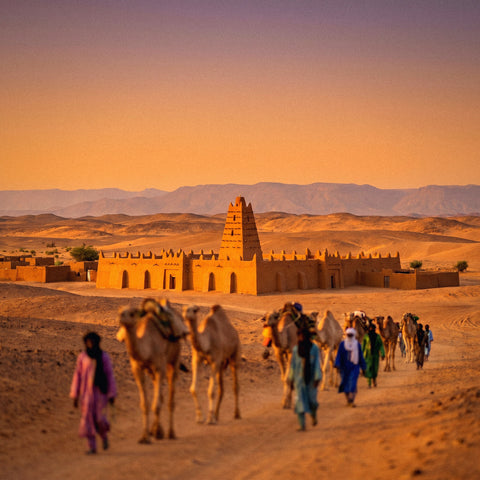
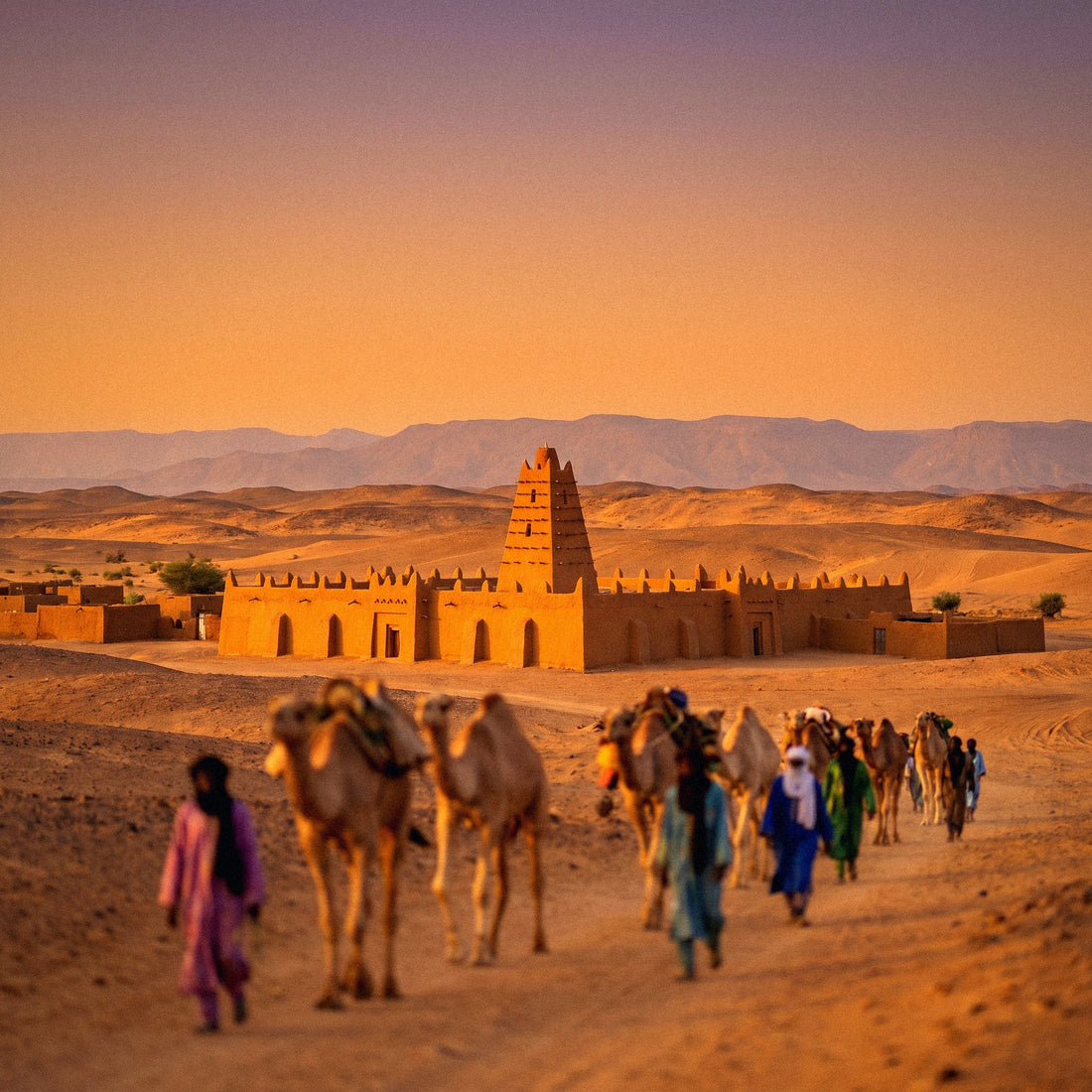
Niger is not just a transit destination. The great river that gives it its name flows through Niamey, the Ténéré desert stretches north into the Sahara, and in Agadez, the great adobe mosque—with its mud minaret and palm tree trunks embedded in the facade, a typical technique of Saharan architecture—remains one of the country's most photographed landmarks. It's a trip that requires careful planning, and internet connectivity is as much a part of that preparation as a visa or vaccinations. Here, I'll explain how a Niger eSIM works, what real coverage you'll find, and when, honestly, you won't even need it.
Why arrange your data before you land
Niamey's Diori Hamani airport isn't like Madrid-Barajas: don't assume you'll find a mobile operator's counter open at the time of your flight, or an airport WiFi that works without interruptions. An eSIM is installed via WiFi at home, in a couple of minutes, and remains dormant on your phone until you decide to activate it. You land, activate data from your settings, and you'll have coverage to call your accommodation, open a map, or let people know you've arrived safely.
Getting a physical SIM in Niger is another story: it requires identification, sometimes a copy of your passport, and finding an official Airtel or Moov point of sale with someone who speaks French or Hausa — English is not the language you'll be using for administrative tasks here. If you've never used an eSIM, it's a good idea to first read what a virtual eSIM is and how it works to understand that there's no physical card to insert or lose: everything lives on the phone itself.

Operators in Niger and actual coverage by area
Three main companies operate in Niger: Airtel Niger, Moov Africa (successor to the former Zamani), and Niger Telecom. Airtel and Moov have the most extensive networks, with reasonable 4G in Niamey and presence in regional capitals—Maradi, Zinder, Tahoua—though speeds drop significantly once you leave the urban center. A travel eSIM automatically connects to the local network with the best available signal at any given moment, so you don't have to choose an operator yourself or worry about which card to buy in each city.
What needs to be clear before planning your route is that Sahel coverage is concentrated in urban areas and along main roads. As soon as you turn onto a dirt track inland, or venture into the Ténéré, the signal cuts out and doesn't return until the next town. This isn't a problem with your data plan: it's the reality of telecommunications infrastructure in one of the least populated areas on the planet.
| Area | Typical coverage | What to do |
|---|---|---|
| Niamey (capital) | Acceptable 4G in the center and main neighborhoods | Work, maps, short video calls |
| Maradi, Zinder, Tahoua | Stable 4G/3G in the urban core | Normal use, slightly slower than in Niamey |
| Agadez and the Grand Mosque | Variable, drops in adobe neighborhoods far from the center | Confirm coverage before heading into the desert |
| Ténéré, Aïr, and inland tracks | Virtually none | Offline maps, GPS, and prior contact with your guide or convoy |
| W National Park (transboundary area) | Very limited, depends on the exact spot | Coordinate meeting points without relying on your phone |
Step-by-step activation
Installing your eSIM for Niger takes about a minute, and if you calmly follow these steps before leaving home, you won't have to touch anything else until you land:
- Confirm your mobile supports eSIM (iPhone XS or higher, most mid-to-high-end Android phones from recent years).
- Purchase the Niger plan and receive the QR code instantly in your email.
- Scan it from your phone settings via WiFi at home, taking your time.
- Leave the eSIM installed but not activated until you land.
- Upon arrival in Niamey, activate data roaming for the eSIM, and you're all set.
If this is your first time using this system, you might want to review how to install an eSIM step-by-step with screenshots of the actual process, as each manufacturer places the menu in a slightly different location. Doing this at home, with time and a good connection, is especially important in a country where you can't count on finding open WiFi right after leaving the terminal.

How many GB you need according to your itinerary
In Niger, data consumption is usually moderate if you're not teleworking: messaging, maps of central Niamey, some emails, and coordination with your guide or group. If you're traveling with an NGO, a cooperation mission, or need to make regular video calls, estimate a much larger margin than usual.
- Short trip (3-4 days, Niamey only): 1-3 GB.
- One-week route between capital and interior: 3-5 GB.
- Work mission, cooperation, or long stay: 10 GB or a refillable plan from the app.
Keep in mind that the actual bandwidth on a Sahel network is usually slower than what you're used to seeing in Europe, even if your plan has plenty of speed on paper. Downloads are slower and videos take longer to load; this isn't an eSIM issue, it's the local infrastructure. The best strategy is to concentrate intensive use—photos, heavy maps, video calls—in Niamey, and travel inland with minimal consumption, relying on light text messages and what you've already downloaded before leaving. Also, take advantage of city stops to back up photos: these tips to save eSIM data abroad offer specific settings that make a difference with a modest plan.
eSIM, physical SIM, or roaming: what's best in Niger
You have three ways to get data in Niger, and in this country, they don't carry the same weight as in a conventional tourist destination.
| Option | Process in Niger | When it makes sense |
|---|---|---|
| Roaming from your Spanish operator | None, but outside the EU, the cost escalates quickly | Only for a very brief stopover or a specific emergency |
| Local physical SIM (Airtel, Moov) | Registration with ID, finding a store, sometimes queues | Long stays where you also need a local number for calls |
| Travel eSIM | None, purchased and installed online before departure | The vast majority of tourist, work, or cooperation trips |
Roaming outside the European Union does not have the price cap that exists when traveling within the EU, and in Niger, the per-megabyte rates of Spanish operators can easily skyrocket: it's advisable to check the current price with your operator before leaving, as it changes and is usually the most expensive option by far. With an eSIM, you pay a fixed price for the data you'll use and control consumption from the app, with no surprises upon your return. If you want detailed numbers on how each scenario compares, the eSIM vs. roaming guide has a complete breakdown, and if you're wondering between an eSIM and a physical card bought at your destination, international chip vs. eSIM clarifies the practical differences.
Myths and what almost no one tells you
There are a few things about staying connected in Niger that don't appear in general guides to Africa:
Niger is not Nigeria. It seems obvious when written like this, but it's the most common purchase error for this destination: they are two different countries, with different operator networks and totally different coverages. If your trip is actually to Lagos, Abuja, or any Nigerian city, you need the eSIM for Nigeria, not Niger. Check the country name on your ticket before paying.
Urban coverage is not uniform even within the same city. In Agadez, for example, the signal is notably worse in the traditional adobe neighborhoods, further from the administrative center, than in the area where services are concentrated. Don't assume that "being in Agadez" means having stable 4G everywhere.
Extreme heat affects the phone more than the network. During the central hours of the day, with temperatures in the Sahel frequently exceeding 40°C, the mobile can overheat and limit data performance due to thermal protection, which is easily confused with a coverage issue. If you notice the connection acting strange at midday, first try placing the phone in the shade for a few minutes.
Power outages are common in much of the Sahel, not just Niger. This affects your eSIM less and your ability to charge your phone in certain accommodations more, so carrying charged power banks is as important as having contracted GBs.
A small plan goes a long way if you know where to spend it. There's no need to sign up for the largest plan "just in case": the key is to make good use of the hours of good coverage in Niamey and the regional capitals, and save light consumption for the rest of the trip.
When you DON'T need to buy this eSIM
It's worth stating clearly, even if it doesn't benefit us as a store: if your stop in Niger is a few hours layover without leaving Diori Hamani airport, you probably don't need to activate any data plan. Many airports offer limited free WiFi in the transit area, which is enough to check emails or inform about your flight. Nor does it make sense to buy a large plan if you're going to spend most of your trip in desert areas without coverage: in that case, a modest plan focused on city days, not one designed for constant consumption, would suit you better. And if you're traveling as part of an organized expedition that already has a satellite phone or its own connection for the group, your personal eSIM is just a complement for your private messages, not the backbone of the trip's communication.
Security, battery, and best practices in the Sahel
Traveling in Niger requires preparation, and the digital aspect is as important as logistics. Before leaving Niamey, download offline maps for all the areas you'll be visiting, save emergency contacts that don't require connectivity, and share your itinerary with someone trustworthy. Always consult official travel advisories before departing and review them again just before moving inland, as some border areas have security restrictions that can change.
If you're connecting from hotel or office WiFi networks in Niamey, using a VPN to protect your privacy while traveling is a reasonable precaution, especially if you'll be conducting banking or work transactions from a shared network that you don't control. This isn't exclusive to Niger, but it's advisable to be extra careful on public networks with limited infrastructure.
A common-sense tip that is always forgotten: in remote areas, battery life is as valuable as signal. Carry a charged power bank, activate low power mode when you don't need data, and put your phone in airplane mode during periods without coverage, instead of letting it constantly search for a network and drain without reason. This way, you'll arrive at the next city with enough battery to reconnect, upload your photos of the Ténéré or Agadez mosque, and confirm that everything is going as planned. If your African route continues to another country afterward, also check out the eSIM for Comoros to have the next leg sorted before you even leave.
Frequently Asked Questions
Can I buy the Niger eSIM from home before traveling?
Yes, and it's highly recommended. You purchase the plan online, install it with WiFi at home, and leave it configured but not activated. Upon landing in Niamey, you simply activate data and connect, without depending on local stores or finding airport WiFi.
Will I have coverage outside Niamey and large cities?
In regional capitals like Maradi, Zinder, or Tahoua, coverage is reasonable. In Agadez, it's more irregular depending on the neighborhood. In the Ténéré desert, the Aïr, or inland tracks, there is no signal from any operator: for these areas, you need pre-downloaded maps, not a data plan.
Do I need to register my passport to use the eSIM?
No. Unlike a local physical SIM, a travel eSIM does not require registration or presentation of documents to the operator. It's a digital process, with no paperwork or visit to any store.
Can I make regular calls with the eSIM?
The eSIM provides data, so you make calls over the internet with WhatsApp, Telegram, or any VoIP app as long as you have coverage. For conventional calls or to receive a local number, you keep your home line on the other SIM in your phone or consider a physical SIM if you'll need it a lot.
What if I run out of data halfway through my trip?
You can top up the plan from the app in seconds, as long as you have some connection, either via WiFi or with the data you have left. That's why it's advisable to choose a plan with some margin from the start, especially if your route includes several cities.
Is an eSIM for Niger the same as an eSIM for Nigeria?
No, and it's important to check before paying. Niger and Nigeria are neighboring but distinct countries, with independent operators and networks. If your actual destination is Nigeria, you need the specific plan for that country, not for Niger.
Do I need a VPN to browse in Niger?
It's not mandatory, but it's a sensible precaution if you're going to connect to shared WiFi networks in hotels or offices, especially for banking or work transactions. With mobile data from your eSIM, the risk is lower than on a public WiFi network you don't control.
Conclusion
Niger is a true adventure trip, and in such a destination, connectivity is not a luxury; it's part of travel safety. An eSIM for Niger gives you internet in Niamey and regional capitals from minute one, frees you from Sahel roaming, and requires no local hassle. Install it before you fly, adjust the GBs to your actual route—not the one you'd like to take—and travel peacefully knowing that, wherever there's a signal, you'll be connected to your loved ones and the information you need. And where there isn't, which will be a good part of the journey in Niger, you'll have done your homework before leaving home.