You're traveling, and you're faced with two options to avoid roaming charges: buying an international SIM card or activating an eSIM. They sound similar, but they work very differently and don't cost the same. In this guide, I'll explain what each one is, how they truly differ (price, installation, compatibility, and coverage), and how to choose based on your phone and destination, without fuss. You'll also see how to check in a minute if your phone supports eSIM and how to activate it step-by-step, so you can arrive at your destination connected from the very first moment.
International SIM or eSIM: the quick answer
For most travelers with a modern phone, eSIM wins: it installs in minutes from home, no waiting for deliveries or changing cards, and it coexists with your local line. A physical SIM still makes sense only if your phone doesn't support eSIM or is very old.
In short: eSIM if your phone is compatible (most iPhones since XS and recent mid-to-high-end Androids); physical SIM if your device is old, doesn't support eSIM, or you want a card that works in any device. Both avoid roaming; they differ in convenience and flexibility.
The confusion comes from the language: in Latin America, "chip" is synonymous with SIM card. An "international chip" is usually a physical prepaid SIM for abroad; an eSIM does the same but without the card. From here on, what matters is what suits you, not the name. If you're coming from the world of roaming, it will help to first read eSIM vs roaming or the guide to roaming in Latin America by operator.
What is an international SIM card?
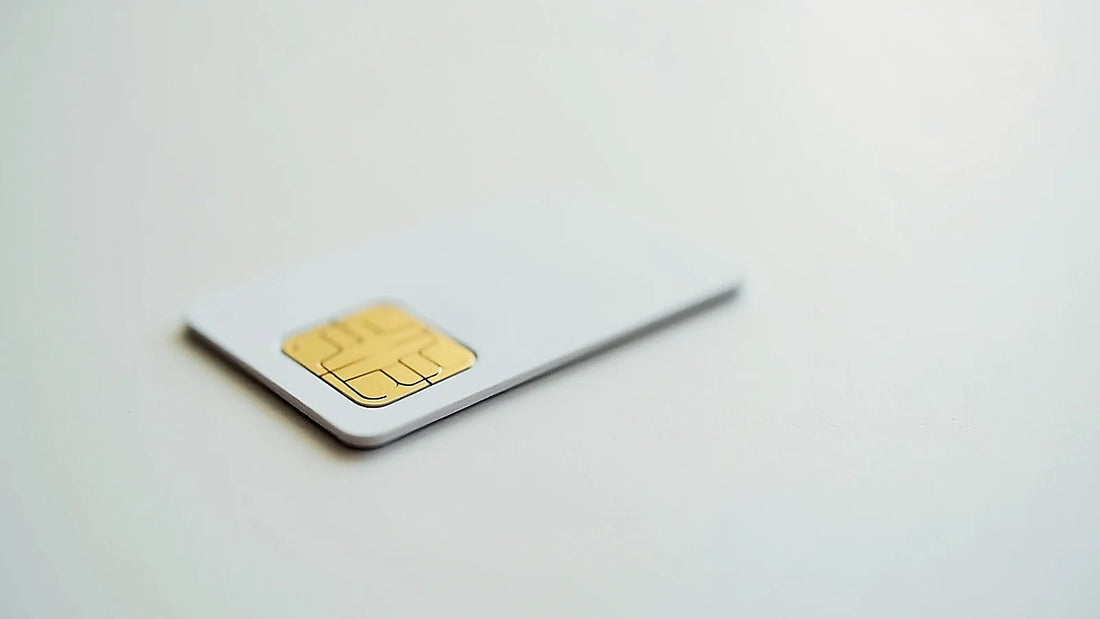
An international SIM card is a physical SIM card, usually prepaid, designed for use abroad. You buy it before you travel (in a store or online, with home delivery) or upon arrival at your destination, insert it into your phone in place of your local SIM, and browse with the data plan it comes with.
Its big advantage is compatibility: being a physical card, it works in almost any phone, even old models or those that don't support eSIM. The disadvantage is logistics: you have to wait for delivery or find where to buy it, physically change cards (and keep your local SIM safe so you don't lose it), and if the SIM is damaged or lost, you're left without a connection. For last-minute trips, that delivery time can be a problem.

What is an eSIM?
An eSIM (embedded SIM) is the digital version of the card: a chip that is already inside your phone and programmed by software. Instead of receiving a card, you buy the plan for the country you're visiting, you get a QR code, you scan it from your settings, and you activate the internet. There's nothing physical to insert or wait for.
Furthermore, thanks to Dual SIM, the eSIM coexists with your local card: you keep your number and WhatsApp for SMS and bank calls, while the eSIM handles your travel data. You set it up from home with your Wi-Fi and activate it when you land. The only condition is that your phone must be eSIM compatible, which you'll see how to check below. In what is data roaming, I explain the technical term behind all this.
Real differences point by point
This table summarizes what truly changes between a physical SIM and an eSIM for a traveler:
| Aspect | International SIM (physical) | eSIM |
|---|---|---|
| How you get it | Purchase + shipping, or in-store on arrival | Online purchase, instant QR |
| Installation | Physically swap the card | Scan a QR code from settings |
| Your number and WhatsApp | You must remove your local SIM (or use Dual SIM if you have a slot) | Maintained with Dual SIM |
| Risk of loss/damage | Yes, it's a physical card | No, it's digital |
| Compatibility | Almost any phone | Only eSIM-enabled phones |
| Last-minute trips | Limited by shipping | Ready in minutes |
In terms of price, both options usually cost much less than roaming through your operator. Between a physical SIM and an eSIM, the price difference is small; what really tips the balance is convenience and whether your phone supports eSIM.
When a physical SIM is better
The physical international SIM card is still the best option in specific cases. If your phone is old or entry-level and doesn't support eSIM, a physical SIM is your only alternative to avoid roaming. It's also useful if you travel with a secondary device (a "travel phone") that you want to dedicate only to data, or if you prefer a card that you can move between several devices.
Another situation: some travelers feel more comfortable with something physical in their hand and don't mind the shipping process. If that's you and you have plenty of time before your trip, a physical SIM works perfectly. Just remember two things: order the SIM in advance so it arrives on time, and keep your local SIM very safe while using the travel one.
When an eSIM is better
For most travelers with a phone from the last few years, an eSIM is the most practical option. You buy and install it from home in minutes, without relying on shipping or finding a store at the airport. There's no card to lose, and with Dual SIM, you keep your number and WhatsApp active throughout your trip.
It's especially good for last-minute trips (it's ready instantly), for those who change countries during the same trip (you can have plans for several destinations), and for those who want no complications. If your phone is compatible, an eSIM gives you the same as a physical SIM but without the logistics. You can see plans by destination in the international eSIM collection.

How to tell if your phone supports eSIM
It's the only condition for using an eSIM, and checking takes a minute. In general, most iPhones from the iPhone XS (2018) onwards support eSIM, and many recent mid-to-high-end Androids, such as several Samsung Galaxy (S20 and later), Google Pixel (3 and later), and recent Motorola and Xiaomi models.
The quickest way to confirm: go to your phone's settings, look for the mobile data or network section, and check if you see the option to "Add eSIM" or "Add mobile plan." If it's there, your phone is compatible. You can also dial *#06# on the keypad: if an EID number appears in addition to the IMEI, your device has an eSIM. If you don't find any of this, your phone probably doesn't support it, and a physical SIM would be better for you.
How to activate an eSIM step-by-step
If your phone is compatible, activating an eSIM is very simple. Here are the steps:
- Confirm compatibility using the method above.
- Purchase the eSIM for the country or region you're visiting, based on the number of days and estimated GB.
- Receive the QR code by email, usually within minutes.
- Scan it from your phone settings (mobile data → add eSIM) and leave the eSIM installed, but don't activate it yet.
- Upon landing, activate the eSIM's data and, if using Dual SIM, turn off data roaming for your local SIM.
You do the entire process from home with your Wi-Fi, without rushing. To manage both lines well, the guide on how to activate and control data roaming will be useful.
What to choose for your situation
To conclude, here is a summary of the decision based on your situation:
| Your Situation | Best Option |
|---|---|
| Modern phone (iPhone XS+ or recent Android) | eSIM |
| Old phone or no eSIM support | Physical SIM |
| Last-minute trip | eSIM |
| Want to easily keep your number and WhatsApp | eSIM (Dual SIM) |
| Secondary "travel" device | Either; physical SIM if it doesn't have eSIM |
In practice, if your phone supports eSIM, it's the most convenient and flexible option; if not, an international SIM works perfectly. The important thing is that either option helps you avoid expensive roaming from your operator. If you want to compare specific destinations, check out the guide for the best eSIM for Mexico or how to choose your plan.
Tips for your first trip with eSIM
If it's your first time using an eSIM, these tips will help you avoid common pitfalls and travel with everything under control:
- Install it at home, not at the airport: scan the QR code using your Wi-Fi and have it ready before you leave. Activating it takes a minute, but setting it up calmly prevents stress.
- Don't delete the email with the QR code until your trip is over: some plans require it if you reinstall the eSIM.
- Label your lines in the settings (e.g., "Primary" and "Travel") to know which one uses data and which receives your SMS.
- Upon landing, activate the eSIM's data and turn off data roaming for your local SIM to avoid extra charges.
- Estimate your GB usage carefully: for a week of normal use, 3 to 5 GB is usually sufficient; if you watch a lot of video, choose more or a plan with top-up options.
With these habits, using an eSIM becomes as natural as connecting to Wi-Fi. And since your number and WhatsApp remain active, you don't give up anything while browsing at tourist prices.
Frequently asked questions
Is "chip" the same as "SIM"?
Yes. In Latin America, "chip" is the colloquial term for a SIM card. An "international chip" is a physical SIM for travel; an eSIM is the digital version of that same card, integrated into the phone and activated by software with a QR code.
Does eSIM work on Android?
Yes, on most recent mid-to-high-end Androids: several Samsung Galaxy (S20 and later), Google Pixel (3 and later), and recent Motorola and Xiaomi models. Check your settings for an "Add eSIM" option; if it's there, your Android is compatible.
Do I lose my number if I use an eSIM or a physical SIM?
With an eSIM and Dual SIM, no: your local line remains active for calls, SMS, and WhatsApp while the eSIM handles data. With a physical SIM, if your phone only has one slot, you must remove your local SIM while using the travel one.
What if my phone doesn't support eSIM?
Then a physical international SIM card is suitable for you, as it works on almost any phone. Check by going to settings and looking for the "Add eSIM" option, or by dialing *#06# to see if an EID number appears. If not, opt for a physical SIM.
Which provides better coverage, a physical SIM or an eSIM?
Coverage does not depend on whether it's a physical SIM or an eSIM, but on the local networks that the plan connects to. A good eSIM plan and a good physical SIM use the same networks in the country. Choose the provider based on the quality of their coverage, not the format.
Which is cheaper, an international SIM or an eSIM?
They usually cost about the same, and both are much cheaper than roaming through your operator. An eSIM also saves you the cost and time of shipping. Compare the price per GB of the specific plan you choose in each format for your destination.
Conclusion
An international SIM card and an eSIM solve the same problem—having internet abroad without roaming—but through different means. If your phone supports eSIM, it's the most convenient option: no shipping, no cards to lose, and no giving up your number. If your device doesn't support it, a physical SIM will do the job. Check your phone's compatibility and choose with that clear in mind. Whatever your choice, preparing in advance is what makes the difference between arriving connected and struggling with roaming at the airport, so don't leave it until the last minute. Once you have it ready, check out the plans by destination in the international eSIM collection and travel connected from the moment you land.