How does an eSIM work for travel?
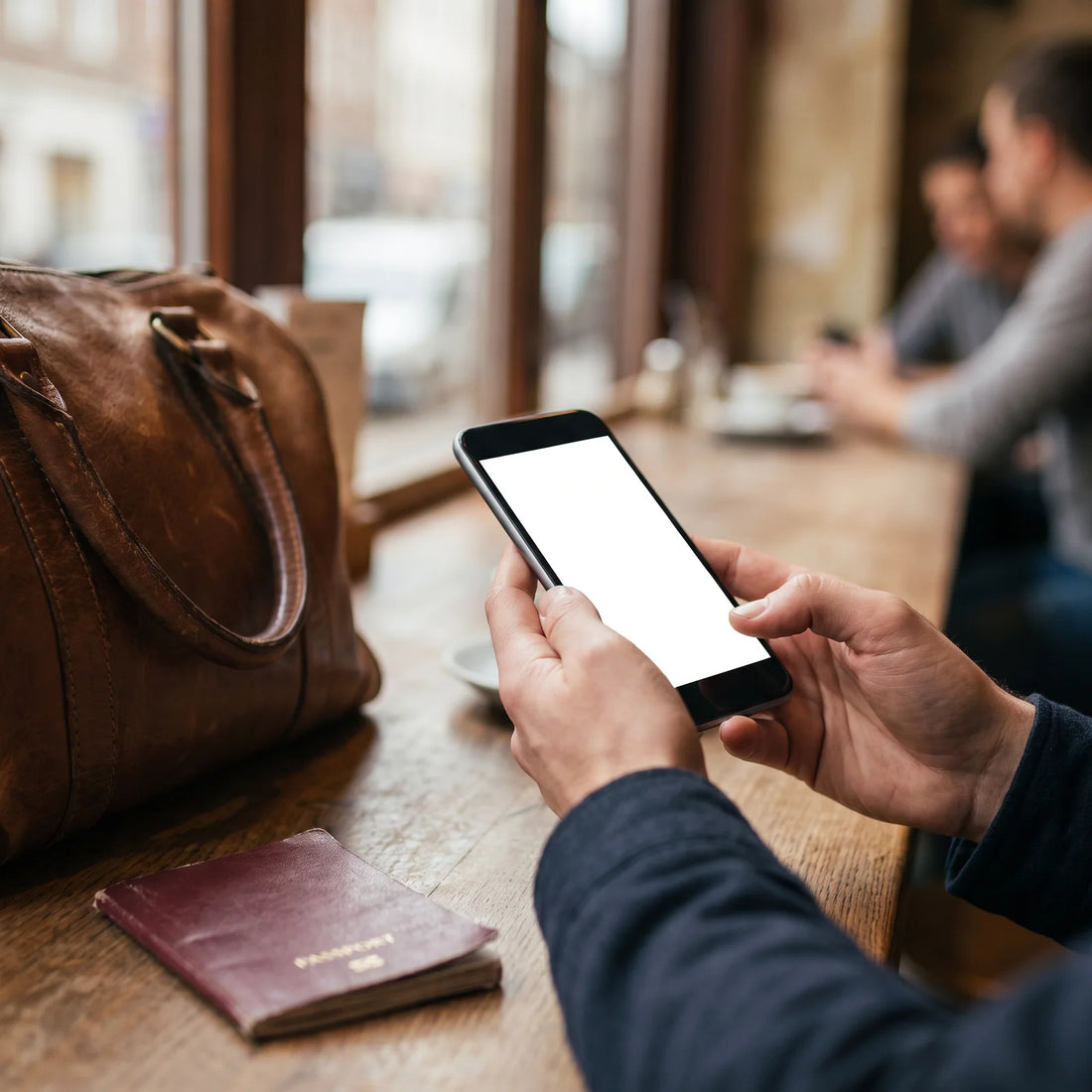
An eSIM is a data chip that is already integrated into your cell phone: instead of buying a physical card at the airport, you download a data plan as if you were installing an app. You scan a QR code, the plan activates in minutes, and you have internet at your destination without touching your usual SIM or your number.
The difference with a traditional SIM card is not in what it does, but in where it lives. A physical SIM is a small plastic card that you insert into a tray in your phone. An eSIM (embedded SIM) is the same component, but soldered into the phone itself during manufacturing. Instead of changing the card when you change operators or countries, you change the "profile" that runs on that chip, and that is done via software.
An eSIM is not a smaller card: it is a SIM card that does not physically exist. It lives as a digital profile within a chip that your phone already comes with from the factory.
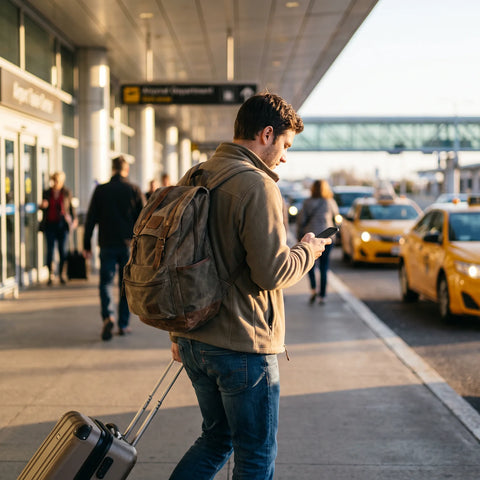
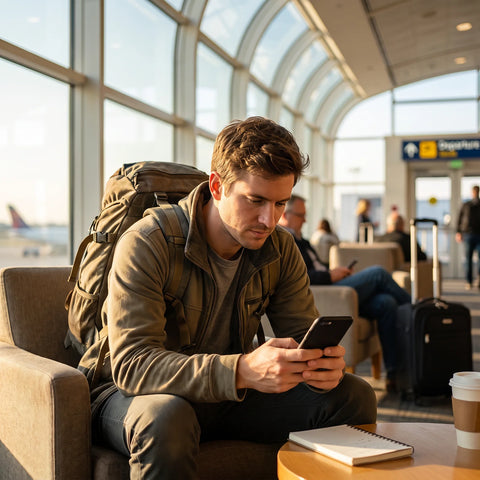
For travel, that changes the order of things. With a physical SIM from another country, you need to find it, buy it, and install it upon arrival, often waiting in line at the airport with no signal on your phone. With a travel eSIM, you can purchase and set everything up from home, using your usual Wi-Fi, days or even weeks before your flight. When you land, you just activate the plan and you already have data: maps, messaging, social media, or whatever you need, without relying on airport Wi-Fi or finding an open counter.
What do you need to use an eSIM on your next trip?
You need three things, and none of them are complicated: an eSIM-compatible cell phone, that the cell phone is unlocked (not tied to a single operator), and an internet connection to install the profile before leaving home. With these three points covered, the rest of the process is done by the phone itself.
The first point is the one most people take for granted. Most mid-range and high-end cell phones launched in recent years come with eSIM, but not all of them, and there are significant differences between models depending on the country where they were purchased (some versions of the same model, sold in certain markets, do not include eSIM). Before buying any plan, it's worth confirming your exact model by checking a list of eSIM-compatible phones instead of assuming it by brand.
The second point, which almost no one checks, is whether the phone is unlocked. If you bought it with a plan from your local operator and it's still under contract, it's possible that the installation of eSIM profiles from other companies is blocked until you finish the term or request unlocking. And the third is simply having Wi-Fi (at home, office, or any network) on the day you install the profile, because that initial download does require internet, even if you activate the plan later offline, as we will see below.
Which eSIMs can you use for international travel?
Not all travel eSIMs are the same, and choosing the wrong type is the most common mistake even before comparing prices. In general, there are three formats: local eSIM (single country), regional eSIM (a zone, like Europe or Southeast Asia), and global eSIM (covering multiple continents with a single profile).
| eSIM Type | When it's suitable | What to watch out for |
|---|---|---|
| Local (one country) | Trips to a single destination, long stays in the same place | If you cross the border into another country, it stops working |
| Regional (one zone) | Travels through several countries in the same region, such as a European tour | It won't work if you then leave that specific region |
| Global (multi-country) | Trips with layovers on different continents or changing itineraries | It's advisable to check which exact countries it covers before purchasing |
If your itinerary is not yet finalized, or if you often change your plans mid-trip, a global eSIM usually offers more flexibility than buying a local eSIM for each country. The downside is that it's worth carefully checking the list of covered countries, because "global" doesn't always mean "worldwide": each provider defines its own coverage.

eSIM vs Physical SIM vs International Roaming: Key Differences
When traveling abroad, there are three ways to get data: activate international roaming from your home operator, buy a physical SIM at your destination, or install a travel eSIM. All three work, but they solve the problem in different ways.
| Option | How to get it | Your usual number | Needs physical tray |
|---|---|---|---|
| Home operator roaming | Activating it with your operator before leaving | Yes, it remains active | No, it uses your usual SIM |
| Local physical SIM | Buying it at a store or airport at the destination | No, you get a new country number | Yes, you have to remove your SIM and keep it |
| Travel eSIM | Buying it online and installing it before leaving | Yes, your physical SIM stays in the phone | No, it's installed via software |
The advantage of an eSIM over roaming is control: you contract exactly the gigabytes you will use on that trip, without relying on your usual operator's roaming rates or risking an unexpected charge upon your return. And the advantage over a physical SIM is that you don't lose your number: you continue to receive WhatsApp, calls, and verification codes on your usual line, while data runs on the travel profile. If you want to delve into each comparison separately, there are dedicated guides on eSIM vs. roaming and eSIM vs. physical SIM.
What is the best eSIM for travel? The criteria that matter
There isn't one "best eSIM" for everyone: it depends on where you're going, how long you're staying, and how much you use your phone. But there are objective criteria you can check with any provider before buying, instead of just being guided by the price on the front page.
| Criterion | Why it matters |
|---|---|
| Real coverage at your destination | "Global coverage" sometimes excludes the very country you're going to; check the country-by-country list |
| Validity from purchase | If you buy weeks in advance, you want the plan not to expire before your flight |
| Activation speed | If your flight is early or changes, you don't want to rely on a slow process on the same day |
| Support if something goes wrong | An installation problem at 3 a.m. in another time zone needs a channel that responds at that time |
| Installation without fine print | The QR and instructions should be clear, with no hidden steps or complicated manual setup |
Coverage and validity are the two points where most people are surprised, precisely because they are the least checked before paying. It's better to spend two minutes reading the list of countries and the usage deadline than to compare only the final price.
Which is the best company for eSIMs?
Rather than looking for "the best company" in the abstract, it's worth evaluating any eSIM provider with the same practical questions: how long does it take for the plan to activate? What happens if I need help on a Sunday in another country? How long do I have to use the eSIM after purchasing it?
At PuraSIM, for example, these three questions have concrete answers: activation takes about 1 minute once you scan the code, support is available 24/7 in all languages via email and WhatsApp (no phone line, because that channel doesn't exist), and you have 180 days from purchase to activate the eSIM, so you can buy it months in advance without fear of it expiring before your trip. Coverage, at PuraSIM and most reputable providers, exceeds 200 destinations, although it's always advisable to confirm the exact country you're going to before paying.
This type of data—activation time, support channels, validity period—is more useful for making a decision than any generic promise of "the best coverage in the world." These are things you can verify yourself before buying, by checking the provider's page or sending them a test question via WhatsApp before paying.
Practical example: how to use an eSIM on a real trip
To make it less abstract, let's look at a concrete case. Imagine a two-week trip starting in Mexico City, with a three-day stopover in Madrid, and then ten days traveling through Italy and France before returning.
One week before leaving, while the cell phone is on home Wi-Fi, a regional eSIM covering Spain, Italy, and France is purchased, and the profile is installed by scanning the QR code. The plan remains installed but inactive: it doesn't consume anything yet. On the day of the flight, either at the airport or even while boarding the plane, the plan is activated from the cell phone's settings. Upon landing in Madrid, the phone already has data without needing to search for Wi-Fi or stand in line at any counter.
During the trip through Italy and France, the same eSIM continues to work because it is regional: there's no need to buy a new plan when crossing each border. Meanwhile, the phone's physical SIM remains active in the background, so WhatsApp, calls from contacts, and verification codes from banks or apps continue to arrive on the usual number, without interruptions and without anyone noticing that the phone is using travel data.

How to activate your eSIM step-by-step (before and during the trip)
The process has two distinct moments that should be separated, because therein lies the detail that almost no one explains: installing the profile and activating the plan are not the same, and only one of the two needs internet.
- Buy the plan online from your home or office, as far in advance as you like (up to 180 days before the trip).
- Install the profile by scanning the QR code sent to you by email, using the Wi-Fi you have available at that moment. This download does require internet.
- Leave the plan inactive until you need it: installing it does not start it running or begin consuming the contracted data.
- Activate it when you arrive (or even before getting off the plane) from the phone's network settings. This part does not require Wi-Fi or data: the phone already has the profile saved.
- Select the eSIM as your data line and keep your physical SIM as your call and message line, so you don't lose your number.
Precisely that order is what avoids the most common problem when arriving at a new destination: installing the profile requires a connection, but activating it does not. If you wait until you are at the airport, without Wi-Fi and without data, to start the installation, you may be unable to download anything until you find a network. By installing in advance from home, that step is resolved beforehand, and at your destination, only a switch is needed. If at any point the plan does not activate or the signal does not appear, it is advisable to first check the most common eSIM usage errors before assuming the provider failed: it is almost always a network setting that can be resolved in a minute. For the complete installation process, with step-by-step screenshots, there is a dedicated guide on how to install an eSIM.
How much data do you need based on your travel style?
The amount of data you should contract depends more on how you use your phone than on how many days your trip lasts. As a general reference, not as an exact measurement, this is how different usage profiles behave:
| Usage Style | Typical Activities | Approximate Daily Consumption |
|---|---|---|
| Light | Maps, messaging, social media without video, email | Low, mainly in short bursts |
| Moderate | The above plus cloud photos, occasional video calls | Medium, with peaks when uploading content |
| Intensive | Music or video streaming, long video calls, remote work | High and constant throughout the day |
A traveler who only needs maps to get around and WhatsApp to let people know they arrived safely uses a fraction of what someone who works remotely from a cafe or watches series on their phone during long commutes consumes. If you are debating between two plan sizes, it is advisable to calculate towards the most intensive use you might have on any given day of the trip (e.g., the long flight day watching video) rather than towards the average of all days.
Frequently asked questions
Do I need Wi-Fi to activate the eSIM when I arrive at my destination?
Not to activate it, only to install it. If you installed the profile before leaving home, activation upon arrival is done from your phone's settings without needing Wi-Fi or data.
Can I continue to use my regular WhatsApp with a data eSIM?
Yes. The travel eSIM only provides mobile data; your physical SIM remains active for calls, text messages, and your usual number, so WhatsApp and your contacts are unaffected.
What if my phone doesn't have an eSIM?
If your model is not compatible, you will need another alternative to get data at your destination, such as a local physical SIM or your operator's roaming. It's advisable to check your exact model's compatibility before purchasing any plan.
Can I have multiple eSIMs installed on the same phone?
Most compatible phones allow you to store multiple eSIM profiles at the same time, although usually only one can be active for data at any given moment. You can have your travel eSIM installed alongside your regular line and switch between them from the settings.
Does the eSIM work in airplane mode?
Not while airplane mode is activated, just like any physical SIM. Once you deactivate it upon landing (or if your phone allows Wi-Fi to remain on in airplane mode, depending on the model), the eSIM works normally.
What happens if I run out of data mid-trip?
It depends on the provider: some allow you to buy an additional plan or top up data from the same account without reinstalling anything. It's worth confirming this option before leaving, especially on long trips.
Do I need to deactivate my physical SIM to use the eSIM?
It is not necessary to deactivate it completely. The usual practice is to leave the physical SIM as the call and message line, and choose the eSIM as the data line from the phone's network settings.
Does eSIM work for calls and texts, or only data?
Most travel eSIMs are intended for mobile data only, not for traditional calls or SMS. For calls and text messages, that service still runs through your regular physical SIM.
Conclusion
If you're traveling and haven't heard of eSIM yet, the core idea is simple: it's a way to have mobile data at your destination without searching for a store upon arrival, without losing your number, and without relying on airport Wi-Fi. You buy the plan in advance, install it using your home Wi-Fi, and activate it on the day of your flight or upon landing.
To take the first step, the installation guide explains the complete process with screenshots, and if you already know which country or region you're going to, you can check the available plans by destination in the international eSIM collection before your next trip.