


Pay once and you're done
No surprise bills when you get back. Pick your GB and days, pay a fixed price and browse worry-free. If you don't use it, we refund you.



Unlimited data with a fair-use policy (FUP): full speed up to a daily allowance, then the pace slows for the rest of the day. No cut-offs, no extra charges. Fair use: Light 0.5 GB/day and Ultra 1 GB/day at full speed; after that, 512 Kbps until the daily reset.
Coverage in AnguillaeSIM Anguilla lets you enjoy internet in Anguilla without roaming from the moment you set foot on the island. You scan the QR from your email in a minute, without swapping your physical SIM or searching for local coverage: you're online for Maps between beaches, WhatsApp, translating or sharing your Caribbean photos.
You browse on Anguilla's leading local networks with 4G coverage across the island. Pick the GB and days you need, keep your usual number for WhatsApp and calls, and share data by hotspot with whoever comes along.
The eSIM was very easy to install and, once I reached my destination, I had a connection from the very first moment without having to worry about roaming.
Activation was quick and simple, and I had a connection the whole time with no hassle. Coverage and speed were very good.
I went on a trip around Latin America and had coverage everywhere, at a very good price. Highly recommended 💪🏼

If you don't end up traveling, you have a money-back guarantee. And if something doesn't work at your destination, our human support helps you 24/7 until you're connected. No fine print, no complications.

Anguilla
Land with the Internet already on. Share every moment of Anguilla without hunting for WiFi or overpaying.
No surprise bills when you get back. Pick your GB and days, pay a fixed price and browse worry-free. If you don't use it, we refund you.
Coverage in more than 200 destinations on top-tier local networks, even outside big cities. And if something fails, human support 24/7 until you're online.

No paperwork or SIM cards. You get a QR, scan it and the eSIM installs itself. Your number and WhatsApp stay exactly the same.

Pick your data and days. Fixed price, no surprises, across Anguilla.
| Data | Duration | Price |
|---|---|---|
| Anguilla · 1 GB | 7 days | €12,87 |
| Anguilla · 3 GB | 15 days | €36,41 |
| Anguilla · 3 GB | 30 days | €38,18 |
| Anguilla · 5 GB | 30 days | €60,39 |
| Anguilla · 10 GB | 30 days | €106,57 |
| Anguilla · 20 GB | 30 days | €179,84 |
Almost every phone since 2018 supports eSIM. Check it in 10 seconds — we show you step by step. Swipe →


Open the phone dialer and enter *#06#, just like a call. No need to press call.


If a 32-digit EID code appears, your phone supports eSIM. Good news!


Just add your Anguilla plan. Activate it with a QR and land with internet.
Prefer to check by brand and model? Pick it here:
Install it before you travel. It uses no plan data.
Tap "Add eSIM" → "Use QR Code".
The one in your email. The eSIM installs itself.
At your destination, turn on "Data Roaming" for PuraSIM.
Install it before you travel.
Tap "Add eSIM" or "Add mobile plan".
Confirm the profile download.
Select PuraSIM and enable roaming.
 vs. the old way
Compared to roaming, an airport local SIM or hotel WiFi, the PuraSIM eSIM for Anguilla is the simplest and cheapest way to get internet abroad.
Daily plans: full-speed data up to the daily cap; after that, reduced speed (fair use).
 Don't lose money
Fixed price before you leave, no surprises on your bill when you return.
 Don't lose connection
High-speed internet as soon as you land, no need to search for WiFi.
 Don't lose your number
Your SIM stays in: WhatsApp and your usual calls, active.
 Don't lose time
No queues or paperwork to buy a SIM at the airport.
 Don't lose coverage
Connect to top-tier local networks, not second-rate signals.
 Don't lose your cool
No commitment, no small print, and a money-back guarantee.
One store for all your trips. Pick your country and leave the plane already connected.
Fast, stable connection on top-tier local networks. Peak performance in the apps you use every day.
 WhatsApp
 Instagram
 TikTok
 Maps
Maps YouTube
 Spotify
 Netflix
 Gmail
GmailBook, get around and browse at your destination with data from minute one — no hotel wifi or local SIMs needed.
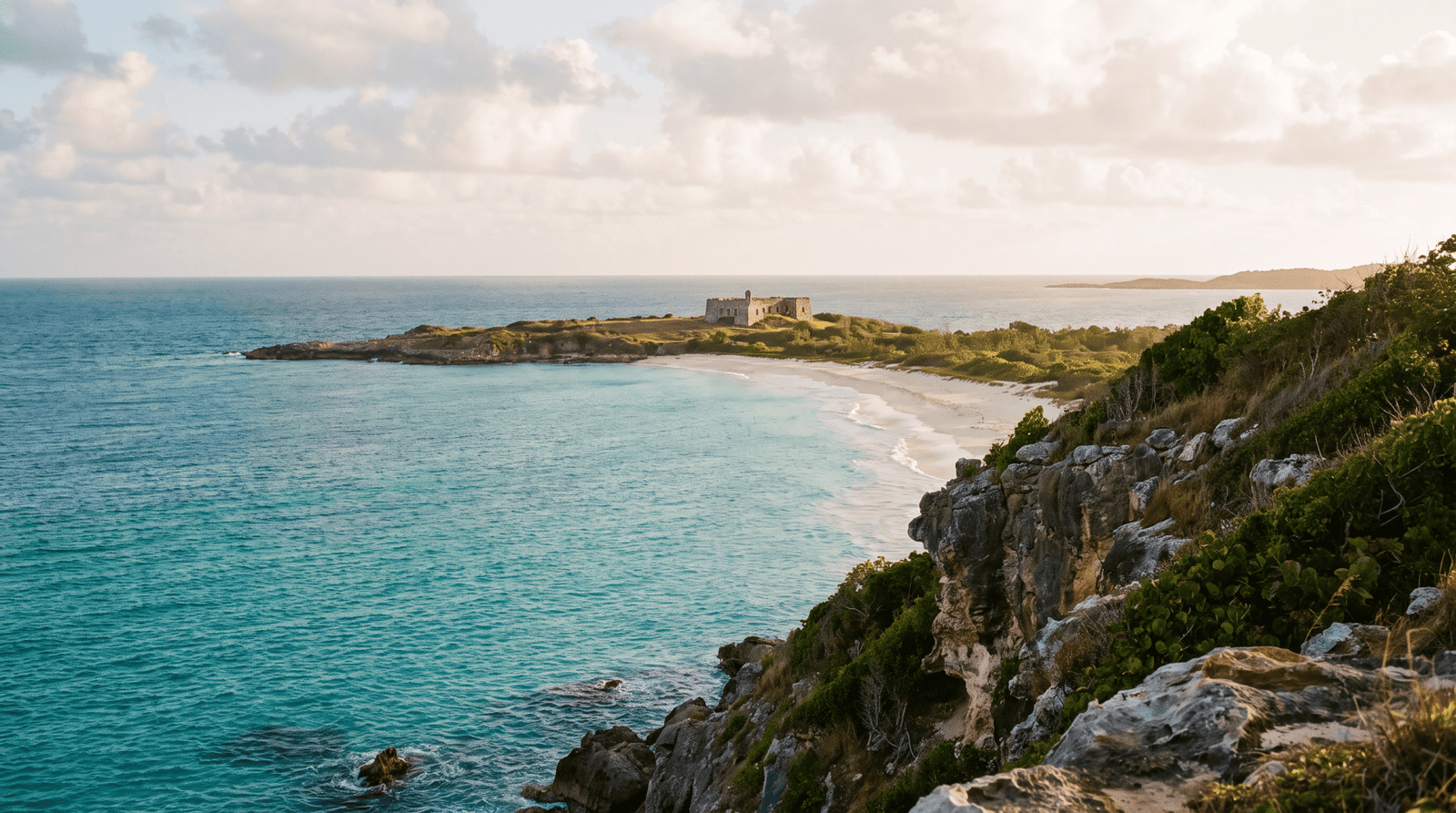
Anguilla is a British Overseas Territory in the Caribbean, outside the European Union, so your plan from home doesn't include roaming here, and using data with your regular carrier can cost a fortune. With an eSIM for Anguilla you have internet ready from the moment you land at Clayton J. Lloyd International Airport: it connects to the local networks of Flow (Cable &Wireless) and Digicel, the same ones residents use, with good 4G coverage in The Valley, Sandy Ground, Blowing Point, and the tourist areas along the coast.
Since Anguilla isn't part of the European roaming zone, carriers like Movistar, Vodafone, Orange, or Yoigo apply international zone rates that run around 10 to 15 € per day, often with limited data. On a one-week stay that adds up to over 70 € just for connectivity. A data eSIM avoids that bill shock: you pay a fixed price upfront and know exactly what you're spending before you leave home.
As a guide, 1 GB is plenty for a weekend using maps, WhatsApp, and social media; 3 to 5 GB comfortably covers one or two weeks of normal travel; and if you plan to hotspot or upload lots of photos from Shoal Bay or Meads Bay, choose a 10 GB plan or higher. You can see all the options and compare Caribbean destinations on all destinations.
A physical local SIM means finding a Flow or Digicel store when you arrive, registering with your passport, and taking your usual SIM out of your phone — with the risk of losing it. The eSIM is a digital card: you install it via QR without changing anything physical, keep your regular number active for important SMS and calls, and can have your Anguilla data plan ready from home. Less hassle and zero queues as soon as you land.
Yes. Coverage relies on Flow and Digicel, the island's two actual operators, with a stable signal in the capital The Valley, at the port of Blowing Point (where the ferry to Marigot, St. Martin departs), in Sandy Ground, West End, and Island Harbour, and on the most visited beaches like Shoal Bay, Rendezvous Bay, and Meads Bay. In very remote spots the signal may drop — normal on a small island — but for browsing, navigating, and staying in touch you're well covered.
After purchase you receive a QR code by email. You scan it from your phone's settings, install the data profile, and enable data roaming on that line when you arrive in Anguilla: the connection turns on by itself within a few minutes. We recommend installing the eSIM over Wi-Fi before you leave home and saving the activation for when you land. You'll find step-by-step instructions with screenshots in our eSIM guide, and if you get stuck we'll help you by email.
 Antigua and Barbudafrom €14,20
 British Virgin Islandsfrom €15,53
 Saint Vincent and the Grenadinesfrom €18,64
 United Statesfrom €1,32
 Trinidad and Tobagofrom €12,43
 Turks and Caicosfrom €11,98
 El Salvadorfrom €1,32
 Puerto Ricofrom €3,99
 Panamafrom €1,32
 Nicaraguafrom €1,32
 North Americafrom €4,88eSIM North America →


