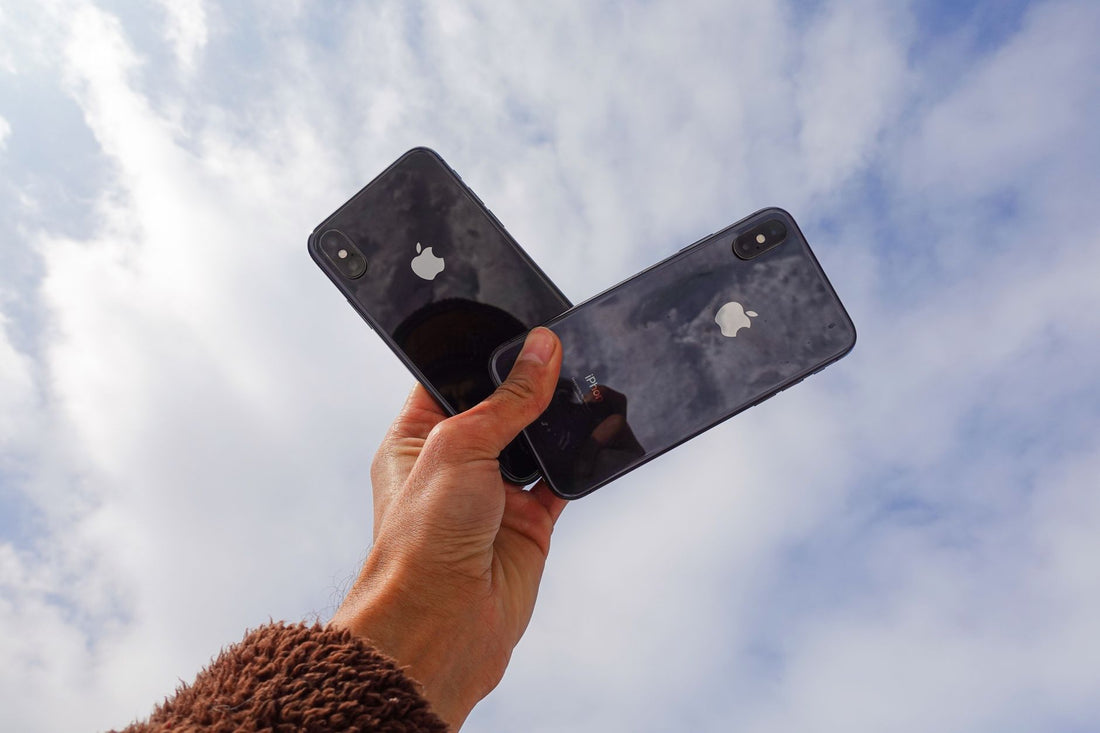
In short: all iPhone 15 and iPhone 16 models come with eSIM integrated from the factory, so you can activate your iPhone 15/16 eSIM without visiting a store: you scan a QR code from Settings, and in less than five minutes, you have data ready to use. iPhones purchased in the United States also no longer have a physical SIM tray: they work only with eSIM.
If you've just bought an iPhone 15 or iPhone 16 and want to travel without relying on your Spanish operator's roaming, the good news is there's no small print: the entire range—15, 15 Plus, 15 Pro, 15 Pro Max, 16, 16 Plus, 16 Pro, 16 Pro Max, and 16e—comes with eSIM as standard. What does change depending on where you bought the phone is whether it also retains the physical SIM tray, and that affects how you'll use it at your destination. Let's go through it step by step.
Do all iPhone 15 and 16 models have eSIM, without exception?
Yes, with one important exception that almost no one considers until it happens: iPhones bought in mainland China do not include eSIM at all, due to market regulatory restrictions. These models have a dual physical nano-SIM tray and no activated eSIM chip. If your iPhone 15 or 16 was bought in a store in Shanghai or Beijing, you won't be able to install a PuraSIM eSIM or any other: you'll need a physical SIM, either at your destination or before traveling. Models sold in Hong Kong and Macau do normally include eSIM.
The other case that needs clarifying is the opposite: iPhones bought in the United States from the iPhone 14 onwards—including all 15 and 16 models sold there, whether in an Apple Store or through AT&T, Verizon, or T-Mobile—do not have a physical tray at all. They work exclusively with eSIM, allowing two active eSIM lines simultaneously. If you bought your iPhone in the US and now live in Spain, that phone will remain eSIM-only forever: the restriction is in the modem itself, it cannot be reversed with an update or by unlocking the device.
Outside of these two cases—mainland China and the US—your iPhone 15 or 16 retains the physical SIM tray and adds the eSIM as a second line. This is the most common configuration for those who bought the phone in Spain, the rest of the European Union, the UK, or Latin America.
How to check if your specific iPhone is compatible
Before buying any travel eSIM, confirm it in 20 seconds:
- Go to Settings → General → About and scroll to the bottom. If you see an EID number, your iPhone has the eSIM chip active.
- A faster alternative: go to Settings → Cellular Data. If the "Add eSIM" option appears, you have confirmation.
- If you bought your iPhone with a contract from a Spanish operator, check that it is not locked for third-party data lines. In Spain, this is uncommon because operators do not usually lock data eSIMs, unlike some devices in the US or Asia.
If you have doubts about your specific model, PuraSIM support can help you confirm it before you purchase a plan.
Activating your PuraSIM eSIM on your iPhone 15 or 16, step by step
There are two ways to install the profile, and both take the same amount of time. Choose the one that's most convenient for you.
Option 1 — From the Camera app (the fastest):
- Open the Camera app and point it at the QR code PuraSIM sends you by email after purchase.
- Tap the yellow banner that appears at the top, "Cellular Plan Detected."
- Follow the wizard: the profile will download automatically.
Option 2 — From Settings:
- Go to Settings → Cellular Data → Add eSIM (on older models, it appears as "Add Data Plan").
- Select "Use QR Code" and scan the one PuraSIM sent you.
- Give the plan a recognizable name, for example, "PuraSIM Japan" or "PuraSIM Data": this will save you from confusion the day you have two or three profiles saved.
- When asked which line to use for cellular data, choose the PuraSIM eSIM.
- Enter the newly installed plan and activate "Data Roaming". This step is constantly forgotten and is the most common reason for the eSIM "not having internet" upon landing.
Important detail: you need WiFi to download the profile (the QR code can only be scanned once, so do it calmly and with a stable connection, not from the departure lounge with roaming accidentally activated). Once installed, the profile remains stored on the phone, and you don't need to scan anything again to use it at your destination.
The settings that save you trouble before landing
Having the eSIM installed is not enough. These settings make the difference between arriving connected without thinking about it and spending the first day of your trip wrestling with your phone:
- Default Data Line: In Settings → Cellular Data → Cellular Data Line, select the PuraSIM eSIM. This ensures all data traffic goes through it, and you don't accidentally use your Spanish line's roaming.
- Calls and SMS: Leave your Spanish SIM as your voice line. You will continue to receive calls and verification SMS (the famous 2FA codes from your bank) on your usual number.
- iMessage and FaceTime: Apple associates them by default with the line you use for data, so you usually don't need to change anything, but it's worth checking if you have two active eSIMs.
- Wi-Fi Assist: Deactivate it in Settings → Cellular Data (at the bottom of the screen). This is a feature that automatically switches to cellular data when the hotel's WiFi is slow, and on a trip, it can eat up your data package without you noticing while you think you're on the hotel's network.
- Automatic Updates: In Settings → App Store, deactivate "Automatic Downloads" or configure them for WiFi only. An iOS update or a couple of heavy apps can consume several GBs of your data plan in minutes.
- Airplane Mode on Landing: Activate and deactivate it manually once on the ground, even if you didn't use it during the flight. It forces the phone to re-register on the local network and usually resolves the classic "I have coverage but no data" issue in the first few minutes.
Dual SIM on iPhone 15 and 16: what you can and cannot do
The iPhone can store several saved eSIM profiles—up to 8 or 10 depending on the model and available space—but it can only have two active lines simultaneously. On models with a physical tray, those two lines are your physical SIM plus one eSIM. On eSIM-only models (those bought in the US), the two active lines are two eSIMs.
This allows you to save the PuraSIM profile from your last trip to Japan, install another new one for Morocco, and have both saved without interfering with each other: you only activate the one you need before each trip.
One setting worth checking is "Automatic Data Switching" (Settings → Cellular Data → Automatic Data Switching). This feature allows the iPhone to switch from one line to another if one loses coverage, designed for daily use at home. On an international trip, it's better to disable it: if you leave it active, the phone might automatically switch to your Spanish line if the PuraSIM eSIM experiences a signal drop, and that's where expensive roaming kicks in without you realizing it until you get the bill.
| Option for internet abroad | When it makes sense | When it's NOT advisable |
|---|---|---|
| Roaming with your Spanish operator within the EU | Short trips to EU countries, where it's usually included in your plan | As soon as you leave the EU, the cost skyrockets: for a weekend in Paris, you don't actually need to buy anything else |
| PuraSIM eSIM | Destinations outside the EU, long trips, multiple countries on the same route, or when you want to keep your number only for calls/2FA | If your iPhone was bought in mainland China (no eSIM chip) or if the trip is so short that your Spanish plan already covers you |
| Rented portable WiFi | Groups or families who want to share a single connection among several devices | Traveling solo: carrying and returning an extra device rarely outweighs an eSIM on your own phone |
| Physical SIM bought at destination | Very long stays (several months) where a local phone number is beneficial | Short stays of a few days: you temporarily lose your Spanish number for SMS and have to queue in a store |
Myths and what almost no one tells you
Myth: "installing an eSIM deletes my physical SIM." No, they coexist without a problem. The eSIM is installed as an additional profile; your physical SIM remains in the tray, intact, ready for calls and SMS.
Myth: "the more eSIMs I have stored, the worse the phone performs." False. Storing profiles does not consume battery or performance: only the line that is active at any given moment affects it. You can accumulate profiles from several trips without any effect on daily use.
The detail almost everyone misses: you can rename each line from Settings → Cellular Data → tap on the plan → Cellular Plan Label. If you're going to accumulate several PuraSIM profiles from different trips, name them after the destination when you install them. Months later, when you want to reactivate the one for Thailand for a new trip, you won't have to guess which one it is among four generically named lines.
Another one that saves headaches: if you have Wi-Fi Calling activated on your Spanish line, you will continue to receive calls and SMS to your usual number as soon as you connect to any Wi-Fi network at your destination, without needing voice roaming. Combined with the PuraSIM eSIM for data, this is the configuration that provides the most peace of mind: data via eSIM, calls via Wi-Fi when available, and your backup voice line for when there's no Wi-Fi nearby.
Frequently Asked Questions
Can I have two active eSIMs at the same time on the iPhone 15 or 16?
It depends on the model. On iPhones with a physical tray (most of those sold outside the US), the two simultaneous active lines are one physical SIM plus one eSIM. On eSIM-only models bought in the United States, you can indeed have two active eSIMs at the same time, as there is no physical tray occupying one of the two slots.
Which iPhone 15 or 16 models do not have a physical SIM slot?
Those purchased and activated in the United States, with an American carrier or directly from an Apple Store US, from the iPhone 14 generation onwards. Outside the US (and except for the particular case of mainland China, where the opposite occurs and there is no eSIM at all), models retain the physical tray.
Do I need WiFi to activate the PuraSIM eSIM?
Yes, to download the profile for the first time, you need to be connected to WiFi (or have mobile data available through another means). Once installed, the profile remains stored on the phone, and WiFi is not needed to use it at your destination: it connects directly to the local network while roaming.
Can I install the eSIM before I leave for my trip?
Yes, it is recommended: install it calmly at home, with a good WiFi connection, and keep it saved without activating data roaming until you activate the plan according to your purchase's validity conditions. This way, you arrive at your destination without relying on airport WiFi to configure anything.
What happens if I lose or change iPhones with the PuraSIM eSIM installed?
eSIM profiles are linked to the device for security reasons, so you cannot move them yourself to another phone by scanning the same code. If you change iPhones, contact PuraSIM support to generate a new QR code for you according to your plan's conditions.
Does eSIM use more battery than a physical SIM?
There is no appreciable difference between using an eSIM or a physical SIM for a single active line. If you maintain two active lines at once (dual SIM), the extra consumption exists but is marginal, nothing comparable to the actual consumption of other functions like the screen or GPS.
I bought my iPhone in mainland China, can I use a travel eSIM?
No. iPhones sold in mainland China do not include the eSIM chip due to market regulatory restrictions, so no eSIM from any provider will work on that device. The alternative is a local or international physical SIM. If your iPhone was bought in Hong Kong, Macau, or any other market, this limitation does not affect you.
Also check our guide on how to install an eSIM if you use a device other than an iPhone, or review the differences between eSIM and traditional roaming and what data roaming actually is if you still have doubts about how it works under the hood. To get the most out of your data package once at your destination, this article on how to save data with eSIM on a trip has tricks not found in any manual, and if you're concerned about the security of your connection on public networks, you'll be interested in eSIM and privacy while traveling.
If your next destination is the United States, check our eSIM plan for the United States; if you are going to move through several countries on the continent, the Europe eSIM plan covers roaming between most countries without having to change profiles at each border.
Activate your eSIM before you leave and arrive connected from the very first moment, with no roaming or bill surprises.
See eSIM plans →