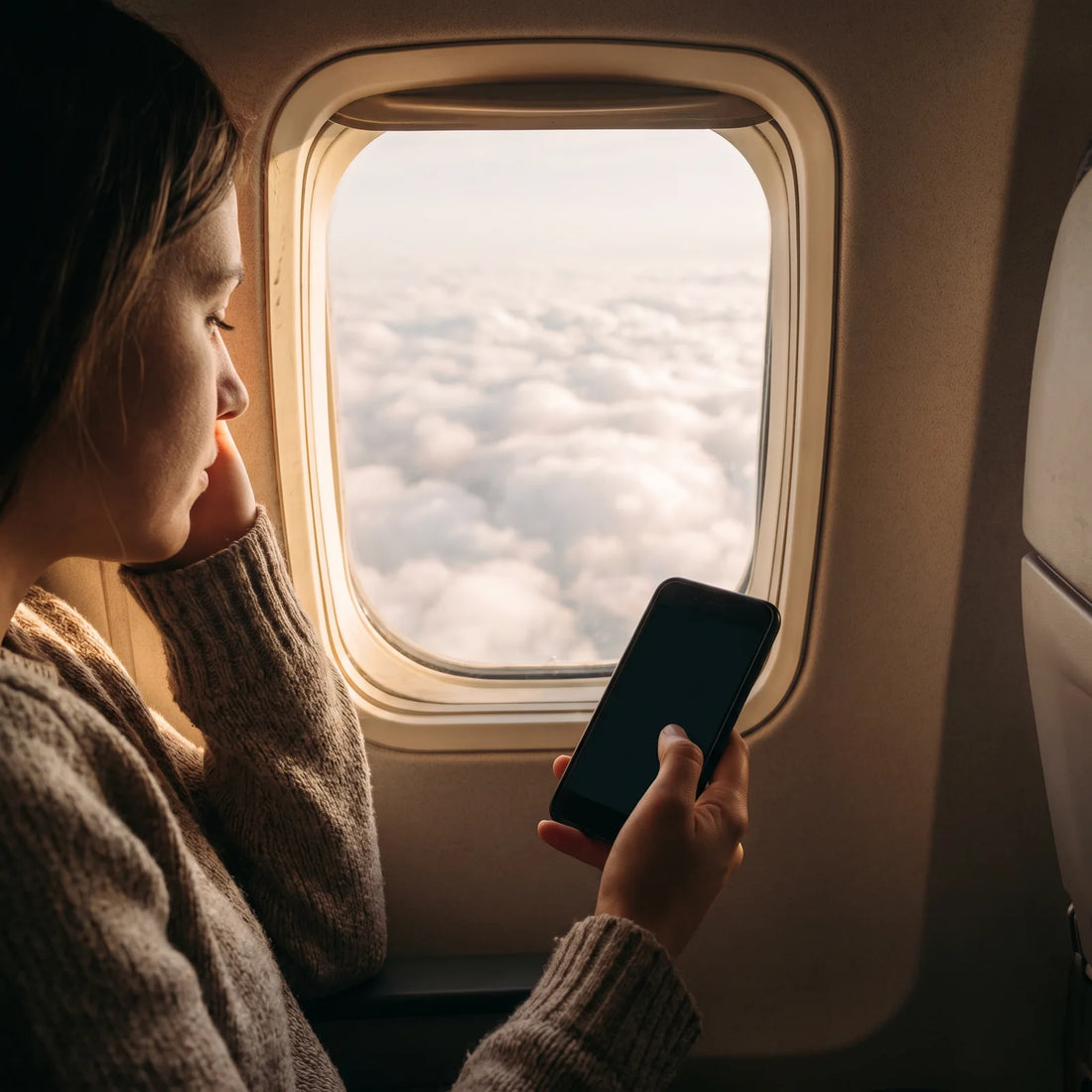
Is there internet when you travel by plane?
Yes, more and more flights offer onboard Wi-Fi, but it's not automatic or guaranteed: it depends on the airline, the route, and whether that particular aircraft already has the necessary antenna or equipment installed. On long flights, the signal is usually sufficient for messages and email, but not always for good quality video.
This surprises many people who board an international flight thinking that internet "is included" like hotel Wi-Fi. It's not. In-flight Wi-Fi is a separate service, almost always paid, which is purchased on the plane itself or – with some airlines – before flying. And even if it exists on the route, not all planes of the same airline have it installed: newer models usually have it, older ones sometimes don't.
That's why the right question before a long flight isn't just "does this airline have Wi-Fi?", but "does this specific flight have it, and will it serve my needs in the air?". The answer changes depending on the plane, time of day, and how many people are connected simultaneously.
What happens if you turn on in-flight Wi-Fi?
When you activate in-flight Wi-Fi, your phone connects to a local network that the plane generates with its own equipment (a satellite antenna or an antenna that points to ground towers). You'll see a network with the airline's name, and usually a portal opens in your browser to choose and pay for a package, or to log in if you've already purchased it.
None of this goes through your cellular data plan or your travel eSIM: while you're in the air, your phone has no signal from any mobile network, so any connection depends exclusively on that in-flight Wi-Fi. If you don't activate or pay for it, you simply won't have internet until the plane lands and your phone reconnects to a normal cellular network.
One detail that confuses many passengers: activating in-flight Wi-Fi in your phone's settings (the "Wi-Fi" switch) doesn't connect you to the internet on its own. That step only allows you to see the available network; then you have to join it and, almost always, pay or log in for it to work.
How does onboard Wi-Fi work?
Generally speaking, there are two ways to provide internet on a plane mid-flight, and understanding the difference explains why the speed varies so much from one flight to another.
| Technology | How it works | Where it works best | Typical limitation |
|---|---|---|---|
| Air-to-ground antenna (ATG) | The plane connects to cell towers on the ground, similar to a cell phone | Domestic flights and short routes over land | Lost or weakened over the sea or areas without terrestrial coverage |
| Satellite antenna | The plane connects to orbiting satellites, just like a satellite phone | Long-haul, transoceanic, or remote area flights | Speed decreases if many passengers connect simultaneously |
Long-haul international flights—those that cross an ocean—almost always use satellite Wi-Fi, because there are no ground towers to connect to in the middle of the sea. Short flights within the same country can use either, depending on the plane and airline.
In practice, this means that the entire plane's bandwidth is shared among connected passengers. A plane full of passengers connected to the same satellite antenna cannot provide everyone with home internet speeds: by design, it's enough for browsing and messaging, not for everyone to stream video simultaneously.

How can you get Wi-Fi on a plane, step by step?
The process is similar on most airlines that offer the service, although package names may vary.
- Check before flying if your specific flight has Wi-Fi available. The airline's website usually shows this when selecting the flight, or cabin crew will confirm it upon boarding.
- Activate airplane mode as soon as you are instructed, but leave your phone's Wi-Fi on (airplane mode does not turn off Wi-Fi, only cellular and mobile data signals).
- Search for the plane's Wi-Fi network in the list of available networks; the name almost always includes the airline's name.
- Open your browser for the welcome portal to load, even if you don't type any address: many planes open it automatically.
- Choose a package (hourly, for the entire flight, or messaging only) and pay by card from that same portal, or log in if you purchased it before flying.
- Confirm the connection by trying something simple, like loading a text page, before attempting a video call or a heavy download.
Some airlines offer a very basic free tier—only for messaging apps, without photos or video—and charge separately for the full internet package. It's worth checking before overpaying for something that might already be included in a limited way.
Which airlines offer in-flight Wi-Fi?
The list of airlines with onboard Wi-Fi grows every year and varies greatly depending on the route: the same airline may have Wi-Fi on its international wide-body flights but not on its domestic flights with smaller planes. This table summarizes the general overview by airline type, without specifying exact package names or prices, as both change frequently and it's best to confirm them directly with each airline before flying.
| Airline Type | What you typically find | What you should verify |
|---|---|---|
| Flag carriers and large international airlines | Wi-Fi available on a large portion of the long-haul fleet, especially on newer aircraft | Whether the aircraft assigned to your specific flight already has the equipment installed |
| Low-cost airlines | Wi-Fi is less common, and when it exists, it's usually only on certain routes | Whether your specific route is among those that do offer it |
| Short regional flights | Wi-Fi is infrequent, due to aircraft size and flight duration | If there is Wi-Fi at all, or if it's better to plan without relying on it |
The most reliable way to find out is to check your airline's website when booking, or ask the cabin crew as soon as you board: they can see in the aircraft's system if the Wi-Fi equipment is active that day.
Is paying for in-flight Wi-Fi worth it?
It depends on what you need it for. In-flight Wi-Fi is usually sufficient for text messages, email, social media without much video, and light browsing. Where it almost always falls short is long video calls, heavy downloads, or work that depends on a stable connection, because the bandwidth is shared among the entire plane and decreases during turbulence or when the plane changes its position relative to the satellite.
In-flight Wi-Fi solves the "I need to be available for a few hours," not the "I need to work as if I were in my office." Thinking about it this way, before paying, prevents the frustration of buying an expensive package only to end up staring at a loading wheel.
There's a detail that almost no one mentions and that's worth knowing before connecting: most onboard Wi-Fi providers block or severely limit VPN connections, because they consume a lot of the shared bandwidth. If you need to access your work network during the flight, try it as soon as you connect—don't leave it until the end, when you've already spent time and money on the package and discover it doesn't work.
Another point to consider: in-flight Wi-Fi only works inside the plane. As soon as you land, that connection ends, and you need another way to get data to navigate the airport, request a ride, or locate your hotel.
In-flight Wi-Fi vs. data as soon as you land
These are two distinct needs that should not be confused. In-flight Wi-Fi solves your connectivity for the flight; a data eSIM solves your connectivity at your destination, from the moment you land until you return home.
| In-flight Wi-Fi | Travel eSIM | |
|---|---|---|
| Where it works | Only inside the plane, while flying | At your destination, as soon as you land, with coverage in over 200 destinations |
| When it activates | During the flight, each time | When you decide, with up to 180 days from purchase to activate it |
| How stable it is | Variable: depends on weather, plane position, and how many people are connected | Stable, with the local cellular network of the country you're in |
| What it's sufficient for | Messages, email, light browsing | Maps, travel apps, video calls, social media, work |
| Support if something goes wrong | The airline's, during the flight | 24/7 in all languages, via email and WhatsApp |
Neither replaces the other: they are complementary. If your flight has Wi-Fi, it's useful for the time you're in the air. The eSIM is what gives you real internet from the moment you step into the destination airport, without relying on finding public Wi-Fi or your local carrier having a good roaming agreement. Anyone who doesn't yet know exactly what an eSIM is or how it differs from a physical SIM card can start there before deciding.

A real-world example: flight from Mexico City to Madrid
Imagine a direct flight from Mexico City to Madrid, one of those that lasts around ten hours and crosses the Atlantic Ocean. This is exactly the kind of route where in-flight Wi-Fi, if available, works via satellite, and where the difference between "having Wi-Fi" and "having the Wi-Fi you need" is most noticeable.
During the flight, someone might use in-flight Wi-Fi to notify their family that they've taken off, check their hotel itinerary, or send a couple of work messages. None of this requires high speed, so the basic package is usually sufficient. What you shouldn't plan for is a long video call half an hour before landing, when the satellite signal can weaken due to the plane's angle during descent.
The real problem arises upon landing in Madrid. The plane's Wi-Fi is no longer active, and until airport Wi-Fi is found or something is contracted, there's no way to request a transfer, check the connecting gate if there's another flight, or open a map to get to the hotel. This is where having a data eSIM already active—purchased and configured before the trip—makes a difference: the phone automatically picks up the local network as soon as airplane mode is turned off, without having to search for Wi-Fi or rely on your usual carrier's roaming. Anyone who hasn't installed one for the first time can check beforehand how to install an eSIM, because the process takes a couple of minutes and it's best to have it ready before boarding the plane, not after landing.
Before boarding the plane: quick checklist
A few simple steps avoid most headaches related to connectivity on a long flight:
- Check if your specific flight has Wi-Fi available, not just if the airline offers it in general.
- Confirm that your phone is compatible before relying on an eSIM at your destination; not all models support it.
- Have your travel eSIM ready and activated before boarding the plane, so it works as soon as you land without having to configure anything with your luggage in hand.
- If you need a VPN during the flight, test it as soon as you connect to the plane's Wi-Fi, not at the end.
- Download what you need to view offline in advance (offline maps, documents, entertainment), so you don't depend on the plane's Wi-Fi if it fails or is slow.
For those who are still unsure which phone models are compatible with an eSIM, there is a complete overview in the guide on eSIM compatible phones.
Frequently Asked Questions
Does in-flight Wi-Fi work on all flights?
No. It depends on the airline, the route, and the specific aircraft assigned to that flight. Even within the same airline, some planes have the equipment installed and others don't yet.
Do I need to download an app to use in-flight Wi-Fi?
Almost never. Just connect to the plane's Wi-Fi network from your phone and open your browser: the payment or login portal will load automatically. Some airlines do have their own app as an alternative, but it's usually not mandatory.
Is in-flight Wi-Fi suitable for video calls?
It can work, but it's not the most reliable: bandwidth is shared among all connected passengers, and the satellite signal can weaken due to weather or during takeoff and landing. For anything important, it's wise to have an alternative plan.
Can I use in-flight Wi-Fi and my normal cellular data at the same time?
No. In mid-flight, there's no signal from normal mobile networks, so the only possible connection is the Wi-Fi provided by the plane itself. Your cellular data or eSIM will work again as soon as you land and the plane allows it.
Does in-flight Wi-Fi drain my phone's battery?
Yes, like any active Wi-Fi connection, though no more than Wi-Fi anywhere else. What does drain more battery is leaving your phone searching for a cellular signal without airplane mode activated, which is why it's advisable to activate it and only use Wi-Fi.
What happens to in-flight Wi-Fi as soon as it lands?
It disconnects. In-flight Wi-Fi only exists while the plane's equipment is operating in flight; upon landing, the phone stops seeing it as an available network and you have to look for another internet source, such as airport Wi-Fi or an already active data eSIM.
Is airplane mode necessary to use in-flight Wi-Fi?
Yes, and it is also mandatory for safety during the flight. Airplane mode turns off the cellular signal but leaves Wi-Fi available, so you can activate it and still connect to the network provided by the plane without any problem.
Conclusion
In-flight Wi-Fi is useful for what it is: keeping you connected for a while during your flight, with messages, email, and light browsing. It's not on all flights, it's not always fast, and it ceases to exist as soon as the plane touches down. Confusing it with the internet you'll need at your destination is the easiest mistake to avoid with a little planning before you travel.
The part that depends on you is what happens after you land. If you're going to need maps, travel apps, video calls, or simply don't want to rely on hotel Wi-Fi, it's best to sort out your destination internet before boarding the plane. You can check the international eSIM collection for your next destination, and if it's your first time using this type of connection, the definitive guide to traveling with eSIM covers the entire process from scratch, step by step.