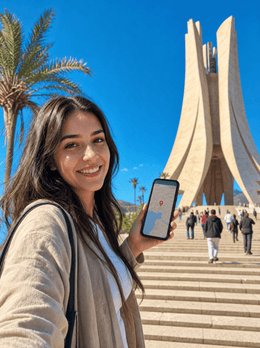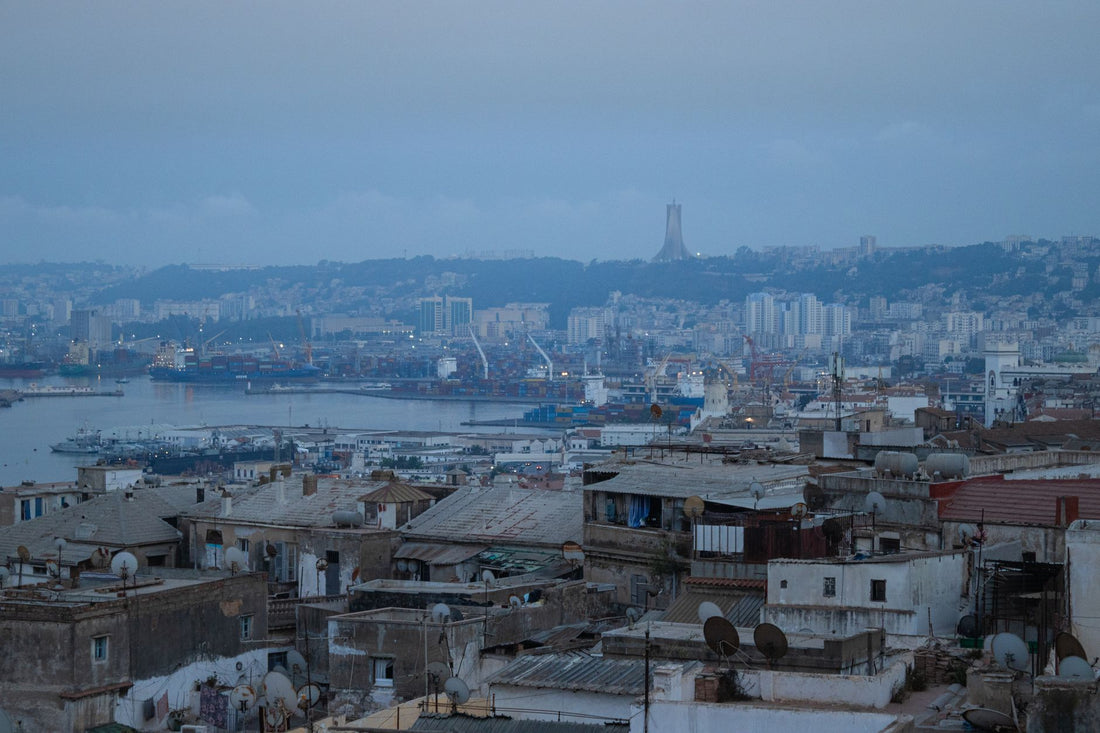
In short: an eSIM for Algeria gives you mobile data as soon as you land in Algiers, Oran, or Constantine, without a physical card or paperwork. Coverage is solid in the north and drops off in the Sahara. Outside the EU, your carrier's Algeria roaming charges can skyrocket; an eSIM gives you a fixed price from the get-go.
Does an eSIM work in Algeria?
Yes, and it works well. An eSIM connects to Algerian mobile networks via a data roaming agreement, exactly as your Spanish carrier's line would, but without you having to change your physical card or phone number. You install the profile via Wi-Fi before leaving home, land at Houari Boumediène Airport in Algiers, activate roaming in Settings, and you'll have 4G to get around the capital.
Algeria combines the Kasbah of Algiers, the Roman ruins of Timgad, and the largest Sahara Desert in Africa, so it's a trip that calls for maps, a translator, and plenty of photography. The classic alternative—buying an Algerian prepaid SIM—requires finding a store, showing your passport, and sometimes waiting for the line to be activated. With an eSIM, you skip that process: the profile is ready before you even pack your bags.
If this is the first time you've heard of this technology, you should first understand what exactly a virtual eSIM is and how it differs from a traditional physical card. Once you're clear on that, your eSIM plan for Algeria can be installed in a couple of minutes and will be waiting for you to activate it upon arrival.

Coverage by zone: coast, cities, and Sahara
Algeria is a huge country—the largest in Africa—and that significantly affects coverage. Moving along the Mediterranean strip is not the same as venturing into the Sahara, so it's advisable to plan each leg of the trip differently.
North: Mediterranean coast and major cities
This is where the vast majority of the population lives, and it shows: 4G coverage is solid and stable. In Algiers (the capital), Oran, Constantine, and Annaba, you'll have plenty of signal for maps, messaging, social media, and video calls. This is the area where most tourism is concentrated, so if your trip stays in the north, connectivity will not be an issue at any point.
South: the Algerian Sahara
Things change as you go down into the desert. In inhabited areas like Tamanrasset or Djanet, and on the main roads connecting them, coverage exists and works reasonably well. But among dunes, on remote tracks, and on deeper excursions into the open desert, it's completely normal to lose all signal for hours.
Tip for the Sahara: download offline maps and save points of interest before leaving the last city with coverage. Even if the eSIM works perfectly in Tamanrasset or Djanet, the open desert has areas without signal due to pure geography, and no card—physical or virtual—will change that.
If your route combines northern cities with some desert incursions, think of connectivity as something you'll have most of the trip, with unavoidable breaks in the most remote areas. This is not an eSIM failure: it's the orography of the Sahara itself.
Local mobile operators
Algeria has three major mobile phone operators, and your eSIM relies on their networks depending on the area and the current roaming agreement. Knowing them helps to understand why coverage is so uneven between the north and south of the country:
| Operator | Coverage Notes |
|---|---|
| Djezzy | Extensive network in the north and major cities; one of the most used in the country |
| Mobilis (Algérie Télécom) | Public operator with good national presence, including part of the south |
| Ooredoo | Strong 4G in urban centers and coastal areas |
The good thing about a travel eSIM is that you don't have to choose an operator or compare local prepaid rates in a language you probably don't master. The plan is already set up to connect to the best available network wherever you are at any given moment. You only worry about two things: how many GB you need and how many days you'll be there.

How many GB you need for Algeria
It depends mostly on your travel style, not so much on the country itself. If you move along the coast and cities using maps, a translator, and some social media, consumption is moderate and predictable. If you upload a lot of photos and videos, make long video calls, or share the connection with another device via hotspot, consumption increases much faster than people usually estimate.
| Duration | Light usage (maps + chat) | Medium usage (social media + photos) | Intense usage (video + hotspot) |
|---|---|---|---|
| 4-5 days | 3 GB | 5 GB | 8 GB |
| 1 week | 5 GB | 8 GB | 12 GB |
| 2 weeks | 8 GB | 12 GB | 20 GB |
One detail that almost no one takes into account when calculating their GBs: since you won't have constant coverage in the Sahara, you'll spend much less there than the table suggests. The bulk of your real consumption occurs in the northern cities, not in the desert, no matter how many photos the desert generates.
To stretch your data in cities, it's advisable to apply some tricks to save data with your eSIM on your trips: download offline maps before leaving the hotel, lower the video playback quality when you're off Wi-Fi, and only allow apps to update when connected to Wi-Fi at night.
How to activate your eSIM upon landing
The order matters, so follow these steps in this exact order to avoid confusion:
Install the profile with Wi-Fi before leaving Spain, at home or at the departure airport. Installation literally takes one minute: you scan the QR code or tap install, and the profile is saved on your phone without being activated yet. Save data activation for when you land in Algiers.
Upon arrival at Algiers airport, follow these steps:
- Deactivate airplane mode as soon as the plane lands.
- Go to Settings → Mobile data and select the line corresponding to the eSIM.
- Activate data roaming specifically on that line.
- Wait one or two minutes for the phone to connect to a local network.
If you need the step-by-step process with screenshots, you can find the complete guide on how to install an eSIM before traveling. One detail often forgotten: also deactivate the data on your usual Spanish line, so that your usual carrier's expensive roaming doesn't kick in while the eSIM does its job in the background. And if you're not entirely clear on what technically means activating roaming, we explain it calmly in what data roaming is.
Roaming in Algeria: why it's expensive and how to avoid it
Here's the question most people ask before a trip to Algeria: is it worth using my usual carrier's Algeria roaming, or should I look for something else? The short answer is that Algeria is outside the European Union, so the "roam like at home" rule that you have within the EU does not apply. Outside the EU, each Spanish carrier sets its own international roaming rates, and in countries like Algeria, these rates are usually much higher than what you pay within Europe, especially if you haven't contracted a specific roaming bundle: without a bundle, the cost can skyrocket in a matter of hours.
The eSIM turns that uncertainty around: you pay a fixed price for your GBs before leaving home and you know exactly how much you're going to spend on connectivity throughout your trip, with no surprises on your bill when you return. You can compare the two options in detail in eSIM versus traditional roaming to fully understand the underlying differences. For Algeria specifically, being outside the EU and with international roaming operating under each carrier's own rates, the eSIM is usually the most predictable and hassle-free option.
Common mistakes and what almost no one tells you
There are a few recurring mistakes, and some tricks that rarely appear in general guides.
Activating the eSIM too soon
A very common mistake is to activate data roaming as soon as the profile is installed, while still in Spain. This can consume part of your allowance even before you board the plane, or generate charges if your own carrier detects activity on a new line. Install at home, but only activate upon landing.
Not checking which device carries the hotspot
If you're going to share the connection with more people in the group via hotspot, that consumption increases much faster than expected, especially if someone has autoplay videos on social media. Before sharing, calculate GB per person and not just per device.
Ignoring privacy on open Wi-Fi networks
This is something almost no one mentions: in tourist areas of Algiers or Oran, it's common to find open Wi-Fi in cafes and hotels, and connecting there without protection exposes your banking data or sensitive app information. If you're going to use public Wi-Fi as a complement to your eSIM, take a look at why it's advisable to use a VPN in addition to an eSIM when traveling, especially if you're going to do banking transactions from your mobile.
Not checking phone compatibility before buying
Not all phones, especially older or entry-level models, support eSIMs. Checking takes thirty seconds in your phone's settings, and avoids the disappointment of discovering it at Algiers airport, with your luggage checked in and no room for maneuver.
Assuming the desert will have the same signal as the city
We've already mentioned this, but it bears repeating because it's a common cause of frustration in this destination: Sahara coverage is not comparable to Algiers. Plan any desert leg assuming you might not have data for hours, and prepare anything you need for navigation offline.
Frequently asked questions
Is Algeria roaming with my Spanish carrier better, or an eSIM?
For most trips, an eSIM comes out on top. Algeria is outside the European Union, so your carrier's international roaming operates with its own rates that can quickly become expensive without a contracted bundle. An eSIM gives you a fixed price before leaving home, with no surprises on your bill.
Do I need my passport to use an eSIM in Algeria?
No. A travel eSIM comes pre-registered and ready to use, saving you the passport process required for local Algerian prepaid SIMs in physical stores. You install the profile before traveling, activate data roaming upon landing, and browse without paperwork or queues.
Is there coverage in the Sahara Desert?
In inhabited areas like Tamanrasset or Djanet, and on the main roads connecting them, there is reasonable coverage. In the open desert, among dunes and on remote tracks, the signal is intermittent or directly nonexistent due to the terrain's geography. Download offline maps and don't rely on your mobile for navigation outside of towns.
Can I use WhatsApp with an eSIM in Algeria?
Yes, without a problem. An eSIM gives you mobile data, and with data, WhatsApp, Telegram, and video calls work normally in all areas with coverage. Keep in mind that a data-only eSIM does not include a local Algerian number for traditional phone network calls; to talk, always use messaging apps with an internet connection.
How many GB do I need for a week in Algeria?
For average use of maps, messaging, and social media, about 8 GB will comfortably cover a week split between the coast and northern cities. If you upload a lot of videos or share the connection via hotspot with more people, aim for 12 GB. Since you won't have constant signal in the desert, you'll end up spending less than expected there.
Does an eSIM work in Oran and Constantine the same as in Algiers?
Yes. The major cities in northern Algeria—Algiers, Oran, Constantine, and Annaba—have good 4G coverage, and your eSIM relies on the local operators' networks depending on where you are at any given time. Throughout the coastal and urban strip, where most of the country's population lives, you'll browse smoothly.
What happens if I run out of GBs halfway through my trip?
You can purchase another eSIM plan before your data runs out or whenever you need it, as long as you have Wi-Fi available to download it, or if your plan is already active, you can simply extend it from the app. That's why it's advisable to calculate GBs with some margin from the beginning, especially if your route includes long road trips where you won't be able to easily stop to find Wi-Fi.
Conclusion
Algeria combines the Mediterranean Sea, Roman ruins, and the most impressive Sahara in the continent, and it deserves to be explored with stable internet in the northern cities and offline maps ready for the desert. Being outside the European Union, your usual carrier's Algeria roaming works against you in terms of price and predictability, while an eSIM gives you data from the moment you land, without paperwork or surprises on your bill. If after Algeria your route continues to another country, also take a look at the eSIM for Europe before leaving, so you arrive connected at each stage of your trip. Prepare your eSIM for Algeria before you fly and land in Algiers already connected, without searching for stores or queuing.