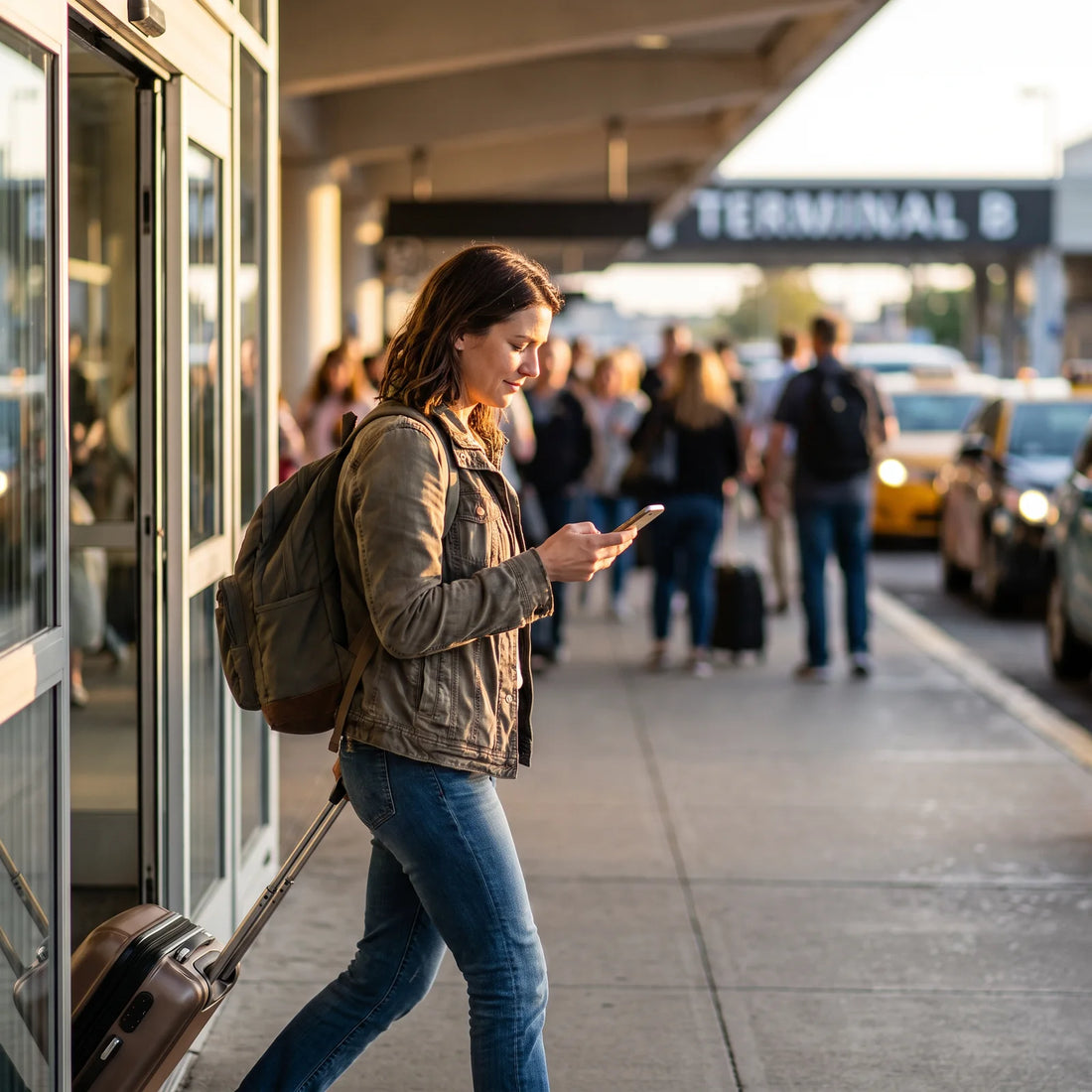
How to activate Tigo roaming on your cell phone, step by step
To activate roaming with Tigo, go to Settings > Mobile Data (Android) or Settings > Mobile Data > Options > Data Roaming (iPhone) and enable the data roaming option. This tells your phone to use networks in other countries when you leave your own. Do this before traveling, not at the airport.
The logical order to solve it quickly is as follows:
- Check the operating system setting. On Android, it's usually in Settings > Network & Internet > SIM cards > Roaming. On iPhone: Settings > Mobile Data > Mobile Data Options > Data Roaming. Activate it.
- Confirm that your Tigo plan includes international roaming. Many prepaid plans include it by default for calls and SMS, but data roaming usually requires an additional package from the Mi Tigo app or customer service.
- Activate or contract the roaming package from the app or your country's portal if your plan doesn't include it by default; the name and process change depending on the country where you contracted the line.
- Restart your cell phone after activating roaming. This is the step most people skip, and it's often exactly what's needed when the setting "activated" but the phone still isn't searching for a network.
- Verify network selection. If there's no signal when you arrive, go to Settings > Mobile Network > Network Selection, change from "Automatic" to manual, choose the available local operator, and then switch back to "Automatic."
If after these five steps roaming still isn't working, it's not a problem with your cell phone: it's an account or coverage issue with Tigo, and we'll address it in what to do if Tigo won't let you activate roaming.
How to know if roaming is activated on your Tigo
There are two distinct types of roaming: the one your cell phone activates (a system switch) and the one your account with Tigo activates (a permission or package). You can have the first one on and the second one off, and the result is the same: no browsing.
To check your cell phone, go to Settings > Mobile Data and confirm that "Roaming" or "Data Roaming" is enabled. To check your account, the most reliable way is the Mi Tigo app or your country's web portal: it usually shows if your plan includes roaming or if you need to activate it manually. If you can't find that option, contacting Tigo through their official channels is more reliable than guessing, because conditions vary depending on the country where you contracted the line and the type of plan.
Another practical way to check: as soon as you land, put your cell phone in airplane mode for a moment and then reactivate it. If the signal icon appears with the name of a foreign operator (not "Tigo"), data roaming is working at the network level; if the mobile data icon does not activate even if there is a voice signal, the problem is usually with the data package, not the signal. Before leaving, it's also advisable to check that your cell phone is compatible with the bands of the destination country, because a blocked or very old model may show voice signal but not data even if roaming is correctly configured.
What is roaming and why does it sometimes activate by itself
Roaming is the commercial agreement between your home operator (Tigo) and an operator in the country where you are, which allows your line to use the second operator's network while still being billed by the first. It's not magic or automatic in the sense of "free": it's an agreement between companies that activates when your cell phone detects that there's no Tigo network available.
That's why it sometimes "activates by itself": the cell phone constantly searches for the best available signal, and if the roaming switch is on, as soon as you cross the border it automatically connects to the first compatible network it finds, without asking for confirmation. This is the mechanism behind higher-than-expected roaming bills: the cell phone doesn't distinguish between "I'm intentionally using roaming" and "it was left on from the previous trip."
Roaming is not a service that your operator "turns on" when you cross a border: it's a switch that you left on (or off) on your cell phone, and an authorization that your operator gave you (or not) on your account. When something goes wrong, it's almost always one of these two, not "roaming in general."
Understanding this helps with quick diagnosis: if the problem is with the switch, it's resolved in seconds; if it's with account permission, it depends on Tigo and your plan.
Which countries does Tigo roaming cover
Tigo's roaming coverage is not a fixed list: it changes depending on the country where you contracted your line, the type of plan, and the current agreements with local operators in each destination, and these agreements are updated frequently. The reliable way to know is to check the roaming section in the Mi Tigo app or your country's portal before traveling, rather than assuming based on other travelers' experiences.
What you can anticipate, however, are the questions to answer before you leave:
| Question you should resolve before traveling | Where to find the answer |
|---|---|
| Is my destination among the countries with roaming enabled for my plan? | Mi Tigo App or web portal > Roaming section, filtering by your line |
| Do I need to contract an additional package or is it already included? | Details of your current plan within the app, "International" or "Roaming" section |
| Does the package cover data, or only calls and SMS? | Terms of the specific package before purchasing, not just the commercial name |
| What happens if my destination does not have Tigo roaming coverage? | You need an independent connectivity alternative, such as an international eSIM |
If your destination is not covered, or the package offers very limited data, the simplest solution is not to rely on roaming and use an eSIM that activates its own coverage in the destination, without going through the agreement between Tigo and a third party.

You activated roaming but have no signal: what to check
If you've followed the steps in section one and the data icon still doesn't appear, the problem almost always falls into one of these causes:
| Symptom | Probable cause | What to do |
|---|---|---|
| There is voice signal but no data | The contracted roaming package does not include data, only calls/SMS | Check the package details in the Mi Tigo app |
| No signal of any kind | Tigo does not have a roaming agreement with any operator in that country, or the SIM is blocked for roaming | Confirm destination coverage in the app before assuming it's a phone issue |
| Intermittent signal, drops and comes back | The cell phone remains "stuck" to a weak network instead of switching to the best available | Change network selection from automatic to manual and back to automatic |
| Everything indicates it's active but it doesn't browse | The Access Point Name (APN) for roaming is not configured | Check in Settings > Mobile Network > APN that there is a data roaming profile |
A detail almost no one checks: many cell phones save a different APN profile for roaming than they use in their home country, and if that profile was deleted (by a factory reset, for example) roaming "activates" in the operating system but the phone doesn't know which network to connect to. If none of the above works, it's the first place worth looking before contacting support.
How much Tigo charges for roaming and how to avoid bill surprises
PuraSIM does not sell Tigo plans, so we cannot give you an exact cost: international package prices vary by country, plan, and over time, and publishing an outdated figure here would be more confusing than helpful. The correct approach is to check the package cost directly in the Mi Tigo app or your country's portal before contracting it, and confirm if it is charged daily, per megabyte outside the package, or with a cap.
What you can control without depending on that cost:
- Activate data roaming only when you have confirmed the package cost, not before.
- Disable automatic app updates and cloud backups while roaming: these consume the most data without you noticing.
- Check if your plan has consumption alerts or a configurable spending limit from the app.
The most common cause of a higher-than-expected roaming bill is not the price of the package itself, but leaving data roaming activated from a previous trip and the phone automatically connecting when crossing the next border without you having intentionally decided to.
Automatic roaming vs. data eSIM: key differences
Tigo's automatic roaming and a data eSIM solve the same problem in different ways. One depends on the agreement between your home operator and a local one; the other connects you directly to a network in the destination country.
| Aspect | Tigo automatic roaming | International data eSIM |
|---|---|---|
| Depends on | Agreement between Tigo and an operator in the destination country | eSIM provider's own coverage in that destination |
| Activation | Cell phone setting + Tigo account package or permission | Scan a QR code or install with a link, without changing physical SIM |
| Coverage per destination | Varies depending on the country where the line was contracted | Can cover more than 200 destinations with the same provider |
| Your original number and line | Maintained: you continue to receive calls and SMS with your Tigo number | Also maintained if you use the eSIM only for data, in a second profile |
| Support if something goes wrong | Tigo customer service channels in your home country | Depends on the provider; in PuraSIM's case, 24/7 by email and WhatsApp |
The practical difference: with Tigo roaming, if your destination doesn't have a good coverage agreement, there's little you can do except wait or buy a local SIM upon arrival. With a data eSIM, coverage is already resolved before you travel.
If you're already traveling: how to activate roaming from abroad
If you arrived and roaming was not activated, you can still resolve it from there:
- Connect to the Wi-Fi of the hotel, airport, or wherever you are.
- Open the Mi Tigo app or your country's web portal; both work via Wi-Fi without cell signal.
- Activate the roaming package or confirm that your plan already includes it.
- Go to your phone's Settings and turn on data roaming if you haven't already.
- Wait a few minutes: activation from abroad may take longer than from your home country.
If you don't have Wi-Fi when you need it (something very common right after getting off the plane), that's when it's good to have an alternative installed beforehand: an eSIM you installed before traveling activates itself upon arrival, without relying on Wi-Fi to fix roaming first.

What to do if Tigo won't let you activate roaming
There are three common reasons why roaming won't activate even if you do everything correctly:
- Your plan does not include international roaming and you need to contract a specific package; the cell phone setting is useless if the account doesn't authorize it.
- Your destination does not have an operator with a current roaming agreement with Tigo, something that happens even with nearby countries if the commercial agreement is not active at that moment.
- The line has some account restriction (pending debt, credit limit, new line without history) that blocks additional services like roaming until resolved.
In any of these cases, the problem is not with your cell phone, but with something that only Tigo can resolve from their end (or that they simply won't resolve, if your destination doesn't have coverage). If roaming is not viable for your trip, checking the common problems when using an eSIM saves you time: a data eSIM solves connectivity without going through any of those three restrictions.
When to use an eSIM instead of Tigo roaming
Tigo roaming makes sense when you need to keep your same number for calls and SMS, your destination has good confirmed coverage, and you use a low volume of data. For this, you only need to follow the steps in section one.
A data eSIM is more convenient when any of these cases occur:
- Your destination does not have confirmed Tigo roaming coverage, or the available package is very limited in data.
- You are going to travel through several countries on the same trip and do not want to depend on different agreements in each one.
- Your data usage (browsing, maps, remote work) is high and you want to avoid consumption surprises.
- You prefer to have connectivity resolved before leaving, without relying on Wi-Fi to activate it upon arrival.
In these cases, an international eSIM with coverage in more than 200 destinations and activation in approximately 1 minute solves the same problem as roaming, without going through the agreement between Tigo and a local operator. If something goes wrong, having 24/7 support in all languages by email and WhatsApp helps more than relying solely on the customer service of your home operator in a different time zone. You can buy it up to 180 days in advance and activate it the day you need it.
If you compared this same thing with another operator before deciding, the logic is the same: check our guide on how to activate roaming with WOM to see that the pattern repeats regardless of the operator.
Frequently Asked Questions
How do I activate international roaming on my cell phone?
Go to Settings > Mobile Data and activate "Roaming" or "Data Roaming." In addition to the cell phone setting, your operator must authorize roaming on your account; if the switch is on but the account doesn't allow it, you won't have data signal.
How do I know if my roaming is activated on Tigo?
Check your cell phone settings (Settings > Mobile Data > Roaming) and, separately, the Mi Tigo app or your country's portal, where it shows if your plan includes roaming or if you need to activate an additional package. Both must be enabled.
What is roaming and why does it activate by itself?
Roaming is the agreement between your home operator and one in the country where you are, which allows you to use that local network while still being billed by your operator. It "activates by itself" because the cell phone searches for the best available signal; if the switch was left on from a previous trip, it connects without you deciding at that moment.
Which countries does Tigo roaming cover?
There is no fixed list: it depends on the country where you contracted your line, your plan, and the current agreements with local operators in each destination, which change over time. Confirm coverage for your specific destination in the Mi Tigo app or web portal before traveling.
Does Tigo roaming let me use my same number abroad?
Yes: that's the advantage of roaming over changing SIMs. You keep your Tigo number for calls and SMS while you're away, as long as your plan has roaming enabled and the destination has coverage.
Why does my phone show roaming activated but I don't have internet?
The most common causes: the contracted package includes calls and SMS but not data, the phone got "stuck" to a weak network, or the APN profile for roaming needs to be configured. Check each one in order before assuming it's a coverage problem.
Can I activate Tigo roaming once I'm already in another country?
Yes, as long as you have Wi-Fi available to access the Mi Tigo app or web portal and activate the package or confirm your plan. Activation from abroad may take a little longer than if you do it before leaving your country.
What's the difference between Tigo roaming and a data eSIM?
Roaming depends on an agreement between Tigo and a local operator at the destination; a data eSIM connects you directly to a network in that country, without depending on that agreement. The eSIM does not require changing physical chips: it is installed by scanning a QR code before traveling.
In summary
If your Tigo roaming isn't working, check in this order: the roaming data switch on your phone, the roaming permission or package in your account, network selection (manual and back to automatic), and finally, the APN profile. Most cases are resolved in the first two steps.
If the problem is still that your destination doesn't have good roaming coverage with Tigo, or the package leaves you short on data, the next step isn't to keep fighting with the operator's settings: it's to have connectivity that doesn't depend on that agreement. An international eSIM with coverage in more than 200 destinations, activation in approximately 1 minute, and 24/7 support in all languages via email and WhatsApp solves what roaming sometimes can't: guaranteed connectivity before you even get on the plane.