If you searched for "free eSIM Telcel," you likely have one of two questions: you want to convert your physical SIM to digital format without extra cost, or you want to use mobile data in another country without incurring a huge roaming bill. These are two distinct questions, and we'll separate them for you here, without technical jargon.
What is a "free Telcel eSIM" really?
A free Telcel eSIM is, in practice, changing your physical SIM to the same number and the same plan but in digital format: the conversion process normally doesn't have an additional cost, although the data, minutes, and SMS you consume are still charged the same as before.
This confusion is very common because the word "free" in the search result refers to the process, not the service. Your line, your balance, or your monthly plan continue to work exactly the same as with the plastic SIM. If you first want to understand what an eSIM technically is before deciding if it's right for you, you can check out what an eSIM is and how it works.
That said, there's a second group of people who come to this search with a different need: they don't want to change their SIM in Mexico, they want to use the internet when traveling to another country without paying roaming. We address that need further below, because there is a practical solution for it.
How to get a free Telcel eSIM?
If what you're looking for is to convert your current physical SIM into an eSIM within your Telcel account, the typical process for most operators (including Telcel) follows these general steps:
- Confirm that your phone is eSIM compatible (we'll review this in the compatibility section below).
- Log in to your account from the official operator app or go to a customer service center with your ID and line number.
- Request the change from physical SIM to eSIM. The system generates a QR code or a manual activation code.
- Scan that code from your phone's network settings, in the mobile plans or eSIM section.
- Wait for the line to activate on the new digital profile; normally the previous physical SIM stops working at that moment.
The step most people forget is to do it while connected to stable Wi-Fi: if the signal cuts out halfway through the profile installation, you might temporarily lose service until you repeat the process. If you prefer specific step-by-step instructions for this operator, we have a dedicated guide on how to activate a Telcel eSIM online.
How much does an eSIM cost at Telcel?
The process of converting your physical SIM to an eSIM within your same account is usually done at no additional cost with most operators, because technically it's not a new product: it's the same service in a different format. What does continue to cost is your monthly plan or prepaid balance, exactly the same as before the change.
Since policies and promotions can change over time, the most reliable way to confirm the current cost is to check directly in the official app or at a customer service center before processing the change, instead of relying on a figure you see in a blog. That figure can become outdated from one month to the next.
Installation is free, not the data: that nuance is what prevents surprises on the bill.
How to activate a free Telcel SIM?
If you already have the QR code or the manual activation code, eSIM installation follows this order on most modern phones:
- Go to Settings > Mobile data (or Mobile network, depending on the model).
- Select "Add eSIM" or "Add data plan."
- Scan the QR code with the camera, or enter the manual code if you don't have another phone to scan.
- Give the line a name to identify it (for example, "Personal" or "Work") if you will have more than one active profile.
- Confirm which line you will use for calls, SMS, and mobile data by default.
That last step—choosing which line uses data by default—is more important than it seems, and we'll revisit it in the travel example later, because that's exactly where many people end up paying for roaming without realizing it. If you want the general installation process, regardless of the operator, you'll find the complete step-by-step guide below.

How to get a free eSIM for travel?
This is where it pays to be honest: there is no genuinely free eSIM with mobile data for travel. The data you use always has a cost for someone—your local operator, the operator of the country you visit, or an international provider—and that cost, sooner or later, is passed on to you. What does exist, and is often confused, is the free installation of the eSIM (the process, the QR, the digital profile), which is separate from the data plan you decide to purchase.
That said, there are two real paths when you travel:
- Activate international roaming on your Telcel line: you keep your same number, but the cost per megabyte outside of Mexico is usually higher than contracting data locally.
- Install a separate international travel eSIM: this is an independent data profile, designed only for internet at your destination, which coexists with your Telcel line on the same phone without replacing it.
We review in more detail what suits you best depending on the case in our guide on what to really expect from a "free eSIM", and in the full comparison of travel eSIM vs. traditional roaming.
Difference between Telcel's eSIM and an international travel eSIM
Although both are called "eSIM," they serve different functions and do not compete with each other, but rather complement each other when you travel:
The Telcel eSIM is your usual line: it has your cell phone number, your contacts find you there, and in Mexico it works the same as your previous physical SIM. Outside the country, that same line only has internet if you activate international roaming, which depends on the coverage and commercial agreements Telcel has with the local operator at your destination.
An international travel eSIM, on the other hand, does not come with a phone number and does not replace your line: it is a data profile that you install in addition to your Telcel line, specific to the country or region you are going to visit. Your phone will have two active lines at the same time: Telcel for calls and SMS as always, and the travel eSIM for browsing with local data at your destination. It's the same logic as a physical SIM you would buy upon arrival at the airport, but installed before boarding the plane and without having to find a physical store upon landing.
Real example: using an eSIM on a trip without paying roaming fees
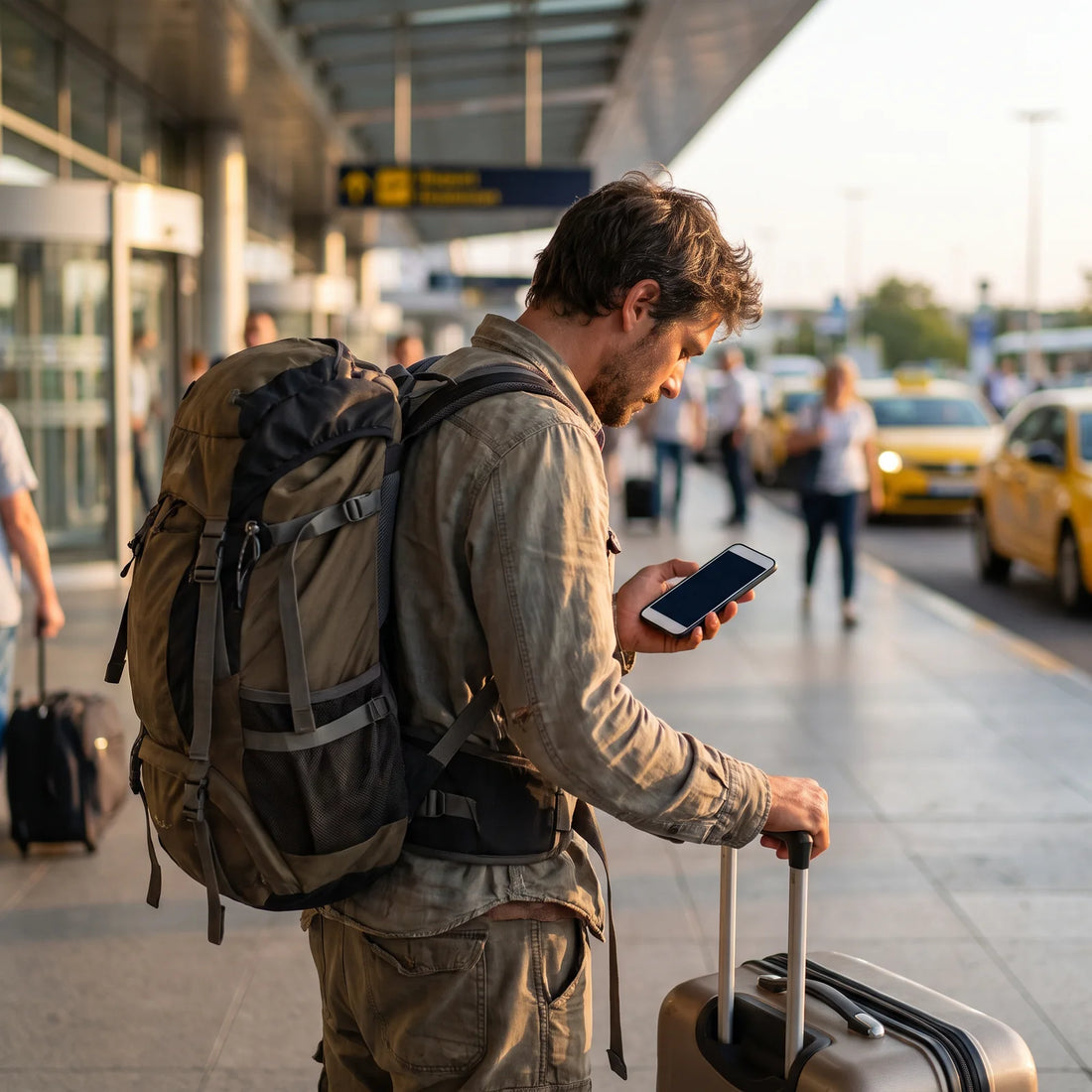
Imagine you live in Guadalajara and are traveling to Bogotá for five days for work. Before leaving, from your cell phone with Wi-Fi at home, you purchase and install a data eSIM for Colombia. The entire process—buying, receiving the QR code, and having it installed and ready to use as soon as you land—takes about 1 minute to set up, although the final connection depends on the coverage of your location.
During the flight, your phone will have two lines: Telcel (to receive calls and SMS if you activate basic roaming or simply leave them on standby) and the Colombia eSIM (for internet). Upon landing, you activate airplane mode and then deactivate it, or simply click on the new eSIM from the network settings.
Here's the detail almost no one checks, which avoids the most common scare: many dual-SIM phones continue to use the Telcel eSIM as the default "data line" even if you've installed the new travel eSIM. So, if you don't manually change which line uses mobile data, the phone might try to use Telcel to browse abroad—with active roaming—instead of your newly installed local eSIM. It's advisable to go into Settings and confirm which line is marked as "default mobile data" before starting to use the internet at your destination.
This same type of international eSIM covers more than 200 destinations, has 24/7 support in all languages via email and WhatsApp in case something doesn't connect, and once you purchase it, you have 180 days to activate it, so you can have it ready weeks in advance without it expiring before your trip.
Is your phone compatible with eSIM?
Not all cell phones support eSIM, and some models have it locked depending on the region where they were sold. Before attempting any process, it's advisable to check which group your device falls into.
| Brand | Generally compatible models | Note |
|---|---|---|
| Apple | iPhone XS/XR onwards | Some iPhones sold in the United States no longer have a physical slot. |
| Samsung | Galaxy S20 onwards, Z Fold/Flip series | Check settings: not all regional versions have it activated. |
| Pixel 3 onwards | Broad compatibility since its launch. | |
| Motorola, Xiaomi, and others | Varies by model and region | Check the exact model specifications before purchasing. |
If you have doubts about your specific model, the fastest way to confirm is to check your network settings for the "Add eSIM" option. You can also consult the detailed list in eSIM compatible phones.

Comparison table: the three options when you travel
To decide what suits you best for your next trip, here is a practical comparison of the three existing alternatives:
| Option | Keeps your Telcel number | Cost of data abroad | Need to buy before traveling |
|---|---|---|---|
| Telcel eSIM (your normal line) | Yes | Depends on international roaming active in your plan | No, you already have it |
| Local physical SIM at destination | No for that line (becomes a separate line) | Local operator cost, but you have to find a store upon arrival | No, bought upon landing |
| International travel eSIM | Yes, coexists with your Telcel line | Fixed cost of the data plan you choose for your destination | Yes, installed before or upon arrival, with Wi-Fi |
If you need to keep receiving calls on your Mexican number and also have stable internet without having to find a physical store in a country you don't know, the international travel eSIM is the one that solves both needs at once.
Common mistakes when looking for a "free eSIM"
After reviewing the entire process, these are the most common pitfalls seen repeatedly in forums and comments on this topic:
- Confusing free activation with free data. Changing from a physical SIM to an eSIM doesn't cost anything, but your plan still charges the same.
- Not checking phone compatibility before buying any eSIM, whether local or travel.
- Trying to install the eSIM profile with mobile data instead of Wi-Fi, which often leads to errors in the middle of the process.
- Not confirming which line was set as "default mobile data" after installing a second eSIM, which can activate roaming without you realizing it.
- Saving only one eSIM without a backup of the QR code or manual code, which may be needed if you need to reinstall the profile on another phone.
If you're still undecided between a physical or digital SIM for your next trip, the comparison of eSIM versus physical SIM will help you decide with more context.
Frequently asked questions
Is it legal to use a free Telcel eSIM?
Yes. Converting your physical SIM to an eSIM within your own account is a normal procedure offered by the operator; it's not a trick or a way to avoid payments, it only changes the format of the SIM.
Do I need to buy a new SIM card to have an eSIM on Telcel?
No. The eSIM replaces the physical SIM within the same compatible phone, so there's no new part to buy, just the conversion process.
Does the Telcel eSIM work the same as a physical SIM card?
Yes, it keeps the same number, the same plan, and the same coverage; the only real change is that the profile lives inside the phone instead of on a plastic card.
Can I have two active eSIMs on the same phone?
On most compatible phones, yes, as long as the device supports dual SIM. This is exactly what allows you to use your Telcel line and a travel eSIM at the same time.
What happens if my phone is not eSIM compatible?
You simply won't be able to install any eSIM profile, neither Telcel's nor an international travel one. In that case, your only option is to continue with a physical SIM, local or purchased at your destination.
Does Telcel's eSIM work for data usage when traveling to another country?
Only if you activate international roaming on your plan, and the cost per megabyte is usually higher than contracting a specific data eSIM for your destination.
How long does it take to activate an eSIM?
It depends on the operator: the process within Telcel can take minutes or hours depending on the channel you use. An international travel eSIM, on the other hand, is usually ready to use in approximately 1 minute after profile installation.
What is the difference between "free Telcel eSIM" and an international travel eSIM?
The first is your same Mexican line in digital format, with no cost for the change but with your normal plan. The second is a separate data profile, specifically designed for browsing in another country without relying on roaming.
Conclusion and next step
If your goal was simply to switch your Telcel SIM to eSIM, you now have a clear path: confirm compatibility, complete the process through the app or at a service center, and install the profile while connected to Wi-Fi. But if what you were really looking for was to avoid roaming charges on your next trip, the solution isn't with your Telcel line, but by adding an international travel eSIM that you install before leaving and that works as soon as you land.
At PuraSIM, you can install this travel eSIM for over 200 destinations, with 24/7 support in all languages via email and WhatsApp, activation in approximately 1 minute once you arrive, and 180 days from purchase to activate it when you need it. If you want to start with the basics, first check the step-by-step installation guide and then choose your destination from the collection of international travel eSIMs.