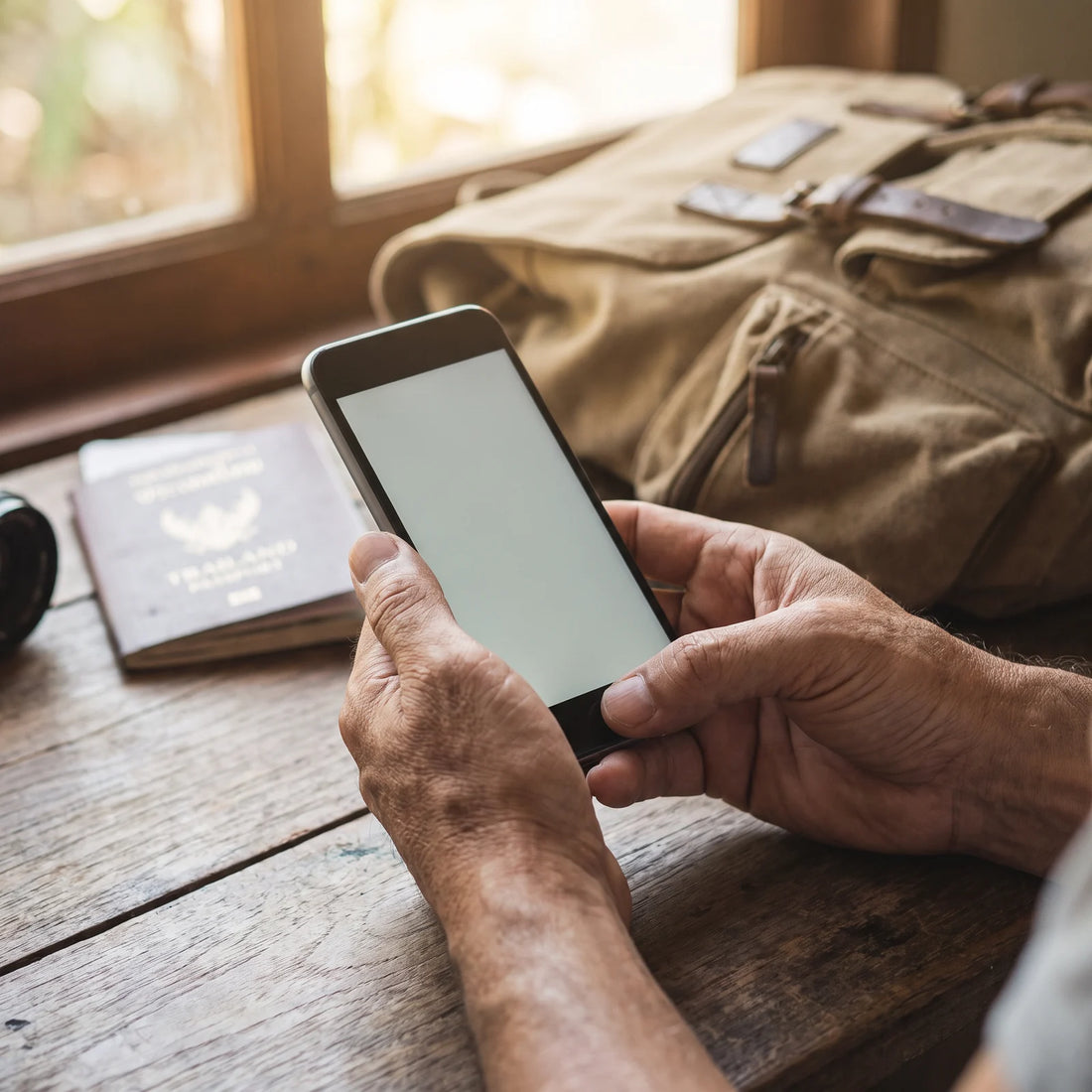
What is a LATAM eSIM like?
A LATAM eSIM is a digital cellular profile that replaces a physical SIM card: it is installed by scanning a QR code and gives you a data plan that works in several countries in the region without changing chips or looking for a local operator at each border.
It is not a new technology nor exclusive to travelers. For several years now, most mid-range and high-end cell phones have had the ability to install an eSIM in addition to (or instead of) a physical SIM. The difference when we talk about "LATAM eSIM" is the focus: instead of buying a chip designed for a single country, you contract a data profile designed to work in several destinations in the region with the same installation.
This is especially important in Latin America because itineraries rarely involve just one country. A typical trip might combine Chile with Peru and Bolivia, or Colombia with Ecuador, and on such a trip, buying a different physical SIM at each airport means queuing, showing ID, sometimes waiting hours for activations, and losing your previous number in the process. With a regional eSIM, you install it once and the data plan stays with you as you cross land borders or take internal flights, without repeating the process.
To understand the technical basis in more detail—what exactly an eSIM is and how it differs from a traditional SIM—you can review the complete explanation of what an eSIM is.
A real example: 12 days in Chile, Peru, and Colombia
To make the idea less abstract, let's follow a concrete itinerary. Ana flies from Mexico City to Santiago, Chile, spends four days there, takes an internal flight to Lima for another four days, and concludes her trip in Bogotá before returning home. This is a common itinerary for travelers who combine several countries in LATAM on the same ticket.
Before leaving Mexico, while still at home with Wi-Fi, Ana buys the regional eSIM and installs the profile on her phone. She doesn't activate it yet; she just leaves it installed. Upon landing in Santiago, she goes into her phone settings, activates the mobile data for that line, and within a minute she has signal to order a taxi, check the hotel map, and let everyone know on WhatsApp that she arrived safely. She doesn't visit any operator counter or need to show a local ID.
When she crosses into Lima four days later, she doesn't repeat anything: the same data profile remains active because it was designed to cover several countries in the region, not just Chile. The same happens when she arrives in Bogotá. Her WhatsApp number, which remains associated with her phone's physical SIM in Mexico, works throughout the trip because WhatsApp doesn't depend on which chip has active data, but on the internet connection.
An eSIM doesn't replace the local signal where you are; it replaces the queue at the counter to get it.
That is, in essence, the practical change: it's not about having "better" internet than with a local SIM, but about not losing hours of travel trying to sort out connectivity in each new country.
Regional eSIM vs. physical SIM in each country
Buying a physical chip in each destination is still a valid option, especially if you plan to stay weeks in a single country and want the local price. But when the itinerary crosses two or more countries in a few days, the practical differences quickly become apparent.
| Aspect | Regional eSIM (multiple countries) | Physical SIM in each country |
|---|---|---|
| Process upon arrival | None: installed before travel | Purchase, sometimes with ID, in each country |
| Chip changes during the trip | Zero, even if crossing several borders | One per country (and keep the previous SIM) |
| Risk of arriving without signal | Low: profile is already installed beforehand | Depends on finding an open point of sale |
| Your original number | Remains on the physical SIM, untouched | Remains the same, but no data while using the local one |
| Best for | Multi-country itineraries or short trips | Long stays in a single country |
If you want to delve deeper into this comparison with more use cases, there is a dedicated guide on eSIM versus physical SIM that goes into more detail.

How to activate the LATAM eSIM?
The process is the same regardless of how many countries you visit: it's installed once and activated when you need it. In order, this is how it works:
- Purchase the eSIM before your trip, ideally a few days in advance. From the purchase date, you have 180 days to activate it, so there's no rush to install it the same day you pay for it.
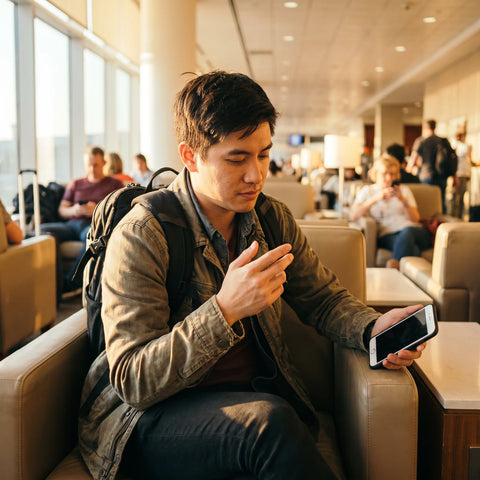
- Install the profile using Wi-Fi, not mobile data. Installing an eSIM means downloading a profile over the internet, so a connection is needed: the ideal time is at home before leaving, or on airport Wi-Fi while waiting for your flight.
- Set it as a secondary line: most phones allow you to have your physical SIM (for calls and texts from your home country) and your eSIM (for data) active at the same time, without interfering with each other.
- Activate the mobile data for that line upon landing, not before. There's no advantage to activating it while still in your home country: it only needs to be installed beforehand.
- Deactivate data roaming for your physical SIM to avoid the risk of your home operator charging you for an out-of-country connection while you use the eSIM for internet access.
This is precisely the least obvious piece of information in the entire process: since installing an eSIM profile requires internet, if you wait until you land without available Wi-Fi to do so, you won't be able to install it until you find a network. The solution is to separate the two steps—install and activate—and do the first calmly before leaving home.
If you prefer step-by-step instructions with screenshots for your specific phone model, it's available in the eSIM installation guide.
Which phones are compatible with eSIM?
Most mid-range and high-end cell phones launched in recent years support eSIM, but there are two conditions that should be checked before buying any plan: that the model has the function activated by hardware, and that the specific version you bought (depending on the country and original operator) does not have it blocked by software.
The latter surprises some travelers: a cell phone can be "unlocked" to use physical SIMs from any operator and still have eSIM use restricted, depending on how it was originally sold. The fastest way to check this is to go to the phone's network settings and look for the option to add an eSIM plan or a mobile plan; if it appears, it is compatible.
To avoid guessing model by model, there is a list ordered by brand in the eSIM compatible phones guide, which covers the most common models among travelers from Mexico, Colombia, Argentina, Chile, and Peru.
Which companies have eSIM in Chile?
Several Chilean mobile operators—including Entel, Movistar Chile, WOM, and Claro Chile—offer eSIM as an option for their customers, just as they already offer physical SIMs. The difference compared to an eSIM designed for tourists is who each one is aimed at.
| eSIM Type | Intended for | What is usually required for contracting |
|---|---|---|
| Local Chilean operator (Entel, Movistar Chile, WOM, Claro Chile) | Residents with a monthly or long-term plan | Process designed for those living in Chile; it's advisable to confirm directly with the operator what documentation they require in each case |
| Regional eSIM for travelers | Tourists entering and leaving the country in days or weeks | Only online purchase before the trip, no in-person process |
Since the contracting conditions of each local operator change over time, if your plan is to stay a long time in Chile and you prefer a Chilean number, the most reliable thing is to check the official page of the operator you are interested in directly. If, on the other hand, Chile is a stop within a broader tour of the region, a regional eSIM avoids repeating this process in each country.
Which is the best eSIM for Chile?
There isn't a single correct answer: it depends on whether Chile is your only destination or a stop on a longer trip through the region. That said, there are objective criteria that help compare any eSIM before buying it, whether from PuraSIM or another provider:
- Actual itinerary coverage: confirm that the plan covers all the countries you will visit, not just Chile, if your trip includes more than one destination.
- Time to activate from purchase: the more margin you have, the less pressure to install everything on the same day. At PuraSIM, this margin is 180 days from purchase.
- Activation speed: once you decide to use it, the process should not take more than a couple of minutes; at PuraSIM, activation takes approximately 1 minute.
- Available support if something goes wrong: check through which channels you can ask for help and in what language. PuraSIM offers 24/7 support in all languages via email and WhatsApp (there is no telephone line).
- No dependence on local procedures: if you are just passing through, avoid options that require documentation intended for residents.
If you want to compare options for your own itinerary, PuraSIM's international eSIM collection covers more than 200 destinations, including Chile and the rest of the region.

eSIM vs. roaming from your home operator
Another alternative, and probably the most commonly used without thinking, is simply to leave international roaming from your home operator activated while traveling. This is the simplest because it doesn't require installing anything new, but it has an important difference from an eSIM purchased in advance: the roaming conditions—what it includes, how it's billed, and up to what amount—are defined by your home operator and vary by destination, so it's advisable to check with your own operator before leaving rather than assuming they work the same in all countries.
With an eSIM purchased before the trip, however, you know from the moment of purchase what data plan you are contracting and for which countries it applies, without depending on the roaming conditions of your usual operator. The complete comparison between both options, with more cases depending on the type of trip, is in the guide on eSIM versus roaming.
Common problems with the eSIM in LATAM
Most of the inconveniences reported by travelers with eSIMs are not service failures, but steps in the process done in the wrong order. The most frequent are:
- Trying to install the profile without Wi-Fi or available data: as explained before, installation requires internet. If this happens, you need to find any Wi-Fi network (airport, hotel, cafe) to complete the installation.
- Not deactivating roaming on the physical SIM: if both lines have active data, the phone can switch between them and cause confusion about why "there's no signal" when in reality it's using the wrong line.
- Confusing the data line with the call line: in the phone settings, you must explicitly assign which SIM uses data and which uses calls/SMS; if not configured, the phone chooses a default that is not always the expected one.
- Buying the eSIM on the same day of the flight, without margin to calmly review the installation: with up to 180 days to activate it from the purchase, there's no reason to leave it until the last minute.
If, after checking these points, something still isn't working, there's a specific guide on common eSIM problems and how to solve them, and you can also write directly via WhatsApp or email to support, available 24/7 in all languages.
Frequently asked questions
Do I need Wi-Fi to install the eSIM?
Yes. Installing an eSIM profile means downloading it over the internet, so you need Wi-Fi or mobile data at the time of installation. That's why it's best to do it before leaving home or on the airport Wi-Fi, and not wait until you land without any available network.
Can I still use my WhatsApp number even if I install an eSIM?
Yes. WhatsApp works over the internet, not the phone line itself, so your number continues to function normally as long as you have a data connection, either via the eSIM or Wi-Fi. The physical SIM with your original number is not affected.
What if my phone is not compatible with eSIM?
If your model does not support eSIM, you will need an alternative with a local physical SIM or maintain roaming from your home operator. You can check if your model is compatible in your phone's network settings, looking for the option to add an eSIM plan.
Is the eSIM for calls and SMS, or only for data?
Travel eSIMs are primarily designed for mobile data (internet), which is what you need for maps, transportation apps, and messaging. Traditional calls and SMS are usually still made from your original physical SIM or via apps that use the internet.
How long before my trip can I buy the eSIM?
You can buy it weeks or even months in advance: you have 180 days from the purchase to activate it. This gives you time to calmly install the profile before you travel, without leaving it until the last minute.
What happens if I change countries on the fly and didn't plan for it?
If your eSIM covers several countries in the region, it will continue to work without you having to do anything additional when crossing the border. If the new destination was not included in your original plan, you can check the available coverage and, if necessary, contract another plan that does cover it.
What should I do if I have a problem with the eSIM during my trip?
You can write via WhatsApp or email; support is available 24/7 in all languages. There is no phone support, so those are the two channels to resolve any issues while you are traveling.
In summary
A LATAM eSIM makes more sense the more your trip resembles Ana's example: several countries, few days in each, and no intention of wasting travel time sorting out connectivity at each border. If, on the other hand, you plan to stay weeks in a single country, a local physical SIM or roaming from your home operator can still be reasonable options, depending on what we've already reviewed in previous comparisons.
If it's your first time using an eSIM, the best starting point is to install the profile with Wi-Fi before leaving home and leave the activation for when you land. For the complete step-by-step from scratch, there is the definitive eSIM guide for travelers, and when you want to see the available plans for your itinerary, the international eSIM collection covers more than 200 destinations, including the most visited countries in Latin America.