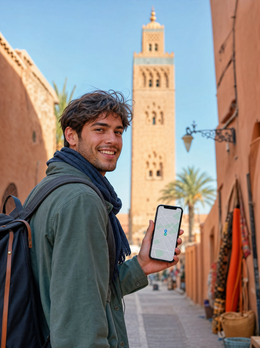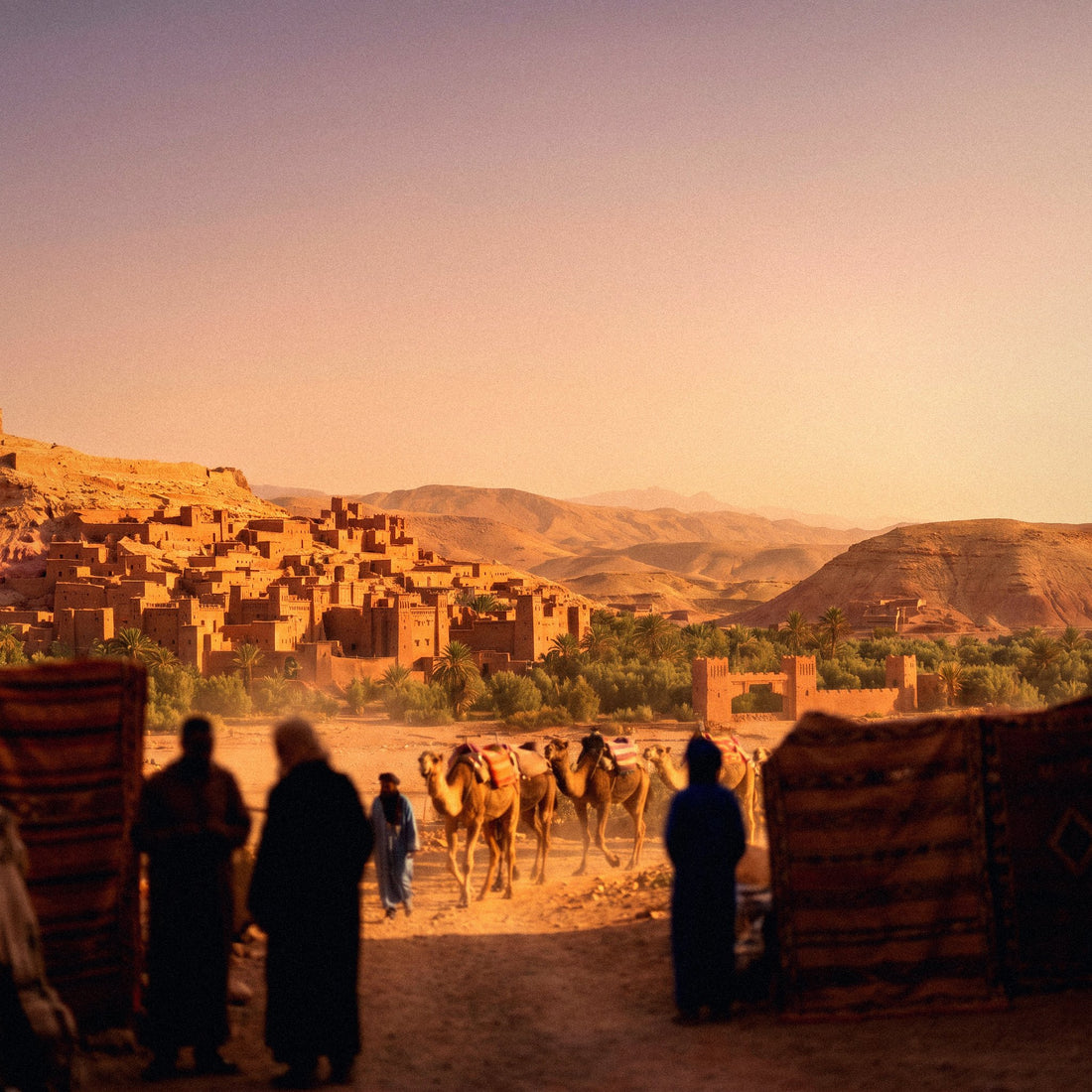

In a nutshell: a Morocco eSIM gives you internet as soon as you land in Marrakech, Casablanca, or Fes, without roaming or a local SIM. You install it in your home country with Wi-Fi, activate it upon arrival, and keep your usual number. It covers the entire country with a single data profile, from imperial cities to desert base towns.
What is an eSIM for Morocco and why do you need it?
Morocco is a stone's throw from Spain: a forty-minute ferry ride from Tarifa or Algeciras, or a short flight to Marrakech. And there's the catch. Because it's so close, many people assume their mobile plan will work the same way when they cross the Strait. This is not the case: Morocco is not part of the European Union, so you leave the free roaming zone as soon as you set foot on Moroccan soil. Your Spanish operator may still provide coverage via roaming, but outside the EU bubble, this service is charged separately and the cost skyrockets if you don't have a pre-contracted plan.
A Morocco eSIM solves this seamlessly: it's a data profile installed as a QR code, no physical card, no need to go to a store, and without touching your main line. You buy it before leaving home, install it using your home Wi-Fi, and upon landing at Marrakech Menara Airport or Casablanca Mohammed V, you activate the data and you have internet. Your Spanish number remains intact for calls and WhatsApp; the eSIM only handles data.

Operators: Maroc Telecom, Orange, and Inwi
The Moroccan mobile market is divided among three operators, and a travel eSIM relies on the network with the best coverage in each area:
- Maroc Telecom (IAM): The operator with the most extensive deployment in the country, leading in rural coverage, in the south, and on routes to the desert.
- Orange Maroc: Solid 4G in major cities and one of the most used networks by tourists.
- Inwi: Good coverage-price ratio and strong presence in major urban areas.
Buying a physical SIM from any of the three involves registering your passport at the counter, understanding top-up rates in Arabic or French, and temporarily giving up your Spanish number to receive calls. The eSIM skips all that: it comes with pre-assigned data and Spanish support. You can set up your eSIM for Morocco from your couch, before even packing your bags.
Useful fact: in the imperial cities—Marrakech, Fes, Rabat, Meknes—4G is among the best in all of North Africa. You'll browse smoothly for maps, translator, and social media, barely noticing any difference from your home country.
Real coverage: cities, coast, Atlas, and desert
Coverage in Morocco is surprisingly good if you come with the idea of a "developing country, weak signal." Along the tourist axis and in large cities, you'll have fast 4G almost all the time; on national roads connecting major routes, continuous signal with occasional brief drops; and only in the heart of the desert or remote Atlas villages does the connection truly become intermittent.
Some nuances worth knowing before you go, city by city:
- Marrakech: Powerful 4G throughout the medina, Guéliz, and the Menara area. Riads in the historic center often have weak Wi-Fi due to thick walls, so you'll rely heavily on mobile data within the accommodation.
- Fes: The medina is the largest and most labyrinthine in the country, and that's precisely where the signal is weakest: in the covered alleyways and narrow passages of the souk, coverage drops or disappears momentarily. Download an offline map of the medina before entering, because getting lost without data in Fes is a classic.
- Casablanca and Rabat: The most connected cities in the country, with stable 4G throughout the urban core and good speed even during peak hours.
- Chefchaouen: Among the Rif mountains, the signal suffers in the enclosed valleys; within the blue town, it works well, but on surrounding trails, it can cut out.
- Atlantic coast (Essaouira, Agadir): Good coverage in the urban core and quite stable along the promenade.
If your route includes the desert, assume that in the middle of the dune sea, the signal completely drops; no SIM, physical or electronic, has coverage there. In base towns like Merzouga or Zagora, there is a Maroc Telecom network, so download maps, tickets, and offline reservations before leaving the last populated area with an antenna.

How many GB do you need based on your trip?
For a typical trip to Morocco—a week split between Marrakech, the desert, and perhaps Fes—data consumption is moderate: maps, translator, WhatsApp, social media, and some photos and videos. This table guides you based on the type of getaway:
| Trip Type | Typical Usage | Estimated Data |
|---|---|---|
| 3-4 day getaway (Marrakech or Tangier) | Maps, translator, social media | 3 GB |
| 1-week trip (several cities + desert) | Daily navigation, photos, some video | 5-8 GB |
| Two weeks, full route or remote work | Intensive use, sharing connection (hotspot) | 15-20 GB |
If you have extra, even better; and if you run short, most eSIM plans allow top-ups without changing your profile. Keep in mind that many riads and hotels offer Wi-Fi, so in practice, you'll reserve a good portion of your data consumption for the street, car or van journeys, and desert excursions. If you're traveling in a group and want to share a single line via hotspot, first review the tips for saving data on a trip with an eSIM: sharing a connection multiplies consumption much faster than it seems.
eSIM vs. local SIM, roaming, and pocket Wi-Fi
To get internet in Morocco, there are four paths, and not all are equally valuable depending on the type of trip. Here we compare them without embellishment:
| Option | Setup | Your Spanish number | When it makes sense |
|---|---|---|---|
| Travel eSIM | Installed before departure, no need to visit a store | Maintained intact for calls and WhatsApp | Stays of several days or weeks, travelers who don't want to rely on accommodation Wi-Fi |
| Roaming from your operator | No setup required | Maintained, but roaming is billed outside the EU | One-day getaways or occasional emergencies; expensive if prolonged |
| Physical local SIM | Requires store visit, passport, and sometimes a queue | Lost while inserted (unless you have a dual slot) | Very long stays or temporary residency |
| Pocket Wi-Fi | Device needs to be picked up and returned, charged daily | Maintained, but depends on another device | Large groups constantly sharing a single connection |
To compare the economic aspect in more detail, you have the guide on eSIM vs. roaming, and if you're also moving through other countries on the same route, it's worth first understanding what data roaming is to know exactly what your current plan covers and what it doesn't. If you're deciding between carrying a spare physical chip or an eSIM, this comparison of international chip vs. eSIM clarifies many doubts.
How to activate your eSIM step by step
Setting up your eSIM takes a couple of minutes, and it's best to do it at home, with Wi-Fi and calmly, before checking your luggage:
- Purchase the eSIM and receive the QR code instantly via email.
- At home with Wi-Fi, go to Settings > Mobile Data > Add eSIM (on iPhone) or Settings > Connections > SIM Card Manager (on Android) and scan the QR.
- Label the new line as "Morocco" so you don't confuse it with your usual SIM.
- Leave the mobile data for that line deactivated until you land; only activate it upon arrival.
If this is your first time installing such a profile, you can find the process explained with screenshots in how to install an eSIM. And if you're planning a trip that combines Morocco with a European country before or after—very common for those crossing via southern Spain—check out the combined Europe and Morocco eSIM, which saves you from changing profiles depending on the country.
What almost no one tells you
Beyond the obvious, there are a series of details that are only learned by traveling or by calmly reading the fine print of how a dual-SIM phone works:
- Dual SIM phones choose incorrectly by default. If you carry your active physical SIM from your home country in addition to the eSIM, the phone might continue to use the home country line for data by mistake, and that's when the roaming shock happens upon return. Check in Settings that the default data line is the Morocco eSIM, not your home country's.
- The eSIM does not work in Ceuta and Melilla. These are Spanish territories, so if your route crosses the land border into these cities, your Moroccan eSIM will lose network until you return to Morocco; your normal Spanish plan will work there.
- The phone must be unlocked. If your phone came tied to a specific operator, it might not allow you to install an eSIM profile from another country. Check this before leaving to avoid last-minute surprises at the airport.
- Ramadan changes schedules, not coverage. If your trip coincides with those dates, you'll notice shops closed in the mid-afternoon and a different pace in cities, but the data network works exactly the same all year round.
- WhatsApp Business and SMS verifications still arrive on your home country number, not on the eSIM. Since the eSIM only handles data, any SMS verification code still comes through your main line completely normally.
When you DON'T need an eSIM for Morocco
Being honest is also part of helping you make a good decision. There are situations where buying an eSIM doesn't pay off:
If you're on a cruise stopover of a few hours in Tangier port with an organized excursion and guide, you probably don't need it: the ship usually has Wi-Fi, and the guide carries their own hotspot for the group. And if your home country operator already includes Morocco in a paid international flat rate (some companies offer it as an extra), compare the cost of that option against the eSIM: if you're going to consume very little data, sometimes it's more worthwhile to activate it only for those days than to buy a new plan. An eSIM makes more sense the more actual travel days you have ahead and the less you want to depend on the riad's Wi-Fi.
Frequently asked questions
How can I get internet in Morocco without paying for roaming?
The most practical way is a travel eSIM: you buy it online before leaving, activate it upon arrival, and pay a fixed price for your GBs. You avoid your operator's roaming outside the EU and don't need to buy a local SIM or register anything with your passport. If you want to compare all alternatives at a glance—pocket Wi-Fi, local SIM, roaming, and eSIM—you can find the complete overview in how to get internet in Morocco.
How much does an eSIM for Morocco cost?
It varies depending on the GB and the days you contract; check the current price on the product page before purchasing. What you can count on is that it's significantly less than several consecutive days of roaming outside the EU, and with the advantage that the price is fixed from the start, with no surprises on your bill when you return.
Does the eSIM work in the Sahara Desert?
In base towns like Merzouga or Zagora, there's coverage from local operators, but in the middle of the desert, among dunes, the signal disappears. This is normal: no SIM has good coverage there, whether physical or electronic. Download offline maps and reservations before venturing deep into the route.
Do I need an unlocked phone to use an eSIM in Morocco?
Yes. If your phone is locked to a single Spanish operator, you probably won't be able to install an eSIM profile from another network, including Morocco's. Check this with your operator before purchasing to avoid last-minute surprises at the airport with your luggage already checked in.
Can I use WhatsApp with my Spanish number while using the eSIM?
Yes, without any problem. The eSIM only handles data; your number and messaging apps remain linked to your usual main SIM. You keep your Spanish line for calls and SMS, and you use the eSIM solely for browsing the internet.
Can I share my eSIM data with another device via hotspot?
It depends on the plan you contract, but most allow it. Keep in mind that sharing a connection with another mobile, a tablet, or a laptop consumes GBs much faster, so if you plan to use the hotspot regularly, it's better to overestimate in the estimated data table.
Do I need a different eSIM for each Moroccan city?
No. A single Morocco eSIM profile works throughout the country: Marrakech, Fes, Casablanca, Rabat, Chefchaouen, or the desert. There's no need to buy one per city; the same profile gives you coverage wherever the local operator's network your eSIM works with reaches.
Conclusion
Morocco is close on the map, but outside the EU roaming bubble, and that's precisely what most people overlook when planning their trip. A Morocco eSIM solves that blind spot: remarkable 4G coverage in the imperial cities, a single profile valid for the entire country, your Spanish number intact for calls and WhatsApp, and everything ready from home even before packing your bags. Install it, activate it upon landing, and cross the Strait connected from the first step out of the plane or ferry.