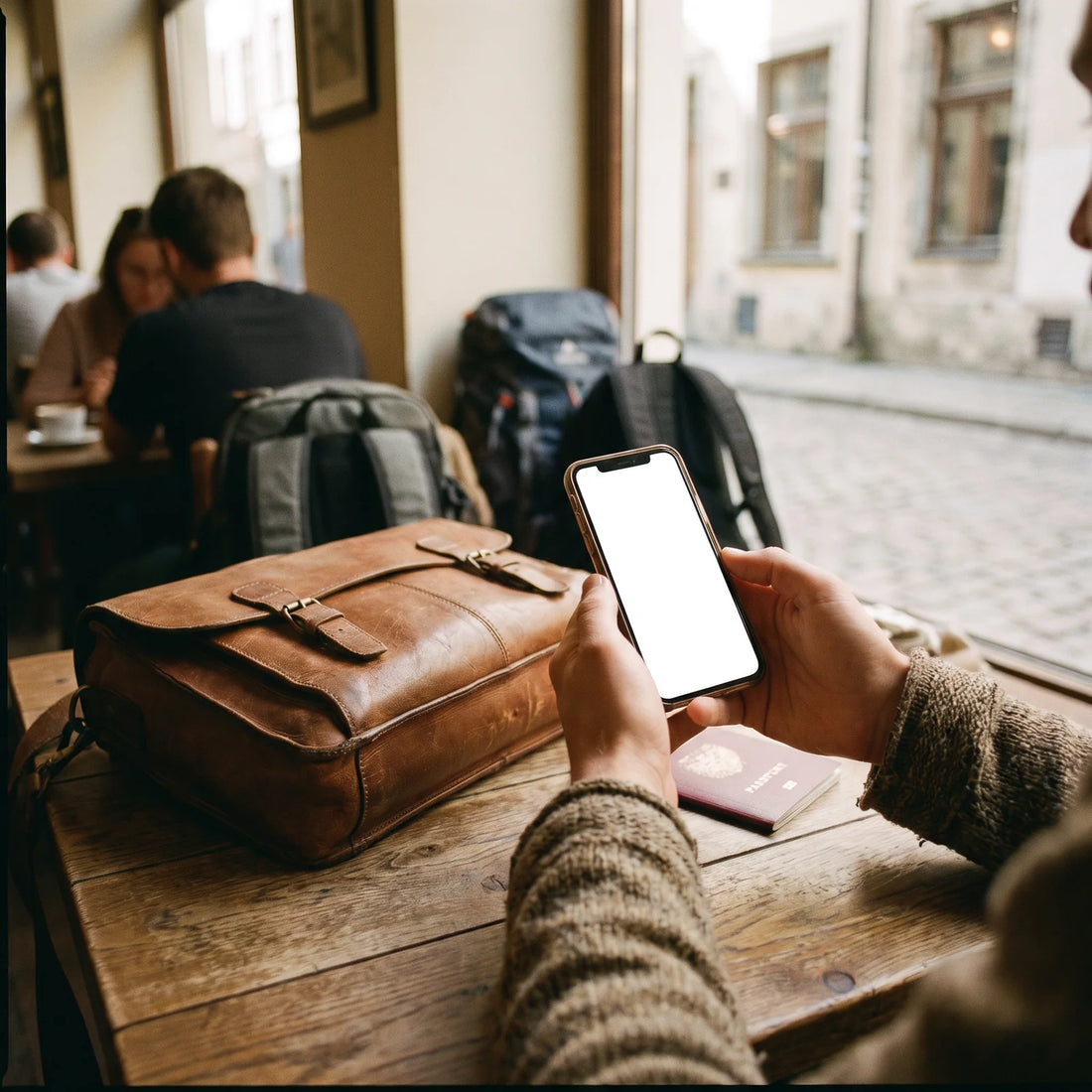
What does it mean to have an eSIM "right now" when you travel?
Having an eSIM now means activating a mobile data plan on your phone without waiting for a physical card: you download a digital profile before your trip and your phone is ready to connect to the internet at your destination as soon as you land, without hunting for a store or standing in line at the airport.
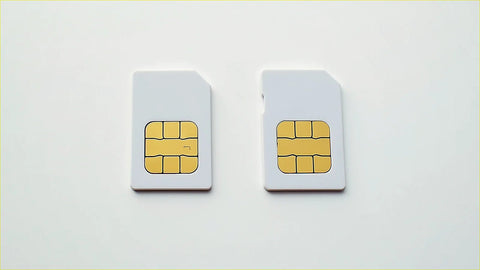
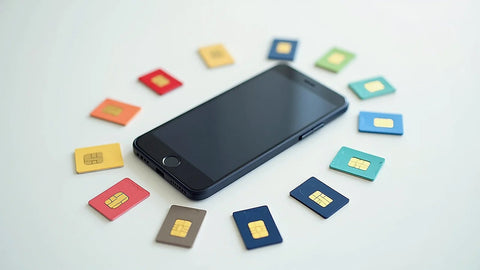
The word "eSIM" comes from embedded SIM, meaning a SIM card built into the phone itself as a programmable chip. Instead of a salesperson handing you a plastic card to insert into the phone tray, you install a file (usually by scanning a QR code) that does exactly the same job. If you've never heard of this before, it's worth reading what an eSIM is and how it works first, because the rest of this article assumes you already understand the basic idea.
What really changes with eSIM isn't the phone's radio technology — it's still the same 4G or 5G network as always — but the moment you can start using it. With a physical SIM, your data plan depends on finding a physical store that's open, has stock, and has someone who speaks your language. With an eSIM, that "find and buy in person" step disappears: you handle it before you even leave home.
How does this look on a real trip?
Imagine you live in Guadalajara and have to travel to Medellín for work, with a tight schedule starting the next morning. A few days before the flight, from your home wifi, you buy a data plan for Colombia and download the eSIM profile to your phone. That same day you install it, check that it shows up as a second line in your phone settings, and leave it there without activating it yet.
Here's the detail almost nobody explains well: installing the profile and activating the data plan are two separate steps. Installing is simply saving the line on your phone, and you can do it days or even weeks in advance as long as you have wifi. Activating is what turns on data usage, and that normally only happens when your phone connects to a network in the destination country for the first time. In other words: you can install the eSIM comfortably from home the weekend before your flight, without it using up a single day of your plan, and let the validity start only when you land in Medellín. This is useful because it keeps you from depending on the — sometimes slow or congested — wifi at the departure or arrival airport right when you need it most.
When you land, you turn on mobile data for that line, switch off airplane mode, and within about 1 minute your phone has signal to call a taxi, open the map, or let people know you arrived safely. You didn't visit any counter, you didn't stand in line, and you didn't rely on airport wifi to sort it out.
An eSIM isn't a magic plan: it's a SIM card that, instead of coming on a little plastic card, installs as a digital file. Everything else — coverage, speed, data policy — depends on the provider you choose, not on the technology itself.
That nuance matters for what comes next: choosing well isn't about "eSIM yes or no," it's about choosing which provider gives you the best coverage, the best terms, and the best support if something goes wrong.
What is the best eSIM company?
There is no single honest answer to "which is the best," because it depends on where you're traveling, for how long, and how important support is to you if something goes wrong mid-trip. What you can do is evaluate any provider —including this one— using objective criteria before you pay, rather than trusting someone who tells you "this is the best" without any context.
At a minimum, check these points before buying:
Real coverage at your destination: the country you're traveling to should appear explicitly in the provider's destination list, not just a generic "coverage in Latin America."
Activation window: how much time you have between buying the eSIM and when you need to activate it, because travel plans change.
Support if something goes wrong: what contact channel the provider offers and during what hours. Many pages promise "support" without clarifying that there's actually no phone line, only a contact form that gets answered days later.
Clarity on the data policy: if a plan is advertised as "unlimited," the provider should clearly explain its fair use policy — that is, at what point consumption may cause speed to be reduced.
With those four filters you can compare any provider —not just ours— fairly, without relying on reviews you can't verify.
Which company has eSIM in Mexico?
The right question isn't "which company has eSIM in Mexico," because today several international eSIM providers include Mexico among their destinations. The useful question is how to confirm it yourself before you pay, because not all providers cover each country separately: some only sell regional packages that group several countries under one plan, and Mexico may or may not be included depending on the exact package you choose.
Before buying, look for the country name written explicitly —"Mexico"— in the provider's destination list, not just the region "North America" or "Latin America" as a generic category. PuraSIM, for example, covers more than 200 destinations, and Mexico is one of the countries you can search for directly by name before deciding on a plan.
If you're traveling within the region —for example, between Mexico, Colombia, Argentina, Chile, and Peru on one itinerary— it's also worth checking whether an international data eSIM works better for you than activating your carrier's roaming at every border; you can compare both options in depth at eSIM vs traditional roaming.
Which company gives a free eSIM?
When you see ads for a "free eSIM," it's almost always one of two things: a trial plan with very little data, designed only for you to check that the profile installs correctly on your phone before buying the real plan, or a temporary promotion that only applies to certain destinations or certain new users, with terms that change without notice.
Neither of those is "free internet for your trip" in the sense most people mean when they type that phrase into a search engine. Before installing any eSIM advertised as free, check two specific things: whether they ask for a payment card to "activate" the promotion (that usually means something will be charged automatically later) and how many actual megabytes it includes, because a limited-data trial plan runs out in minutes if you use it for maps or video.
If what you really need is to cover a full trip, the most honest approach is to compare price per gigabyte and validity days between a couple of providers, not to choose based on the word "free" in the ad.
What is the disadvantage of eSIM?
eSIM isn't perfect and doesn't work on every phone. Before you decide, it's worth looking at both the real advantages and disadvantages clearly, without exaggerating either one.
| eSIM advantage | Related disadvantage |
|---|---|
| You don't need to find a physical store or stand in line to buy it. | You need a Wi-Fi or data connection to install the profile before traveling; if your only internet access is your phone with no active line, installation becomes complicated. |
| You can have two lines active at the same time on a dual-SIM phone. | Managing two lines —which one uses data, which one uses calls— can confuse someone who has never done it before. |
| There's no physical card that can be lost, bent, or damaged. | If you switch phones, you can't just take the little card out and insert it into the new device: you usually have to reinstall the profile, and some providers limit how many times you can reinstall it. |
| Purchase and activation are handled from the app or browser. | Not all phones are eSIM-compatible, especially entry-level models or ones that are a few years old. |
Before buying, confirm that your specific device supports eSIM: we cover this in detail in the next section.

eSIM vs. Physical SIM: Differences That Actually Matter When You Travel
Beyond the technical definition, what matters to someone traveling is what actually changes on the day of the flight. This table compares the points that really affect a traveler, not the technical details that make no difference to your experience.
| Comparison Point | Physical SIM | eSIM |
|---|---|---|
| How you get it | At a store or airport counter, in person | Buy and download online, before you travel |
| Risk of losing it | Yes, it's a physical object that can be dropped or misplaced | No physical piece to lose |
| Changing plans mid-trip | Requires another physical card and reinserting it | Can be handled from your phone settings |
| Using two lines at once | You need a physical dual-SIM phone (two trays) | Many recent phones combine one physical SIM and one eSIM |
| What happens if you switch phones | Move the physical card to the new device, no extra steps | You need to reinstall the profile on the new device |
If you want to dive deeper into each of these points with more technical detail, the full comparison is at eSIM vs. Physical SIM.
How to Know if Your Phone Is Compatible Before You Buy
The fastest way to confirm is to check your exact phone model — not just the brand — because eSIM compatibility depends on the specific device version and, in some cases, the country where you originally bought it. Some models sold for certain markets have the eSIM feature locked from the factory, even though the same model has it in another country.
Before buying any plan, go to your phone's network settings and look for the option "add eSIM" or "add data plan." If it appears, your device is compatible. If you have doubts about your specific model, check the detailed list at eSIM compatible phones before paying for any plan.
What to Do If Something Goes Wrong During Your Trip
The most common issue isn't that the eSIM "doesn't work," but rather specific configuration errors: airplane mode wasn't fully turned off, your phone keeps trying to use your local line instead of the international data, or data roaming for that specific line was left disabled. Most of these cases are solved by checking your phone's network settings, and you can see the most frequent issues explained step by step at common eSIM problems and how to fix them.
If after checking that the problem persists, the sensible thing is to contact the provider directly. At PuraSIM support is 24/7 in all languages via email and WhatsApp, so if you bought here you don't need to wait for office hours to write in; there is no phone support number, but there is a human response through those two channels at any time.
Frequently Asked Questions About Getting an eSIM "Now"
Can I install the eSIM before buying my plane ticket?
Yes. Installing the profile doesn't depend on having a confirmed itinerary; you can download it as soon as you buy it. The only thing worth checking is the provider's activation window — that is, how long you have from purchase to activate it. At PuraSIM you have 180 days to activate the eSIM from purchase, so you can buy it months in advance without any rush.
Does the eSIM work as soon as I get off the plane, without doing anything else?
Almost. You need to turn off airplane mode and confirm in settings that the active data line is the eSIM, not your local line. Once that's done, activation takes about 1 minute in most cases.
Do I need Wi-Fi to install the eSIM at my destination?
No, if you install it before traveling. You can download the profile from home, on your usual Wi-Fi, days before your flight. Activation — actual data usage — starts later, once you're at your destination, without needing Wi-Fi for that step.
Can I use the eSIM and my physical SIM at the same time?
On most eSIM-compatible phones, yes, because they combine a physical tray and an integrated eSIM chip. This lets you keep your local line for calls and SMS while using the eSIM only for data, without switching phones.
What happens if my phone runs out of battery and then restarts?
Nothing related to the eSIM: the profile stays saved on the phone just like any other line, it doesn't get erased when you turn it off. It reappears normally as soon as you turn the device back on.
Can one eSIM plan work for several countries on the same trip?
It depends on the plan: some cover a single country and others cover multiple countries within the same region under one plan. Before buying, check the exact list of destinations for the plan, not just the region name.
What do I do if I bought the wrong eSIM for my destination?
Contact the provider's support as soon as possible explaining the mistake. At PuraSIM you can write via email or WhatsApp, with 24/7 support in all languages, and they'll guide you on the steps based on your plan's status.
Conclusion: How to Take the Next Step
Getting an eSIM "now" isn't a marketing promise: it's simply separating the purchase from the moment you use it. You install the profile calmly, from your home Wi-Fi, and let activation — and the countdown of your plan days — start exactly when you land, not a minute before. That small change in order is what avoids lines, counters, and depending on airport Wi-Fi.
If it's your first time installing one, start with the step-by-step guide on how to install your eSIM so you're not improvising on the day of your flight. And if you want to see the full picture before deciding — from what an eSIM is to how to choose a plan based on your trip type — the ultimate eSIM travel guide brings it all together in one place.
When you're ready to buy, check the available destinations — over 200 in total — directly on the PuraSIM international eSIM collection and confirm that your next destination appears on the list before paying.