
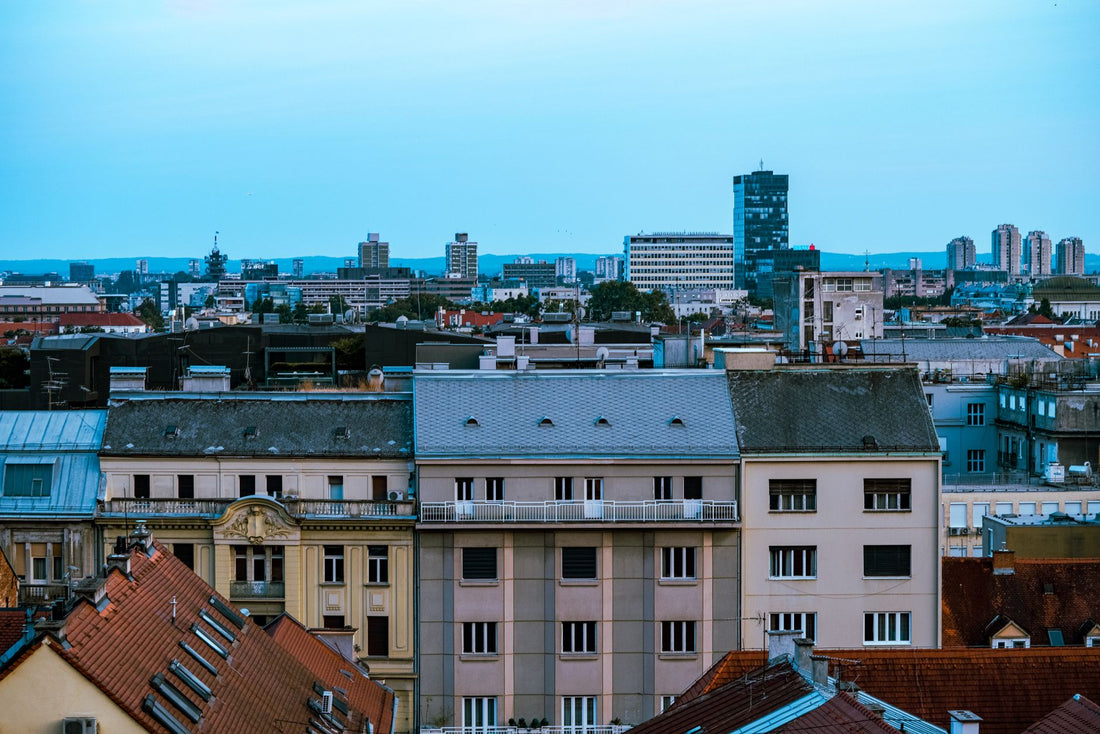
In short: an eSIM for Zagreb gives you internet the moment you land at Franjo Tuđman Airport, without roaming or hunting for a SIM store. Coverage in the Croatian capital is solid across the old town, 3 GB is plenty for a long weekend, and the same profile works if you later head to the coast or Plitvice.
Do you need an eSIM for Zagreb or is your plan enough?
It depends on what you have lined up. Croatia is in the European Union, so if your local plan includes unrestricted EU roaming, you are theoretically covered. The catch is in that "theoretically": many budget plans cap the data you can use outside your home country, even if the domestic plan is generous. If you are not sure what limit your contract has, check your carrier's app before you leave home, not at Zagreb airport with your bags already checked.
If your European roaming is generous and uncapped, honestly, do not buy anything: for a weekend in Zagreb your own plan is plenty and you save yourself a step. The eSIM makes sense when you want a fixed, predictable data package, when your carrier limits roaming, or when you are linking Zagreb with non-EU countries on the same trip. In that case it is worth it: you activate the eSIM for Croatia from home, without touching your main line, and you keep receiving calls and SMS on your usual number.

What exactly is an eSIM
An eSIM is a digital profile that replaces the physical card: instead of taking out your carrier's SIM and inserting another one, you scan a QR code and the data plan gets installed directly on your phone. No tray to pop open with a paperclip, no card that can get lost in your airplane seat pocket. If you have never used one before, it is worth taking a look at what a virtual eSIM is before you buy, because the process is a bit different from what you are used to.
The important thing for Zagreb is this: most recent smartphones (iPhone from the XS onward, many mid-to-high-end Samsung Galaxy and Pixel models) support eSIM, and you can have both your local line and the Croatia eSIM active at the same time thanks to dual SIM. Before you buy, check that your specific model is compatible and that your phone is unlocked; if it came from a carrier with a contract, they sometimes block using a second data line.
Connection from Franjo Tuđman Airport
You land at Franjo Tuđman Airport, about 15 km southeast of the city center, and the first thing you want to do is call a taxi, check the shuttle bus schedule to the bus station, or let someone know you've landed. With the eSIM installed beforehand, you turn on data as you get off the plane and have coverage before you reach the baggage carousel: you don't depend on the terminal's Wi-Fi, which often requires registration with a phone number, and you don't waste time looking for a local SIM counter.
Pro tip: install the eSIM profile using your home Wi-Fi a few days before you fly, not at the airport. Installation uses data, and if you leave it until the last minute with the departure airport's Wi-Fi overloaded, you could end up in a mess. Installing is not the same as activating: the profile is saved, and you decide when it starts using data. We explain this in detail a bit further down.
With a connection from minute one, you can book your Pleso Prijevoz ticket (the official shuttle to the center), open the map to your accommodation in Donji Grad, or message someone waiting for you on WhatsApp. No landing without communication and no relying on someone to pick you up without being able to tell them about a delay.
Coverage neighborhood by neighborhood in Zagreb
Zagreb generally has good mobile coverage supported by Croatian networks, with widespread 4G and 5G in the densest areas. In the old town, Ban Jelačić Square, the cathedral, and Dolac Market — known as "the belly of Zagreb" for being the traditional food market — you'll browse without interruptions. The same goes for the cafés on Tkalčićeva, the pedestrian street where social life peaks in the evenings, and the museums in the center.
Where you might notice a temporary drop is inside the Zagreb Funicular — interestingly, the shortest public funicular in the world, just 66 meters climbing from the Lower Town to the Upper Town — and inside historic buildings with very thick walls, which is common in any old European town. Also, don't expect perfect coverage inside the Grič Tunnel, the air-raid shelter under the hill that's now a tourist attraction; there, with or without an eSIM, you won't have a signal, so download the route map before you go down.
If you take a day trip to Samobor, the town just over half an hour away by bus famous for its kremšnita, or hike up to Medvednica Nature Park that overlooks the city, keep in mind that coverage can become patchier in wooded sections. Download the route or the return bus schedule in advance, just in case.

How many GB to bring for your trip
Zagreb is easy to explore in two or three days, and if you use the hotel Wi-Fi at night for heavy downloads, your data usage during the day is moderate. This table gives you an idea based on your travel profile:
| Traveler profile | Days in Zagreb | Recommended GB |
|---|---|---|
| Light use (maps and messaging) | 2-3 days | 1-2 GB |
| Medium use (social media and some video) | 3-4 days | 3-5 GB |
| Heavy use (streaming, lots of stories) | 4-5 days | 5-10 GB |
| Road trip through Croatia or remote work for a few days | 7 days or more | 10 GB or more |
For a tourist weekend focused on the capital, 3 GB is plenty, especially if you turn off mobile data as soon as you enter the hotel and connect to Wi-Fi. If your plan includes Plitvice or the coast, budget higher: GPS navigation on the road uses a lot more data than strolling through the center with the map already loaded.
Zagreb as a base: Plitvice, the coast, and neighboring countries
Here's a clarification that saves confusion: there is no "Zagreb-only" eSIM. The data plan covers all of Croatia, so the same eSIM you use in the capital works without any changes if you later head down to Plitvice, Split, or Dubrovnik. It's an advantage, not a limitation.
Many travelers combine Zagreb with a longer route through the country. With the same eSIM, you have coverage along that entire route, including the rental car's GPS between cities and rural inland areas where finding a physical prepaid store can be tricky. If your itinerary crosses into Slovenia, Bosnia, or continues to other countries in the region, the Croatian plan stops working as soon as you cross the border: in that case, it's better to look at a Europe eSIM that covers several countries without having to buy a new one at each border.
How to install and activate it without issues
You get it sorted from home, at your own pace. You buy the Croatia eSIM, receive the profile via email with a QR code, install it while connected to home Wi-Fi (it takes less than two minutes), and leave the mobile data for that line turned off until you land. That way you don't accidentally start using your plan early.
When you get off the plane in Zagreb, go into the mobile data settings, select the eSIM as the data line, and turn on data roaming specifically for that line — this is the step most people skip, and without it you won't get online even if the profile is installed correctly. Within a minute you have internet. If it's your first time with this system, follow the step-by-step guide on how to install an eSIM so you don't get confused by the menus, which vary slightly between iOS and Android.
Tips to make your data last the whole trip
If you're low on gigs, there are simple actions that make a difference. Turn off automatic app updates and cloud backups while you're away: they are the ones that eat up the most data without you noticing. Download the offline map of Zagreb before leaving the hotel each morning, so GPS doesn't constantly use data to redraw the streets of the Upper Town.
Another trick that works well in a city as coffee-loving as Zagreb: almost all the places on Tkalčićeva and around Ban Jelačić Square have free Wi-Fi, so save streaming and heavy downloads for when you're sitting with a cappuccino instead of using it while walking. We go over more tips like this, including how to detect which apps are draining your data without warning, in how to save data with eSIM on your trips.
eSIM, physical SIM, or roaming: what works best in Zagreb
There's no single answer that works for everyone; it depends on your starting situation. This table compares the three options for a trip to Zagreb:
| Option | Main advantage | Main disadvantage | When to choose it |
|---|---|---|---|
| Roaming from your local plan | No need to do anything, it's already active | Limited data or cost if you exceed, depending on your contract | If your plan includes extensive and confirmed EU roaming |
| Local physical SIM | Croatian carrier rates, sometimes with more data | You have to find a store, switch the card, and you lose your number for data | Very long trips where it's worth finding a point of sale |
| Croatia eSIM | You buy and activate it from home, you keep your number for calls | You need a compatible and unlocked phone | Short trips and routes around the country without hassle |
If your device is old or locked to another carrier, eSIM is not an option and you'll have to look at physical SIM or roaming; it's worth checking before paying anything. To better understand the fundamental differences between carrying a physical card from another country and using a digital profile, we have international SIM vs eSIM, and if you want to understand exactly what "data roaming" means before deciding, there's what is data roaming. For a more direct comparison focused on your carrier's roaming versus buying an eSIM, check out eSIM vs roaming.
What almost nobody tells you before going to Zagreb
A common mistake: thinking that because it's in the EU, Croatia works the same as traveling within Spain. That's not entirely true. Some Spanish banking apps ask for extra SMS verification when they detect you're connecting from a Croatian IP; if you have data on the eSIM and the SMS arrives on your Spanish line, no problem, but if you've also put messages on the eSIM without realizing it, the code might be delayed or not arrive properly. Check which line handles SMS before leaving home.
Another surprising thing: Dolac market is at its best very early, before ten in the morning, with fruit and flower stalls fully stocked and the tourist crowds not yet arrived; by mid-afternoon half of them have closed. And about the city's Wi-Fi: Zagreb has a public network in several squares, but it usually requires registration with a phone number to receive the code, which is more hassle than having the eSIM already active. Count on it as a backup, not your main plan.
And an honest warning about when it's NOT worth buying anything: if you're going to Zagreb for a single layover day between two flights and don't plan to leave the center or need a map — because you already know the city or you're with a local — the hotel and café Wi-Fi will probably sort you out without spending on any data plan.
Frequently asked questions
Does the eSIM work at Zagreb Airport?
Yes. Franjo Tuđman Airport has good mobile coverage, so as soon as you turn on the eSIM data when you land you'll have internet to order a taxi, check the shuttle timetable to the city center or let people know you've arrived, without relying on the terminal's Wi-Fi.
Do I need an eSIM if Croatia is in the European Union?
It depends on your local plan. If your European roaming includes enough data and has no weird restrictions, you might be fine without one. But many plans limit data abroad or charge extra once you exceed a certain amount, so it's worth checking before you decide. The eSIM gives you a fixed data allowance with no fine print from your carrier to worry about.
Does the Zagreb eSIM work in the rest of Croatia?
Yes. There's no eSIM just for the capital – the plan covers the whole country. The same profile you use in Zagreb works if you later head to Split, Dubrovnik or the Plitvice Lakes, so you can do a full trip without buying anything else.
How many GB do I need for a weekend in Zagreb?
For a two or three-day trip with normal use of maps, messaging and social media, 3 GB will be plenty if you use the hotel Wi-Fi at night. If you plan to record a lot of video or upload many stories, aim for 5 to 10 GB instead.
Can I still use my usual number while using the eSIM in Zagreb?
Yes, thanks to dual SIM. Keep your usual SIM active just for calls and texts, and use the eSIM for data. This way you browse without roaming in Croatia and still receive your bank messages or contacts on your regular number.
What if my phone doesn't support eSIM?
Then this option isn't for you – you'll need a local physical SIM or your carrier's roaming. Before buying any eSIM, check your phone's settings to see if it's compatible and make sure the device is unlocked, because some carrier-locked models won't let you activate a second data line even if the hardware supports it.
Is there a noticeable speed difference between 4G and 5G in Zagreb?
For typical traveler use – maps, messaging, social media, the occasional video call – you'll barely notice the difference: 4G is already more than enough. 5G makes more of a difference with large downloads or in very crowded areas where the network can get a bit congested, like around Ban Jelačić Square on a weekend.
Conclusion
An eSIM gives you internet in Zagreb from the moment you land, with plenty of coverage in the old town and the rest of Croatia if you decide to extend your trip to the coast or Plitvice. You avoid roaming surprises, the hassle of hunting for a SIM shop at the airport, and the risk of being left without a map in the middle of the Upper Town. Buy your Croatia eSIM before you leave and arrive connected to the Croatian capital from the first minute.









