
Bottom line: an eSIM for Guyana connects you to Digicel or GTT networks as soon as you land in Georgetown, without expensive roaming or hunting for a local SIM store. Coverage is solid on the coast and drops off in the jungle interior, so download offline maps before you leave the city. For a normal week, 5 GB is plenty.
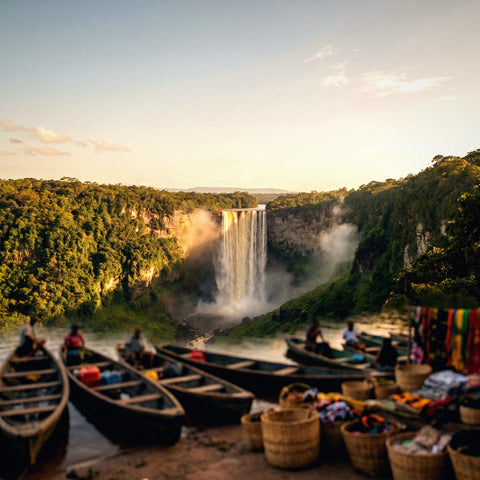
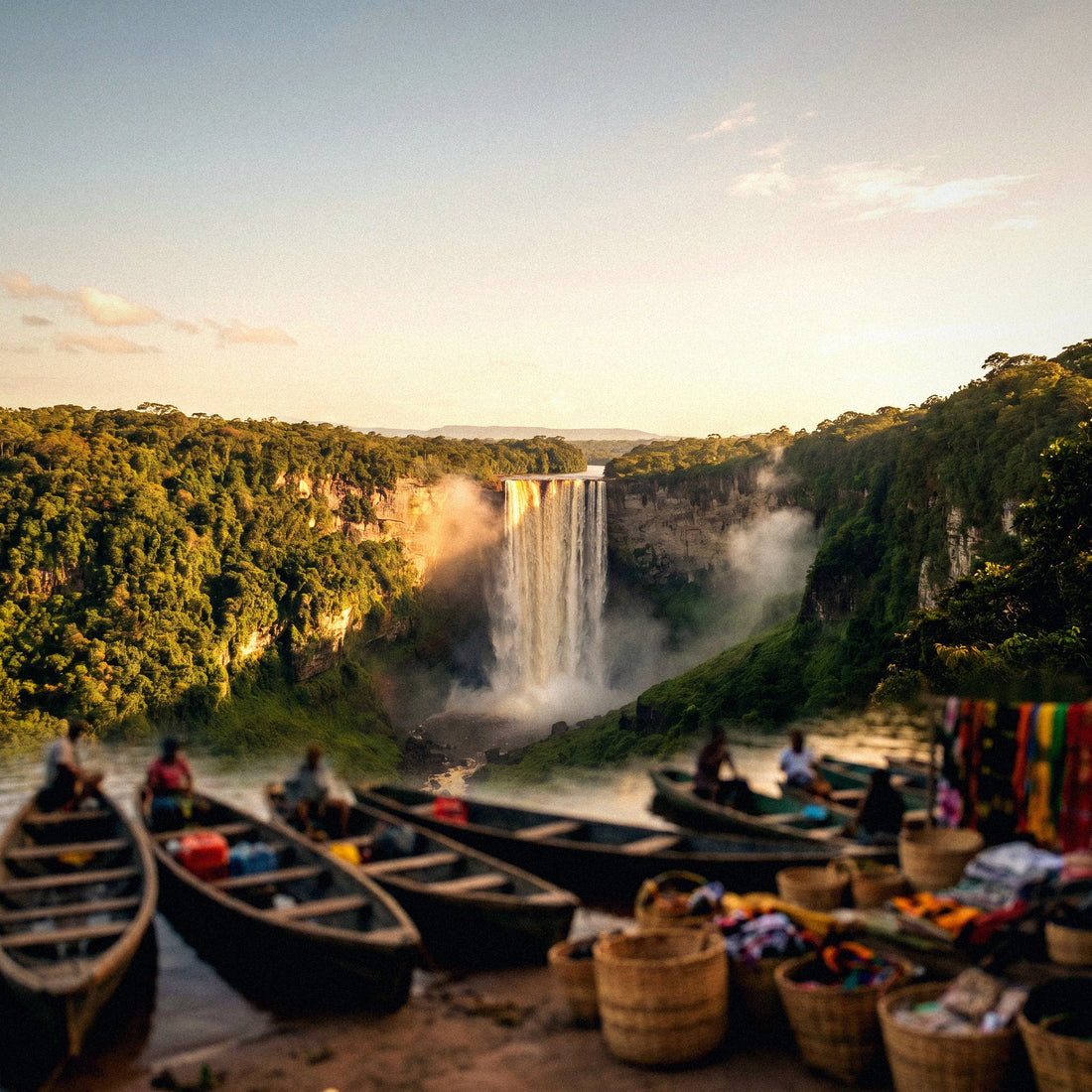
Guyana is a destination that hooks you with its Esequibo jungle, Kaieteur Falls and the Caribbean vibe of Georgetown, but it pays to have your data sorted before you arrive — connectivity isn't on every corner here. An eSIM for Guyana gives you internet from the moment you land, without searching for a SIM store or haggling in Creole English at a counter. This guide covers real-world coverage, which carriers are available, and how many GB you'll need.
Is an eSIM in Guyana worth it?
Yes. An eSIM for Guyana is installed before you leave home and connects you to the local network as soon as you land at Cheddi Jagan Airport, with no queues or deposits. You avoid expensive roaming from your carrier and have data for Google Maps, WhatsApp and booking transport from minute one.
Guyana isn't a mass-market destination, and that's exactly why arriving without connectivity hurts more: there are few carrier offices at the airport, and getting a local SIM can require your passport and a bit of patience. With an eSIM you skip all that. You install it by scanning a QR code, activate it when you land, and you're good to go. For a traveler combining Georgetown with trips into the interior, having your phone ready to call a taxi or update someone on a change of plans isn't a luxury — it's a basic necessity. Plus, you keep your home number active in the other slot for bank SMS or an important call.

Coverage and local carriers in Guyana
Connectivity in Guyana is concentrated along the coastal strip, where most of the population lives. In Georgetown, Linden and the coastal towns there's decent 4G LTE; inland, toward the Esequibo or Lethem, the signal drops off quickly and you often drop to 3G or hit areas with no coverage at all.
The two carriers that run the network are Digicel and GTT (Guyana Telephone & Telegraph). A good eSIM piggybacks on whichever carrier has the best coverage in the area, so you don't have to choose — it connects you to the available network automatically. That matters a lot in a country where no single network covers 100% of the territory.
| Area | Typical coverage | Recommendation |
|---|---|---|
| Georgetown and coast | Stable 4G LTE | Ideal for browsing and video calls |
| Linden / New Amsterdam | 4G / 3G | Good enough for maps and messaging |
| Interior (Esequibo, Lethem) | Patchy or none | Download offline maps before you go |
Tip: before heading into the jungle, download the area maps in Google Maps and let your accommodation know your route. Signal isn't always available in the interior.
How many GB you need for Guyana
It depends on your type of trip, but for Guyana the math is simple: most of your connection will be on the coast. For a one-week getaway focused on Georgetown and a few excursions, between 3 and 5 GB covers maps, messaging, some social media, and uploading photos. If you work remotely or make video calls, go up to 10 GB or more.
- Short trip (3-5 days): 3 GB for maps, WhatsApp, and basic navigation.
- Full week: 5 GB if you use social media and share photos daily.
- Long stay or remote work: 10 GB or more, preferably with a top-up option.
Since coverage is limited inland, your data will go further than it seems: you won't use anything in the jungle. One trick that saves data without sacrificing anything is to download music and maps over Wi-Fi at your hotel and save your mobile data for the essentials. If you want to fine-tune the estimate, these tips for saving data on your trips can help.

How to activate your eSIM for Guyana step by step
Activating an eSIM is easier than fitting a physical SIM, and you don't need to open your phone or hunt for a SIM ejector tool. The process is the same on both iPhone and compatible Android, and you can have it ready from home in just a minute.
- Buy the eSIM and receive the QR code by email instantly.
- On Wi-Fi at home, go to Settings and add the data plan by scanning the QR code.
- Label the line (e.g., "Guyana") and keep your local number as the primary one.
- When you land in Georgetown, turn on the eSIM's data and enable data roaming for that line.
- Check that the local network appears and you're online.
If it's your first time, this general guide to installing an eSIM hassle-free will answer your questions. And if you're still not sure what exactly an eSIM is and how it differs from a physical card, this guide on what a virtual eSIM is explains it in two minutes.
Guyana vs. your local carrier's roaming
Guyana is outside the European roaming zone, so your local plan doesn't apply here. Using traditional roaming in this country drives up the price per MB depending on your carrier, sometimes with ridiculously low data limits or no flat-rate plan available at all: it's worth checking the current rate with your carrier before you leave, because it usually surprises you in a bad way. The eSIM plays in a different league: you pay a fixed price for the GB you buy and you know exactly how much you'll spend.
The difference is in price and peace of mind. With roaming, an afternoon of maps and videos can send your bill through the roof; with the eSIM, the cost is set in advance. If you're coming from the eSIM or roaming dilemma, in Guyana the answer is clear: the eSIM wins on price and control. And if you want to understand what it is and why the price skyrockets as soon as you leave the European Union, check out this guide on what data roaming is.
Tips for staying connected while traveling in Guyana
Guyana rewards the prepared traveler. Here are the keys to not being left without internet in a country where coverage is uneven and infrastructure is more basic than in a typical tourist destination.
- Install the eSIM at home: the QR code needs Wi-Fi to download; do it before you fly.
- Download offline: maps of Georgetown and your inland routes in case you lose signal.
- Use hotel Wi-Fi: for large updates and backups.
- Bring a charger and power bank: power outages are not uncommon outside the capital.
- Get support in English: with PuraSIM you can resolve any questions in your language, 24/7.
With these habits, your GB will go further and you'll avoid the classic "I have no internet just when I need it" moment. Guyana is an adventure, and stable connectivity is what lets you enjoy it without any scares.
If you're continuing on to Suriname and French Guiana
Guyana is almost never visited alone: most people who make it here continue on the classic "the Guianas" route, crossing into Suriname and ending in French Guiana. The border with Suriname is crossed by ferry on the Courantyne River, between Corriverton (South Drain) and Nieuw Nickerie; it's not a quick process, so budget half a day for the queue, customs, and the crossing.
Here's the detail almost nobody has clear: French Guiana is French territory and part of the European Union, so if your plan includes EU roaming, in Cayenne or Kourou you can keep using your usual data without buying anything extra, at least for a short stay. Where a separate eSIM does make sense is if you're staying there for several days and prefer not to use up your European data allowance, or if your carrier limits roaming outside your home country to a few GB. For that, there's a specific eSIM for French Guiana that you can activate only when you cross the border, without touching the one you're already using in Guyana.
Myths about eSIM in Guyana (what almost nobody tells you)
Guyana raises specific doubts because it's not a destination with thousands of articles written about it. Here are the most common myths and the reality behind each one.
"With an eSIM you don't have to worry, even in the interior." Half false: the eSIM is just the card format, not a coverage superpower. At Kaieteur Falls, Iwokrama, or the Rupununi savannah, there are barely any Digicel or GTT antennas, so you won't get online there with an eSIM, a physical SIM, or the most expensive card on the market. Tour operators in those areas usually communicate by radio or satellite phone, not mobile. If your route includes these places, assume you'll be offline for a couple of days and let your family know beforehand. To understand the difference between a physical chip and an eSIM in a country with patchy coverage, here's the complete comparison between international chip and eSIM.
"I need a VPN to keep my data safe in Guyana." It's not as urgent as it seems. The real security risk is on open Wi-Fi at a hostel or café, not on your eSIM mobile data, which already travels over the carrier's encrypted network. If you'll be relying heavily on public Wi-Fi in Georgetown, then it's worth taking precautions, but it's not a requirement for browsing on mobile data.
"The more coverage a carrier advertises, the faster the internet." Not necessarily. In Georgetown you can have "4G coverage" and mediocre speed at peak times, especially near Stabroek Market or in areas with lots of people connected at once. If you need to upload a large file, find a time with fewer people around or wait until night.
And one last honest point, the kind this blog tries not to dodge: if your stop in Guyana is just a few-hour layover without leaving Cheddi Jagan Airport, you probably don't need to buy anything. The airport Wi-Fi is usually enough to check your flight or let someone know about a delay.
Frequently asked questions
Does the eSIM work everywhere in Guyana?
It works well on the coast (Georgetown, Linden, New Amsterdam), where there's 4G. In the interior, towards the Esequibo or Lethem, coverage is patchy or non-existent, just like with any carrier. Download offline maps before heading into the jungle.
How many GB do I need for a week in Guyana?
For a week focused on Georgetown and day trips, about 5 GB is usually enough for maps, WhatsApp, social media, and photos. If you do video calls or work remotely, get 10 GB or a plan with top-up so you don't run out.
Can I keep my number in Guyana?
Yes. The eSIM works on a separate line, so your number stays active in the other slot to receive SMS or calls. You only activate the eSIM data and avoid the expensive roaming of your usual plan.
How long does it take to activate the eSIM?
Installation takes about a minute: you scan the QR code with Wi-Fi and it's ready. The actual activation happens when you land in Guyana and turn on data for that line; you connect to the local network in seconds.
Is eSIM better than a local SIM in Guyana?
The eSIM saves you from finding a store, going through passport paperwork, and swapping physical cards. You arrive with internet ready and support in English. A local SIM might make sense for very long stays, but for a normal trip, the eSIM is more convenient.
Do I need another eSIM if I continue to French Guiana?
If your plan includes EU roaming, in French Guiana (French territory) you can keep using your usual data without anything extra for a short stay. If you prefer not to use your European allowance or you're staying several days, you can activate a specific eSIM for French Guiana only when you cross the border.
Is there mobile coverage at Kaieteur Falls or in the interior of Guyana?
No, or very little. Kaieteur, Iwokrama, and the Rupununi savannah barely have any Digicel or GTT antennas, so neither an eSIM nor a physical SIM will give you signal there. Tour operators usually use radio or satellite phone for those areas; download offline maps and let someone know your route before you lose coverage.
Conclusion
Guyana is an adventure destination where connectivity is concentrated on the coast, so having your data sorted makes a real difference. An eSIM connects you to the best available network, saves you from expensive roaming, and keeps your number active. Buy your eSIM for Guyana before you fly and land in Georgetown with internet from the first minute.