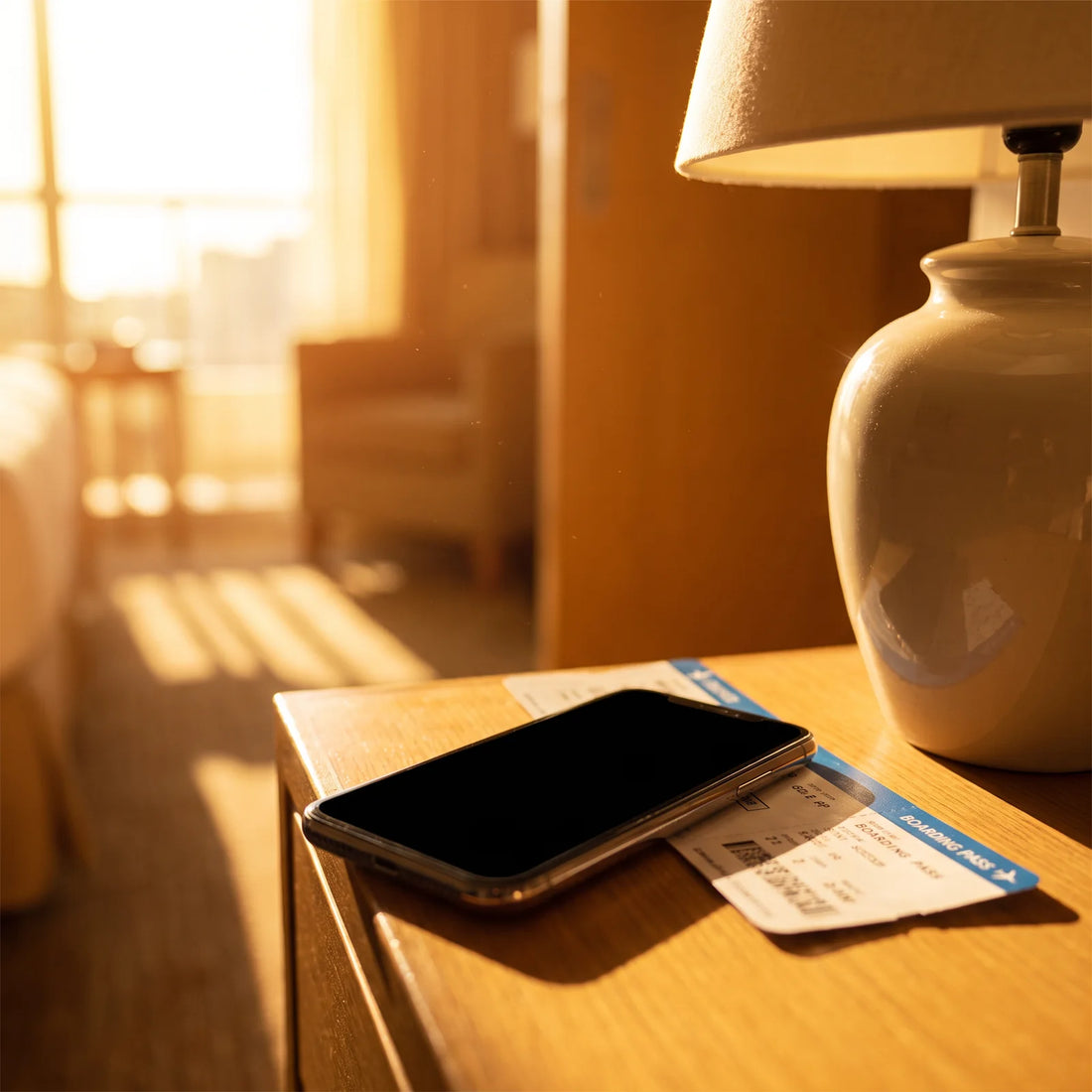
What is an eSIM and how can it help you get internet on your trip to Japan?
An eSIM is a virtual chip already integrated into your phone: instead of inserting a physical card, you scan a QR code and your phone connects to a data network in the country you're visiting. For a trip to Japan, it gives you internet as soon as you land, without having to look for local stores or operators.
If you've never heard the term, don't worry: it's not a technology exclusive to cell phone experts. It's essentially the same idea as a traditional SIM card, but without the physical part. Instead of that tiny plastic card you have to remove with a clip, the chip is already soldered inside the phone from the factory, and what you "insert" is a digital profile: a set of data that tells the phone which network to connect to and with what data plan.
That significantly changes the travel experience. With a traditional physical SIM, to get internet in Japan you had to do one of two things: activate international roaming with your usual operator (which is often expensive and charges by time slots or megabytes) or find an electronics store at Narita or Haneda Airport to buy a Japanese SIM card, which involves waiting in line, showing your passport, and sometimes waiting for the counter to open. If you want to understand the technical difference in more detail, you can check this guide on what an eSIM is and how it works.
With an eSIM, this process is done before boarding the plane, from your home, using your usual Wi-Fi connection. When you land, your phone already has a data plan ready to use in Japan, without relying on finding an open store or someone to assist you in English.
Are truly "unlimited" data plans available when traveling to Japan?
Yes, there are data plans advertised as unlimited for Japan, but it's important to understand what that means in practice. No provider—Japanese or international—offers maximum speed without any kind of cap: what exists is a fair use policy, which defines a consumption threshold beyond which speed may be reduced to prevent a few users from saturating the network and harming others.
This is not a trick or hidden fine print: it's how the telecommunications industry generally works, both for local plans and those you buy for travel. The difference between a well-explained "unlimited" plan and a deceptive one is whether they clearly tell you this policy before you buy it, or if they let you discover it when you're already at Osaka airport with no signal.
If you're interested in learning more about how these plans actually work—and separating marketing from what you truly receive on your phone—there's a complete explanation in this article on whether unlimited data on an eSIM truly exists. In short: for a typical traveler's use (maps, social media, messaging, music, and some video), a plan with a fair use policy feels unlimited in practice, because normal daily consumption is well below the point where any speed adjustment would begin.
Real-world example: what your connection would be like on a 10-day trip to Japan
To make the idea less abstract, let's consider a typical itinerary: ten days exploring Tokyo, a train ride to Kyoto, and a couple of days in Osaka before returning. This is the route many first-time travelers to Japan take, and it serves to illustrate when mobile internet comes into play.
Before leaving your country, you install the eSIM profile using your home or airport Wi-Fi. There's no need to activate it yet: the profile remains stored on your phone, ready to be turned on when you need it. Once on the flight, or upon landing in Narita, you activate the data line. Within seconds, you have coverage, without having to visit any counter.
From there, your phone assists you with what any person uses the internet for during a trip: checking the map to get to your hotel from the station, translating a menu in a restaurant where no one speaks English, sending your real-time location to a family member, buying a Shinkansen ticket from an app, uploading photos of Fushimi Inari Temple to your social media, or simply replying to work messages while waiting for the train. None of these tasks consume an amount of data that would even approach a reasonable fair use limit: they are short, constant queries, not heavy downloads.
If your trip includes excursions outside major cities—mountainous areas, small towns, trails—it's worth checking beforehand what coverage you can expect there, something we detail further down in this article. You can see the plan specifically designed for this destination in the eSIM for Japan.

eSIM or physical SIM: which is better for your trip to Japan?
There's no single answer: it depends on how much you value your time upon arrival, if your phone is compatible, and if you're interested in keeping a physical Japanese phone number. The following table compares the points that truly make a difference on a trip.
| Aspect | eSIM | Local Physical SIM |
|---|---|---|
| Where to get it | Buy online before traveling | Electronics store or airport counter |
| When you can activate it | Before leaving your country, with Wi-Fi | Only upon arrival and in-person purchase |
| Your usual SIM | Stays in: you continue to receive calls and SMS | Sometimes needs to be removed to insert the new one |
| Risk of loss | No physical card to drop or lose | A tiny piece, easy to lose when changing |
| Phone requirement | Model must have eSIM from factory | Any phone with a free SIM slot |
If you want the complete details of this comparison, with cases where one option clearly outperforms the other, there's a dedicated guide on eSIM vs. physical SIM that delves deeper into each point.
An eSIM doesn't replace your WhatsApp number or your usual line: it coexists with your physical SIM in dual mode, so you continue to receive calls and text messages from your country while the eSIM handles only mobile data in Japan.
eSIM or international roaming: what's the difference?
Roaming is what you already know without realizing it: it's the service your usual operator activates so that your same line works outside your country, using the infrastructure of a Japanese network through an agreement between companies. A travel eSIM, on the other hand, is a completely separate data profile, contracted with a different provider and intended solely for the time you're abroad.
The most important practical difference usually lies in how consumption is managed: roaming depends on your home operator's conditions for each country, which can vary greatly from one to another and are not always clearly explained before traveling. A travel eSIM, being a product specifically designed for tourists, usually comes with these conditions—duration, fair use policy, coverage—detailed from the moment you purchase it, without relying on the fine print of a contract you signed years ago in your country.
For a more complete overview of their similarities and differences, this guide on eSIM vs. roaming goes into the topic in more depth.
Is your phone eSIM compatible? How to check before you travel
Before buying any eSIM, this is the step you can't skip: confirming that your specific phone supports this technology. Not all models have it, and some have it but it's blocked depending on the country where the device was purchased or the operator with whom it was originally sold.
The quickest way to check is to go into your phone's settings menu and look for the "Add eSIM" or "Add data plan" option within the mobile networks section. If that option appears, your device is compatible. If you can't find it, it could be because your model doesn't support it, or because it's locked by the operator who sold it to you, which is relatively common for phones purchased in installments or financed by a phone company.
Since the list of compatible models changes with each new manufacturer line, instead of reproducing it here (and risking it becoming outdated), you should check the updated list of eSIM-compatible phones, where these details are kept current by brand and model.
How to install and activate your eSIM before arriving in Japan
The complete process happens in two distinct moments, and separating them properly will save you headaches at the airport. The first moment is installing the profile: you download the eSIM (usually by scanning a QR code) using your home, office, or any available Wi-Fi network before leaving for your trip. That profile remains stored on your phone, but it's not yet transmitting data.
The second moment is activating the line, which is when the plan's usage truly begins. Here's the point almost no one explains well: since you have up to 180 days from purchase to activate the eSIM, there's no need to activate it the same day you install it. You can calmly install it a week before traveling (to ensure everything is correctly configured and avoid last-minute surprises) and leave it turned off until you actually land in Japan or even until you board the plane. This way, you don't use a single day of coverage while you're still in your country packing your suitcase.
Once in Japan, activating the data line takes a matter of seconds from the same settings menu where you installed the profile. If you prefer a visual, step-by-step guide with screenshots of the complete process, there's a detailed explanation on how to install an eSIM that covers both Android and iPhone.

What coverage does an eSIM have in Japan? Cities, rural areas, and trains
Mobile coverage in Japan, in general, is among the most robust in the world, thanks to a highly developed telecommunications infrastructure in both 4G and 5G. But like in any country, the signal isn't identical everywhere, and it's good to know what to expect depending on the area you visit.
| Area | What to expect |
|---|---|
| Tokyo, Osaka, Kyoto, Nagoya (urban centers) | Stable signal and good speed, even on the subway and underground shopping centers |
| Shinkansen (bullet train) between major cities | Generally good coverage along the route, with occasional brief drops in some mountain tunnels |
| Inland towns and rural areas | Coverage present but more variable, depending on proximity to antennas |
| Mountain trails and protected natural areas | Weak or non-existent signal in isolated sections, as is common in any country in remote areas |
Generally speaking, if your trip focuses on the main cities and traveling between them by train, the connection experience will be practically continuous throughout your journey.
Common problems when using an eSIM in Japan (and how to solve them)
Most of the issues reported by first-time eSIM travelers have simple solutions, and are almost always due to a mistake made during installation, not an actual problem with the Japanese network. The most frequent are: installing the profile with the phone in airplane mode (you need an internet connection, even Wi-Fi, during installation), forgetting to activate the data line after installing it, or not selecting the eSIM as the default data line, leaving that function still assigned to your country's physical SIM.
Another frequent case is trying to install the profile twice on the same phone by mistake, which can cause conflicts. If something doesn't work as expected, you don't have to solve it alone from an internet forum at three in the morning in a Kyoto hotel: support is available 24/7 in all languages via email and WhatsApp, so you can write at any time of day or night, regardless of the time difference with Japan.
For a more extensive review of these cases, with step-by-step solutions for each, there is a specific guide on common eSIM problems and how to solve them without relying on third parties.
Frequently Asked Questions
Do I need to remove my physical SIM to use the eSIM in Japan?
No. The eSIM works in dual mode alongside your physical SIM: you choose which line uses mobile data, while calls and SMS to your usual number continue to arrive normally.
Does the eSIM work on the Shinkansen (bullet train)?
Yes, generally the coverage along the Shinkansen routes between major cities is good, although as with any high-speed train, there may be brief signal drops in some mountain tunnels.
Can I use WhatsApp and video calls with the eSIM?
Yes. WhatsApp, video calls, and any app that uses the internet work normally with eSIM data, just like in your home country. The only thing it doesn't cover are traditional phone network calls, which still depend on your usual operator.
What if my phone is not eSIM compatible?
If your model doesn't support eSIM, or the device arrived locked by the operator who sold it to you, you will have to opt for a local physical SIM or your usual operator's roaming to get data in Japan.
How far in advance should I install the eSIM?
You can install it several days in advance using any available Wi-Fi, without consuming your plan. Since you have 180 days from purchase to activate it, it's best to install it calmly before your trip and activate the data line only when you land in Japan.
What happens if I exceed the fair use policy limit?
Plans advertised as unlimited include a fair use policy: once the threshold defined by that policy is exceeded, the speed may be reduced for the remainder of the contracted period, instead of the service being cut off completely.
Can I use the same eSIM in another country after Japan?
It depends on the plan you purchased. If it's a Japan-specific plan, it will only have coverage there. If your itinerary includes more countries, there are plans that cover more than 200 different destinations, designed for trips that combine several stops.
What do I do if I have a problem with the eSIM during my trip?
You can write by email or WhatsApp: support is available 24/7 in all languages, so it doesn't depend on Japan's time zone or your home country's.
Conclusion: Is an eSIM right for your trip to Japan?
If your phone is compatible, an eSIM solves your travel internet needs before you even leave: you install the profile from home, activate the line when you land in Japan, and forget about looking for stores, queuing at the airport, or relying on roaming with unclear conditions. For a typical trip between Tokyo, Kyoto, and Osaka, urban coverage is solid, and normal daily use—maps, messaging, translation, social media—falls well below any fair usage policy limits.
The first step, before buying anything, is to confirm that your phone model supports eSIM and to understand how to install it; once that's sorted, activating the line upon arrival takes less than a minute. If you're clear on that, you can check out the plan designed specifically for this destination, and if it's your first time using one, the installation guide will walk you through the entire process before you pack your bags.