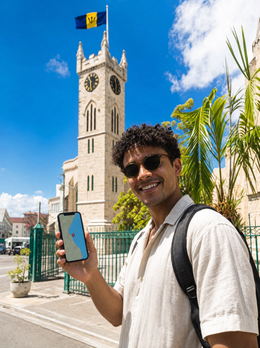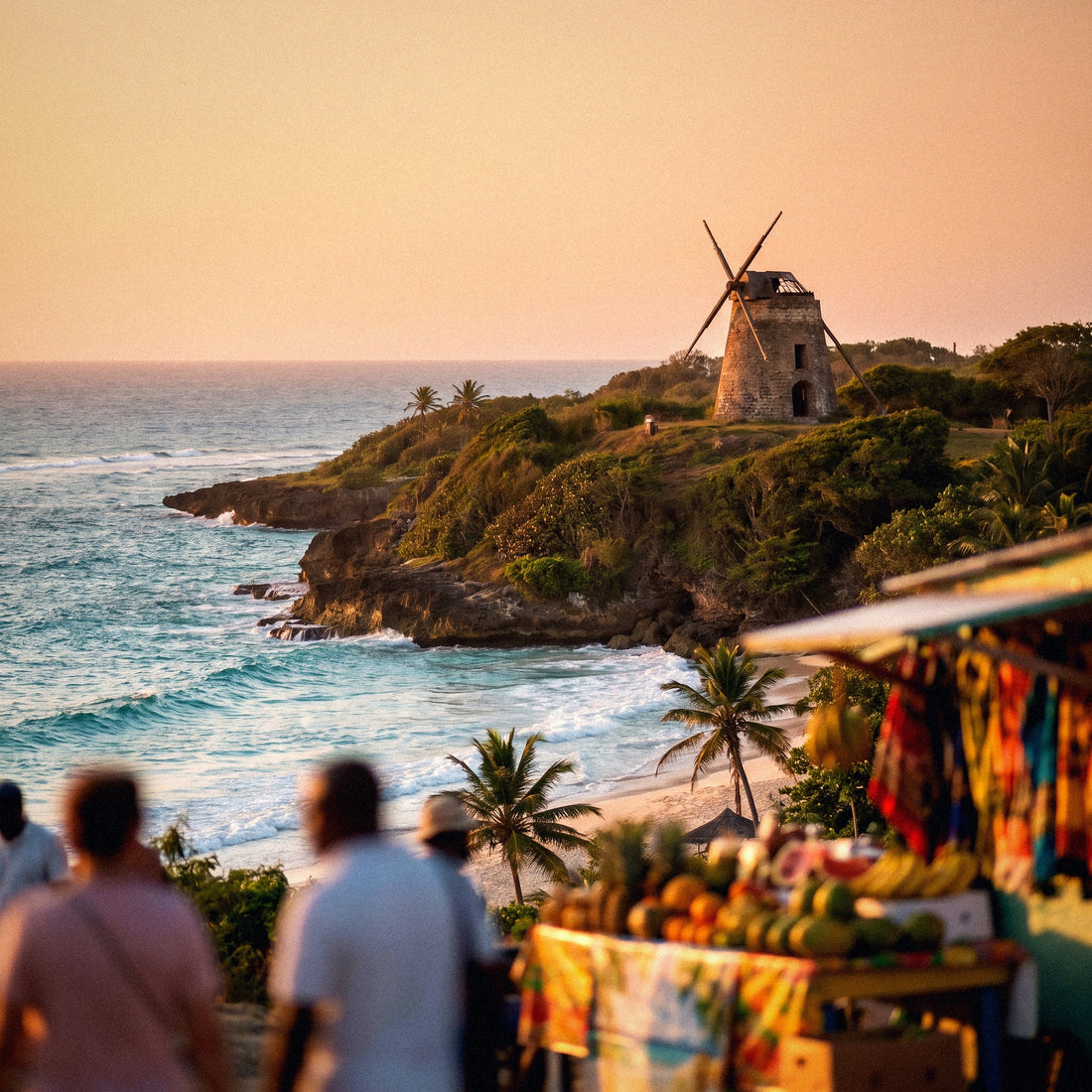
If you're planning your trip to Barbados—the turquoise beaches of the Platinum Coast, the grilled fish at Oistins on a Friday night, and maybe a Caribbean cruise—there's one detail to sort out before packing: how to get internet in Barbados without getting a nasty surprise on your bill or running out of Google Maps as soon as you land. In this guide, I'll compare, straightforwardly, all the ways to connect—from your usual operator's roaming to a local SIM with a passport—so you land (or disembark) ready and can get around with your phone always at hand from the very first minute.
How to connect to the internet in Barbados
To get internet in Barbados, you have four options: your operator's roaming, hotel and cruise Wi-Fi, a local Flow or Digicel SIM purchased with your passport, and an eSIM that you activate before flying. For most tourists, the eSIM is the most practical and cheapest option.
The good news is that Barbados works in your favor. It's a small island—about 34 km long by 23 km wide—and very well covered: both operators, Flow (part of the Cable & Wireless group) and Digicel, provide solid 4G LTE practically all over the island, not just in Bridgetown. Unlike other Caribbean destinations with dozens of scattered cays, here the coverage is quite uniform, and you rarely get stranded inland.
Even so, it's advisable to make two decisions before boarding. One is how you connect (roaming, Wi-Fi, local SIM, or eSIM), which affects your wallet and convenience. The other is what kind of trip you'll be taking: if you're staying on the west coast or Oistins, you'll have plenty of signal, but if you're arriving by cruise or spending hours at sea, the rules change, as you'll see below. Let's start by laying out the four options.
The four options to connect
To have internet on the island, you basically have four options, and it's worth knowing all of them before deciding. There isn't a single answer: what works great for someone spending a week at a Holetown resort might be a mistake for someone disembarking from a cruise for a few hours in Bridgetown. Each travel profile calls for something different.
That's why I present them as four very different approaches instead of just selling you one. Before going into the details of each, here's a quick overview of where each option fits depending on your trip, your budget, and how much hassle you want upon arrival.
| Option | Estimated cost | Convenience | Ideal for |
|---|---|---|---|
| Spanish roaming | High (bonuses or per MB) | Zero hassle | Very short trips |
| Resort/cruise Wi-Fi | Free or paid ($25-40/day on boat) | Only on-site | Occasional checks |
| Local SIM Flow/Digicel | Low (tourist ~40 BBD/$20 for 7 days) | Passport and store | Longer stays |
| Travel eSIM | Medium-low | Activates automatically | Most tourists |
None is "the best" in abstract terms: it depends on how many days you stay, if you're traveling with family, and if part of the trip involves being on a boat. That factor is very important here, because Barbados is a common cruise stop, and at sea, the cost skyrockets. Let's go through them one by one.
Roaming with your Spanish operator
Here's the first important warning: Barbados is not part of the European Union, so the "roam like home" tariff you use in France or Italy doesn't apply by a long shot. As soon as your mobile connects to the Flow or Digicel network, you'll be on international roaming rates, which many Spanish operators charge per loose megabyte at several euros per MB or through daily plans that eat up your budget in a couple of days.
Roaming has one single big advantage: you don't do anything. You arrive, turn on your mobile, and it works. But that convenience comes at a high price, and often it's the surprise bill upon returning home that drives people to seek alternatives. Before relying on it, call your operator and ask for the exact price for the Caribbean, because Barbados usually falls into the most expensive zone in their catalog, along with the "rest of the world."
If you're still considering it, check the temporary travel bonuses for "zone 2" or international, which sometimes pay off for two or three-day getaways. To understand how all this is calculated, I recommend my guide on how much international roaming costs, and if you want a direct comparison, I have an eSIM vs. roaming comparison with the numbers laid out.
Wi-Fi at resorts, hotels, and cruises
Free Wi-Fi is your ally for anything not urgent. Almost all hotels on the west and south coasts, from the resorts on the Platinum Coast to the apartments in St. Lawrence Gap, offer decent Wi-Fi in rooms and common areas. For uploading photos, making video calls at night, or planning the next day, relying on the lobby Wi-Fi at night is more than enough and doesn't cost a dime.
The problem arises when you leave the hotel, and especially if you're traveling on a cruise. Onboard Wi-Fi uses satellite, is slow, and costs extra: depending on the cruise line, it's around $25-40 per day (Royal Caribbean about $29-39, Carnival from $25). Multiply that by days and by person, and you'll understand why many people look for another way. However, as soon as the ship docks in Bridgetown, you regain the terrestrial mobile network normally.
Another drawback is security: on open networks, it's advisable not to enter banking details without a VPN. My advice is to treat Wi-Fi as a complement, never your sole network. If you're tempted by portable Wi-Fi as an alternative, check out my comparison of eSIM vs. pocket Wi-Fi, where I explain the fuss about batteries and deposits.
Local SIM: Flow and Digicel with passport
A local SIM is the cheapest option if you're staying for many days or consume a lot of data. The two operators are Flow (with excellent coverage in Bridgetown and the entire tourist strip) and Digicel (the leader in reach, with the most stable signal on the east coast and rural north). Flow sells a Tourist SIM for about 40 BBD (~$20) for 7 days with data, minutes, and SMS, and Digicel has its Visitor SIM in 7, 10, or 30-day packages. Topping up is easy: vouchers are available throughout the island starting from 5 BBD.
The downside is the hassle. Buying a prepaid SIM in Barbados requires registering it with your passport, so you'll have to queue with your passport in hand at an official store or at Grantley Adams Airport counters. Add the paperwork, and if you land at night or on a weekend, the counter might be closed, leaving you without data for the first few hours when you need it most.
If you're traveling for several weeks, living like a local, or need a Barbadian number for errands, it's worth the trip. For a week at a resort or a short cruise, most people prefer to avoid the queue. I compare it calmly in my article on eSIM vs. local SIM so you can see when each is truly worthwhile.
The eSIM, my recommended option
For the vast majority of trips to Barbados, my recommendation is a data eSIM. It's a digital SIM that you buy online, receive by email, and install by scanning a QR code: you can activate it from your sofa at home days before flying and arrive in Bridgetown already connected, without looking for stores or doing paperwork with your passport. If you've never used one, my guide on what an eSIM is explains it step-by-step without technical jargon.
The advantages are clear. You keep your Spanish number active in the physical slot of your phone (to receive bank SMS or calls), while data goes through the eSIM, relying on the local network with the best coverage. There's no plastic to lose, no deposit, and you don't depend on any store's opening hours. The only requirement is that your phone is compatible, which almost all recent models are.
The honest drawback: for very long stays and huge data consumption, a rechargeable local SIM might be slightly cheaper per gigabyte. But when you factor in convenience, no queues, and not depending on a store upon disembarking, the eSIM wins for the average tourist. You have all the fine print in my Barbados eSIM guide.
The cruise warning: high seas and "Cellular at Sea"
This section is only for those arriving or sailing by boat, but it's so important that I'm giving it its own section. Barbados is a common stop for Caribbean cruises, and as soon as the ship moves away from the coast, your mobile loses terrestrial antennas, and if you have roaming enabled, it connects to the ship's satellite network, the famous "Cellular at Sea." Prices there are astronomical: rates of $10 or more per megabyte have been seen, and operators charging $20 per day just for connecting for a few minutes on the high seas.
On the open sea, neither the eSIM nor the local SIM works: there's no terrestrial antenna to connect to. The connection only returns when the ship docks in Bridgetown or you pass near another inhabited island. What's cheap on land simply doesn't exist on the high seas.
My advice for cruisers is twofold. First, deactivate data roaming while sailing so your mobile doesn't automatically connect to the ship's network and hit you with a bill. Second, save your data usage for when you disembark: in Bridgetown port and all over the island, you'll have terrestrial 4G, and your eSIM will work normally. The most sensible thing is to wait until you're on dry land and use the ship's Wi-Fi only for essentials.
Real coverage: Bridgetown, Platinum Coast, and Bathsheba
Here, Barbados shines compared to other Caribbean destinations. Being a compact and densely populated island, 4G LTE reaches almost all tourist areas well. In Bridgetown, the south coast (Oistins, St. Lawrence Gap), and the entire Platinum Coast to the west (Holetown, Speightstown), the signal is very good with both operators. Even on the wilder east coast, where the surfing beach of Bathsheba and its famous Soup Bowl are located, there's decent coverage, although it might be weak on some cliffs or inland stretches.
If your plan includes surfing in Bathsheba or an inland route, you'll have a signal near towns, but don't take it for granted at the foot of every wave: download offline maps before leaving, and you'll travel stress-free.
Where you truly get nothing is on the high seas, as covered above. On land, knowing in advance where you might lose a bar of coverage saves you stress. Here's what to expect in the most common travel spots.
| Area | Mobile coverage | What to expect |
|---|---|---|
| Bridgetown and south coast | Very good (4G LTE) | Smooth connection at all times |
| Platinum Coast (Holetown, Speightstown) | Very good | No problems in resorts and towns |
| Oistins and St. Lawrence Gap | Good | Perfect for Friday fish fry |
| Bathsheba and east coast | Good, with nuances | Decent signal; some gaps on cliffs |
| Rural interior / high seas | Variable / none | Near towns yes; on the ship no |
Moral of the story: in Barbados, you'll almost always be very well connected, which cannot be said for all Caribbean destinations. The only serious gaps you'll find will be when sailing.
How much data you really need
The million-dollar question. The good news is that calculating gigabytes wisely is easier than it seems if you separate by type of usage. As a general rule, an average traveler uses about 1 GB per day: light usage (maps, messaging, some web browsing) is around 0.4 GB, while intensive usage with social media, video, and uploading photos can go up to 2.5 GB daily or more.
For a typical one or two-week trip, that translates to a range of between 7 and 30 GB. If you use hotel Wi-Fi a lot at night, you'll stay on the lower end; if you do live streams from the beach and video calls every day, aim for the higher end or a generous plan. Here it is summarized in a table.
| Profile | Daily consumption | 7-14 days |
|---|---|---|
| Light (maps and chat) | ~0.4 GB | 3-6 GB |
| Medium (social media and browsing) | ~1 GB | 7-15 GB |
| Intensive (video and live streams) | ~2.5 GB | 18-35 GB |
My trick: since you'll be without data on the high seas anyway, don't inflate your calculation thinking you'll consume the same amount every day of the cruise. And if in doubt, go for a plan with some margin or a top-up option; running out on the second-to-last day, with the best photos still to upload, is a typical avoidable hassle.
How to choose, activate, and avoid losing signal
Choosing well is a matter of cross-referencing three pieces of information: days of travel, estimated gigabytes, and type of itinerary. If you're cruising or spending entire days sailing, expect gaps and prioritize price; if you're moving between resorts, beaches, and classic island excursions, convenience is key. The ideal is to get everything ready before taking off and not improvise upon arrival. With an eSIM, the process is quick; these are the steps I follow:
- Check that your mobile is eSIM compatible (phone settings or manufacturer's website).
- Buy the plan with the right GB and days for you, a few days before flying.
- Install the profile by scanning the QR code you receive by email, using home Wi-Fi.
- Set the eSIM for "data" and your Spanish SIM for calls and SMS.
- Upon landing in Bridgetown, activate data roaming for the eSIM, and you're good to go.
And a couple of habits that have gotten me out of more than one bind: download offline Google Maps for the island, save tickets and reservations on your phone in case there's no network when you disembark, and carry an external battery for long beach days. By combining an eSIM for daily use, Wi-Fi for heavy tasks, and these little tricks for gaps, your trip will be covered from start to finish.
Frequently asked questions
Does my Spanish operator's roaming work in Barbados?
Yes, but at international roaming rates, not European rates. Barbados is not in the EU, so "roam like home" doesn't apply. Check the cost per MB or your travel plan before you go, as the Caribbean is usually one of the most expensive zones in the catalog.
Do I need a passport to get a connection?
Only if you buy a local Flow or Digicel SIM: the law requires you to register it with your passport at an official store or at Grantley Adams Airport. With a travel eSIM or roaming, no in-person procedures or documents are needed.
I'm arriving on a cruise, will an eSIM work on the high seas?
Not on the open sea, because there's no terrestrial antenna. The eSIM works as soon as the ship docks in Bridgetown or you pass near an inhabited island. While sailing, use the ship's Wi-Fi and avoid the very expensive "Cellular at Sea."
Why is the ship's connection on the high seas so expensive?
Because it's satellite-based. "Cellular at Sea" can cost $10 or more per megabyte, and some operators charge around $20 per day just to connect. Deactivate roaming while sailing and save your data usage for when you set foot on dry land.
How many gigabytes should I contract for a week?
For average use, between 7 and 15 GB is usually enough; if you take a lot of photos, videos, or do live streams from the beach, aim for 18-35 GB. Remember that on cruise days, on the high seas, you won't consume data, so don't inflate your calculation thinking you'll spend every day.
Can I continue to use WhatsApp with my usual number?
Yes. With a data eSIM, you keep your Spanish number active on the physical SIM for SMS and calls, and WhatsApp continues to work with that number using the eSIM's data. You do not lose your account or your chats at any time.
Conclusion
To summarize the map: roaming is convenient but expensive, Wi-Fi is free at the hotel but costs money and is slow on the cruise, a local SIM card is worthwhile if you stay for a long time but requires a passport and a queue, and an eSIM is the sweet spot for most. And the Barbadian lessons: on land, you'll have coverage almost anywhere, and at sea, deactivate roaming so that "Cellular at Sea" doesn't ruin your bill.
If you want to forget about the hassle and arrive connected from the first minute, take a look at the PuraSIM eSIM for Barbados: buy it, install it at home, and land with Google Maps working. Have a good trip and see you between the Platinum Coast and the waves of Bathsheba.