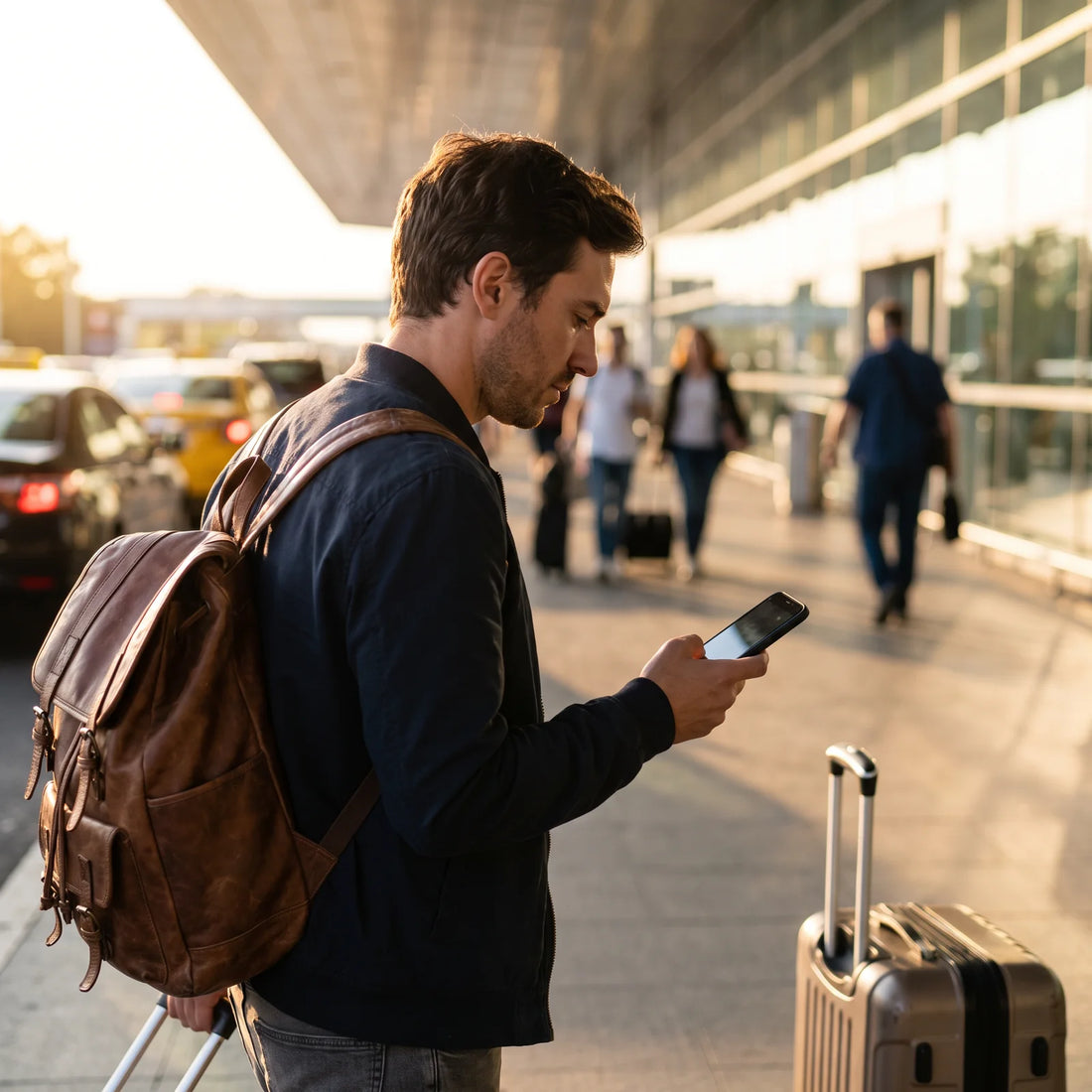
What is roaming and what happens with your phone in France?
Roaming is the service that allows your cell phone to work outside the country where you contracted your plan, connecting to a local network through an agreement between operators. In France, if your operator has that agreement active, your number continues to work; if you didn't activate it before traveling, when you get off the plane, you simply won't connect.
Here's the point that almost no one explains well: having "roaming available" and having "roaming included in your plan" are two different things. The first is a technical possibility; the second is a commercial condition that varies depending on the country where you contracted your line, the specific plan you pay for, and, often, the region of the world you are traveling to. A plan that covers the United States well does not necessarily cover France equally, and vice versa.
This explains why so many people arrive in Europe with the same question: does my usual operator work here, or do I need something else? The short answer is that it depends on your specific plan — and that's why it's worth understanding how it works before settling for the solution that causes the fewest headaches.
How to activate Movistar roaming for your trip to France?
Movistar operates with different brands and conditions in Mexico, Colombia, Argentina, Chile, Peru, and other countries, so there isn't a single valid procedure for "activating Movistar roaming": each country has its own app, its own portal, and its own conditions. What is common to almost all operators, not just Movistar, are these general steps:
First, confirm in your operator's app or website if your plan already includes international roaming or if you need to activate it as an additional option before traveling; some plans include it by default, others charge for it separately, and others simply do not offer it for all destinations. Second, if your operator asks you to activate it manually, do so with a few days' margin: some activations are not instantaneous. Third, also check your phone's own settings: the operator may have roaming activated on their end, but if the "roaming data" option is turned off on your phone, you won't have a connection either. They are two different switches and both must be on.
If you want to delve into the specifics of traveling to France with traditional roaming, there is a dedicated guide on roaming in France that goes into more detail about that particular country.
How much does roaming cost in France?
There is no single and honest figure that can be given here, because the cost depends on three variables that change case by case: the country where you contracted your line, the specific plan you pay within that country, and whether France falls into the "zone" your operator covers with better conditions or the more expensive zone. Any number you see published without a date or source has probably already changed, so the only reliable way to know how much it will cost is to check it directly in your operator's app before traveling.
What can be said in general is how they usually charge: some operators sell roaming packages per day, others charge by consumed data bands, and others simply do not include France in their standard coverage and apply "out-of-plan" charges which are the most expensive of all. The surprise bill almost always comes from that last scenario: someone travels without checking, leaves mobile data on by habit, and uses the map or their phone as they always do at home.
If you want to compare that cost model with that of a travel eSIM, which works differently because the price is known before buying it, there is a complete comparison at eSIM vs roaming.
Which countries are covered by Movistar roaming and other operators?
Most operators, including Movistar, do not handle a flat list of "covered countries" but rather zones: for example, one zone that groups American countries, another that groups the European Union, and another of "rest of the world" with different conditions between them. France is part of the European Union, so if your plan has a specific zone for Europe, that's probably where it's defined how well (or badly) you'll do with data.
The common mistake is to assume that "I have international roaming" means the same thing in all countries. In practice, the speed, the amount of data included, and even the call quality can vary quite a bit between, for example, traveling to the United States and traveling to France, even if both appear as "covered" in the plan. Before taking for granted that you are covered, it is advisable to check the specific list of countries and conditions of your plan, not just if the country is mentioned in general.

What can go wrong with traditional roaming on a trip to France
Traditional roaming works, when it works, but it leaves several friction points that only become noticeable once you are on the trip. The first is battery: when the cell phone searches for a signal on a network that is not the usual one, especially if you are in an area with weak coverage, battery consumption increases significantly because the phone works harder to maintain the connection. The second is the surprise bill, which almost always appears due to oversight and not due to bad faith on the part of the operator: you forgot to turn off data, or you thought your plan included France and in reality it only covered another area.
The third is more silent: signal quality in rural or mountain areas —very common if your itinerary includes more than just Paris— tends to be more unstable with roaming than with a local line, simply because your original operator prioritizes its own networks over roaming agreements. And a practical detail that is rarely mentioned: if on a previous trip you left your cell phone's network selection in manual mode (fixed to a specific operator), when you arrive in a new country, the phone may take time to connect or directly not find a signal until you change that option back to automatic in the network settings — it's worth checking before taking off, not after landing.
The roaming that doesn't surprise you is the one you checked before traveling, not the one you discover when you're already there.
The alternative that few travelers know: the travel eSIM
An eSIM is a digital SIM card: instead of inserting a physical card into your phone, you install a profile with a QR code or directly from an app, and that profile gives you a local or regional data line for your trip. It doesn't replace your Movistar number or your WhatsApp: most modern cell phones are dual SIM, so you can keep your usual line active for calls and verification messages, while the eSIM handles mobile data in France.
The key difference with traditional roaming is that the eSIM does not depend on an agreement between your home operator and a French one: it is a data line specifically designed for travelers, with a price you know before buying it and without the need to negotiate anything with your usual operator. If you want to understand the concept more calmly, there is a complete explanation in what is an eSIM.
Roaming vs eSIM: differences that matter on a real trip
Side by side, traditional roaming and travel eSIM solve the same problem—having data outside your country—but from different perspectives. This table summarizes the differences that actually affect a trip, not those that sound good in theory:
| Aspect | Traditional roaming (your home operator) | Travel eSIM |
|---|---|---|
| Activation | Depends on the operator; sometimes requires a call, app, or days in advance | Installed via QR or app, usually within minutes |
| Price known before travel | Not always; many plans don't show the real cost until the bill arrives | Yes, the price is known at the time of purchase |
| Coverage by zone | Depends on whether the country is in the zone covered by your plan | Depends on the country or region for which the eSIM was purchased |
| Your number and WhatsApp | Remain your primary line | Maintained on the physical line; the eSIM only provides data |
| Risk of unexpected charges | Exists if you forget to check the plan before traveling | Practically nil, because the cost has already been defined in advance |
If you also wonder whether a local physical SIM is better than an eSIM, that specific comparison is detailed in eSIM vs physical SIM.
Example: 10 days in France using an eSIM
Imagine a typical trip: you leave your city—it could be Mexico City, Bogotá, Buenos Aires, or any other starting point—with 10 days ahead between Paris and a getaway to Provence. Before traveling, while you still have Wi-Fi at home, you buy and install the France eSIM: the profile is saved on your phone, ready to use, and since activation can be scheduled, you don't have to worry about it until you actually land.
Upon getting off the plane in Paris, you activate the eSIM data line directly from your phone's settings; it usually takes only about a minute to connect. During the trip, you use the map to navigate the metro, upload photos to social media, book a table at a restaurant from the street, and all of this runs on the eSIM, while your Movistar line remains available for an important call or an SMS verification code. When you move to Provence by train, coverage accompanies you without you having to do anything additional or worry about whether "that area" is included in your original plan.
A detail that often goes unnoticed: you don't need to use the eSIM the same day you buy it. Since it's a line designed for travelers, there's usually a margin of several months (180 days from purchase, in PuraSIM's case) to activate it when the trip actually starts, so you can get everything ready weeks in advance without having to use it prematurely. You can check the details of the plan designed for this destination on the eSIM for France.

Checklist before traveling to France
Many connectivity problems on a trip are avoided simply by checking the right things ahead of time, not on the same day as the flight. This table summarizes what to check and when:
| When | What to check |
|---|---|
| Two weeks before | Confirm with your operator if your plan includes roaming for France or if you need to activate it separately |
| One week before | Decide whether to use your operator's roaming, a travel eSIM, or both as a backup |
| The day before | Install the eSIM (if you chose that option) while you still have Wi-Fi available |
| Upon landing | Activate the corresponding data line and check that network selection is in automatic mode |
How to install and activate an eSIM for France step-by-step
The process is shorter than it seems, but it's best to do it in order. First, confirm that your cell phone is eSIM compatible: most mid-range and high-end models from recent years are, but there are important exceptions, so it's worth checking before buying in the eSIM compatible phones guide.
Second, buy the plan in advance: since activation can be postponed up to 180 days from purchase, there's no reason to leave it to the last minute and risk rushing to sort it out at the airport. Third, install the profile while you have stable Wi-Fi, ideally before leaving home; the detailed step-by-step, with screenshots of each screen, is in how to install an eSIM. Fourth, upon arrival in France, activate the data line from your phone's settings and configure it as your primary data line, leaving your Movistar line for calls and messages.
If something doesn't connect as you expected, it's almost always a phone setting and not a problem with the plan itself. And if you still need human help, support is available seven days a week, in several languages, by email and WhatsApp.
Frequently Asked Questions
Does Movistar roaming work the same throughout France, including rural areas?
Not necessarily. Roaming coverage and speed depend on agreements between operators in each area of the country, and they are usually more stable in large cities than in rural or mountain areas, where the signal in general is weaker for any operator.
Do I need to notify Movistar before traveling to France?
It depends on the plan and the country where you contracted your line. Some plans activate roaming automatically, others require you to activate it yourself from the app before leaving. Confirming it a few days beforehand avoids surprises upon landing.
What happens if I run out of roaming data in the middle of my trip?
It depends on the operator: some cut off data service until you renew the package, others let it pass and charge you later. That's why it's advisable to check consumption from the operator's app during the trip, not just upon arrival.
Can I use an eSIM and keep my Movistar number active at the same time?
Yes. Most eSIM-compatible cell phones allow you to have two active lines at once: your physical Movistar line continues to work for calls and messages, while the eSIM handles mobile data.
Does the eSIM work in other countries if my trip is not only to France?
It depends on the plan you choose: there are eSIMs designed for a single country and others that cover several regions. Before purchasing, it's advisable to check the specific plan's coverage details to ensure it includes all the countries in your itinerary.
What do I need to use an eSIM on my cell phone?
An eSIM-compatible cell phone, Wi-Fi connection to install the profile, and a few minutes before the trip. No physical card needs to be inserted or a store visited.
What do I do if my eSIM doesn't activate when I arrive in France?
The first thing to do is check that your phone's network selection is set to automatic mode and that mobile data for that line is turned on. If the problem persists, support is available every day, in several languages, by email and WhatsApp.
Conclusion and next step
If your Movistar plan (or your operator's) already includes France with clear conditions and you've reviewed them in advance, traditional roaming can solve your trip without further complications. The problem arises when that review is not done, or when the plan simply does not cover that destination well: that's when most travelers end up overpaying or spending the trip focused on their phone instead of enjoying the itinerary.
The travel eSIM doesn't seek to replace your usual line, but rather to remove uncertainty from the equation: you know the cost before traveling, you activate it when you really need it—up to 180 days after purchase—and in just over a minute you have data working as soon as you get off the plane, with support available in several languages via email and WhatsApp if something doesn't go as expected. You can check that plan directly from the link in the travel example section above, and if your itinerary goes beyond a single country, the definitive guide to travel eSIMs covers how to choose among the available options for over 200 destinations.