What is an eSIM and how does it differ from a physical Digitel SIM?
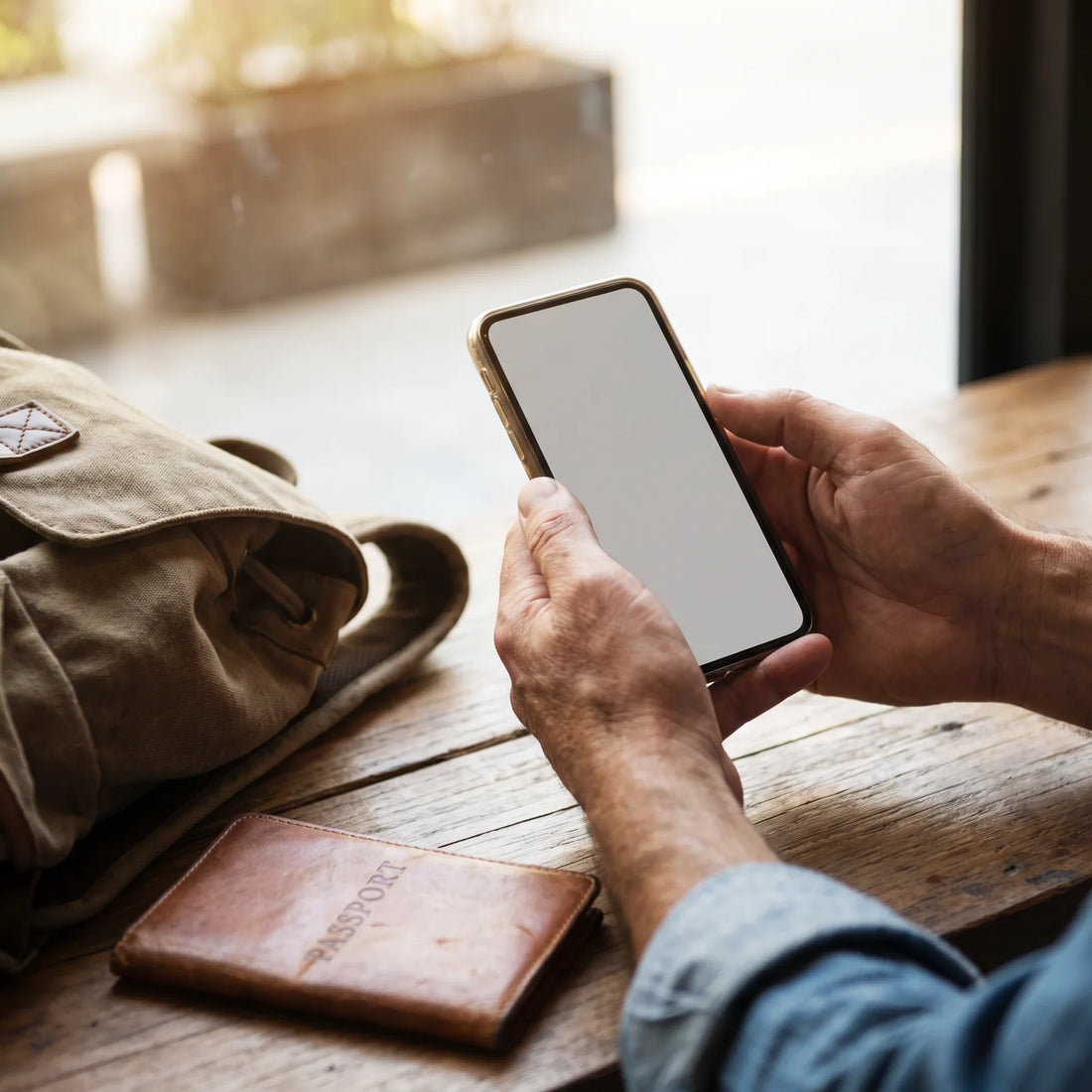
An eSIM is a digital chip integrated into the phone at the factory that performs the same function as a physical SIM card, but without the card: instead of inserting it, you scan a QR code and the plan is activated in a few minutes. Digitel, like many operators in the region, already offers this technology alongside the traditional SIM.
The practical difference is simple. A physical SIM is a plastic card that you remove from one phone and insert into another. An eSIM lives inside the phone's chip: it doesn't get lost, it doesn't bend, you can't forget it at home. To activate it, you don't need to go to a store to pick up a card; you just need the QR code or profile provided by the operator and a compatible phone.
This does not mean that eSIMs are exclusive to local operators like Digitel. The same technology allows for something different: contracting a data eSIM that does not depend on any operator in your country, designed specifically for when you travel outside your city or country. Later in this guide, we will see how this option differs from simply activating roaming on your usual line. If you want the complete technical details, you can review what an eSIM is exactly.
How to get a Digitel eSIM?
The process for getting an eSIM with a local operator usually follows a similar pattern across most companies: request migration (or a new line) at the physical store or through the official app, verify your identity, and receive a QR code that you scan from your phone's settings to install the profile. As the exact steps, requirements, and availability change depending on the operator and the time, the most reliable way is to confirm them directly through Digitel's official channels before going to a store.
What is universal, regardless of the operator, is the fundamental requirement: you need an eSIM-compatible phone (which we'll cover in the next section) and a Wi-Fi or data connection to complete the profile installation. If you've never installed an eSIM before, this step-by-step guide to installing an eSIM covers the general procedure that applies to most operators and applications.

How much does a Digitel eSIM line cost?
Here it's important to be honest: mobile line prices change frequently, vary by plan, current promotions, and whether it's a prepaid or postpaid line. There isn't a single, stable figure we can quote you with assurance that it will still be correct when you read this, so we won't invent a number.
The only reliable source for the price of a line or data plan is the operator's official channel at the exact moment of your inquiry, not an article written weeks or months ago.
What you can do is compare fairly: check the cost of the data plan you need in Digitel's official app or store, and if your real question is how much it would cost you to use mobile data during a trip outside your country, that's a different calculation (international roaming) which usually has its own cost, separate from the local plan.
How to convert a physical SIM to an eSIM?
Converting a line from physical SIM to eSIM is not exclusive to any operator: it's a procedure that most companies offer today because eSIM technology is already an industry standard, not a brand feature. In general terms, the path is this:
| Step | What to do |
|---|---|
| 1 | Confirm that your phone is compatible with eSIM (see next section) |
| 2 | Request the migration from physical SIM to eSIM from the operator, via app, web, or store |
| 3 | Verify identity if required by the operator |
| 4 | Receive the QR code or eSIM profile link |
| 5 | Scan the code from your phone's mobile network settings, with Wi-Fi active |
| 6 | Confirm that the eSIM line is active before removing or deactivating the physical SIM |
The last step is the one most people skip and which causes the most problems: if you deactivate the physical SIM before confirming that the eSIM profile is properly installed, you might lose service until you resolve it with support. It's worth reviewing the most common problems when installing an eSIM before making the switch, to know what to do if something doesn't load correctly the first time.
Which cell phones are compatible with eSIM?
Compatibility depends on the model and, in some cases, the region where the phone was purchased (some versions sold in certain countries have the eSIM locked). As a general reference for the family of models that usually support it:
| Brand | Model family that usually supports eSIM |
|---|---|
| Apple | iPhone XS/XR and newer |
| Samsung | Galaxy S20, Note 20, Z Flip/Fold and newer |
| Pixel 3 and newer | |
| Motorola | Recent Edge and Razr ranges |
This table is indicative and does not replace verification on your own phone: on iPhone, for example, check Settings → General → About → look for "EID"; on Android it is usually in Settings → About phone → SIM status. If an EID appears, the phone supports eSIM. For a detailed model-by-model list, you can consult this list of eSIM-compatible phones.
How to use Digitel in Colombia?
If you travel to Colombia and want to continue using your Digitel line, the way is to activate international roaming from your carrier before leaving Venezuela. Roaming allows your number to continue working in another country using the network of an associated local carrier, but you usually have to activate it in advance, check if your plan includes it or has an additional cost, and confirm what happens with mobile data outside the country (sometimes it's charged per MB, other times per daily package).
We cannot give you the exact cost or exact coverage of Digitel in Colombia because that information changes and depends on agreements between operators that are not under our control. What is useful to know, and applies regardless of the operator you use, is that roaming from your home operator is not the only way to have data when you arrive in another country.

Why your carrier's roaming is not always the most practical option
Traditional roaming has three common issues worth knowing before you travel: first, the cost is usually higher than a local data plan or one specifically designed for travelers; second, coverage depends on your carrier having a current agreement with a network in the destination country, something you can't always verify with certainty before you leave; third, activating it sometimes involves calling, writing, or logging into an app in advance, and if you forget, you'll arrive at the airport without data.
This is not a problem exclusive to Digitel: it is a characteristic of roaming itself, with any operator in any country. The alternative that has gained ground in recent years is to contract a data eSIM specifically for the trip, separate from your main line, a comparison we develop in more detail in eSIM vs. roaming: what's best depending on the trip.
What is an international travel eSIM and how does it work?
An international travel eSIM is a data profile that you purchase specifically for the destination (or destinations) you are traveling to, without relying on your local operator's roaming or having to buy a physical SIM upon arrival. It works just like any eSIM: you scan a QR code, your phone recognizes it as an additional data line, and you can use the internet as soon as you land, without looking for stores or queuing.
This is exactly the solution that resolves the friction we described in the previous section. For example, PuraSIM offers data eSIMs for more than 200 destinations, with activation in approximately 1 minute once the profile is installed, 24/7 support in all languages by email and WhatsApp, and up to 180 days from purchase to activate it, so you can buy it calmly before your trip and activate it just when you need it, not before.
The advantage over roaming is not just the price of the plan itself: it's that you don't depend on whether your home operator has an agreement with a network at your destination, nor on remembering to activate anything by phone. Your main line (Digitel, in this example) remains intact for calls and SMS if you need it, while the travel eSIM only handles data.
Practical example: a trip without depending on Digitel roaming
Imagine you're traveling from Venezuela to Colombia for a week. Before leaving, instead of calling Digitel to activate roaming and waiting to see how they charge you for data upon arrival, you install an international travel eSIM while you still have Wi-Fi at home. The entire process takes just a few minutes: you buy the data plan for Colombia, scan the QR code, and your phone confirms that the profile has been installed.
Here's a subtle detail worth knowing before getting on the plane: installing the eSIM is not enough. Most dual SIM phones will continue to use the physical line (in this case, Digitel) as the default active data line, even after installing the new profile. If you don't go into the network settings and manually select the new eSIM as the "mobile data" line, your phone may continue to try and use Digitel on roaming without you realizing it, with the associated costs. It's advisable to check this setting as soon as you land, before opening any app.
The interesting thing about phones with dual eSIM (or eSIM plus physical SIM) is that you don't have to choose just one line for everything: you can keep your Digitel number active to receive calls and verification codes from your bank or WhatsApp, while all data browsing runs through the travel eSIM. This way, you arrive in Colombia with internet working from the airport and your usual number available for what you really need it for. If you want to delve into how to plan this for different types of travel, this definitive eSIM guide for travel covers more scenarios.
Roaming with your carrier vs. international travel eSIM
To decide what suits you best for a specific trip, this comparison summarizes the most important criteria:
| Criterion | Roaming with your carrier (Digitel or other) | International travel eSIM |
|---|---|---|
| Activation | Requires prior management with your home carrier | Activation in approximately 1 minute, when you decide |
| Coverage | Depends on carrier agreements in each country | Available in over 200 destinations |
| Your main number | Used for everything: calls, SMS, and data | Remains intact for calls and SMS; data goes through the eSIM |
| Support if something goes wrong | Varies depending on the carrier and the country you are in | 24/7 in all languages via email and WhatsApp |
| When to buy | Usually needs to be activated before departure | Up to 180 days from purchase to activate |
Neither of the two is "the correct one" in all cases: if your trip is short and you only need to keep your usual number working without doing anything, roaming may suffice. If you care about controlling data costs, not depending on agreements between operators, or simply arriving with internet from the airport without prior arrangements, an international travel eSIM solves exactly that problem. You can also thoroughly review eSIM vs. physical SIM if you still have doubts between both formats for your cell phone.
Frequently Asked Questions
Can I use an international travel eSIM without canceling my Digitel line?
Yes. On a dual-line compatible phone (dual SIM or dual eSIM), your Digitel line can remain active for calls and SMS while the travel eSIM handles data. You don't need to cancel anything.
Does the travel eSIM replace my phone number?
No. An international travel eSIM is usually a data-only line, not a new voice number that replaces yours. Your Digitel number remains the same; what changes is where your internet connection comes from.
Do I need an unlocked phone to install a travel eSIM?
It depends on the specific lock on your phone, which varies depending on the carrier that originally sold it to you. What is a fixed requirement is that the model must be compatible with eSIM, which you can verify in your phone's settings before purchasing any plan.
What if my phone is not compatible with eSIM?
If your phone doesn't have an eSIM, you won't be able to install a digital profile and will need to find another way to get connectivity when traveling, for example, with a local physical SIM or by keeping your carrier's roaming.
How long does it take to activate an international eSIM once purchased?
Activation takes approximately 1 minute once you install the profile and activate it from the destination or when you decide to use it, within the 180 days you have from purchase to activate it.
Can I install the eSIM before traveling and activate it later?
Yes, and in fact it's recommended: install the profile while you have stable Wi-Fi at home, and activate it when you arrive at your destination or need it, always within the 180-day window from purchase.
What do I do if I have a problem with the eSIM once I'm at my destination?
You can write by email or WhatsApp, with 24/7 support available in all languages, instead of relying on a phone line that may not exist for your travel data provider.
Does the travel eSIM work for only one country or for several?
There are plans by country and regional plans that cover several destinations with the same profile, depending on what you need for your specific itinerary. It is advisable to check the exact destination of your trip before choosing a plan.
Conclusion
If you've made it this far looking for how to get a Digitel eSIM, the most honest thing to do is to confirm the exact steps and prices directly with Digitel, because that information changes and we don't want to give you information that may no longer be accurate when you read it. But if your real question was another—how to get data working when you arrive in another country without fighting with roaming—you now have the complete picture: an international travel eSIM installs in minutes, doesn't affect your main line, and works in over 200 destinations with 24/7 support via email and WhatsApp if something doesn't go as expected.
The simplest next step is to calmly install the profile before packing your suitcase, and have it ready to activate the day you land. You can review available destinations and choose the data plan that corresponds to your next trip in the international eSIM collection.