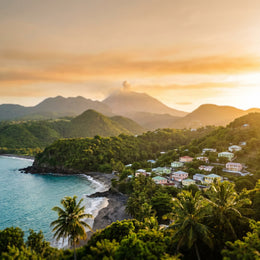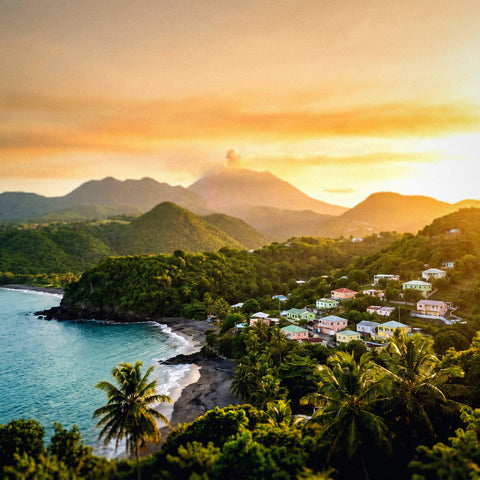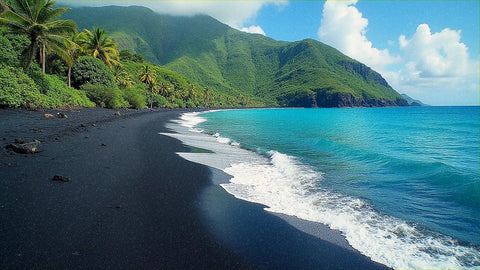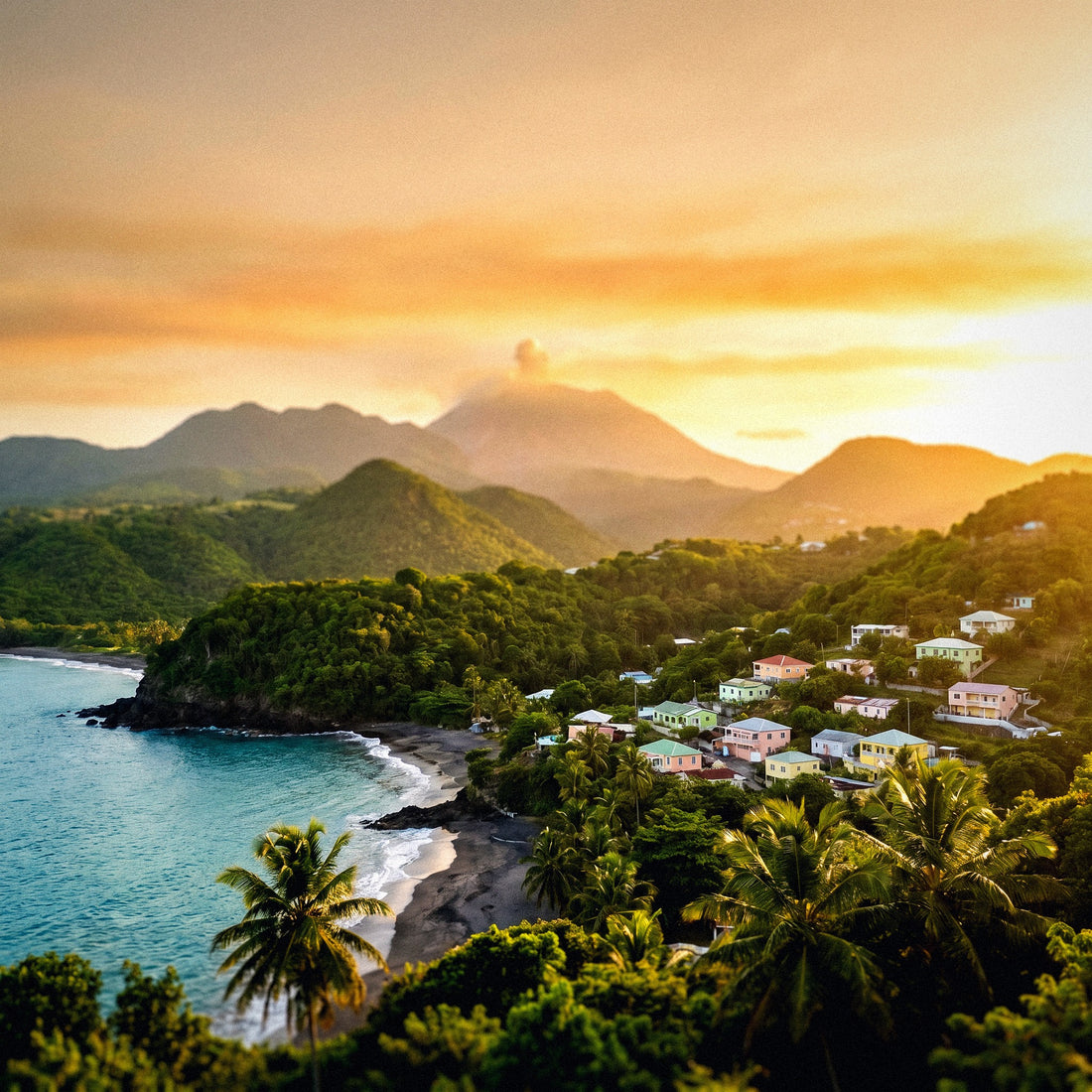
Few Caribbean destinations make you think about connectivity as much as this one. Talking about internet in Montserrat is talking about an island split in two: a populated north, with antennas and normal life, and a south sealed off since the Soufrière Hills volcano wiped out the capital. There's no coverage map that's useful here if you don't first understand which half of the island is alive and which is shut down. In this guide, I'll tell you how I would connect, with real prices in Eastern Caribbean dollars, the two existing operators, and the pitfalls many travelers face when arriving from Antigua.
Internet in Montserrat, in two minutes
In Montserrat, you connect with Flow or Digicel, the only two operators, and only in the northern third of the island: the volcano exclusion zone has no coverage. As a British Overseas Territory, it's not included in European roaming, so an eSIM activated before flying is the most convenient option.
Montserrat is an island of about 102 km², of which only approximately one-third is used. In 1995, the Soufrière Hills volcano awoke after centuries of silence, and between 1995 and 1997, it buried Plymouth, the capital, under meters of ash and pyroclastic flows. Nineteen people died in June 1997, and the population dropped from about 11,000 to just over 4,000. Everyone now lives in the north: Brades, Salem, Woodlands, Olveston, Little Bay, St. Peter's.
This has a direct consequence for your mobile phone: telecommunications infrastructure was only rebuilt where people live. There are no antennas serving the south because there's no one to serve, and because the existing facilities were buried with Plymouth. When you go down to the volcano viewpoints or enter the restricted zone with a guide, the signal degrades and eventually disappears.
The rest of the island functions normally: 4G in the northern population centers, fiber and Wi-Fi in accommodations, and the John A. Osborne Airport in Gerald's, a twenty-minute flight from Antigua. If you want the detailed compatibility and activation information for this specific destination, I've covered it in the eSIM guide for Montserrat.
Montserrat is not the EU: the expensive bill surprise
Here's the important warning, and I prefer to give it to you sooner rather than later. Montserrat is a British Overseas Territory; it is not part of the European Union or the European Economic Area, nor is it an Outermost Region like Guadeloupe, Martinique, or the Canary Islands. This means that the famous Roam Like at Home —the "use your home data without extra cost"— does not apply.
Many people assume that "Caribbean with a European flag" equates to European rates, and confuse Montserrat with Guadeloupe, which is nearby and is indeed France for telecommunications purposes. This is not the case. Moreover, since Brexit, even a British user doesn't have automatic guarantees: overseas territories are outside the included zones for most tariffs.
In practice, for a Spanish line, Montserrat falls into the most expensive zone in the catalog, what operators call "Zone 3," "Rest of the world," or similar. There, out-of-bundle consumption is charged per megabyte, and international daily bundles are expensive for what little they offer. A couple of videos and an open map can result in a three-figure bill if you haven't contracted anything.
My advice is simple: before flying, log into your operator's customer area and check the exact rate for Montserrat, country by country, not by region. If you're interested in the detail of how these prices are calculated, I broke it down in how much international roaming costs, with examples per operator.

The four ways to connect, compared
On paper, you have four options, and on such a small island, the differences are much more noticeable than in a large destination. I'll put them in a table and then elaborate.
| Option | Estimated Cost | Advantage | Disadvantage |
|---|---|---|---|
| Spanish Roaming | Most expensive zone in the catalog; daily bundles of several euros for little data | Zero hassle, same number | No EU bundle; charged per MB outside bundle |
| Accommodation Wi-Fi | Included | Free and sufficient for video in the villa | Only indoors; variable speed; nothing on the go |
| Local SIM (Flow / Digicel) | EC$20-25 for SIM + bundles from EC$4.99 | Local price, local number | Physical store, passport, business hours, remove your SIM |
| Travel eSIM | Plans by day or by GB, purchased from home | Active upon landing, no paperwork or stores | Requires compatible mobile phone |
The local SIM is cheap in terms of the product, but expensive in terms of time: you have to get to the north, find an open store, show your passport, and wait for activation. On an island where many travelers stay three or four days, this process can eat up half a morning. And on Sunday, quite simply, there's no store open.
Wi-Fi covers evenings well, but it's no good when you're at the Garibaldi Hill viewpoint trying to show Plymouth via video call. If you're comparing technologies, here's my analysis of eSIM versus local SIM applied to destinations just like this one.
Local SIM: Flow and Digicel, prices and passport in hand
Exactly two companies operate in Montserrat. Flow (Cable & Wireless, the former LIME) is the historical one with the best coverage; Digicel arrived in 2015 to break the monopoly and has been closing the gap. Both launched 4G/LTE between late 2017 and 2018; before that, the "4G" on the sign was actually 3G/HSPA+.
| Concept | Flow | Digicel |
|---|---|---|
| SIM Price | EC$25 (~US$9 / ~€8) | EC$20 (~US$7.40 / ~€6.50) |
| Where to buy it | St. John's store and post office | Brades store and some shops |
| Small Bundle | Prepaid plans advertised from US$6 | 100 MB + 10 min, 1 day: EC$4.99 |
| Medium Bundle | 100 MB / 7 days: EC$26.99 | 500 MB + 70 min, 7 days: EC$24.99 |
| Large Bundle | 250 MB / 30 days: EC$64.99 | 2 GB + 200 min, 30 days: EC$90 |
| Requirements | Passport at point of sale; top-ups at kiosks, supermarkets, and gas stations | |
The currency is the Eastern Caribbean dollar (XCD), pegged to the US dollar at EC$2.70 = US$1, so conversion is easy: divide by 2.7 to get US dollars. US dollars are accepted in many places, but you'll get change in EC$.
Two practical notes: balance can be checked by dialing *120# and Flow's data APN is ppinternet. Flow top-ups, between EC$5 and EC$200, maintain validity for 90 days regardless of the amount. And don't assume there will be local eSIMs: Montserrat still sells traditional physical cards.
Where there's coverage and where there isn't: the north and the exclusion zone
This is the section that truly differentiates Montserrat from any other Caribbean island. Mobile coverage exists only in the populated northern half. In the south, there is no network because there is no one to provide service to, and because the existing facilities were buried with Plymouth.
- Brades and Little Bay: the de facto administrative center and the port where the new capital is being built. Here you have stable 4G from both operators.
- Salem, Olveston, Woodlands, St. Peter's: the residential and hotel strip. Decent coverage, with some weak spots in the ravines.
- John A. Osborne Airport (Gerald's): there is mobile signal, but don't count on public Wi-Fi in the terminal.
- Montserrat Volcano Observatory (MVO, in Flemmings): this is the comfortable southern limit. There is still network.
- Exclusion Zone (Zone V, includes Plymouth): no public access and no reliable coverage. Entry only with certified guide and police permit.
The first time I went down to the viewpoints over Plymouth, I realized something obvious yet unsettling: my phone lost signal long before the road ended. That's when you understand you're not in a theme park, but in a dead city.
Add a safety nuance: authorities manage zones A, B, C, F, and V, and only V is closed when the danger level is 1, which was the situation at the time of writing. That level can change. Always check the Montserrat Volcano Observatory report before moving. And if you go to the restricted zone, inform someone of your route and expected return time, because you won't be able to call from inside.
Hotel, villa, and restaurant Wi-Fi
The typical accommodation in Montserrat isn't a 400-room resort, but rather a rental villa, a small hotel in Woodlands, or an apartment in Salem. Almost all offer included Wi-Fi, and generally, it works: for email, messaging, streaming on TV, and occasional video calls, it's sufficient.
There are three nuances. First, the island's international capacity is limited and shared, so in the late afternoon, when everyone is home, the speed drops. Second, many villas have the signal concentrated in the living room; in the back bedroom or on the terrace, you might see the network name but not be able to browse. Third, power outages do happen, and a power outage means a Wi-Fi outage.
Outside of accommodation, options are scarce. Some restaurants and bars in Little Bay and Salem provide a password if you make a purchase, but it's not a destination with Wi-Fi cafes on every corner. And once you go hiking on the Oriole Walkway, diving in Woodlands Bay, or visiting Rendezvous Bay, there's no network to connect to, nor will there be.
What about a portable router? On an island with two operators, virtually non-existent local rentals, and short trips, it's just carrying an extra device and an extra battery for no reason. I compare it calmly in eSIM versus pocket Wi-Fi, but the summary for Montserrat is that it's not worth it.

The eSIM: the option I take to the island
An eSIM is an operator profile that you download to your mobile, without plastic or a tray. You buy the plan from home, receive a QR, install it, and activate it when you land. If you've never used one, I'll explain the entire mechanism in what an eSIM is without jargon.
For Montserrat specifically, it fits better than almost any other Caribbean destination, and for very practical reasons:
- You arrive via Antigua. The flight from V. C. Bird lasts about twenty minutes, and the planes are small. There's no time, no store, and no desire to manage a SIM in transit.
- There's no operator store at the airport. John A. Osborne is tiny. If you land on a Saturday afternoon, you won't buy anything until Monday.
- You keep your Spanish number active for bank SMS and to be reachable, while data goes through the local profile.
- Short stays. Many people spend two or three nights. Paying EC$25 for a SIM you'll use for 48 hours makes no sense.
Requirements: compatible and unlocked mobile phone. Download the profile with Wi-Fi before leaving home—at Antigua airport or your own—and leave it installed but not activated until you arrive. And watch out for the detail that most often goes wrong: remember to disable data on your main line so you don't incur unexpected charges. If you're debating between this option and sticking with your operator, I compare them in depth in eSIM versus roaming.
How many gigabytes you need depending on your trip type
Montserrat isn't a destination for high data consumption: there's little waiting time, little public transport to kill time on, and many hours of hiking or boating. With the reference that one hour of high-quality video consumes about 1 GB and Google Maps with navigation uses about 5 MB every 10 minutes, this table will guide you.
| Travel Profile | Duration | Recommended Data | Why |
|---|---|---|---|
| Volcanic getaway from Antigua | 1-2 days | 1 GB | Maps, photos, and some messages; you sleep out or almost |
| Classic tourism with villa | 4-5 days | 3 GB | Villa Wi-Fi covers evenings; data is for when you're out |
| Diving and hiking | 1 week | 5 GB | Uploading photos and videos of dives weighs more than you think |
| Remote work or long trip | 2 weeks | 10 GB or more | Video calls and backup when accommodation Wi-Fi fails |
| St. Patrick's Festival | 10 days | 8 GB | Lots of live streaming, many photos, and networks saturated with visitors |
Two adjustments that save a lot: download Montserrat's offline map in Google Maps or Maps.me before you leave—the entire island takes up very little space—and download your music and series from the villa's Wi-Fi. With that, your actual spending will be half of what you calculated.
And be realistic with uploads: if you're diving in the wrecks and reefs of the west, 4K videos are beasts of several gigabytes. Upload them via Wi-Fi when you return, not from the beach.
Practical tips for everyday use
Things you'll appreciate knowing before landing, ordered by real usefulness:
- Phone prefix: +1 664. Montserrat is part of the North American numbering plan, not the British one. Save your contacts in international format.
- Emergencies: 911. Works from any mobile, even without credit.
- The shamrock stamp. Upon entry, they might stamp a green shamrock in your passport: the island is the "Emerald Isle" of the Caribbean due to its Irish heritage, and the St. Patrick's Festival in March lasts over a week.
- The restricted zone is visited with an authorized guide. You need a police permit to go down to Plymouth. Do not enter alone: besides being illegal, it's dangerous, and you'll be without coverage.
- The observatory (MVO) has an interpretation room and is the best way to understand what you see from the Garibaldi Hill or Richmond Hill viewpoints.
- Transport. They drive on the left, and you need a temporary local permit to rent a car. Taxis operate by prior agreement, so having data to call or text via WhatsApp is more useful than it seems.
- Ferry and flights. The usual connection is the short flight from Antigua; the ferry has come and gone depending on the season and operator. Confirm it's operational before counting on it.
- Plugs. British and American style outlets coexist depending on the building: bring a universal adapter.
One last tip that is worth gold on an island like this: take screenshots of your reservations, ticket, and guide's contact information. When you go south and your cell phone loses signal, a screenshot saved in your camera roll is worth more than any cloud application.
Frequently Asked Questions
Does my European data plan work in Montserrat?
No. Montserrat is a British Overseas Territory and is outside the European Economic Area, so "Roam Like at Home" does not apply. Your Spanish operator will charge you its most expensive international zone rate. It is the most expensive mistake an unsuspecting traveler makes by confusing it with Guadeloupe or Martinique.
Is there coverage in the exclusion zone and Plymouth?
Not reliably. The network was only rebuilt in the inhabited north, and the south was left without infrastructure after the eruptions. In high viewpoints, you might retain a weak signal, but within Zone V, you should assume you will be out of communication. Always go with a certified guide and permit, and inform them of your route.
Which operator has better coverage, Flow or Digicel?
Flow is usually ahead as it is the historical operator and has the most extensive network in the north, although Digicel works well in Brades, Salem, and Little Bay. Both have 4G since 2017-2018. For a short trip, the practical difference within the inhabited zone is small.
Can I buy a local SIM at the airport?
Don't count on it. John A. Osborne Airport is very small and does not have operator stores. You will have to go to the Flow store in St. John's or the Digicel store in Brades, during business hours and with your passport. Weekends and holidays make the process much more complicated.
How much does it cost to connect with a local SIM?
Between EC$20 and EC$25 for the card (about 7-9 US dollars), plus the bundle. Digicel offers bundles from EC$4.99 for 100 MB for one day and goes up to EC$90 for 2 GB for 30 days. Flow advertises prepaid plans from 6 dollars. Prices change, confirm them in-store.
Do they accept US dollars or do I need local currency?
US dollars are accepted in many businesses, but the official currency is the Eastern Caribbean dollar (XCD), pegged at EC$2.70 per dollar. You will receive change in EC$ and at a rounded exchange rate, so for small amounts like a top-up, it is better to pay directly in local currency.
Are there eSIMs from local Montserrat operators?
This is not something you can count on. In Montserrat, physical cards are still sold, requiring an in-person registration with a passport. If you want the convenience of a digital profile, the practical way is to purchase a travel eSIM before you leave, which will also rely on the local Flow or Digicel networks.
Do I need internet to visit the volcano?
Not for the visit itself, but to organize it. Authorized guides are contacted by phone or WhatsApp, the observatory publishes the hazard level, and schedules change. Carry downloaded maps and screenshots of your reservations, because as soon as you head south, you'll lose data.
Conclusion
Montserrat is a rare and fascinating destination: an island where half the geography is closed off by an active volcano, the capital is still buried under ash, and life has completely reorganized in the north. For mobile phones, this translates into a simple rule: there's good connection where people live and none where nobody lives. Flow and Digicel cover Brades, Salem, Woodlands, and Little Bay with decent 4G; the exclusion zone, not so much.
With that clear, the decision is easy. Spanish roaming doesn't have European safety nets here and is charged at international zone prices. Accommodation Wi-Fi covers the nights, but not the viewpoints over Plymouth or the Oriole trail. And a local SIM, while cheap, requires a physical store, a passport, and a schedule that you simply don't have on a three-day getaway.
That's why I arrive with my plan sorted from home: profile installed, main line data off, and my phone working from the moment the plane touches down in Gerald's. If you want to do the same, here's the eSIM for Montserrat ready to activate, and you can forget about it before the trip even begins.