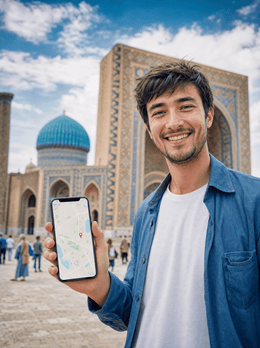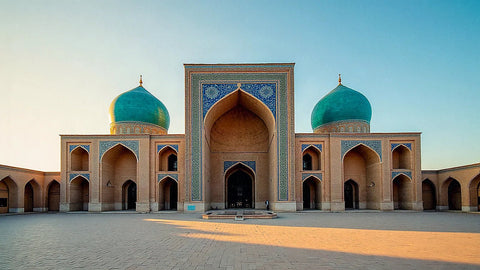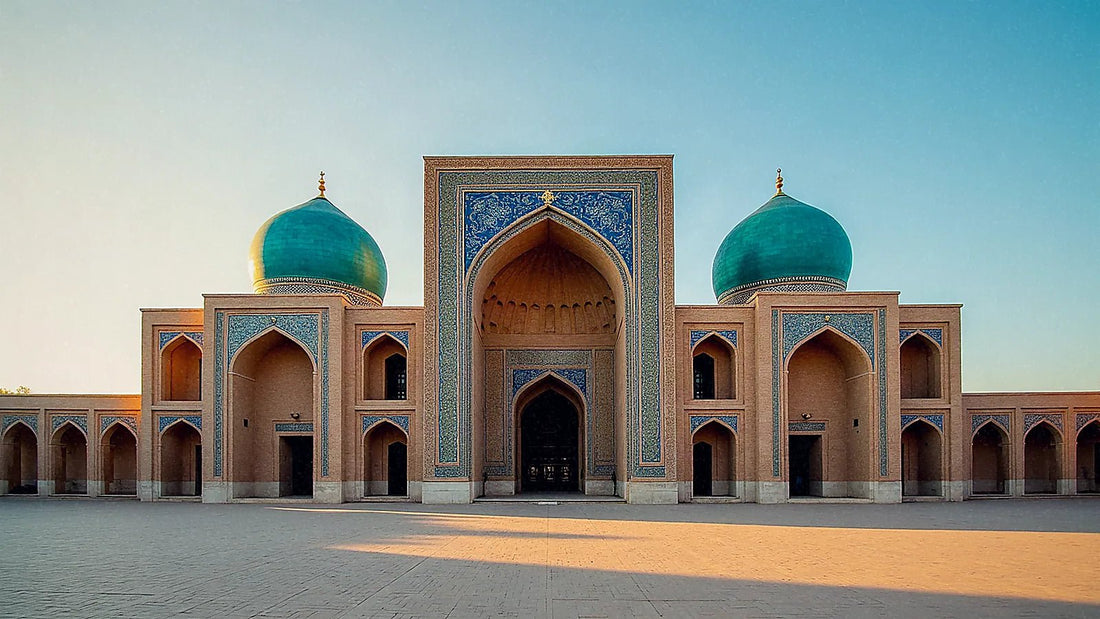
If you're planning a trip along the Silk Road, having good internet in Uzbekistan matters more than it seems: you'll need it for Tashkent maps, to decipher Cyrillic on a sign in Bukhara, and to avoid getting lost among the madrasahs of Samarkand. In this guide, I compare all options—roaming, hotel Wi-Fi, local Uzbek SIM, and eSIM—with real coverage data, so you can arrive connected from minute one.
How to connect to the internet in Uzbekistan: your 4 options
In Uzbekistan, you have four ways to connect: roaming with your Spanish operator (the most expensive), hotel Wi-Fi (limited), a local Uzbek SIM (cheap, but requires passport and registration), and a travel eSIM, the most convenient option and the one I recommend for almost everyone.
Uzbekistan has significantly modernized its network in recent years, so connecting is no longer the problem it was a decade ago. Still, each option has its fine print, and it's wise to choose carefully. Roaming works as soon as you land, but the country is outside the European Union, and rates skyrocket mercilessly. Hotel and restaurant Wi-Fi covers the basics when you're stationary, but disappears as soon as you step outside. A local SIM is very cheap and has excellent coverage, but you'll need to spend some time registering it with your passport at an official store. And an eSIM lets you arrive with data already active, without queues or paperwork, and keeping your usual number. In the table below, I summarize the essentials of each alternative so you can see at a glance what suits you without any surprises on the bill.
| Option | Estimated cost | Requirements | Coverage |
|---|---|---|---|
| Roaming (Spain) | Up to €12-18/MB outside the EU | None, already active | Local network's coverage |
| Hotel/cafe Wi-Fi | Free | Be on premises | Indoor only |
| Local Uzbek SIM | From ~$5 for 45 GB | Passport + registration | Excellent (Uzmobile/Ucell) |
| Travel eSIM | Plans from a few euros | Compatible phone | Good in cities and along the route |
Roaming from Spain: why your bill will hurt
Let's start with what I DO NOT recommend unless it's an emergency. Uzbekistan is outside the European Union, so the "roaming like at home" rule doesn't apply: here, you pay international destination rates. With Movistar, browsing outside the EU can cost up to €12.10/MB; Vodafone can set caps of €18.15/MB, and calls hover around €3 to €6 per minute. To give you an idea of the madness: at €12/MB, downloading just one GB of data would cost over €12,000. Yes, you read that right.
Some operators sell travel bundles—Orange, for example, offers packages of 2 GB for €9/day in certain destinations—but it's wise to check if Uzbekistan is included in the zone before trusting. My advice: if you're going to use roaming, activate it only as a safety net, with mobile data off and relying on Wi-Fi, and be very clear about your spending limit. For a one or two-week trip along the Silk Road, any other alternative is much more cost-effective. If you want the full breakdown, I cover it in my guide on how much international roaming costs and in the comparison eSIM vs. roaming.

Hotel and cafe Wi-Fi: useful, but don't rely on it
Your hotel Wi-Fi will be your best friend at night: most accommodations in Tashkent, Samarkand, and Bukhara offer free and decent connection for checking emails, uploading photos, or making a short video call. Restaurants, cafes, and many museums also usually have open networks. So far, so good.
The problem is dependence. Wi-Fi ties you to the location: as soon as you go out for a walk around the Registan or get on the Afrosiyob high-speed train, you lose connection. And precisely when you need it most—to find your way, call a taxi via app, translate a sign, or check schedules—there's no network to rely on. Don't trust its security either: open public networks are a sieve, so avoid logging into your bank or typing important passwords without a VPN.
My recommendation is to use Wi-Fi as a complement, never as your sole plan. Combine it with your own mobile data, and you'll have the best of both worlds: you save battery and data at the hotel, and you stay connected on the street. If you're considering a pocket router as an alternative, I compare the two options in eSIM vs. pocket Wi-Fi.
Local Uzbek SIM: cheap, with passport and registration
Uzbekistan has four mobile operators: Uzmobile (state-owned, best national coverage), Ucell (almost identical and with the best 5G), Mobiuz, and Beeline. Buying a local SIM is very cheap: there are packages from about $5 for 45 GB, figures unthinkable in Spain. Uzmobile and Ucell coverage is excellent along almost the entire tourist route.
The catch? Registration. By law, every SIM is linked to your passport: the seller scans it and registers the line in your name, a mandatory process that can take between 15 and 30 minutes at an official store. Always buy from a branded store or an airport counter, never from an informal stall, to ensure the card is properly activated. Also keep in mind that you'll need some patience with the language during the process.
If you don't mind the paperwork and plan to stay for weeks in the country, a local SIM is unbeatable in price. For short stays, many prefer to skip the queue. I've got a detailed comparison in eSIM vs. local SIM. Here's a summary of the operators:
| Operator | Coverage | 5G | Ideal for |
|---|---|---|---|
| Uzmobile | Best nationwide and rural | Limited | Long routes and desert |
| Ucell | Almost identical; strong in Fergana Valley | The best | Cities and fast data |
| Mobiuz | Good in cities, weak outside | Scarce | Urban stays |
| Beeline | The weakest in the country | Scarce | Occasional use |
eSIM: the option I recommend for tourists
For most travelers, my recommendation is clear: a travel eSIM. It's a digital SIM that you install on your phone by scanning a QR code, without a physical card and without going to any store. You buy the plan before leaving home, get it set up, and when you land in Tashkent, you activate the data and you're connected. Zero queues, zero passport registration, zero risk of losing your usual SIM.
The advantages are evident for a Silk Road trip: you arrive with maps working, you can order a Yandex Taxi right after leaving the airport, and you keep your Spanish number active in another slot to receive bank SMS messages. Plus, you control your spending: you choose the GB you need, and there are no surprise bills upon return.
The only requirement is that your phone is eSIM compatible—almost all iPhones since the XS and most mid-range/high-end Android phones are—and that it's unlocked. If you're not sure how this technology works, I explain it step-by-step in what an eSIM is, and you can find the specific destination guide in eSIM for Uzbekistan.
Coverage in Tashkent and the Silk Road (Samarkand, Bukhara, Khiva)
The good news is that the gems of the Silk Road are well covered. Uzbekistan has 4G/LTE coverage across approximately 85% of its territory (data from late 2023), and in the centers of Tashkent, Samarkand, and Bukhara, the signal is strong, with speeds of 30 to 60 Mbps: more than enough for maps, social media, and video calls.
5G already exists, but it's still largely symbolic: it's mainly limited to specific areas of Tashkent and Samarkand, and works best with Ucell. In Khiva, which is smaller and more remote, 4G coverage is decent within the historical Ichan Kala district, though don't expect the same speed as in the capital.
In my travels through Uzbekistan, I was never stranded within the historic cities: the problem always arises between them, on the road.
In practice, if you move through the Tashkent–Samarkand–Bukhara triangle and sleep in cities, any option with your own data will suffice. The Afrosiyob train maintains signal for much of the journey, though with interruptions when crossing uninhabited areas. For the classic Silk Road itinerary, connectivity is no longer an obstacle.

Internet in the desert and rural areas
Here it's wise to lower expectations. Outside the cities, coverage becomes patchy. The long stretches of road to Khiva crossing the Kyzylkum Desert can drop to 3G or even lose signal entirely for miles. The same applies to parts of the Fergana Valley and in mountainous areas or small villages far from the main routes.
In these environments, not all operators perform equally. Uzmobile, the state-owned network, holds up best on long and intercity routes and in rural areas; Ucell follows closely. Therefore, if your trip includes a lot of desert, long road trips, or nature, you'll want a connection that relies on a network with good national coverage.
My tricks for these stretches: download offline maps of your area on Google Maps or Maps.me before leaving, save your accommodation addresses, and have key phrase translations handy. That way, even if you lose data for an hour, you won't be completely stuck. And don't worry: losing signal in the middle of the desert also has its charm; it's one of the few moments of the trip where your phone goes silent, and there's only sand and horizon.
How much data do you need for your trip?
How many GB to buy? It depends on your type of trip, but for Uzbekistan, most tourists either buy too little or too much by not calculating. As a reference, maps and messaging consume little; what drives up consumption is video (streaming and social media) and long video calls.
For a one-week getaway focused on visiting cities, with Wi-Fi at the hotel at night, 5 to 10 GB will be more than enough. If you're staying for two weeks, sharing many stories on social media, or using your phone as a daily GPS in the car, aim for 15-20 GB. And if you work remotely or make frequent video calls, 25 GB or more is better, or directly a large data plan.
A useful tip: rely on hotel Wi-Fi for heavy downloads (uploading the day's video, updates, photo backups) and save mobile data for when you're out and about. With that discipline, a medium plan goes a long way. Here's my recommendation by traveler profile:
| Travel Profile | Main Use | Recommended Data |
|---|---|---|
| 1-week getaway, cities | Maps, chat, some social media | 5-10 GB |
| 2 weeks, full Silk Road | Daily GPS, social media, photos | 15-20 GB |
| Nomad / video calls | Remote work, video | 25 GB or more |
How to choose and get everything ready before traveling
To recap, this is how I would get everything ready before takeoff. First, decide your option according to your trip: for short stays and maximum convenience, eSIM; for long stays on a very tight budget and with time for registration, local Uzbek SIM; roaming, only as an emergency backup.
If you choose an eSIM, the process is simple: check that your phone is compatible, buy the plan with the GB you've calculated, install the QR code following the instructions, and set it up at home with a good Wi-Fi connection. Don't activate data until you land to avoid spending unnecessarily. When you arrive in Tashkent, turn on data roaming, and you're good to go.
A couple of helpful reminders: download offline maps, save screenshots of your reservations, have emergency phone numbers handy, and carry a small power bank, because using GPS under the Samarkand sun drains battery very quickly. With this, you arrive in the country without having to find a store or fill out forms in a language you don't understand, and with your mind focused on what matters: the tiles of the Silk Road, not the coverage.
Frequently asked questions
I'll answer the most common questions about connecting in Uzbekistan.
Does Spanish roaming work in Uzbekistan?
Yes, your phone connects to local networks, but Uzbekistan is outside the EU, and "roaming like at home" doesn't apply. Data can cost between €12 and €18/MB, so use it only for emergencies.
Do I need a passport to have internet?
Only if you buy a local Uzbek SIM: by law, the seller registers it in your name and scans your passport, a process that takes 15 to 30 minutes. With a travel eSIM, no documents are required.
Is there good coverage in Samarkand and Bukhara?
Yes. The centers of Samarkand, Bukhara, and Tashkent have solid 4G, with speeds of 30 to 60 Mbps, more than enough for maps, social media, and video calls. 5G exists, but it's still very limited and intermittent.
What about in the desert on the way to Khiva?
There, coverage is spotty. Stretches through the Kyzylkum Desert can drop to 3G or lose signal altogether. Download offline maps before leaving; Uzmobile is the operator that holds up best in rural areas.
How many GB do I need for a week?
For a seven-day city trip, with hotel Wi-Fi at night, 5 to 10 GB is plenty. If you use GPS daily or upload many videos, go for 15-20 GB.
Is my phone compatible with eSIM?
Most are. iPhones since the XS and almost all mid-range and high-end Android phones support eSIM. The phone must be unlocked. Check your settings for the "add eSIM" option.
Can I keep my Spanish number while traveling?
Yes. With an eSIM, your physical Spanish SIM remains active in its slot to receive calls and bank SMS, while you browse with the eSIM's data. This is the great advantage over swapping cards.
Conclusion
In summary: getting internet in Uzbekistan is no longer complicated. The Silk Road cities are well covered, the desert is the only area where you need to slow down, and you have four ways to connect depending on your priorities. Roaming is the expensive plan; Wi-Fi, the complement; local SIM, the option for long-term travelers; and eSIM, the convenience of arriving connected.
If you want to avoid paperwork and land in Tashkent with data already active, without visiting any Uzbek store, check out the PuraSIM eSIM for Uzbekistan: choose it, install it at home, and activate it upon arrival. Have a great trip along the Silk Road.