In short: an eSIM in Reykjavik gives you data as soon as you land in Keflavík to check the KP index and the Icelandic Meteorological Office's cloud map, the real key to hunting for auroras. It is installed before you fly, works on Síminn, Vodafone Iceland, and Nova networks, and avoids traditional roaming without losing your Spanish number.
Seeing the Northern Lights in Reykjavik depends on one thing that almost no one prepares for in advance: having reliable internet to check the forecast just when the sky clears up. There's no point in being in the right place if you don't know there's a clear patch of sky fifteen minutes away by car. A Reykjavik eSIM solves that from minute one: check the KP index, follow the real-time cloud map, and share photos without relying on hotel Wi-Fi or a café closed at ten at night.
What is an eSIM and why do you need it to hunt for auroras?
An eSIM is a digital SIM card: there's no plastic to insert, it's installed by scanning a QR code, and it coexists with your physical Spanish line without touching it. If you've never used one and want to fully understand the concept before buying it, we explain it from scratch in what is a virtual eSIM. For the specific case of Iceland, what matters is this: the aurora doesn't give fixed advance notice, so you need to be able to check your phone at eleven at night, in the middle of nowhere, and know if it's worth waiting twenty more minutes or moving the car to another spot.
Iceland is not in the European Union, so your Spanish operator's "roaming at home" rates don't apply here the same way they do in France or Italy. Depending on your company, using Spanish data in Iceland can cost you considerably more than in the rest of continental Europe, with surcharges that vary by operator and plan. A travel eSIM gives you a fixed rate that you know before leaving home, with no surprises on your bill when you return.

Mobile coverage in Reykjavik and the rest of Iceland
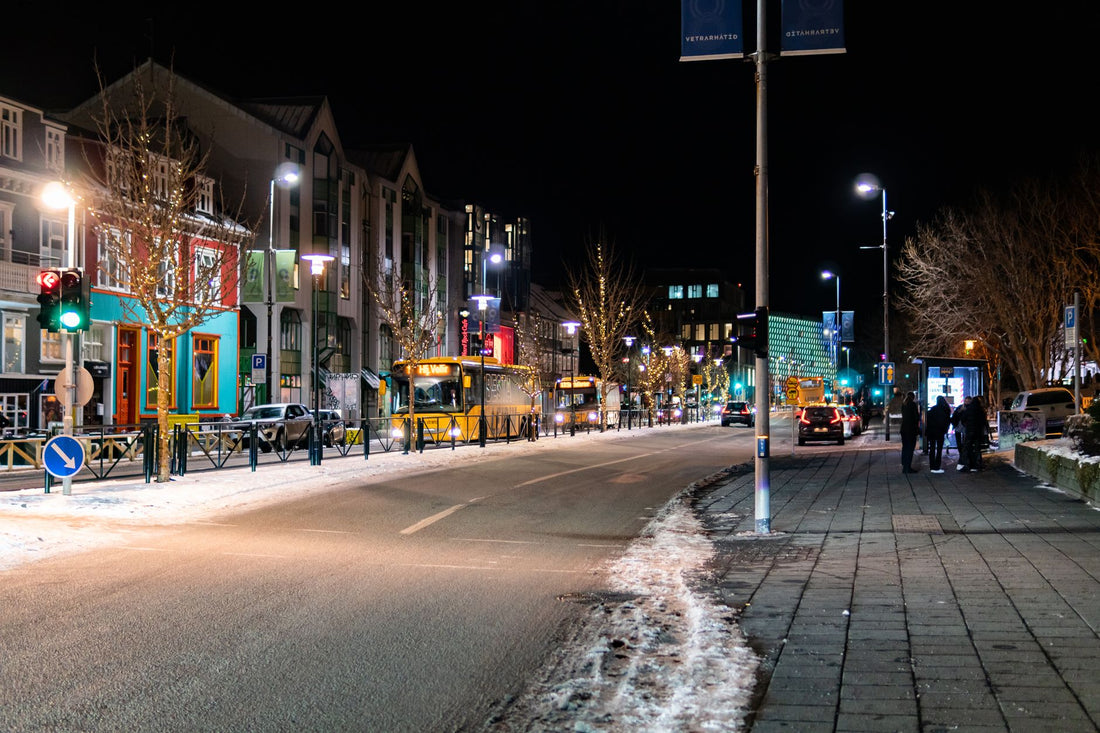
The Icelandic capital has some of the best mobile coverage in Europe, which surprises those who arrive thinking of a remote and frozen country. Local operators—Síminn, Vodafone Iceland, and Nova—offer very solid 4G and 5G in Reykjavik and its metropolitan area. A travel eSIM relies on these same networks through roaming agreements, so in the city, you'll have fast and stable signal at all times.
- Central Reykjavik (Laugavegur, Hallgrímskirkja, the old port): 5G in most spots, even inside museums.
- Keflavík Airport and the road to the capital: Continuous 4G during the 45-minute journey, so you can activate the eSIM as soon as you get off the plane.
- Golden Circle (Þingvellir, Geysir, Gullfoss): Good coverage in main car parks and viewpoints, though it drops a little between them.
- Interior and highlands: Signal drops in uninhabited areas, which is normal with any operator, local or foreign.
For aurora hunting, this matters more than it seems: the best viewing spots are often on the outskirts, away from city lights, precisely where coverage starts to be irregular. Check the forecast and download the area map before leaving Reykjavik, not when you're already parked at an exit without coverage.
Roaming, physical chip, or eSIM: what suits you in Iceland
You have three ways to get data in Iceland: activate roaming with your Spanish operator, buy a physical Icelandic chip upon arrival, or install a travel eSIM before you leave. If you've never thoroughly compared roaming vs. eSIM, we detail the differences in eSIM vs. roaming; and if you're wondering between a physical chip and an eSIM, the comparison of international chip vs. eSIM helps you decide based on your phone and itinerary.
To be honest: if your trip is two or three days and your operator has a reasonable international data rate already included, you might not need to buy anything extra. But if you're going to be moving between the city and the Golden Circle for several days, uploading photos and videos often, the eSIM gives you flexibility without relying on whether your operator includes Iceland in its "like home" rate (many do not, as it's not an EU country). If you want to first understand what data roaming is and why it varies so much between countries, we have a dedicated guide: what is data roaming.
| Option | How it works | Best for |
|---|---|---|
| Your operator's roaming | You activate roaming data with your Spanish number; cost depends on contracted rate | Very short trips if your plan already covers Iceland |
| Physical Icelandic chip | You buy it upon arrival; you temporarily lose your Spanish number for data | Travelers staying for weeks who want a 100% local plan |
| Travel eSIM | Installed before flying, coexists with your physical SIM, automatic activation upon landing | Most multi-day trips to Iceland |
How many GB you need for your trip
Iceland is a destination where many photos and videos are taken—the landscape invites you to record every five minutes—so it's advisable to have plenty of data. As a general guide, estimate between 1 and 1.5 GB per day if you frequently share content on social media; much less if you only use maps and the aurora forecast.
| Trip type | Days | Estimated GB |
|---|---|---|
| Reykjavik getaway | 3-4 | 3-5 GB |
| Reykjavik + Golden Circle | 5-6 | 6-8 GB |
| Island tour (Ring Road) | 8-10 | 10-15 GB |
| Maps and aurora forecast only | any | ~0.5 GB/day |
A tip to stretch your plan: use your accommodation's Wi-Fi to upload heavy videos at night and save the eSIM for what you need on the street, in the car, and when actively hunting for auroras. If you also want to make the most of every megabyte, in how to save data with your travel eSIM, you'll find specific tricks that also work well in cold weather and with limited battery, which is exactly the Icelandic scenario in winter.
Apps to follow the aurora without wasting time
With data on your mobile, these tools become your best ally so you don't miss the show:
- Aurora forecast from the Icelandic Meteorological Office (Veðurstofa Íslands): shows expected activity and, most importantly, the real-time cloud map. Without clear skies, no matter how strong the aurora is: you won't see it.
- KP index and space weather apps to know the predicted intensity hours in advance.
- Offline maps: download them before moving away from the city, in case you lose signal at some point.
- Camera and social media to upload the photo instantly, without having to wait to return to the hotel.
Photographer's tip: activate your mobile's hotspot with the eSIM to provide internet to a tablet while you wait in the middle of nowhere. This way, you can check the cloud map on a large screen without draining your phone's battery, which you need for taking photos.
Auroras outside the city: Golden Circle and South Coast
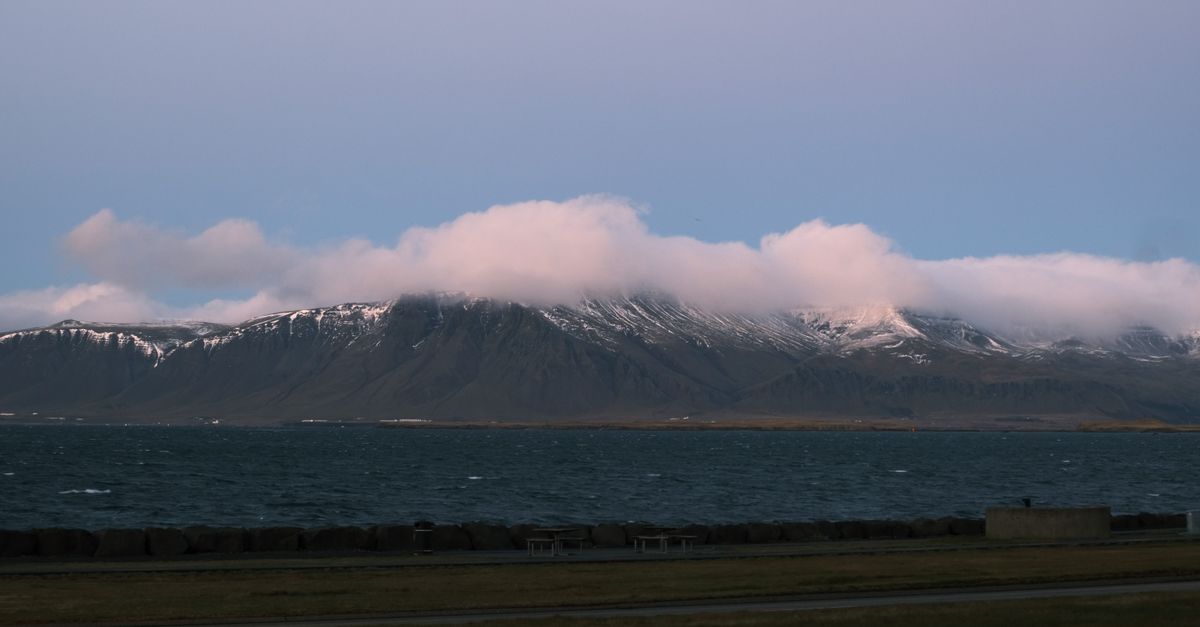
The best auroras are seen far from Reykjavik's light pollution. Þingvellir National Park, the Geysir area, and the South Coast are classic spots, and in most of them, you'll still have enough coverage to check the sky. The eSIM allows you to drive to a clear patch and check live if it's worth waiting. Many travelers rent a car precisely to be able to "chase" the clear patch of sky, and having data there makes a real difference: you check the cloud map every half hour and decide whether to stay or move to another spot. Without a connection, that hunt turns into pure luck and hours wasted staring at a cloudy sky that's completely clear fifteen minutes away.
If your Iceland trip is combined with other European countries—many travelers take advantage to make a stopover or extend their trip—the eSIM that covers Iceland within a Europe eSIM plan saves you from buying different plans for each country if you cross borders on the same itinerary.
How to activate your eSIM before landing in Keflavík
Get your eSIM ready at home, with Wi-Fi, before you fly. It's a two-minute process, and if you have any questions, how to install an eSIM details it step-by-step with screenshots for the main iPhone and Android models:
- Purchase the Iceland eSIM and receive the QR code instantly via email.
- In your phone settings, go to Mobile Data → Add eSIM and scan the QR.
- Name the line "Iceland" so you don't confuse it with your Spanish number when both are active.
- Upon landing in Keflavík, activate the eSIM data and deactivate roaming on your usual SIM so it doesn't compete for the network.
Common mistakes: what almost no one tells you
There are a series of details that you only discover when you're already there, shivering, with your phone in hand. Here they are so they don't catch you by surprise:
- The cold drains the battery faster than you think. At sub-zero temperatures, a phone that lasts all day in Spain can run out of charge in half the time while waiting for the aurora outside the car. Carry a charged power bank; without it, having data is useless if the phone dies at ten.
- Activating the hotspot significantly drains the battery, not just data. If you're going to share your connection with a camera or tablet, do it with your phone plugged into the car charger if possible, because the hotspot in the cold drains the battery in record time.
- The wind at southern viewpoints affects coverage more than expected, not because of the wind itself, but because antennas are more spaced out in exposed coastal areas. If you're heading to the Vík or Jökulsárlón area at night, download the cloud cover map before leaving the last area with good signal.
- Not all aurora prediction apps use the same data. The Icelandic Meteorological Office's app is the reference because it cross-references solar activity with local cloudiness; many generic apps only provide the global KP index, which doesn't tell you if it's cloudy in Reykjavik that night.
- It's not worth buying extra data if your getaway is a very short weekend and your operator already includes Iceland in its international data plan. Check it before buying anything: some Spanish operators do cover it within their international data plans, even if it's not "like at home" in the EU.
- If you're concerned about privacy when connecting to public Wi-Fi networks at the airport or hotels, it's better to use the eSIM data directly instead of open Wi-Fi, or combine it with a VPN; we explain it in eSIM and VPN for private travel.
Frequently asked questions
Do I have coverage to check the aurora forecast outside Reykjavik?
Yes, in the tourist spots of the Golden Circle and the South Coast, Síminn, Vodafone, and Nova coverage reaches the main car parks and viewpoints well. In the interior and highlands, it may drop. It's best to check the forecast and cloud map before leaving the city, and download offline maps in case you lose signal at some point.
How much data do I use following aurora activity?
Checking forecasts, cloud maps, and the KP index uses very little data: a few hundred megabytes a day in the worst case. The big expense comes from uploading photos and videos. If you're going to share a lot of content, estimate between 1 and 1.5 GB daily; if you only check the forecast, half a gigabyte a day is more than enough.
Does the eSIM work as soon as I land in Keflavík?
Yes, as long as you've installed it beforehand with Wi-Fi, at home or at your departure airport. As soon as your phone picks up the Icelandic network upon landing, data activates automatically if you've configured the line. That's why it's advisable to have it ready before flying: you don't need to look for a store or connect to Keflavík airport's Wi-Fi to start browsing.
Can I share my eSIM connection with my camera or tablet?
Yes. Activate your phone's hotspot with the eSIM and share internet with other devices. It's very useful for providing connection to a tablet while you wait for the aurora on a large screen. Keep in mind that sharing uses more battery and data, so in Iceland and in the cold, it's best to do it with your phone plugged in.
Do I keep my Spanish number while using the eSIM in Iceland?
Yes. The eSIM coexists with your physical SIM, so you continue to receive calls and SMS on your Spanish number, including bank verification codes. You just need to assign mobile data to the eSIM and deactivate roaming on your usual line to avoid spending extra without realizing it.
Do I need an eSIM if my trip to Reykjavik is only for a weekend?
It depends on your operator. If your Spanish plan already includes data in Iceland within its international roaming plan, you might not need to buy anything extra for two or three days. If it doesn't, or if you're going to travel to the Golden Circle and want plenty of data without watching the meter, the eSIM gives you peace of mind from the very first minute.
What happens if my eSIM runs out of data in the middle of aurora hunting?
You can buy an additional package from your mobile as soon as you have Wi-Fi, or always carry some extra data by calculating more GB than suggested in this guide's table. If you get stranded without data and no Wi-Fi nearby, PuraSIM's 24/7 support in all languages via email and WhatsApp can help you solve it, even in the middle of the night.
Conclusion
Reykjavik has excellent mobile coverage, and for aurora hunting, a connection is as important as warm clothing: without data, you can't check the forecast or the cloud map at the crucial moment, and you might spend the night looking at a cloudy sky fifteen minutes from a clear one. Since Iceland is outside the European Union, traditional roaming can be expensive depending on your operator; an eSIM gives you a fixed and predictable rate before you even leave home. With over 200 destinations in its catalog, PuraSIM covers Iceland and the rest of your route if you continue your journey through Europe. Install your eSIM before you fly and land in Keflavík ready to chase the green sky.