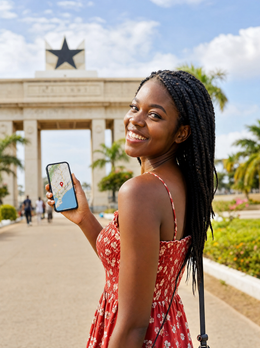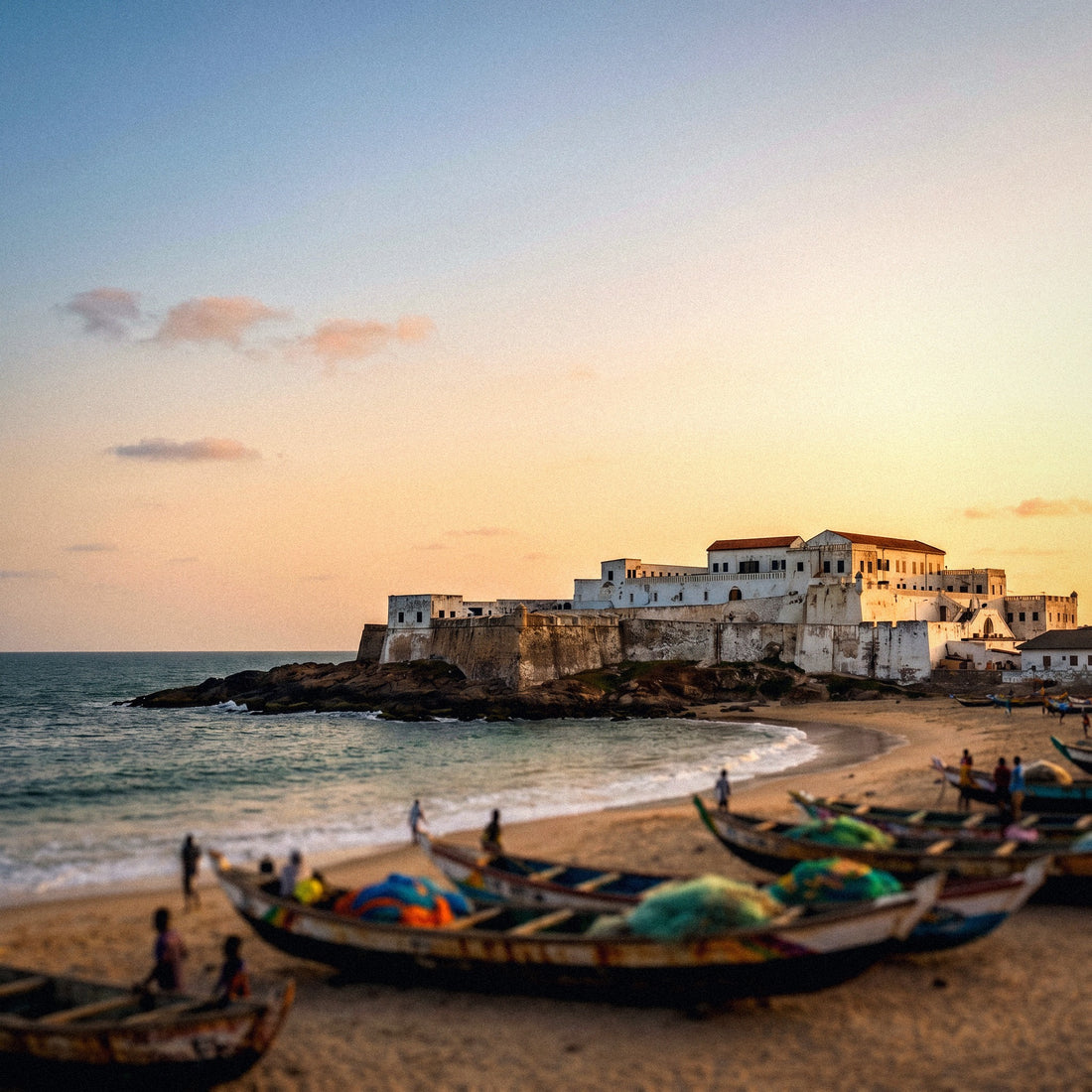
If you're planning a trip to Accra, the Cape Coast castles, or a round of business meetings in the capital, sorting out internet in Ghana is one of those things you should finalize before boarding the plane. Not because the country has poor connectivity—on the contrary, major cities have excellent mobile networks—but because each connection option comes with fine print that significantly impacts price and convenience. In this guide, I compare all alternatives with real data from 2026, explain how the mandatory registration for local SIMs works, and tell you how many gigabytes you truly need.
Internet in Ghana in 2026
Ghana is better connected than many people imagine. Three operators share the country—MTN, Telecel (formerly Vodafone), and AT (AirtelTigo)—and between them, they adequately cover the areas where you'll spend most of your trip.
The realistic picture: cities concentrate almost all the good coverage. MTN reaches 92% of the population and has the broadest 4G network; Telecel is around 84% and AT 79%, primarily in Accra and Kumasi. 4G is the norm in urban centers, with over 4,200 antennas distributed, while 5G is still anecdotal: barely a dozen towers in very specific neighborhoods of Accra and on the KNUST campus in Kumasi by early 2026. Don't count on 5G outside these points.
This context matters because Ghana receives two very different types of travelers. On one hand, the diaspora arriving with the spirit of the Year of Return; on the other, those coming for business to an economy that in 2024 broke records with 1.288 million international arrivals. Both need to be connected from minute one, and for that, it's essential to choose the right tool.
The four ways to connect
To have internet in Ghana, you have exactly four options, and which one suits you depends on how many days you're staying and how comfortable you want to be. I'll review them one by one in the following sections, but here's a quick comparison to give you an overall idea before diving into the details.
| Option | Price | Coverage / Speed | Paperwork | Ideal for |
|---|---|---|---|---|
| Roaming from your carrier | Very high (per MB) | That of the local network it uses | None, you already have it | Emergencies and occasional calls |
| Hotel or café WiFi | Free | Irregular, only on-site | None | Occasional downloads and video calls |
| Local Ghanaian SIM | Low in cedis | Excellent, that of the operator | Passport + biometric registration | Long stays and intensive use |
| Travel eSIM | Medium, predictable | Very good, local network | Only scan a QR code | Most travelers |
As you can see, there isn't a single answer: roaming helps in a pinch but punishes your wallet, WiFi is free but ties you to a location, a local SIM is very cheap but involves paperwork, and the digital card strikes a balance between price and convenience. The good news is that none are mutually exclusive: many people combine a digital card for daily use with hotel WiFi for heavy downloads and keep their regular line for urgent calls. Let's delve into each option in detail.
Roaming: the expensive option
Roaming is what happens if you land at Kotoka, turn on your phone, and don't do anything: your Spanish operator connects to a Ghanaian network and charges you for using it. It's the most convenient thing in the world—you don't configure anything—but it can skyrocket per megabyte, and this is the key point: Ghana is not part of the European Union, so the "roaming like at home" rate you enjoy in France or Italy does not apply here.
Outside the EU, European operators typically charge between €0.99 and €1.49 per megabyte of data. In translation: opening Google Maps a couple of times, sending some photos via WhatsApp, and watching a short video can cost you more than a whole week with another option. Many travelers return home with three-figure bills for not having checked this before leaving.
Some operators sell roaming bundles for Africa that soften the blow, but they are still expensive compared to what you would pay for local data. If you want to scrutinize the numbers, I have a dedicated analysis on how much international roaming costs and another direct comparison of eSIM vs. roaming. My advice: keep roaming only as a safety net for an urgent call.
Hotel WiFi: useful, but not for everything
Free WiFi at hotels, cafes, and some restaurants in Accra or Kumasi is a good ally, and it's worth taking advantage of it for what it does well: downloading offline maps, uploading daily photos, or making a long video call from your room. At mid-range and high-end accommodations, the connection is usually reasonably good, and for many tasks, you don't need to spend a single gigabyte of mobile data.
The problem is relying solely on it. As soon as you step out the door, you lose network: no Uber to get back, no Maps to navigate Jamestown, no way to translate a sign. And on long journeys, like the road from Accra to Cape Coast, WiFi simply doesn't exist. It's a fixed-base tool, not for mobility.
There's also a security issue that I always reiterate: on an open and shared network, never enter bank details or sensitive passwords. If you need to bank or access something sensitive, do it with your encrypted mobile data. I compare both options in depth in my guide on eSIM vs. pocket WiFi, because many people confuse the two. Hotel WiFi is a plus, but it cannot be your only connection.
The local Ghanaian SIM and mandatory registration
Buying a local SIM is the cheapest option on paper. A gigabyte on MTN costs around 10 cedis, and there are bundles like 5 GB for 30 cedis which works out to the equivalent of a couple of euros. You can find cards from all three operators at the arrival hall counters at Kotoka Airport and in any shop in the city.
The important nuance is the process. Ghana requires mandatory biometric registration to activate any SIM, including tourist ones: you will have to show your physical passport at the counter, they will take your photo and fingerprints there. The process takes between 10 and 15 minutes if there is no queue.
Without biometric registration, the card will not be activated. Bring your actual passport, not a photo on your phone, because the clerk will scan it into the operator's system.
In exchange for that paperwork, you get very cheap local data and a Ghanaian number, which is practical if you're staying for weeks or need to call local suppliers. The downside: changing physical SIMs, queuing, and being without your Spanish number in the meantime. If you're wondering between this and the digital alternative, I break it down in eSIM vs. local SIM. For short stays, the savings don't justify the hassle.
The eSIM: my recommendation for most travelers
The eSIM is a digital card that downloads into your phone, no plastic needed. You buy a data plan for Ghana, receive a QR code, scan it, and in less than five minutes, you have a connection on the same local MTN network or other operators. The big advantage is that you can set everything up from the comfort of your home, using your WiFi, before getting on the plane.
Compared to a local SIM, you save yourself the airport queue, biometric registration, and card swap. Compared to roaming, you pay a fraction of the price with a fixed rate, no surprises on your bill. And compared to hotel WiFi, you move around with a connection everywhere: Maps in Accra, ride-hailing to the hotel, WhatsApp with family as soon as you land.
Typical travel plans are around 5 GB for 7 days or 10 GB for two weeks, sufficient for a normal itinerary. However, your phone must be eSIM compatible—almost all recent models are—and unlocked by your carrier. If this is the first time you've heard of this, start with what an eSIM is and then check out the specific guide for Ghana eSIM. For 90% of travelers, this is the winning balance.
Coverage by area: Accra, Kumasi, Cape Coast and the North
Before choosing a plan, it's good to know where you'll be moving, because in Ghana the further north you travel, the weaker the signal gets. The general rule: the three operators are similar in large cities, but MTN has an advantage once you move away from urban centers.
| Area | MTN | Telecel | AT | Notes |
|---|---|---|---|---|
| Accra | Excellent 4G | Excellent 4G | Good 4G | Only points with 5G |
| Kumasi | Excellent 4G | Very good 4G | Good 4G | 5G only at KNUST |
| Takoradi | Very good 4G | Good 4G | Decent | West coast well covered |
| Cape Coast | Good 4G | Decent | Just enough | Castles: MTN is the safest bet |
| Tamale and North | Most reliable | Irregular | Very weak | Outside cities, signal drops quickly |
The castles of Cape Coast and Elmina, a UNESCO World Heritage site and a must-stop for the diaspora, have decent coverage in the town, but inside the stone structures, the signal drops; here, MTN is the safest bet. If your route includes the north towards Tamale or parks like Mole, expect stretches without data and download maps beforehand. Therefore, if you're going to move around a lot, choose a solution supported by MTN's network.
How much data do you need for Ghana?
The million-dollar question. The short answer: for a week of normal tourism, with maps, messaging, social media, and some video calls, 3 to 5 GB will be more than enough. If you're going to use your phone as a hotspot for your laptop or watch videos daily, increase that to 10 GB or more. When calculating, it's better to overestimate slightly than to run out halfway through your trip.
| Profile | Typical use | Data for one week |
|---|---|---|
| Light | Maps, WhatsApp, some social media | 3 GB |
| Medium (typical) | All of the above + photos and video calls | 5 GB |
| Intensive | Daily video, hotspot, uploading content | 10 GB or more |
| Business | Email, online meetings, sharing connection | 10-15 GB |
A couple of tricks to stretch your data: download offline maps of Accra, Kumasi, and Cape Coast from home, use your accommodation's WiFi for heavy downloads, and limit auto-playing videos on social media. With these three actions, a 5 GB plan will easily last a week-long getaway. And if you run short, most travel plans allow you to top up without changing anything or reconfiguring your phone. Also, consider the duration: don't just buy by gigabytes, but by days, so the bundle remains active throughout your stay and doesn't expire halfway through your trip.
What to choose based on your trip type
Not all trips to Ghana are the same, so first consider where you'll spend most hours and how intensively you'll use your mobile. These are the three profiles I see most often and what I recommend for each.
- Diaspora and Year of Return: emotional trips combining Accra, coastal castles, and family visits across the country. You need reliable connection on the go for Maps, translating, and sharing moments live. A 5-10 GB digital card supported by MTN fits perfectly.
- Business: if you're coming for meetings, constant emails, and video calls, prioritize stability and plenty of data to share your connection with your laptop. Aim for 10-15 GB and keep roaming as a backup for an urgent call.
- Backpacker and long stay: here, a local SIM might be worth it for the price, especially if you're staying for weeks and don't mind biometric registration or queuing.
For the vast majority—one- or two-week tourists—the digital card wins for convenience and predictable pricing. Only when the balance tips towards months of stay does it start to make sense to bother with the paperwork of a physical local card.
How to activate your eSIM step-by-step
Activating it is easier than it seems, and the key is to do it right from the start. My usual recommendation: do it with WiFi before you take off, calmly, so you arrive at Kotoka already connected. These are the steps:
- Check compatibility. Go to your phone settings to confirm it supports eSIM and is not locked by your carrier. Almost all recent models are.
- Choose and purchase your plan. Select the gigabytes and days according to your trip, following the table in the previous section.
- Install the profile. You will receive a QR code; scan it from your mobile data settings. The profile downloads in a couple of minutes.
- Activate it upon landing. Set your data line to the eSIM and enable data roaming for that profile only when you are in Ghana.
- Keep your Spanish line for calls and bank SMS, with its data turned off to avoid overspending.
And that's it: when you leave the plane, you'll have Maps, Uber, and WhatsApp working without going through any counter. If you want a plan specifically designed for the country, with the network and gigabytes already adjusted, check out PuraSIM's Ghana eSIM. This is exactly the process I follow on every trip.
Frequently asked questions
Do I need to register my data with my passport to use an eSIM?
No. Mandatory biometric registration is only for physical local SIMs. With a travel eSIM, you don't need to queue at the airport or hand over your passport: you buy the plan, scan the QR, and you're all set.
Will my eSIM work as soon as I land in Accra?
Yes, if you installed it with WiFi before traveling. Upon arrival at Kotoka, you just need to enable data roaming for that profile, and you'll connect to the local network in seconds, without configuring anything else.
How much does roaming to Ghana from Spain cost?
A lot. As Ghana is outside the EU, European operators charge an average of €0.99 to €1.49 per megabyte. A week of normal use can result in a three-figure bill, so it's advisable to avoid it for data.
Which operator has the best coverage in Ghana?
MTN is the most reliable: it reaches 92% of the population and dominates outside of cities. Telecel and AT work well in Accra and Kumasi, but if you go to Cape Coast or the north, opt for solutions supported by MTN's network.
How many gigabytes do I need for a week in Ghana?
For average use with maps, messaging, social media, and some video calls, 5 GB is more than enough. If you use a hotspot or watch videos daily, increase it to 10 GB. Downloading offline maps from home helps to stretch your data.
Is there 5G in Ghana?
Very little. As of early 2026, there are only about a dozen 5G towers, in specific neighborhoods of Accra and on the KNUST campus in Kumasi. In the rest of the country, the actual standard is 4G, which works perfectly for travel.
Can I still receive calls from Spain with an eSIM?
Yes. The eSIM handles data, and your Spanish SIM remains active for calls and SMS, such as bank codes. You just need to keep the data on your Spanish line turned off to avoid roaming charges.
Is hotel Wi-Fi reliable in Ghana?
In mid-range and high-end accommodations in Accra or Kumasi, it usually works well for downloads and video calls. However, do not use it for banking on open networks, and remember that outside the hotel, you will lose connection: it does not replace mobile data.
Conclusion
Sorting out internet in Ghana isn't complicated if you understand the options: roaming only as an emergency network, hotel Wi-Fi for occasional downloads, a local SIM if you're staying for weeks and don't mind biometric registration, and a digital card as the ideal balance for almost everyone. Whatever your profile —diaspora, business, or backpacker— the key is the same: don't improvise when you land.
My final advice, the same I apply on every trip: choose your GBs according to your route, rely on the best available network, and have everything sorted before you fly. That way, you'll exit the plane at Kotoka with Maps, messaging, and ride-hailing working, ready to go straight to your hotel or your first meeting without losing a minute searching for a signal.