If you already know you're going to need data and the only thing left is to decide on the size of the package, this guide is about that: how many GB you need for Ghana depending on how you travel. I'm not going to repeat the comparison of options for getting connected here, because I've already covered that elsewhere. Here, we'll go straight to the number, with the particularities that make Ghana different from a trip to Europe in terms of data usage: lots of video calls home, coastal castles where your phone stays in your pocket, and a north where coverage comes and goes.
The short answer: how many GB for Ghana
For 10 days in Ghana, most people will be fine with 5 GB. If you're mostly using maps, WhatsApp, and little else, 3 GB will suffice; if it's a heritage trip with daily video calls to family and social media content, go up to 8-10 GB.
That's the honest range, and I'm not making it up: it comes from adding up what each activity you'll do there consumes. The typical mistake is to buy the largest package "just in case" and return home with half of it untouched. The opposite mistake, running so low that you can't even show your boarding pass on the day of your return flight, also exists, but it can be fixed with a two-minute top-up. That's why my starting advice is always the same: estimate low and top up if necessary.
Ghana has a particularity that raises the number compared to other destinations: the traveler profile. Many people who go there do so to reconnect with their roots, and that means long video calls, endless voice notes, and a desire to share everything in the moment. If that's you, a small package will run out on day three. If you're traveling for work, for nature, or simply to disconnect, the number drops significantly. In the next sections, I break down both things: what each activity consumes and what a real day there adds up to. If you want the general method for any destination, I have it explained in the guide on how much data you need for travel.
How much data each app really uses, in MB
Before choosing a package, it's good to have a rough idea of how much each thing consumes. The surprise is usually twofold: maps consume ridiculously little, and video eats everything up. These are the reference figures I use, in megabytes per hour unless otherwise indicated.
| Activity | Approximate Consumption | Notes |
|---|---|---|
| Google Maps navigation | 3-5 MB/hour | Increases to 7-10 MB/h with live traffic |
| WhatsApp, messages and photos | 10-25 MB/day | Depends on how many photos you receive |
| WhatsApp voice call | 30-50 MB/hour | Very cheap, use it without fear |
| WhatsApp video call | 200-300 MB/hour | The biggest expense for heritage trips |
| Instagram, normal use | 350-400 MB/hour | Reels and stories consume 10-20 MB/minute |
| TikTok | 800-900 MB/hour | Half an hour a day is 12 GB per month |
| Upload a 30s story or reel | 10-20 MB | Multiply by how many you upload |
| Upload 20 photos to family group | 60-100 MB | Less if you send them compressed |
| Streaming music | 40-70 MB/hour | Normal quality, not high |
| YouTube at 480p | 250-350 MB/hour | At 1080p, it jumps to 1.5-2 GB/hour |
| Email and web browsing | 10-25 MB/hour | Unless you open many videos |
| Order a car on Bolt or Uber | 3-6 MB per trip | Includes tracking the car on the map |
Notice the scale: one hour of video is equivalent to weeks of maps. If you control video, you control your package. If you want a detailed breakdown with more apps and scenarios, I have it in the article on mobile data usage statistics by activity.
How many GB per traveler profile and trip duration
This is the table that truly matters. Find the profile that best matches you and cross-reference it with the number of days you'll be staying. The figures are calculated with realistic usage, assuming you'll sleep in places with Wi-Fi, even if it doesn't always work, and with a small buffer for contingencies.
| Trip Profile | 5 days | 10 days | 15 days | 30 days |
|---|---|---|---|---|
| Tourist (maps and WhatsApp) | 2 GB | 3 GB | 5 GB | 8 GB |
| Photos and social media | 3 GB | 5-6 GB | 8 GB | 15 GB |
| Heritage trip with daily video calls | 4 GB | 8-10 GB | 12 GB | 20 GB |
| Digital nomad or remote work | 6 GB | 12 GB | 20 GB | 30-40 GB |
| Family sharing (2-3 phones) | 5 GB | 10 GB | 15 GB | 25-30 GB |
How to read it without making a mistake. The first profile is the most common and the most overestimated: if your plan is to navigate with maps, send messages, make some voice calls, and upload photos at night from the hotel, you don't need a huge package. The second profile adds daily scrolling and stories, which is what inflates usage without you realizing it. The third is specific to Ghana and I'll elaborate on it below. The fourth assumes video meetings and screen sharing, which is the most expensive activity a phone can handle. And the fifth is not a mathematical sum of phones: when sharing, people self-regulate and usually consume a bit less per person.
If you're unsure between two adjacent cells, choose the smaller one. Upgrading is cheaper and faster than wasting gigabytes.
Why Ghana changes the number: coverage and Wi-Fi
Here's the part you won't find in a generic calculator. In Ghana, consumption doesn't just depend on you; it depends on where you are, because the country has two very different network realities. The south and cities are good: Accra, Kumasi, Tema, Takoradi, and the coastal corridor have solid 4G, sufficient for work. The north, however, is a different story: in the Northern, Upper East, and Upper West regions, there are still many 3G towers, and the signal comes and goes depending on the village. 5G exists but is still very limited, so don't count on it for anything.
| Area | What to expect | Effect on your data |
|---|---|---|
| Accra and metropolitan area | Stable 4G almost everywhere | You'll use data normally |
| Kumasi and southern cities | Good 4G in the city center | No surprises |
| Coast: Cape Coast, Elmina, Busua | Good in town, weak on the beach | Download before leaving |
| Kakum and forest areas | Weak 3G or none inside the park | Practically zero usage |
| North and Mole | Intermittent, with drops to 3G | Offline maps essential |
The other factor is Wi-Fi. On paper, almost all hotels and guesthouses advertise it; in practice, it's inconsistent, it slows down at night when everyone connects, and on the coast, it sometimes doesn't even reach the room. Translation for your package: don't subtract hotel Wi-Fi from your calculation. Count it as a nice extra, not as your primary connection. If you're still deciding how to connect, I compare everything in the guide to internet in Ghana.
Heritage trip: video calls and social media content
Many people who travel to Ghana don't go strictly for tourism. They go to find something. And that trip has its own consumption pattern that needs to be considered head-on, because it's the number one reason someone runs out of data there.
Video calls are the invisible expense of a heritage trip: twenty minutes a day for two weeks is about 1.5 GB just for talking to your loved ones.
Do the math for yourself. A WhatsApp video call consumes about 250 MB per hour. If the plan is to show your mother the village house, the market, or the beach live, you won't call for twenty minutes: you'll call for forty minutes or an hour, and probably more than one day. Add the other classic, uploading content. A reel of 30 or 40 photos to the family group is between 90 and 200 MB, and each 30-second story is another 10-20 MB. Three or four stories a day for ten days is already more than half a gigabyte just for posting.
Therefore, for this profile, my direct recommendation is: start with 8-10 GB for ten days and don't overthink it. Not because I want to sell you more, but because the moment you'll most want to call is precisely the worst time to have an exhausted data counter. If the trip includes a ceremony, a reunion, or a visit to the family village, round up. A trick that works well: make long calls and heavy uploads at night from your accommodation, and save your data for spontaneous moments during the day.
Where you won't use much data at all
Good news: there are quite a few moments on a Ghanaian trip when your phone stays put, and that reduces your gigabyte bill more than you think.
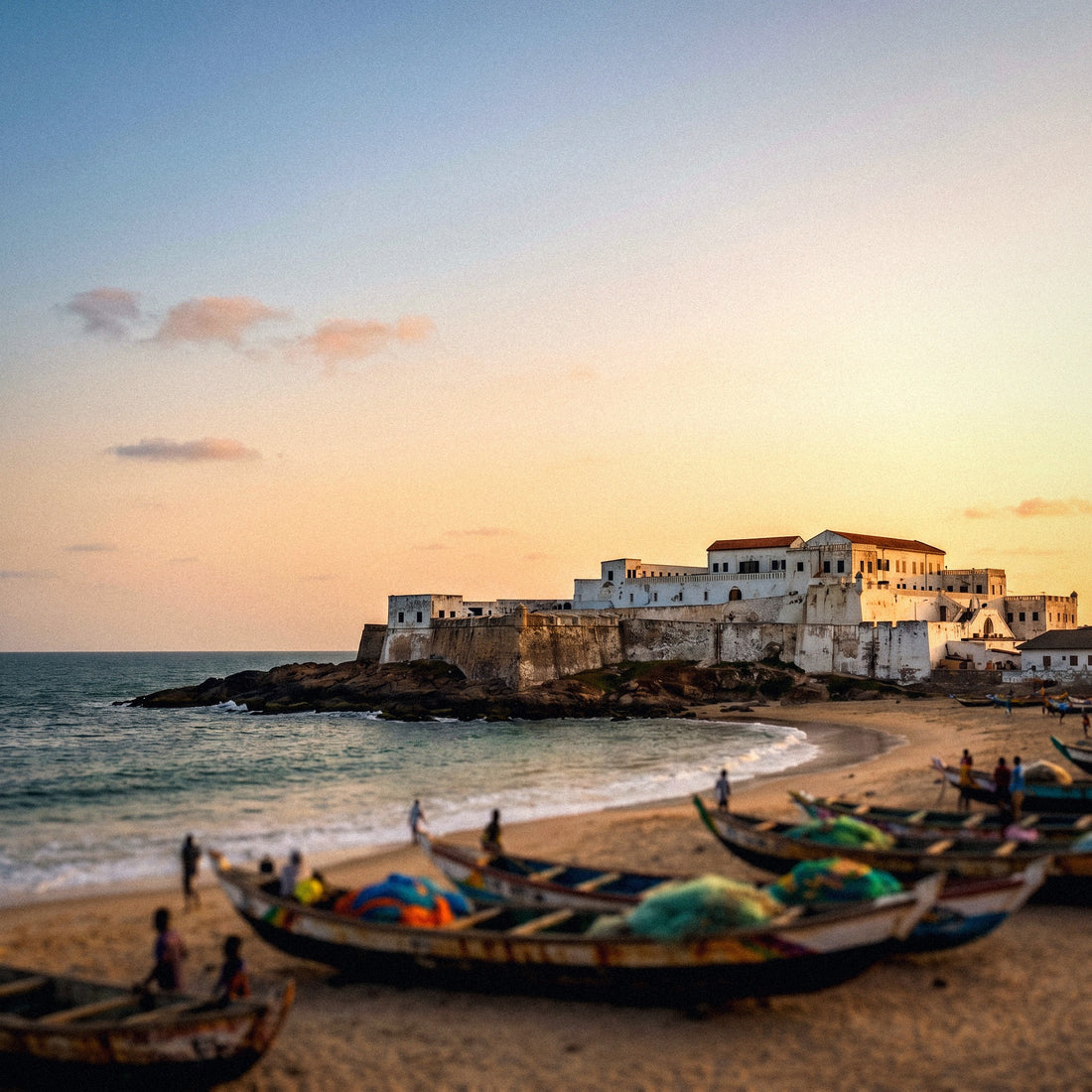
The first are the coastal castles. In Cape Coast and Elmina, the guided tour through the dungeons and the Door of No Return is one of the toughest and most important experiences one can have in West Africa. Silence and respect are requested there, and it's common for people to put away their phones without being asked. Between the journey and the two visits, you can spend half a day without touching your screen. The same goes for the Kakum canopy walk: above the forest canopy, you need both hands, there's poor signal, and the feeling of being thirty meters above the ground doesn't mix well with Instagram.
- Cape Coast and Elmina Castles: almost all the time without using your phone.
- Kakum and its canopy walk: poor coverage in the forest, zero actual usage.
- Busua and Axim beaches: just enough signal, and besides, you'll be in the water.
- Accra-Cape Coast or Accra-Kumasi road: three or four hours of travel where you'll use music and messages, not video.
- Mole safari: areas without coverage and disturbing animals is prohibited.
If your itinerary is like this, with many excursions and few idle moments in the city, you can easily go down a notch in the profile table. Two days of castles and forest are worth less than 100 MB combined.
Daily life in Accra: the apps you will use
Let's get specific. This is a typical day in Accra for someone who gets around, eats out, talks to family, and posts something. You can multiply it by your number of days to get your own figure.
| Time of day | What you do | Approximate data usage |
|---|---|---|
| Morning | Order a Bolt to Nkrumah Mausoleum and follow the route | 15-25 MB |
| Mid-morning | WhatsApp with the guide, photos to the group | 25-40 MB |
| Lunch | Find a place, check reviews, upload two stories | 40-60 MB |
| Afternoon | 20-minute video call home | 80-100 MB |
| Evening | Half an hour of social media and an hour of music | 250-400 MB |
| Total for the day | Normal use, no excess | 410-625 MB |
Pay attention to apps that are not optional in Ghana. To get around Accra and Kumasi, Bolt, Uber, and Yango work well and save you from negotiating prices for each trip, but they need active data to request a car and for the driver to find you. You'll use maps more than usual because many addresses don't exist as such, and you'll rely on landmarks. And you'll also need your phone for mobile payments and to show reservations. None of that uses much data, but all of it requires you to have service right when you're out and about. If this is your first time with this type of service, here's an explanation of what an eSIM is and how it works.
How to check your actual usage before leaving home
Everything above is an average. Your actual number is on your own phone and you can check it in two minutes, without installing anything. It's the most useful tip in the entire article.
On Android, go to Settings, then Network & Internet or Connections, and look for Data Usage. You'll see the current cycle's usage and, by tapping on the graph, the breakdown by application. On iPhone, go to Settings and then Cellular: at the bottom, you'll find the total for the period and the app-by-app breakdown. On iOS, it's advisable to reset statistics on a specific day so that the data is clean, otherwise it accumulates since you bought the phone.
With that number, the calculation is simple. Divide your monthly consumption by 30 to find your daily average, and multiply it by the number of travel days. Then adjust it with two honest corrections: subtract what you do at home via Wi-Fi and will continue to do via Wi-Fi there, and add 30% for the travel effect, which is real: maps, more photos, more calls, and more searches. If you use 6 GB per month at home, your average is 200 MB per day, and for ten days in Ghana, you'll need about 2.6 GB including the margin. That's your floor. Add any video calls you know you'll make, and you'll have your custom figure, which will always be better than any average I or anyone else gives you.
Tips to make your gigabytes last in Ghana
With four adjustments made before leaving, the same package will last you between a third and a half longer. These are the ones that make the biggest difference in this specific destination.
- Offline maps for the entire itinerary. Download Accra, Kumasi, Cape Coast, Elmina, and the route between them while you have Wi-Fi. In the north and Kakum, it will save you more than once, and navigating offline uses zero data.
- Data saver mode activated. It's in your phone settings and also within WhatsApp, Instagram, and YouTube. It blocks background activity, which is pure consumption without you doing anything.
- Autoplay video disabled on Instagram, Facebook, TikTok, and X. This is probably the setting that saves the most gigabytes of all.
- Automatic WhatsApp download only on Wi-Fi. On a trip like this, you'll be flooded with photos and videos from the family group; let them download when you decide.
- Photo backup and sync, Wi-Fi only. A day's travel reel can be over 1 GB if uploaded only to the cloud.
- Downloaded music and podcasts before long road trips, which in Ghana are many and last for several hours.
- Voice call instead of video call when nothing needs to be seen: it uses five times less data.
Applied together, these adjustments are worth more than buying double the GB. I have the complete list, with screenshots and examples, in the article on tips for saving data while traveling.
What happens if you run out (and why that's better)
Let's address the real fear: running out of data in the middle of Ghana. The short answer is that not much happens, as long as you know how it works. When you exhaust your package, your phone isn't blocked, and you don't lose your number: you simply no longer have mobile internet. You still have Wi-Fi wherever you find it, and from your hotel's Wi-Fi, you can recharge in a couple of minutes and be back online.
That's exactly why I insist on buying low. Recharging is easy, and you only pay for what you truly need; however, unused gigabytes are not refunded or carried over to your next destination. Between paying too much for sure and paying a little later only if necessary, the second option always wins. And if you compare it to the alternative of buying a local line, the difference is even clearer: in Ghana, registration requires documentation, you have to go to a store with your passport, and lines registered that way have time limitations for foreigners. Losing a morning of your trip for that isn't worth it.
My practical rule: choose the package that covers your normal scenario, not your worst-case scenario. And if halfway through your trip you see that your consumption is skyrocketing because you're calling home a lot, recharge without overthinking it and carry on. Here are the activation and coverage details for this destination in the eSIM for Ghana guide.
Frequently asked questions
How many GB do I need for a week in Ghana?
3 GB is good for seven days of normal travel. That covers maps, WhatsApp, social media with moderation, and a short video call. If you know you'll be making long video calls daily or working from there, upgrade to 5 or 6 GB for the same week.
Is 1 GB enough for Ghana?
Only if your trip is three or four days long and you only use your phone minimally. One gigabyte provides about 250-300 MB per day: maps, messages, and little else, with social media almost turned off. For a layover or a quick business trip, it might work; for a vacation, no.
Does data work well outside Accra?
In the south and in cities, yes; in the north, it's inconsistent. Accra, Kumasi, Takoradi, and the coast have reasonable 4G. In the northern regions and inside parks like Kakum or Mole, the signal drops to 3G or disappears. Have maps downloaded and don't count on always being online.
Can I rely on hotel Wi-Fi to save data?
Not as a primary connection. Almost all accommodations offer it, but the speed is inconsistent and it often gets saturated at night. Use it for backups and heavy downloads when it works, and estimate your package as if it didn't exist. That way, you avoid unpleasant surprises.
How much data does a video call to family consume?
About 250 MB per hour on WhatsApp. Twenty minutes daily for ten days is about 800 MB just for video calls. If your trip is a family reunion, factor in that separate expense when choosing your package, or make long calls from your accommodation's Wi-Fi.
Is it better to buy a lot of GB at once or recharge?
It's almost always better to recharge. Unused gigabytes are not recovered, and recharging takes a couple of minutes from any Wi-Fi. Start with the figure for your profile in the table and only top up halfway through your trip if the meter is running faster than expected.
Can I share data with someone else's phone?
Yes, by activating the hotspot or internet sharing. This is very practical if two or three of you are traveling. Keep two things in mind: the phone sharing will run out of battery much faster, and actual consumption increases because the other device syncs email, messages, and backups as soon as it connects.
Do I need more data for a heritage trip?
Yes, between double and triple that of a normal tourist. The pattern is different: long video calls, many shared photos, and a desire to tell the story live. For ten days, start with 8-10 GB instead of 3, and you'll travel without checking the meter during important moments.
Conclusion
If I had to leave you with just one number: 5 GB for ten days in Ghana serves most people. Go down to 3 GB if you're into maps and messages and your itinerary is full of castles, forests, and beaches, which is where your phone gets a break. Go up to 8-10 GB if you're going to video call home every day and share your trip on social media, which is more common than it seems in this destination.
Do your homework from section 8 first, check your actual usage from the last month, and adjust. And remember the rule that never fails: it's better to run short and recharge in two minutes than to pay for gigabytes you won't touch. Once you've decided, you can have it ready from home with the PuraSIM eSIM for Ghana, activate it upon landing at Kotoka, and leave the airport already connected, without looking for a store or dealing with paperwork. Akwaaba.