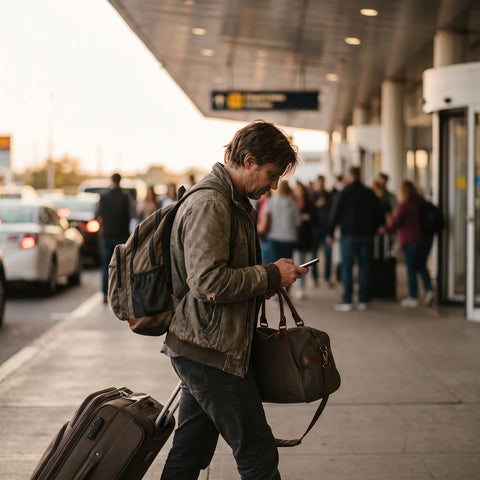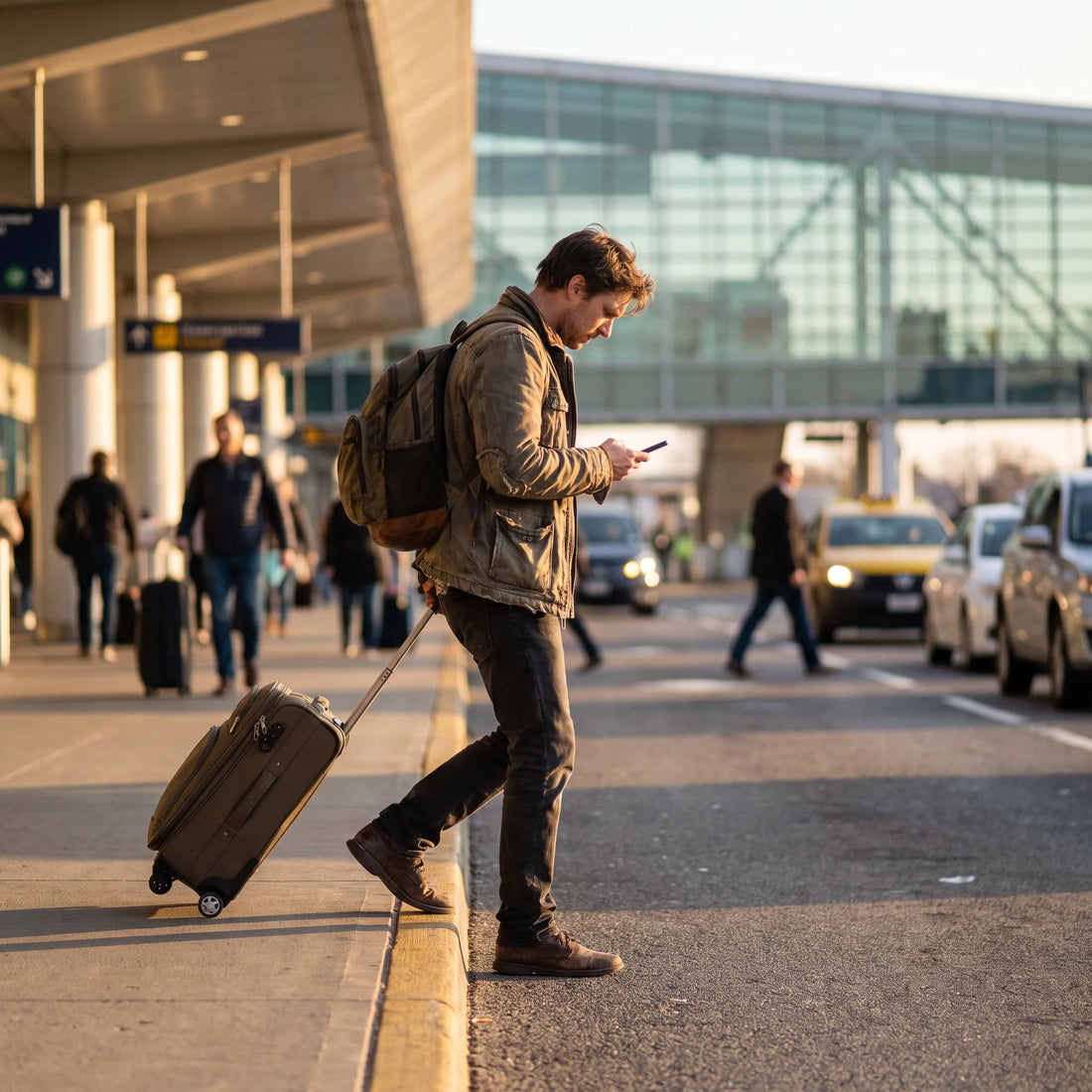
What is an eSIM and what does it have to do with your Cricket phone?
An eSIM is a digital chip in your phone that replaces the physical SIM card: you scan a QR code and you're connected to a data network, without inserting anything. If you're looking for "Cricket eSIM," you want that convenience on your Cricket phone, although the answer isn't what you expect.
Cricket is a prepaid carrier in the United States, owned by AT&T, designed for those who live there all year round. The problem arises when you travel: your Cricket line is not designed to give you cheap data in another country, and that's where an independent travel eSIM comes in, an additional digital chip that is installed alongside your Cricket line (not instead of it) and gives you local data as soon as you land. If you've never heard of this, it's not because you did something wrong: it's a relatively new solution and not well explained by the carriers themselves. For complete technical details, you can read what an eSIM is and how it works.
How do I get my eSIM on Cricket?
Here's the part that surprises most people: Cricket does not issue eSIMs for its own service. When you activate or switch phones with Cricket, the standard process is still the physical plastic SIM card, not a digital profile. So if you were looking for steps to "get your eSIM in the Cricket app," that option simply doesn't exist within their ecosystem.
This doesn't mean your phone can't use an eSIM. It means that Cricket, as a company, doesn't offer it to you. The eSIM you can use is from a different, independent provider, installed as a second data line on the same phone. Your Cricket number, contacts, and way of receiving calls remain exactly the same; the only thing that changes is where your internet connection comes from when you are outside the United States. To install any travel eSIM, the process is the same regardless of your original carrier: you can check it in the guide to installing an eSIM.
Is your Cricket phone eSIM compatible?
The fact that Cricket doesn't offer its own eSIM doesn't mean your phone can't use one. Compatibility depends on the phone's hardware, not the carrier that sold it to you. Most mid-range and high-end phones launched from 2019 onwards have the technology integrated, although it's advisable to confirm this before purchasing any data plan.
| Model | Does it have eSIM? | Note |
|---|---|---|
| iPhone XS / XR onwards | Yes | Models sold in the US from iPhone 14 onwards are eSIM-only, with no physical tray |
| Samsung Galaxy S20 onwards | In most versions | Some versions sold exclusively for a carrier have it blocked |
| Google Pixel 3 onwards | Yes | Compatible in almost all commercial versions |
| Entry-level phones or models prior to 2018 | Normally no | Check in Settings > About phone |
The quickest way to confirm this is to go to Settings, look for "Add eSIM" or "Add data plan": if that option appears, your phone is compatible, regardless of whether you bought it from Cricket. And here's something almost no one tells you: the carrier lock on many prepaid phones only affects the primary line (the one that uses the physical SIM for calls and messages). Most locked Cricket phones do allow you to install an additional data eSIM, because that second line does not touch the locked part of the phone. If you have doubts about your particular model, the complete list is in eSIM compatible phones.
How to make Cricket work in Mexico?
If your plan is for your Cricket line to "work" in Mexico exactly as it does in the United States, the reality is that Cricket does not include data coverage in Mexico within its standard prepaid plans. Therefore, instead of trying to force your Cricket line to do something it wasn't designed for, the route that does work is to separate the two needs: keep your Cricket number active for messages and calls via WiFi, and use an independent data eSIM to browse while you are in Mexico.
In practice, the process looks like this: you buy the data plan for Mexico before you travel, install it via WiFi while you still have internet at home, and when you land, you activate that profile from Settings. Your phone will have two active lines at the same time: the physical Cricket line (which you can leave in data airplane mode, or simply not use for browsing) and the data eSIM working with local coverage. You don't need to unlock your phone or permanently change carriers.

Which carrier has eSIM in Mexico?
If your search is about which Mexican company offers eSIM, the short answer is that several local carriers already support the technology on recent phones. But for a traveler who will only be there for a few weeks, contracting a local line involves paperwork, a physical store, and, in many cases, bureaucracy that is not worth it for a short stay.
The most practical alternative for travelers is an international travel eSIM provider, which is neither a Mexican nor an American carrier: it is a service specifically designed for tourists and business travelers, which is purchased online, installed before departure, and works as soon as you land, without the need to visit a store or present local identification. PuraSIM, for example, covers Mexico along with more than 200 destinations, so the same eSIM you use there will work if your next trip is to another country.
Which carrier is compatible with Cricket in Mexico?
This question starts from a reasonable but mistaken idea: that you need to find a Mexican carrier "compatible" with Cricket, as if they had to communicate with each other. This is not the case. Your Cricket phone is yours, not Cricket's, and once it has a travel eSIM installed, that eSIM does not need any special compatibility with your original carrier: it simply occupies the second digital line space that your phone already has built-in.
A travel eSIM does not replace your Cricket line: it adds a second data connection that works at your destination, while your number and messages continue to arrive exactly where they always do.
In other words: there is no Mexican company "made for" Cricket phones. What exists is a data eSIM that works the same regardless of whether your main line is Cricket, another US carrier, or any other country. If you want to understand the fundamental difference between relying on a physical card and using a digital profile, you can check eSIM vs. physical SIM.
Practical example: from Houston to Mexico City with your Cricket phone
Imagine you live in Houston, have a Cricket prepaid plan, and bought a ticket to spend five days in Mexico City. A week before your trip, from your home and with WiFi, you purchase the PuraSIM data plan for Mexico online and install it by scanning the QR code that arrives by email. The phone asks you to confirm that you want to add a data plan: you accept, and that profile is saved, although still inactive.
The day you land in Mexico City, you go to Settings, activate the PuraSIM data line, and set it as your main data line (your Cricket line is still there, just not using cellular data). Within minutes, you have working internet: maps, WhatsApp, social media, without relying on hotel WiFi or roaming charges on your next Cricket bill. When you return to Houston, you simply go back to using your Cricket line's data as usual; the travel eSIM remains stored on your phone in case you need it on your next trip.
Travel eSIM vs. Cricket international roaming
Before deciding what to do with your phone abroad, it helps to compare the two possible routes: activating (if available) international roaming from your home carrier, or installing an independent travel eSIM.
| Aspect | International travel eSIM | Home carrier roaming |
|---|---|---|
| Availability | Purchased online for almost any destination | Depends on whether your plan includes it or allows activation |
| Installation | Via QR, before travel, with WiFi connection | Usually activated from the carrier's app or by calling |
| Expense control | You buy a data package with a predefined limit | Cost may vary depending on usage if not properly configured |
| Your original number and line | Remain intact as a second line | Remain intact, it's the same line |
| Coverage outside the US | Specifically designed for travelers, with over 200 destinations | Limited to countries the carrier has agreements with |
If your priority is to know exactly how much you're going to spend on data before boarding the plane, the travel eSIM gives you that certainty because you buy the complete package in advance. To delve deeper into this comparison, you can check eSIM vs. international roaming.

How to activate an international eSIM before your trip
The order of the steps matters more than it seems, because installing an eSIM requires an internet connection, and you don't always have it immediately available at your destination airport.
- Confirm that your phone is eSIM compatible (see compatibility section above).
- Purchase the data plan for your destination from home, with WiFi, a few days before your trip.
- Scan the QR code that arrives by email to install the data profile.
- Leave the profile installed but inactive until the day of your trip.
- Upon landing (or from airplane mode on the plane, if the flight allows), activate the data line and confirm that it is selected as the main data line.
- Verify that you have signal and internet before leaving the airport's WiFi zone.
With PuraSIM, the activation itself takes approximately 1 minute once you decide to turn it on, and if anything is unclear along the way, support is available 24/7 in all languages via email and WhatsApp, not just during business hours. The complete guide, with screenshots for iOS and Android, is in the definitive eSIM travel guide.
Common mistakes when using your Cricket phone abroad
The first mistake is to assume that, because your phone has a signal on the screen when you arrive in another country, you already have data working: often that signal is only for the voice network, with no data enabled, and a surprise bill ends up arriving later. The second is to wait until you are at your destination, without WiFi, to try to install the eSIM for the first time; if your only available connection is expensive or non-existent mobile data, the installation becomes complicated or simply doesn't load.
Another common mistake is to uninstall or delete the physical Cricket line thinking that it "gets in the way": it's not necessary. You can leave it inactive for data and continue to receive your calls and messages normally while using the eSIM only for browsing. Finally, some travelers buy the wrong data package, calculated for a two-day business trip when they are actually staying for two weeks: always check the duration and gigabytes before paying. If something similar has already happened to you, there are solutions for most of these cases in common eSIM problems.
Frequently asked questions
Does Cricket offer eSIM for its own service?
No. Cricket activates its lines with a physical SIM card, not with its own eSIM profiles. The eSIM you can use on your Cricket phone comes from an independent provider, such as a travel eSIM, installed as a second data line.
Can I use a travel eSIM if my Cricket phone is carrier-locked?
In most cases, yes, because carrier locking usually only affects the primary physical line, not a second data line via eSIM. Even so, it's advisable to confirm this in Settings before purchasing any plan.
Do I need to remove my physical Cricket SIM to install a travel eSIM?
No. eSIM-compatible phones allow you to have both the physical Cricket SIM and a data eSIM active at the same time. You can choose which one uses mobile data without removing either.
Which Cricket phones are eSIM compatible?
Compatibility depends on the phone model, not whether you bought it from Cricket. Most iPhones from the XS, Samsung Galaxy from the S20, and Google Pixel from the 3 have the feature integrated.
How long does it take to activate an international eSIM?
The QR profile installation takes a few minutes, and with PuraSIM, the connection activation, once you decide to turn it on, takes approximately 1 minute.
Does the travel eSIM give me a Mexican phone number?
Not necessarily: most travel eSIMs are designed for data, not to replace your number. Your Cricket number remains the same for calls and messages; the eSIM only provides internet connection at your destination.
What if my Cricket phone doesn't have eSIM?
If your model is not compatible, that particular phone will not be able to use a travel eSIM regardless of the carrier you bought it from. In that case, the alternatives are a local physical SIM or a portable WiFi device for your destination.
Conclusion
If you came looking for how to get an eSIM directly from Cricket, the answer is that this option does not exist within the company, but that doesn't leave you without options. Your Cricket phone, if it's a model from recent years, probably already has eSIM technology ready to be used with an independent travel provider, without touching your line, your number, or your usual bill. For your next trip to Mexico (or any other destination), the simplest way is to install the data plan before you leave, get it ready with WiFi, and activate it when you land. You can review available plans and covered destinations in the PuraSIM international eSIM collection, and if it's your first time using an eSIM, it's a good idea to start with the beginner's guide before purchasing.