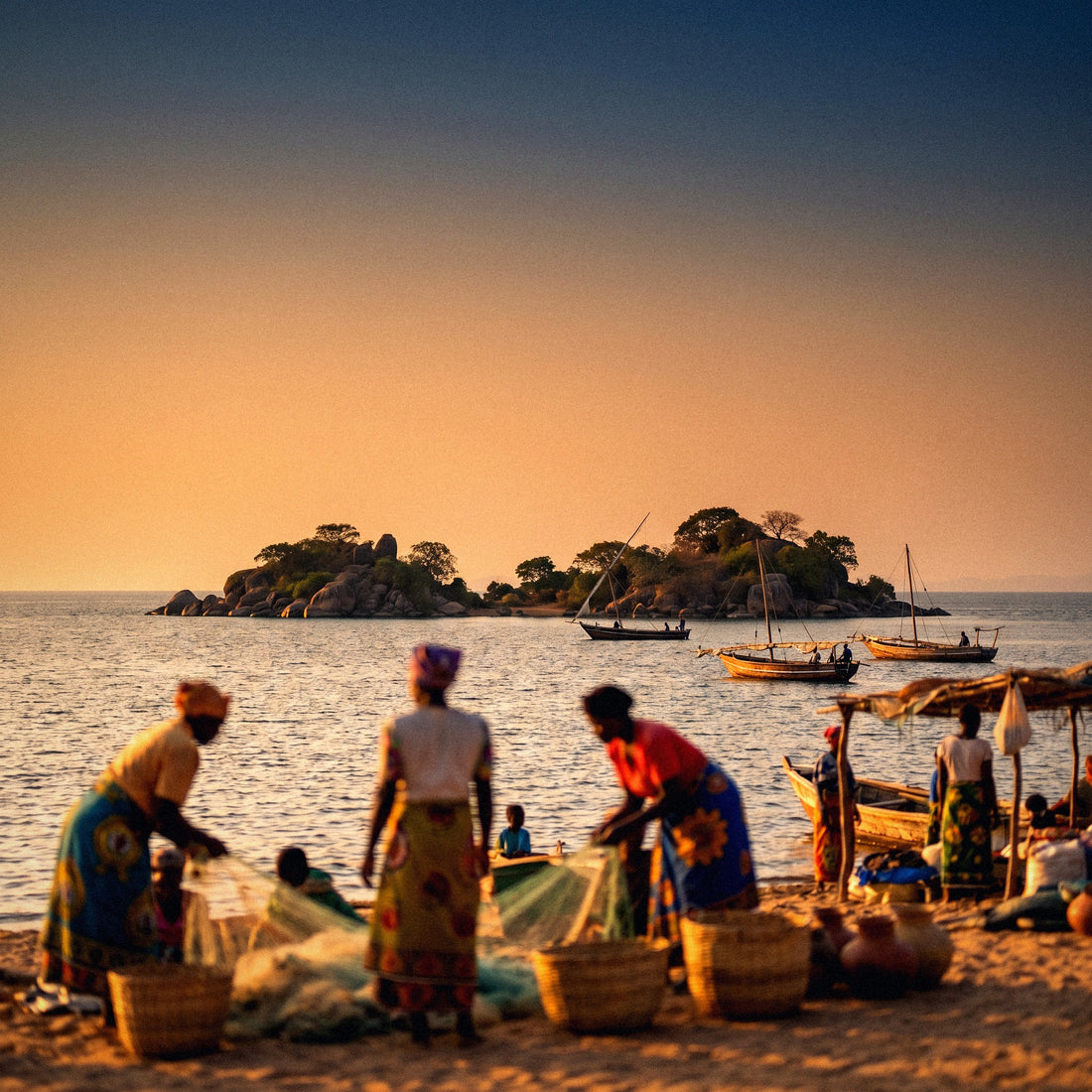
If you've made it this far, you already have your flight and just need to decide how many GB to buy for Malawi. I'll tell you quickly so you don't waste time: in Malawi, you'll use less data than you imagine, and not because you'll be well-behaved, but because the country won't let you use much. Between hours on the lake by boat, beach lodges with Wi-Fi that's sometimes more of a promise than a service, safari days, and Mount Mulanje with no signal, your phone will spend a lot of time off or silent. Here's the number, the table by profile, and the specifics of this destination that do change the count.
The short answer: the GB you need in Malawi
For 10 days in Malawi, most people will be fine with 3 GB: between lodge Wi-Fi, hours without signal on the lake, and how little you'll feel like looking at your phone there, you'll spend less than in Europe. If you're going to telework, go up to 10 GB.
That's the honest recommendation, and I stand by it even though we sell larger packages. Malawi is one of the few destinations where I truly tell you to buy little: the typical travel pattern—lake, safari, mountains, road—fills the day with times when there's no network or you don't feel like using it. An average traveler for two weeks, who uses maps, WhatsApp, uploads photos every couple of days, and checks Instagram at night, uses between 3 and 5 GB. With 5 GB for two weeks, you'll be really comfortable.
There are only three cases that do need more: if you're going to make long video calls home, if you're working remotely from the lake, or if you're a family or group sharing a single phone as a hotspot. In those cases, the number skyrockets, and we're talking about 10 GB or more for the same amount of time.
If you want the general framework before delving into the country's specifics, in the general guide on how much data you need for travel, I explain the calculation method I use in all these articles. Here I apply it to Malawi, which has its own rules.
Why you'll spend less in Malawi than in other destinations
The number one reason is the pace of travel. Malawi is explored slowly and with long journeys by road or boat, and on many of those journeys, the signal comes and goes. It's not that there's no network: Airtel covers much more than one would expect, including the lakeside and the Liwonde area. It's that the network available is slow, and a slow network uses less because apps give up: videos don't autoplay in high quality, photos take so long to upload that you save them for the night, and the browser loads lighter versions.
The second reason is the type of accommodation. In Malawi, you'll stay in lodges and campsites on the beach, and almost all advertise Wi-Fi. That Wi-Fi exists, but it's often a shared connection via satellite or the same mobile network, so it's only good for sending messages and little else. Even so, it takes work off your phone: what you upload via Wi-Fi at night won't cost you data.
In Malawi, your phone doesn't compete with your trip: it competes with the lake. And the lake almost always wins. That is, truly, the best data saver there is.
And the third: the language. English and Chichewa are spoken, and you can get by with English throughout the tourist circuit, so you won't be glued to a camera translator as you would in Asia. That's hundreds of megabytes you won't spend.
How much each app actually consumes
Before choosing a package, it's worth seeing the real order of magnitude of things. People think maps eat up data and that photos are the problem; neither is true. The black hole is always video: social media with auto-play, YouTube, and video calls. These figures are averages on mobile and serve as a reference for any destination.
| Activity | Approximate Consumption | In Malawi |
|---|---|---|
| Google Maps navigating (online map) | 5-10 MB per hour | Low: you'll use offline maps |
| Downloaded offline maps | 0 MB (GPS only) | Recommended outside cities |
| WhatsApp: text and audio | 5-10 MB per hour | Your primary use |
| WhatsApp video call | 200-700 MB per hour | Beware: this is where your package goes |
| Instagram or TikTok scrolling | 700 MB - 1 GB per hour | Save it for lodge Wi-Fi |
| Uploading 20 photos from your phone | 60-100 MB | A couple of times a week |
| Streaming music (high quality) | ~160 MB per hour | Better downloaded before leaving |
| YouTube at 480p | ~500 MB per hour | At 1080p it's 3 GB per hour |
| Email and normal web browsing | 20-30 MB per hour | Almost negligible |
Translated: you can spend ten full days on maps and WhatsApp with less than 1 GB, but a single afternoon of videos on the bus will eat up 1 GB in one go. I break down the numbers by activity in more detail in the article on mobile data usage statistics by activity.
Recommendation by profile and trip duration
This is the table that truly matters. Choose the row that best matches you and the column for your days. They are calculated assuming you sleep in places with some Wi-Fi at night, which is normal on the Malawi circuit, and with a reasonable margin for unforeseen events.
| Traveler Profile | 5 Days | 10 Days | 15 Days | 30 Days |
|---|---|---|---|---|
| Tourist (maps and WhatsApp) | 1 GB | 2 GB | 3 GB | 5 GB |
| Photos and social media | 2 GB | 3 GB | 5 GB | 10 GB |
| Backpacker on a long African route | 2 GB | 5 GB | 5 GB | 10 GB |
| Digital nomad / remote work | 5 GB | 10 GB | 15 GB | 20 GB or more |
| Family or couple sharing a phone | 3 GB | 5 GB | 10 GB | 20 GB |
An important note about the remote work row: in Malawi, the problem won't be the gigabytes, it will be the speed. You can buy 20 GB and still not be able to make a decent video call from a northern beach. If your trip depends on work, plan meetings from Lilongwe or Blantyre, where the network holds up better, and use lake days for asynchronous work.
And if you're torn between two rows, stick with the lower one only if you're going to share the connection. For everything else, go for the lower option and top up if necessary: it's cheaper to make a mistake by default than to buy 20 GB and return home with 14 unused.
The lake rules: Cape Maclear, Nkhata Bay, and Likoma
Lake Malawi is the core of the trip and also what dictates your consumption. In the lakeside towns with tourist life—Cape Maclear, Nkhata Bay, Monkey Bay, Salima—there's reasonable mobile coverage, especially with Airtel, which has the best network reach in the country. What's lacking is the Wi-Fi at accommodations: many beach lodges have slow connections, frequent disconnections, or Wi-Fi only in the bar area, so don't count on it for anything more than messages.
| Area | What to Expect from the Network | Effect on Your Consumption |
|---|---|---|
| Lilongwe and Blantyre | Functional 4G, the best in the country | This is where you'll spend data |
| Cape Maclear, Nkhata Bay, Salima | Decent coverage, irregular speed | Normal use, no video |
| Likoma and Chizumulu Islands | Limited and intermittent signal | Almost no consumption |
| By boat on the lake (Ilala) | Comes and goes depending on the shore | Days of zero spending |
| Liwonde and Majete | Signal in much of the park | Low: you'll be watching animals |
| Mount Mulanje and Nyika Plateau | Virtually no signal | Zero |
In Likoma, which is the most beautiful and remote destination on the lake, assume you'll be semi-disconnected. It's part of the charm. Download the island map and your reservations before getting on the boat and don't count on receiving an email. The same applies if you travel on the Ilala ferry: it's many hours of travel where your phone will be useless for anything but a camera.
Safari in Liwonde and Majete, and trekking in Mulanje
The parks change the count less than it seems, and for the better. In Liwonde, which is Malawi's most accessible safari, there's a signal in much of the area and in many lodges; something similar happens in Majete. But during game drives, you won't be on your phone: you'll be with your binoculars. A full day of safari usually costs less than 50 MB if you don't upload videos.
Mount Mulanje is the opposite case and the clearest one: you go up to the plateau, sleep in cabins without reliable electricity, and spend two or three days with no coverage whatsoever. Those are days of zero consumption. The only important thing is to prepare beforehand: download the route, let people at home know you'll be out of touch, and download shelter information before starting the ascent.
The same applies to Nyika, in the north, and to the stretches of road between parks. If you add up the safari days, the mountain days, and the boat days, on a two-week trip to Malawi, it's normal to have five or six days where you barely spend 100 MB in total. That's why large packages don't make sense here.
The only real precaution is battery life, not data: a phone searching for a signal without finding one drains very quickly, so in Mulanje, put it on airplane mode and bring an external battery.
If Malawi is a stopover: Zambia, Tanzania, and Mozambique
Almost no one goes only to Malawi. It's common for it to be part of a route through Southern and East Africa: you enter from Zambia, exit to Tanzania via the north of the lake, or cross to Mozambique in the east. And here's a detail many people discover late: when you cross the border, you change networks, and a Malawi-only package stops working. It's not a glitch; it's how country-specific packages are defined.
If your itinerary touches two or more countries, you have two sensible options. The first is to buy a regional package that covers several countries in the area and forget about network changes. The second is to buy small packages for each country and activate them as you enter, which usually works well when you stay many days in each one. For a backpacker spending three weeks split between Malawi and Tanzania, for example, a regional package is usually more convenient than managing activations at each border.
What I do recommend in any case is to have your connection sorted out before crossing, because the land border crossings in the area are not the best place to set anything up. And beware of the border crossings north of the lake: there are stretches where your phone connects to the neighboring country's network without you knowing. Check the operator name in the status bar when you arrive.
Data in Malawi is expensive and slow: prove it with numbers
Here I have to be honest, because this is the particularity that most influences the decision. The mobile market in Malawi is shared between two operators, Airtel and TNM, and this lack of competition is reflected in the price. In June 2026, both raised their weekly bundles almost simultaneously and quite discreetly: the same package became more expensive and offered less data, something local press reported with considerable anger.
| Local Package | Price | Data | Detail |
|---|---|---|---|
| TNM Mixit weekly | MK2,500 | 2 GB | Before: MK2,100 for 3 GB |
| Airtel Chezafaya weekly | MK2,500 | 2 GB | Same increase, same week |
| TNM Smart monthly | MK4,000 | 1 GB | 30-day validity |
Convert it to the daily exchange rate before drawing conclusions, because the kwacha fluctuates a lot, but the idea is clear: you pay for small blocks with short validity. And the speed is not very good; Opensignal places Malawi in the intermediate range of connection reliability within Africa, and in practice, you'll move between a barely adequate 4G in cities and 3G in the rest of the country.
That's why I insist on buying modestly: you won't be able to consume much even if you want to. If you want details on how to connect and which option is best in each case, you can find it in the guide on internet in Malawi.
Calculate your actual consumption before leaving home
All of the above are averages, and you are not an average. The most reliable way to get it right is to look at your own data, and you have it on your phone without installing anything. On Android, go to Settings, Network & internet, and check your mobile data usage for the last month; on iPhone, Settings, Mobile Data, and scroll down to the list of apps with current period usage (remember to reset statistics for a clean period).
With that figure, do this quick calculation:
- Divide your monthly consumption by 30 to get your real daily average.
- Multiply it by the number of travel days.
- Subtract between 40% and 60%, because at home you use data during commutes and downtime that you won't have in Malawi.
- Add a 20% buffer and round up to the available package.
Real example: if you use 8 GB a month at home, your average is about 270 MB a day. For 12 days, that would be 3.2 GB; you cut it in half because you won't be streaming videos on the subway there, leaving you with 1.6 GB; with the buffer, exactly 2 GB. And if you're someone who uses 30 GB a month watching videos, you know you'll be in the high end of the table.
This calculation is worth more than any generic recommendation, including mine, because it's based on your habits.
How to stretch your data and what to do if you run out
With a few adjustments made before flying, a small package goes much further. These are the ones that make the biggest difference on a trip to Malawi:
- Offline maps for the whole country in Google Maps or Maps.me before leaving: this is the first and biggest saver, and it also works where there's no network.
- Backups only via Wi-Fi: check Google Photos and iCloud, because automatically uploading your camera roll is the fastest way to burn through a package without realizing it.
- Disable automatic video playback on Instagram, Facebook, X, and TikTok.
- Data saving mode activated on the system and in the browser.
- Music, podcasts, and series downloaded from home, as road trips can be long.
- App updates only via Wi-Fi: a single update can take up 300 MB.
And if you still run out, it's no big deal: topping up takes a minute, and you continue with the same number. That's why I always say it's better to run out and top up than to buy too much: data you don't use doesn't come back, and in a country where the network will limit your consumption, overbuying is throwing money away. You can find more tips in the guide on how to save data while traveling.
If you run out of data in the middle of Mulanje, it's not a drama, because you wouldn't have been able to use it there anyway.
Frequently asked questions
How many GB do I need for 10 days in Malawi?
3 GB is more than enough for 90% of people. If you only use downloaded maps and WhatsApp, even 2 GB will get you through the trip with plenty to spare. Only go up to 10 GB if you're working remotely or sharing your connection with other phones.
Is there Wi-Fi at the lodges on Lake Malawi?
Usually, but it's slow and unstable. Many accommodations in Cape Maclear or Nkhata Bay advertise Wi-Fi and do have it, though it's shared and frequently drops. It's good for messages and little else: don't count on it for video calls or uploading videos.
Do my Malawi data plans work in Zambia or Tanzania?
No: a Malawi package only works in Malawi. When you cross the border, you switch networks and need another package or a regional one that covers several countries. If your route includes two or three countries in Southern and East Africa, a regional plan will save you hassle at each border crossing.
Is it expensive to buy data in Malawi?
Yes, expensive for what you get. With only two competing operators, bundles are small and expire quickly: in June 2026, weekly bundles went from 3 GB to 2 GB while maintaining or increasing the price. This is why I recommend a modest package here and topping up if necessary.
Will I have coverage on the Liwonde safari?
In much of the park and lodges, yes. Liwonde and Majete are not dead zones, and Airtel is the network with the best coverage. Speed is another matter: it's enough for messages and quick look-ups, not for uploading high-quality elephant videos.
What about Mount Mulanje or Likoma?
Assume you'll be without signal. There's no coverage on the Mulanje plateau, and it's intermittent in Likoma. Download maps and reservations beforehand, let people at home know you'll be out of contact, and put your phone in airplane mode to avoid draining the battery searching for a network.
What happens if I run out of data halfway through my trip?
Top up and continue, without changing anything on your phone. You'll need a connection for a moment to do it, so use the Wi-Fi at your accommodation or the airport. This is a much better plan than buying too much: unused gigabytes are not refunded.
Can I work remotely from Malawi?
With careful planning and from cities, yes; from the beach, with doubts. The bottleneck is speed, not gigabytes. Schedule video calls in Lilongwe or Blantyre and save asynchronous work for lake days. If you can't miss a meeting, don't rely on the northern network.
Conclusion
Malawi is one of the few destinations where I'll tell you straight up to buy little. 3 GB for 10 days and 5 GB for two or three weeks are more than enough for a typical traveler exploring lakes, safaris, and mountains; only remote work, daily video calls, or sharing a connection justify going for 10 GB or more. Between lodge Wi-Fi, days without coverage in Mulanje or Likoma, and a network that doesn't offer much joy, it's almost hard to spend a lot here.
If you've never used a digital card, I explain it in two minutes in what an eSIM is, and if you want the specific country options, you can find them in the Malawi eSIM guide. Once you're clear, sort out your connection before you fly and choose your package on PuraSIM's eSIM for Malawi: start with the small one, as topping up is easy and returning gigabytes isn't.