In short: the eSIM for Cairo gives you 4G data from the airport (CAI) as soon as you turn off airplane mode, with no queues or physical card to install. For a 3-5 day getaway between the city, Giza, and the pyramids, 3-5 GB is usually enough if you take advantage of the hotel's Wi-Fi at night. It's installed at home and activated upon landing.
You land in Cairo, you want to order a taxi to the hotel and let your family know you've arrived safely, but your card still has no signal. With an eSIM for Cairo, you'll have data from the moment you step into the terminal, with no queues at a counter or physical SIM. In this guide, we'll tell you about coverage in the capital, how many GB to take for a city break, and how to activate everything before you take off.
Does the eSIM work as soon as I land in Cairo?
Yes. The eSIM is installed before you travel and connects to the Egyptian network as soon as you disable airplane mode at Cairo Airport (CAI). You don't need Wi-Fi for it to start: in less than a minute, you'll have data to order an Uber or announce your arrival.
The key is to get everything ready from home. You download the profile with your usual Wi-Fi, install it, and leave it on standby. Upon landing, you just need to activate data for that line and choose the local network. No need to look for a phone store in Terminal 2 while dragging your luggage, or handing over your passport to register a prepaid card. If this is your first trip with this technology and you're not entirely sure what an eSIM is exactly or why it's not the same as a physical card, you might want to review what a virtual eSIM is and how it works before installing anything. In Cairo, having data from minute one is more useful than it seems: the airport is about 20-25 km from the city center, and you'll want to arrange transportation without depending on anyone.

Coverage in Cairo, Giza, and the pyramids
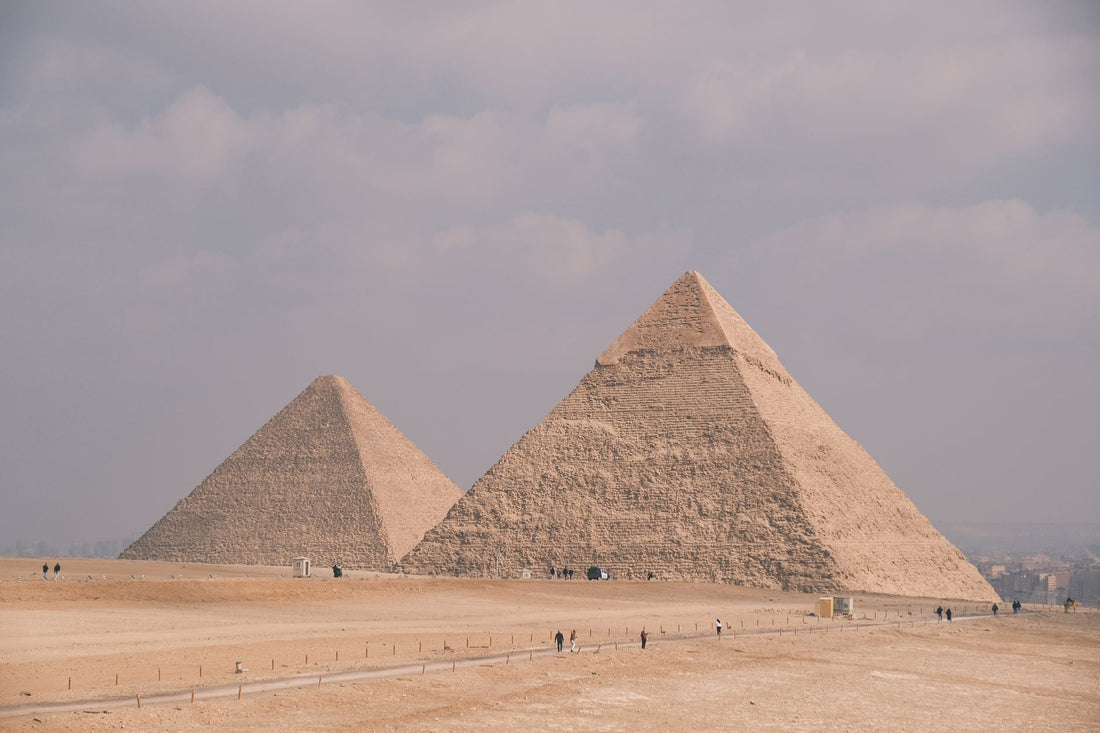
Mobile coverage in the capital is solid. In the city center, Zamalek, the Coptic area, and the Islamic City, you'll have stable 4G for maps, messaging, and uploading photos. In Giza, near the pyramid plateau, the signal holds up well because it's a very busy tourist area, although it can slow down during peak hours with thousands of visitors connected at once.
Where you should lower your expectations is at the extremes: inside enclosures like the Egyptian Museum, the signal can falter due to the walls, and if you venture into the Saqqara or Dahshur desert, there will be stretches with irregular coverage. For this, a simple trick is to download the offline map of Cairo before leaving the hotel. With that, you can navigate even if you lose signal for a while.
Traveler's tip: on the Giza pyramids plateau, many people offer camel rides or unofficial "guides." Having data allows you to check prices and reviews on the spot and avoid overpaying.
How many GB do you need for a getaway?
For a 3 to 5-day city break, typical consumption is moderate if you rely on the hotel's Wi-Fi at night. Maps, WhatsApp, a few searches, and uploading photos consume little; video and social media stories are what drive up consumption. This table gives you a realistic reference:
| Travel profile | Days | Approximate data |
|---|---|---|
| Light getaway (maps and messaging) | 3-4 days | 1-3 GB |
| Medium use (social media and photos) | 4-5 days | 3-5 GB |
| Intense use (video and stories) | 5-7 days | 5-8 GB |
If you're going to share the connection with your partner or the rest of the group to save money, allow a little more margin: the hotspot works the same way from an eSIM as from a physical line, so you can activate it without problems from your phone settings as soon as you land. And if you want to make every gigabyte count—for example, by lowering the photo upload quality on social media or pre-downloading songs you'll listen to on the go—take a look at our guide to data-saving tips for travel.

Cairo is a city, not all of Egypt
It's important to clarify something that confuses many people: you don't buy an eSIM "for Cairo," you buy an eSIM for Egypt that works across the country's entire network, including the capital. This is an important distinction if your itinerary isn't limited to just the city.
Think of it this way: most trips to Egypt combine Cairo with Luxor, Aswan, a Nile cruise, or a few days in the Red Sea (Hurghada, Sharm el-Sheikh). With a single data plan for Egypt, you have coverage in all these destinations without changing anything; the eSIM connects to the available network in each area. That's why, when looking for your plan, do so by country. The eSIM for Egypt covers Cairo and the rest of the country with the same profile, and it's part of a catalog with over 200 destinations, so if after Egypt your route continues to neighboring countries like Jordan or the Emirates, you don't have to plan anything special in advance: you install the eSIM for that next destination when the time comes, instead of relying on your Spanish operator's roaming for the entire trip.
Activating the eSIM at Cairo airport
The process is the same as for any destination, but it's good to keep it fresh in your mind so you don't hesitate when you land. Ideally, you should have installed the profile at home; at the airport, you just activate and you're good to go.
- At home, with Wi-Fi, buy and install the eSIM following the installation process. You scan a QR code or add it with one click.
- Label that line as "Egypt" so you don't confuse it with your home line.
- Upon landing in Cairo, disable airplane mode and activate data for the eSIM line.
- Keep your Spanish number for bank calls and SMS, but with data off on that line to avoid roaming charges.
- Check that the Egyptian network appears and you can now browse.
Before buying, make sure your phone supports this technology: on an iPhone, you check in Settings > Mobile Data > Add eSIM, and on Android in Settings > Connections > SIM Card Manager (the exact name varies slightly by manufacturer). Almost all recent models do, but it's better to confirm it two minutes before paying than to find out when your luggage is already checked.
eSIM or roaming: which is more cost-effective?
Egypt is outside the European data roaming zone, so activating roaming with your Spanish plan as is usually expensive: many operators charge separately for each megabyte outside the EU, and that cost skyrockets as soon as you open a map or send photos to your family's WhatsApp group without realizing it. On a short getaway, that uncontrolled bill outweighs the cost of the eSIM itself.
The eSIM works the other way around: you pay a fixed plan in advance, you know how much you're going to spend beforehand, and there are no surprises on your bill when you return. The exact price varies depending on the GB and the days you choose, so always check the current rate on the website before buying instead of relying on figures you've seen elsewhere. If you want to see in detail when each option is worthwhile, we have a complete comparison of eSIM versus roaming. For a specific trip to Cairo, the eSIM almost always wins; the exception is if your own plan already includes Egypt at no extra cost, which some operators occasionally offer in promotions - it's worth checking before paying twice for the same thing.
Myths and what almost no one tells you about eSIM in Cairo
"They give me one for free at the airport." It's common in Cairo's arrivals hall for someone to offer to "help" you with a local SIM in exchange for a tip, or to sell you a prepaid card directly at an inflated price, without an invoice and without guarantee that it will continue to work well after the first day. With the eSIM installed from home, you skip that entire queue: you don't talk to anyone or hand over your passport to register a new line.
"A physical international chip is cheaper." Sometimes yes, sometimes no, but the physical chip has a problem that almost no one mentions: if you lose it or it bends in your pocket, you'll be without data until you find a store, and in Cairo, that's not always quick or convenient with the heat and traffic. The eSIM lives inside the phone itself, so that risk simply disappears. If you want to compare the two options well before deciding, we have a guide on international chip vs. eSIM with the real differences, not just price.
The Wi-Fi in some cafes and hotels requires an Egyptian number. This is one of the most surprising pitfalls: in several coffee shop chains in the center and Zamalek, free Wi-Fi requires receiving a confirmation SMS to a local number before allowing you to browse, something a tourist without an Egyptian line has no way of receiving. With your own data from the eSIM, this Wi-Fi with an entry barrier ceases to be a problem because you simply don't need it.
Some calling apps run slowly. In Egypt, voice calls over the internet (via WhatsApp, Messenger, or some FaceTime functions) have had intermittent restrictions depending on the operator and the moment: sometimes they work without problems, and other times they cut out or have significant delays. Text and photo sending through these same apps usually don't have this problem. If you're also concerned about the privacy of your connection when using public Wi-Fi networks, take a look at our guide to VPN and privacy while traveling.
When NOT to bother buying data for Cairo. If your stopover in the city is only a few hours and you won't leave the terminal, the airport Wi-Fi is enough for you to check your connecting flight and answer a couple of messages: save the eSIM for the real trip, don't use it on a layover. It also makes no sense if you're going to be in a hotel or resort with decent Wi-Fi the whole time and don't plan to move from there, which is unusual in Cairo but happens on some Nile cruise packages with a prior stay.
Frequently Asked Questions
Is there Wi-Fi at Cairo airport to install the eSIM?
Yes, the terminal has Wi-Fi, but it's best not to depend on it. Install the eSIM profile from home using your usual connection and leave the activation for when you land. This way, you avoid problems if the airport Wi-Fi is slow or requires registration.
Does the Egypt eSIM also work in Luxor and the Red Sea?
Yes. It's not a Cairo-exclusive plan, but for all of Egypt. The same eSIM gives you data in Luxor, Aswan, on a Nile cruise, Hurghada, or Sharm el-Sheikh, connecting to the available mobile network in each area without you having to change anything.
Can I use Google Maps and WhatsApp normally?
Yes. With active data, maps and messaging work normally in the city. For voice calls, WhatsApp or Telegram over data are the most convenient option. Keep in mind that in Egypt, some internet calling services may have occasional limitations depending on the network.
Do I keep my Spanish number while using the eSIM?
Yes. The eSIM gives you a separate data line, so your Spanish number remains active for receiving bank SMS or important calls. You should only keep your Spanish line's mobile data turned off to avoid roaming charges, and use the eSIM for browsing.
How long does it take to activate upon arrival in Cairo?
Approximately one minute. If you already have the profile installed, as soon as you turn off airplane mode and activate the eSIM's data, the phone will connect to the Egyptian network in seconds. That's why it's advisable to have everything ready before taking off.
Which Egyptian operator does the eSIM connect to?
It automatically connects to the local network available with the best signal in each area—in Egypt, several companies operate such as Vodafone, Orange, Etisalat, or WE—without you having to manually select or configure anything. You simply activate data and browse.
Do I need a VPN to use the internet in Cairo?
It's not mandatory, but some travelers prefer to use it for more privacy when connecting to public Wi-Fi networks, or as an alternative if some internet calling app experiences occasional cuts depending on the operator. For browsing, checking maps, or using social media, you don't need it.
Conclusion
Cairo is intense, noisy, and fascinating, and the last thing you want is to waste time struggling with your connection. An eSIM gives you data from the airport, reliable coverage in the city and the pyramids, and zero surprises on your bill. Remember: you buy the plan for Egypt, not just the capital, and it's valid for the entire country. Get your eSIM ready before you fly and land already connected: find the Egypt eSIM in the PuraSIM catalog, with over 200 destinations and 24/7 support in all languages via email and WhatsApp if you have any questions during your trip.