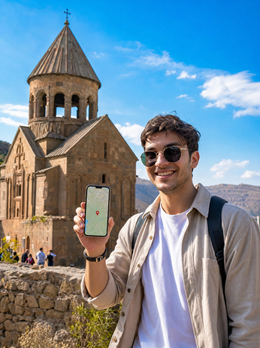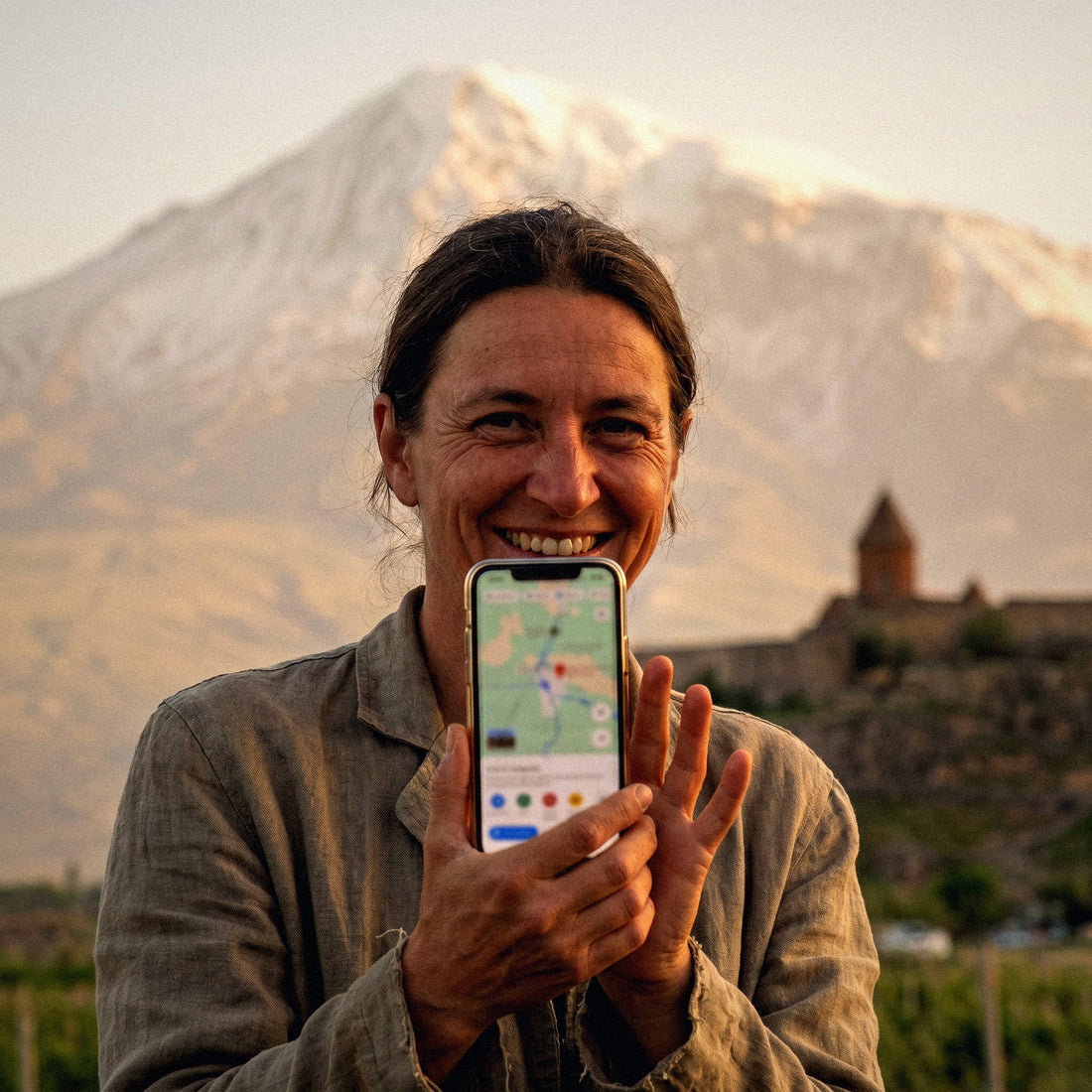
If you already know you'll be using data and just need to decide on the package size, this guide tells you how many GB you need for Armenia without beating around the bush. I'll explain it with real consumption numbers, considering the country's specificities (lots of mountain roads, many monastery photos, decent Wi-Fi in Yerevan), and with a table by travel profile so you can choose in two minutes and forget about it.
How many GB do you need for Armenia: short answer
For a 7 to 10-day trip to Armenia based in Yerevan, most people will have plenty with 3 GB. If you upload photos and stories daily, go for 5 GB. Only if you telecommute or share the connection with your family does it make sense to go over 10 GB.
I know that number sounds low compared to what you spend at home, and there's a reason: on a trip to Armenia, you spend many hours off your phone. You're riding the Tatev cable car, exploring Geghard, or looking at Ararat from Khor Virap, not watching series. Heavy consumption—video, downloads, backups—almost all goes to the accommodation's Wi-Fi.
My practical recommendation: for a classic one-week or ten-day itinerary (Yerevan as a base camp, plus excursions to Sevan, Dilijan, Garni-Geghard, and the south), 3 GB covers the normal traveler, and 5 GB leaves plenty of room for someone who lives with Instagram open. If you run short, just top up; if you overbuy, you've wasted money.
Before continuing, a word of caution: any figure you see out there is an average. What really matters is your way of using your phone, and only you know that. Below, I explain how to check it in your settings before traveling. If you want the general framework for any destination, you'll find it in the guide on how much data I need for travel, and here we apply that framework to the specific case of Armenia.
Why you spend less than you fear in Armenia
Some destinations are data hogs: countries where you need a camera translator to read every menu, where you live inside a taxi app, or where you need a VPN all the time. Armenia is none of those, which is why the final number is lower than people expect.
Three specific reasons:
- Abundant and decent Wi-Fi in Yerevan. Hotels, apartments, and a good portion of downtown cafes have free Wi-Fi. Yerevan is a city with many outdoor cafes and terraces, and that plays in your favor: much of the day you're sitting somewhere with internet access.
- No digital walls. There are no social media or messaging blocks that force you to constantly use a VPN, so you save on that overconsumption (a VPN easily adds 10-20% to traffic).
- Mobile data is cheap in the country. The three operators—Viva-MTS, Team Telecom, and Ucom—compete with generous plans, and this is reflected in the price of travel packages. In other words: you won't go broke if you need to top up.
The Armenian alphabet is impressive at first glance, yes, but tourist signs, Yerevan menus, and main road signs usually have Latin transcription or English. You won't be glued to a translator as in other destinations.
If you're still deciding how to connect and not just how much, you'll find it broken down in the guide to internet in Armenia; here we assume you've already chosen and are moving on to the size.
How much data each app really consumes
Here's the source of almost all miscalculations: people believe maps devour data and social media is harmless. It's exactly the opposite. These are the reference figures I work with:
| Activity | Approximate Consumption | On a trip to Armenia |
|---|---|---|
| Google Maps navigation (online map) | 5-10 MB per hour | Negligible. 4 h driving ≈ 30 MB |
| Downloaded offline maps | 0 MB | Ideal for Tatev and Dilijan |
| WhatsApp: text, photos, and audio | 10-25 MB per hour of active use | Low, unless you send videos |
| WhatsApp video call | 400-450 MB per hour | The biggest silent killer |
| Instagram or TikTok scrolling | 700 MB - 1.2 GB per hour | What truly defines your total |
| Uploading photos (original from phone) | 3-5 MB per photo | 20 photos ≈ 80 MB |
| Uploading a story or short reel | 10-30 MB | 5 per day ≈ 100 MB |
| Music streaming (normal quality) | 70-150 MB per hour | Adds up quickly on long journeys |
| Video at 480p | 250-350 MB per hour | Avoid outside of Wi-Fi |
| Video at 1080p | 1.5-3 GB per hour | Eats up the entire package |
| Web browsing, email, and finding restaurants | 10-25 MB per hour | Marginal |
Translated: you can navigate with your phone for ten entire days and not even reach 300 MB for maps. But half an hour of scrolling a day is 5 GB in two weeks. That's what really determines your total. You have the details by app in the mobile data usage statistics by activity, and it's worth checking them before deciding anything.
What really drives up data usage on a trip to Armenia
Armenia has a very recognizable consumption profile: little video, lots of photos, and many hours on the road. This changes the distribution compared to a city trip.
Photography is the big consumer. It's a country that photographs itself: monasteries clinging to cliffs, the Tatev cable car soaring over the gorge, the blue of Lake Sevan, Ararat behind Khor Virap. You're going to shoot much more than usual, and if you have automatic photo backup enabled with mobile data, your package will evaporate before you know it. That setting is the number one cause of scares.
Long journeys are the second. Between Yerevan and Tatev, there are about four hours of driving on mountain roads. If you stream music on every journey, that's 300-400 MB a day without doing anything else.
A typical day, in megabytes:
| Day | Maps | Messaging | Photos and Social Media | Music/Video | Estimated Total |
|---|---|---|---|---|---|
| Day in Yerevan (with hotel and cafe Wi-Fi) | ~10 MB | ~30 MB | 150-250 MB | 0-50 MB | 200-350 MB |
| Full-day excursion (Sevan, Dilijan, Garni) | ~30 MB | ~40 MB | 250-400 MB | 100-300 MB | 400-750 MB |
| Sparse day (offline maps and downloaded music) | 0 MB | ~30 MB | 50-100 MB | 0 MB | 80-130 MB |
With these numbers, the calculation works out: a ten-day trip combining city days and excursions averages 2.5-4 GB, and the room for maneuver is almost entirely in your hands.
The important table: GB by profile and duration
This is the table I'm here to give you. Find your profile, cross-reference it with your travel days, and buy that. The figures assume you sleep in places with Wi-Fi and do heavy downloads there.
| Traveler Profile | 5 days | 10 days | 15 days | 30 days |
|---|---|---|---|---|
| Tourist with maps and WhatsApp (basic use) | 1 GB | 3 GB | 3-5 GB | 10 GB |
| Photos and social media (daily stories) | 3 GB | 5 GB | 10 GB | 20 GB |
| Digital nomad / telecommuting | 10 GB | 20 GB | 20-30 GB | 50 GB or unlimited |
| Sharing family (2 adults + children) | 5 GB | 10 GB | 20 GB | 30 GB |
A couple of nuances about specific profiles:
- If you're driving yourself. Add a cushion: you'll be using the navigator for many hours and, above all, you'll want to be able to consult alternative routes on the fly. Even so, we're talking hundreds of megabytes, not gigabytes.
- If you're with a guide or organized tour. The lowest tier will be more than enough. The guide provides the maps, and you only use your phone for photos and messages.
- Families sharing a connection. The phone acting as a hotspot is the one that uses data for everyone. Be careful not to leave the kids watching videos in the back seat for four hours of driving: that alone is several GBs.
- Serious remote work. Hour-long video calls are almost half a gigabyte each. If you have daily meetings, go straight for the larger plans.
When in doubt between two tiers, pick the smaller one: topping up in Armenia is easy and cheap, so there's no point in paying for gigabytes that will go unused. Details on coverage and plans per country can be found in the eSIM for Armenia section.
Actual coverage: where you will and won't have signal
This is important for the calculation for a counterintuitive reason: areas without coverage save you data, but they force you to prepare your phone beforehand.
The brief overview: the three Armenian operators provide 4G in Yerevan, Gyumri, Vanadzor, and on main roads, and 5G exists but is still limited to specific areas of the capital. Around Lake Sevan, in Dilijan, and in the Garni-Geghard area, the signal is good. Gaps appear in predictable places: deep gorges, mountain passes, and enclosed valleys. The Vorotan gorge, below Tatev, is a classic example: you might have coverage up in the monastery, but lose it during the journey or inside the canyon.
Golden rule for Armenia: download an offline map of the entire country before leaving Yerevan. It takes up little space, you do it once with the hotel Wi-Fi, and it saves your day on the southern road.
Two more things to be clear about before planning your route:
- Check official travel advisories. There are border areas—especially those bordering Azerbaijan—where access is discouraged or restricted. Before planning routes in the east or south, review the updated information from the Ministry of Foreign Affairs. This information changes and should not be assumed.
- Mountain villages come and go. Also download anything else you might need: tickets, reservations, screenshots of addresses.
In summary: the signal is better than many people imagine, but you cannot rely on it one hundred percent off the main asphalt roads.
If you combine Armenia and Georgia: beware of network hopping
Many trips to the Caucasus combine both countries: entering through Tbilisi, going down to Yerevan, or vice versa. And this is where people get upset about data.
A data package for Armenia works in Armenia, period. As soon as you cross the border—via Bagratashen/Sadakhlo or Bavra—your phone will try to connect to a Georgian network, and your Armenian package will no longer work. This is not a malfunction: it's because you've changed countries and networks.
You have two clean ways to resolve this:
- A regional plan that covers both countries. This is the most convenient if you'll be going back and forth, or if you're doing a circuit with multiple entries and exits. You buy once and forget about it.
- Two plans, one per country. This works well if you'll be spending long blocks in each place: for example, eight days in Armenia and six in Georgia. You activate the second plan when you cross.
What I do recommend avoiding is discovering this at the border crossing, with no signal and a queue behind you. Check before buying exactly which territories your plan covers; it's usually in the product description, in small but clear print.
A practical detail: the land crossing can take time, and there are sections with poor signal just before and after the border, so have a map of the area and the address of your accommodation in Tbilisi downloaded. With that, changing countries stops being a problem and becomes a simple procedure.
How to know your real consumption before leaving home
All the above are averages. The good data is on your own phone, and it takes two minutes to retrieve it.
On Android: Settings → Network & Internet → Data Usage (or similar depending on the manufacturer's overlay). On iPhone: Settings → Mobile Data, with the breakdown by application at the bottom of the screen. There you can see how many GB you've used in the last billing cycle and which apps consumed them.
Now extrapolate. Divide that total by 30 to get your daily consumption and multiply it by your travel days. Then adjust it with these three factors:
- Subtract what you do at home via Wi-Fi and what you will also do in Armenia via Wi-Fi (hotel, cafe). This is usually quite a lot.
- Subtract long videos. If you watch series on the subway at home, you won't do it while traveling: you'll be looking out the window.
- Add 20-30% for photos and messaging. You share much more than usual when traveling.
A real example of how I do it: if I use 12 GB a month, that's 400 MB a day; subtracting what I'll do via Wi-Fi leaves me with about 250 MB daily; for ten days, that's 2.5 GB; I round up to 3 GB and have a little extra. This back-of-the-napkin calculation is much more accurate than any generic table, including mine. Do it before buying and you'll be making a decision based on your own data, not a stranger's.
Tricks to stretch your gigabytes in Armenia
If you want to step down in your purchase, this will be more than enough. It's five minutes of configuration before you leave:
- Download offline maps of all of Armenia in Google Maps or Maps.me. This is the country's number one trick: you cover mountain roads and don't spend anything navigating.
- Turn off automatic photo backup over mobile data. Google Photos and iCloud, both set to "Wi-Fi only." This is the setting that saves the most gigabytes of all.
- Disable automatic video playback on Instagram, Facebook, X, and TikTok. You'll see what you want to see, not what the app decides to load for you.
- Download music and podcasts before long journeys. With four hours of driving to Tatev, this alone saves 300 MB.
- Activate the system's Data Saver Mode and, within apps, the equivalent ("Use Less Data" on Instagram, "Data Saver" on YouTube).
- Send compressed photos via WhatsApp instead of as documents. The difference is 10 to 1.
- Take advantage of Wi-Fi in Yerevan cafes for system updates and large uploads. They are all over the center and are free.
With these settings, an average traveler easily goes from 400 MB per day to less than 150 MB. You have the complete list of settings in the guide on how to save data on a trip, and applying it is the cheapest way to confidently buy a smaller package.
What happens if you run out (and why it's the least bad thing)
When you run out of data, no catastrophe occurs: you simply stop browsing. There are no surprise bills or overage charges, which is exactly the problem with old plans. Your phone still works, you still have hotel Wi-Fi, and you can top up in a matter of minutes from that same connection.
That's why my advice is always the same: buy too little and top up. Buying too much is a guaranteed waste of money; buying too little is, at most, a two-minute inconvenience. And in Armenia, where data is cheap, that inconvenience is even cheaper.
Three precautions so that running out of gigabytes doesn't ruin your day:
- Have offline maps downloaded. If you run out of data on the Syunik road, you'll still know where you are and where to go.
- Save screenshots of essentials: hotel reservation, address in Armenian to show, tickets, driver's number.
- Activate consumption alerts in your phone settings, for example at 80% of the plan. You'll know before you hit zero.
And if you're new to travel data and aren't sure how the virtual chip works, I'll explain it in simple terms in what an eSIM is. Understanding the mechanism helps, because topping up on the go is precisely what allows you to buy the small package.
Frequently Asked Questions
How many GB do I need for 7 days in Armenia?
3 GB is more than enough for a week of normal tourism. It covers daily browsing, WhatsApp, looking for restaurants, and uploading a handful of photos each day, assuming you sleep somewhere with Wi-Fi. If you're someone who posts stories all the time, increase it to 5 GB.
Is 1 GB enough for a weekend in Yerevan?
Yes, for two or three days in the capital, 1 GB is sufficient if you use the Wi-Fi at your accommodation and in cafes. Yerevan is a very compact and easy city to explore, and with the map downloaded, actual consumption is little more than 100-200 MB per day.
Is there free Wi-Fi in Armenia?
In Yerevan, there's a lot and it's quite good. Hotels, apartments, and many of the cafes in the center offer open Wi-Fi or with a password on the menu. Outside the capital, it's more irregular: in the rural houses of Dilijan or in the southern villages, expect less, or slower, service.
Will I have coverage in Tatev and on mountain roads?
There's usually a signal at the monastery; in the gorge and on some road sections, there isn't. The south of the country (Syunik) and the closed valleys of Dilijan National Park have coverage gaps. That's why downloaded maps are not an extra, they are part of your luggage.
Does my Armenian data also work in Georgia?
No: when you cross the border, you switch networks and the Armenian plan stops providing service. If you're combining the two countries, either buy a regional plan that covers both, or buy one for each and activate the second when you cross. Check before you leave, not at the border crossing.
Do I need a VPN in Armenia?
It's not necessary for normal use. Social networks and messaging apps work normally. You'll only want one if you need to access services from your country due to licensing issues or if you connect to public Wi-Fi frequently. Keep in mind that a VPN adds extra traffic to your consumption.
How much data does a video call from Armenia use?
About 400-450 MB per hour. It is, by far, the activity that empties a small package the fastest. If you have to call home daily, do it from the hotel Wi-Fi or switch the video call to a voice call, which uses about 15-20 MB per hour.
Is it better to buy a lot of gigabytes just in case?
No: it's the most common way to waste money on a trip. Most people return home with more than half of their package unused. Buy according to your profile, monitor consumption for the first two days, and top up only if your actual usage requires it.
Conclusion
Summary without embellishments: for 7-10 days in Armenia, 3 GB covers the average traveler and 5 GB leaves room for those who upload photos and stories daily. Only if you work remotely, share your connection with family, or are staying for a month does it make sense to go for 10, 20 GB, or more. The country works in your favor: abundant Wi-Fi in Yerevan, cheap local data, and many hours of looking at monasteries instead of screens.
Do these three things before you fly and you won't go wrong: check your real consumption for the last month in your phone settings, download offline maps for the entire country, and turn off photo backup over mobile data. With that, the small package will be more than enough.
And if you've already decided, choose your size on the eSIM for Armenia and leave home with the matter resolved: you'll arrive in Yerevan with data from minute one and no surprises on your bill.