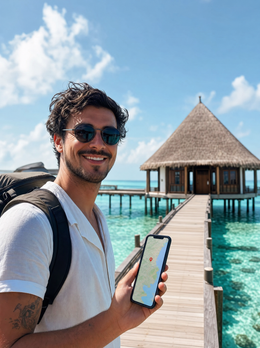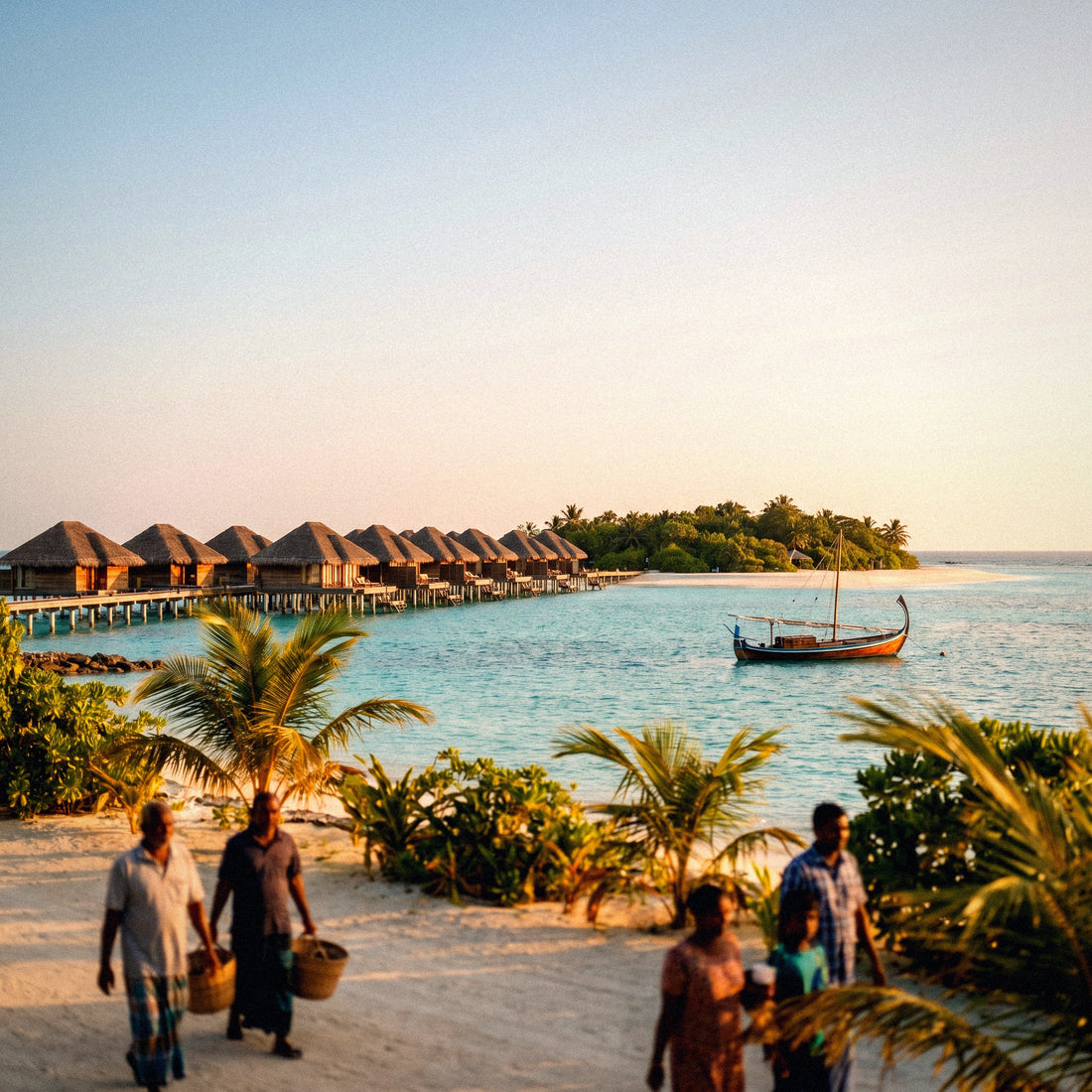
If you're wondering how many GB to buy for the Maldives, let me save you the suspense: this is one of the few destinations where the honest answer is "less than you think". We do sell data packages, yes, but here, usually a small one will be enough, and I prefer to tell you that upfront. Let's go through the numbers and the exceptions, because there are some.
How many GB you need in the Maldives: the short answer
For 7 days in the Maldives staying at a resort with Wi-Fi, most people will be fine with 3 GB. If you plan to upload photos and videos daily without relying on Wi-Fi, count on 5 GB. Only if you stay on a local island, telecommute, or share several phones does it make sense to go over 10 GB.
That's the recommendation, and I won't hide it at the end of the article. The Maldives is an unusual destination in terms of data: you spend most of your trip on a small island, with Wi-Fi included in the accommodation, no need for maps, no transport apps, and your phone put away for much of the day because you're in the water. The consumption pattern is more like a weekend at a friend's house than a trip through Asia.
That said, there are three things that break this calm and justify having your own data: the resort Wi-Fi doesn't always reach where you are, transfers between atolls leave you with no service, and the desire to upload everything instantly can multiply your data usage without you realizing it. That's why my advice isn't "don't buy anything," but rather "buy a small amount and wisely."
- 5-7 day getaway at a resort: 1-3 GB.
- 10-day honeymoon uploading content: 5 GB.
- Local island (Maafushi, Dhigurah) 10 days: 5 GB.
- Telecommuting or family sharing: 10-20 GB.
If you want the general criteria for any destination, you can find it in the main guide on how much data you need for travel. Here I'll focus on the specifics of the Maldives.
Why so little is spent in the Maldives
Geography dictates. A Maldives resort is an island you can cross on foot in ten or fifteen minutes. There's no subway to consult, no taxi to call, no restaurant to search for because you dine where they tell you, and no signs to translate because everything at the resort is in English. All those apps that would devour data in Tokyo or Cairo, you won't even open them here.
Add to that the pace of the trip. Diving, snorkeling, pool, nap, sunset. Every dive and every boat trip means hours with your phone turned off in the safe, and that doesn't appear in any data calculator but is the real reason why consumption plummets. A day of diving can be a day of less than 100 MB.
And then there's the coverage, which is better than people expect. The two operators in the country, Dhiraagu and Ooredoo, cover almost the entire inhabited archipelago, including resort islands and a good part of the ferry routes between nearby islands. There's 5G in Malé and Hulhumalé. It's not a "no signal" destination: it's a "you don't need to use it that much" destination.
The practical consequence is that here, the small package isn't a makeshift solution; it's the right choice. If you're used to buying 20 GB for a trip to the United States, don't repeat the dose. To understand how the connection works in the country before deciding on the size, check out the companion to this article: internet in the Maldives.
The fine print of resort Wi-Fi
This is where many people get a surprise. Almost all resorts advertise Wi-Fi, and in many, it's included and works well. But "there's Wi-Fi" can mean very different things depending on where you stay, and it's worth knowing that before assuming you won't touch your data.
The three most common scenarios:
- Decent Wi-Fi only in common areas. The signal holds up in the lobby, bar, and restaurants, and drops off on the beach and in the more remote villas. This is the most common case on large islands with overwater villas at the end of the jetty.
- Paid or tiered Wi-Fi. Some resorts charge extra for it or only include it in certain room plans. It's not the norm, but it happens.
- Truly good Wi-Fi. It exists, and increasingly so, especially in newer resorts. If you get this, your data will almost be an extra security measure.
The problem is you don't know which one you've got until you arrive, and by then you can't calmly buy a local SIM card. That's why a small data package is, more than anything, cheap insurance: if the Wi-Fi is perfect, you won't use it; if it's spotty, it saves your video call home and pending work.
An honest detail: even if the resort Wi-Fi works, it's often just enough for video calls at peak times, when everyone on the island is connected simultaneously after dinner. That's where using your own data for a while makes a difference without spending much.
Seaplane, speedboat, and transfers: the gaps with no service
The trip to the Maldives has a part that nobody explains well: transfers. Several hours can pass between landing at Velana and stepping onto your island, and these are precisely the hours when you most want to announce your arrival or share the first photo from the air.
How the connection behaves in each segment:
- Malé Airport: good coverage and airport Wi-Fi. This is the best time to activate your data and download what you need.
- Seaplane waiting lounge: usually has Wi-Fi, sometimes saturated, and decent mobile coverage.
- Seaplane in flight: nothing. Airplane mode, no onboard Wi-Fi, and views that are exactly what you'd want to be uploading. You upload them later.
- Speedboat between atolls: signal appears and disappears. Near inhabited islands, there usually is; on the open sea between atolls, don't count on it.
- Local public ferry: surprisingly decent on short routes in central atolls.
These gaps don't consume data, but they do change how you use it: you accumulate photos and messages that are all sent at once as soon as you regain signal. If you have automatic backups enabled, that "all at once" can take a serious bite out of your package. We'll cover this in the photo section.
Practical tip: activate your eSIM for the Maldives before leaving home, using your own home Wi-Fi. Installing it in Malé, in a hurry with the seaplane waiting, is asking for trouble.
How much data each activity will consume there
These are approximate and reference figures, not promises: they depend on video quality, phone model, and your settings. But they serve to give you an idea of the order of magnitude, which is what matters when choosing a package.
| Activity | Approximate Consumption | Actual impact in the Maldives |
|---|---|---|
| WhatsApp, messages and audio | 5-10 MB per hour of active use | High: what you'll use most |
| Voice call on WhatsApp | Around 1 MB per minute | Medium |
| Video call | 5-12 MB per minute | Medium-high if you call daily |
| Google Maps navigating | 5-10 MB per hour | Almost null: the island is walked across |
| Social media scrolling | 600 MB - 1.2 GB per hour | The big data hog |
| Uploading a photo from phone | 3-5 MB in original quality | High on honeymoon |
| Uploading a 1-minute video | 60-350 MB depending on quality | The silent risk |
| Streaming video, standard quality | 500 MB - 1 GB per hour | Low: that's what Wi-Fi is for |
| Streaming music | 40-80 MB per hour | Low if downloaded beforehand |
| Email and web browsing | 10-20 MB per hour | Low |
What stands out: a single minute-long video at max quality can weigh more than an entire day of maps and messages. In a picturesque destination like this, that's not a technical detail; it's the factor that determines your package.
If you want a full breakdown by app, with more activities and comparisons, you can find it in our mobile data usage statistics by activity.
The key table: GB per profile and per day
This is the table you've been looking for. It's calculated assuming what actually happens in the Maldives: Wi-Fi available most of the time, little use of maps, and hours without touching your phone. If your resort happens to have excellent Wi-Fi, you'll spend even less.
| Profile | 5 days | 10 days | 15 days | 30 days |
|---|---|---|---|---|
| Tourist with maps and WhatsApp (resort with Wi-Fi) | 1 GB | 2 GB | 3 GB | 5 GB |
| Photos and social media, uploading daily | 3 GB | 5 GB | 8 GB | 15 GB |
| Local island (Maafushi, Dhigurah) | 3 GB | 5 GB | 8 GB | 15 GB |
| Digital nomad or telecommuting | 10 GB | 20 GB | 25 GB | 50 GB |
| Family or couple sharing two phones | 3 GB | 5 GB | 10 GB | 20 GB |
Look at the first row, because that's where most people traveling to the Maldives fall: 2 GB for ten days. It seems tiny compared to what you buy for other destinations, and yet that's what comes out when you do the actual math. The only row that skyrockets is telecommuting, and not because of the country, but because work video calls consume the same in the Maldives as in Madrid.
In the Maldives, the enemy of your data isn't the country or the coverage: it's your own phone uploading the entire camera roll to the cloud as soon as it loses the resort Wi-Fi.
If two of you are traveling and one plans to share their connection with the other, don't double the package: add a little and share. On an island, one of you is usually diving while the other is in the hammock.
Honeymoon with a thousand photos: the profile that skyrockets consumption
The Maldives is probably the destination where the most photos are taken per day in the world. Overwater villa, sunrise, sunset, dinner on the beach, drone if you bring one. And with the normal desire to share everything instantly. This profile does need more data, but less than people fear if they take two or three precautions.
| What you upload | Approximate weight | In 10 days |
|---|---|---|
| 20 photos a day via WhatsApp (compressed) | Less than 1 MB each | Around 200 MB |
| 20 photos a day in original quality to the cloud | 3-5 MB each | 600 MB - 1 GB |
| One 30-second story or reel per day | 15-40 MB | 150-400 MB |
| One 1-minute video in max quality per day | 300-400 MB | 3-4 GB |
| Automatic camera roll backup | Everything, no questions asked | Several GB |
The conclusion is clear: photos and stories are perfectly manageable with 5 GB for ten days. What throws any package off balance are long videos at maximum quality and, above all, automatic backup. That setting is what empties packages without anyone realizing it, because it triggers while you sleep and also uploads the 40 almost identical photos of the same sunset.
My recommendation for honeymoons: upload what you want to share instantly, in normal quality, and save raw video and full backups for the resort Wi-Fi or directly for when you get home. You'll assemble the real album on the couch, not on the hammock.
Private resort vs. local island: you don't spend the same
There are two very different ways to travel to the Maldives, and they consume data differently. The private island resort is the all-inclusive model, isolated and with its own Wi-Fi. The local island (Maafushi, Dhigurah, Thulusdhoo, and company) is the affordable version: guesthouses, local restaurants, public ferries, and excursions you book on the fly.
| Aspect | Private Island Resort | Local Island |
|---|---|---|
| Wi-Fi | Almost always, sometimes only in common areas or paid | In the guesthouse and some cafes, variable quality |
| Mobile coverage | Good on the island and surroundings | Good: these are inhabited and well-covered islands |
| Map usage | Practically none | Medium: ferries, schedules, and routes |
| Bookings and messages with locals | Everything managed by the hotel | Constant, especially via WhatsApp |
| Hours phone put away | Many | Quite a few, but less |
| Recommended GB for 10 days | 2-3 GB | 5 GB |
On a local island, you rely more on your phone and less on external Wi-Fi: you check ferry schedules, message the excursion guy, look for places to eat, and compare prices. It's not a huge leap, but it's worth stepping up a package level compared to the resort traveler.
And if you combine the two, which is a plan that works very well—a few days on a local island and the end at a resort—calculate with the local island profile. That's the one that dictates.
How to calculate your own consumption before leaving home
Tables are good, but your phone has the exact data of how you use it. This trick works for any destination and takes two minutes:
- Go to your phone's mobile data settings and check the consumption for the last full month.
- Divide it by 30 to get your actual daily average.
- Multiply it by the number of travel days.
- And now apply the Maldives corrector: stick with half or less if you're staying at a resort with Wi-Fi, because at home you consume with your phone in hand all day, and you won't be doing that there.
An important nuance: that number in your settings only includes what you spent on mobile data, not what you spent on Wi-Fi at home or in the office. This is exactly the data you need, because in the Maldives, you'll also have Wi-Fi for much of the time.
If your daily average at home is half a gig, in the Maldives you'll be around half of that. If you're one of those who spends two or three gigs a day watching videos on the street, count one or one and a half, because you'll watch videos via Wi-Fi.
A technical note that does matter before buying: check that your phone is compatible and unlocked. If this is your first time using this technology, in what is an eSIM I explain it without jargon and in two minutes. Checking beforehand avoids the only serious problem you might have at the seaplane gates.
How to stretch your data in the Maldives
With these adjustments, a small package goes a long way. It's five minutes of setup on the outbound flight and takes away any data anxiety.
- Turn off mobile data backups. This is the most important one on the list. Have iCloud or Google Photos only upload with Wi-Fi.
- Download the map of Malé and your atoll before leaving. It takes up little space, and then you can navigate without spending anything.
- Download music, series, and podcasts at home. A long flight plus a seaplane plus hours in a hammock means plenty of time.
- Disable automatic video playback on social media. This setting saves the most data in proportion to the effort.
- Activate the system's data saver mode and for each app that has it.
- Upload heavy content using the resort's Wi-Fi and save mobile data for messages, maps, and urgent matters.
With automatic backups turned off, you've solved ninety percent of the problem, and I'm not exaggerating: it's the invisible consumption that ruins the most travel packages. If you want the long list, with specific settings for iPhone and Android, you can find it in the guide on how to save mobile data while traveling.
And a destination recommendation: in the Maldives, use the morning hours for anything that requires a stable connection. At night, with the entire island connected after dinner, the resort's Wi-Fi gets slower, and you end up using data unintentionally.
What happens if you run out of data?
Nothing happens. And this is why I insist on buying small: running out of data can be fixed, but having too much cannot. When you run out of data, the connection simply stops working until you top up. There's no surprise bill, no excess charges, nothing gets blocked. It just stops, and that's it.
And topping up is a matter of moments: you go to the website, buy another package, and it activates on the same profile you already have installed. There's no need to change anything on your phone or ask anyone at reception for help. You can do it from the resort's Wi-Fi in less time than it takes to order a coffee, which is exactly the scenario you'll find yourself in.
Compare the two possible errors:
You run out: you top up in two minutes and continue. Cost: what you actually consume.
You have too much: you return home with unused gigabytes that expire. Cost: wasted money.
In a destination where real consumption is so low and unpredictable—it depends on the Wi-Fi you get, the number of dives, and your desire to upload videos—the asymmetry is clear. Start small, check your consumption after two or three days, and decide with data in hand. This is what I do on every trip, and in the Maldives, I've almost never had to top up.
Frequently Asked Questions
How many GB do I need for 7 days in the Maldives?
3 GB is more than enough for the typical resort traveler. Between the accommodation's Wi-Fi, time spent in the water, and how little maps are used on an island that can be crossed on foot, daily consumption is much lower than during an urban trip.
Is the resort's Wi-Fi alone enough?
Sometimes yes, but it's a gamble. Many resorts have good Wi-Fi throughout the island; in others, it only works well in common areas, is weak in more remote villas, or costs extra. A small data package is the cheapest insurance for your trip: if the Wi-Fi works well, you barely touch it.
Is there coverage on the seaplane or speedboat?
No on the seaplane, and on the speedboat it depends on the section. In flight, you're in airplane mode with no Wi-Fi on board. On speedboat transfers between atolls, the signal appears near inhabited islands and disappears in the open sea. These are gaps of one or two hours, nothing dramatic.
How many GB for a 10-day honeymoon with lots of photos?
5 GB easily covers daily photos and stories. It only spikes if you upload long videos in maximum quality or if you leave automatic camera roll backup enabled, which can upload hundreds of original photos without you even knowing.
Do I need more data if I stay in Maafushi or Dhigurah?
Yes, plan for about 5 GB for ten days. On a local island, you use your phone more: ferry schedules, messages with guides and excursions, maps, and restaurant searches. Mobile coverage is good, but guesthouse Wi-Fi is more erratic than resort Wi-Fi.
Can I make video calls from the Maldives?
Yes, and they consume between 5 and 12 MB per minute. Half an hour of daily video calls for a week is about 1.5 GB, so if that's your plan, add it separately to your calculation or make them using the resort's Wi-Fi first thing in the morning when it's less busy.
What happens if I run out of data prematurely?
The connection stops, and you top up in two minutes. There are no excess charges or surprise bills: you buy another package from your accommodation's Wi-Fi, and it activates on the same profile without touching anything on your phone.
We're traveling as two, should we each buy a package?
Usually not necessary. At a resort, one package and sharing a connection from one phone is often enough because you're rarely both connected at the same time. If you'll be separated or each working independently, then one per person makes sense.
Conclusion
The Maldives is the destination where you'll need the least data, and being clear about that seems more useful than overselling. For a week at a resort, 3 GB. For a ten-day honeymoon uploading photos, 5 GB. For a local island, 5 GB. Only if you're teleworking or sharing among several phones does it make sense to go over 10 GB. Start there, check your consumption after two days, and top up if necessary, which can be done in a moment.
If you've already decided, get your connection ready before leaving home and forget about it as soon as you land: get your eSIM for the Maldives here, activate it with your living room Wi-Fi, and arrive at Velana with your phone working from the first minute.