In short: an eSIM Chile gives you internet as soon as you land in Santiago, without roaming or operator stores: you install it before you fly, it activates automatically upon arrival, and you keep your Spanish number for SMS and calls. With 3-5 GB, you'll cover a typical one-week trip; in the Atacama Desert and deep Patagonia, there is no coverage from any operator.
You land in Santiago, exit the gate, and want to order an Uber, notify home, and check the map to your hotel: for that, you need data from minute one. An eSIM Chile connects you to the local network without changing your SIM card or stepping foot in an operator store. In this guide, I'll tell you about the country's real coverage, how many GB you'll need, and why it's better than roaming or buying a physical SIM card upon arrival.
What is an eSIM for Chile and how does it work
An eSIM for Chile is a data plan that is installed on your mobile's integrated chip via a QR code, without a physical card. Upon arrival in the country, it automatically connects to a local network with your plan already loaded, so you have internet as soon as you turn on your phone. You buy it before you travel, and that's it.
The beauty of it is that you don't touch your home line: your Spanish number remains active to receive bank SMS or calls, and data goes through the eSIM. This is called dual SIM, and almost any iPhone from the XR or a recent Android supports it. If you're coming from Spain and want to travel around South America, an eSIM saves you the pilgrimage to an Entel store with your passport in hand. Before buying, check that your phone supports eSIM: it's a matter of a setting, not an expensive model. If you still have doubts about what an eSIM is exactly and how it differs from a physical card, we explain it calmly here.

Coverage in Chile: operators and where the signal reaches
Chile has surprisingly good mobile coverage for how narrow and long the country is. Travel eSIMs rely on major operators (Entel, Movistar, and Claro), which more than cover tourist areas with 4G and increasingly 5G in cities.
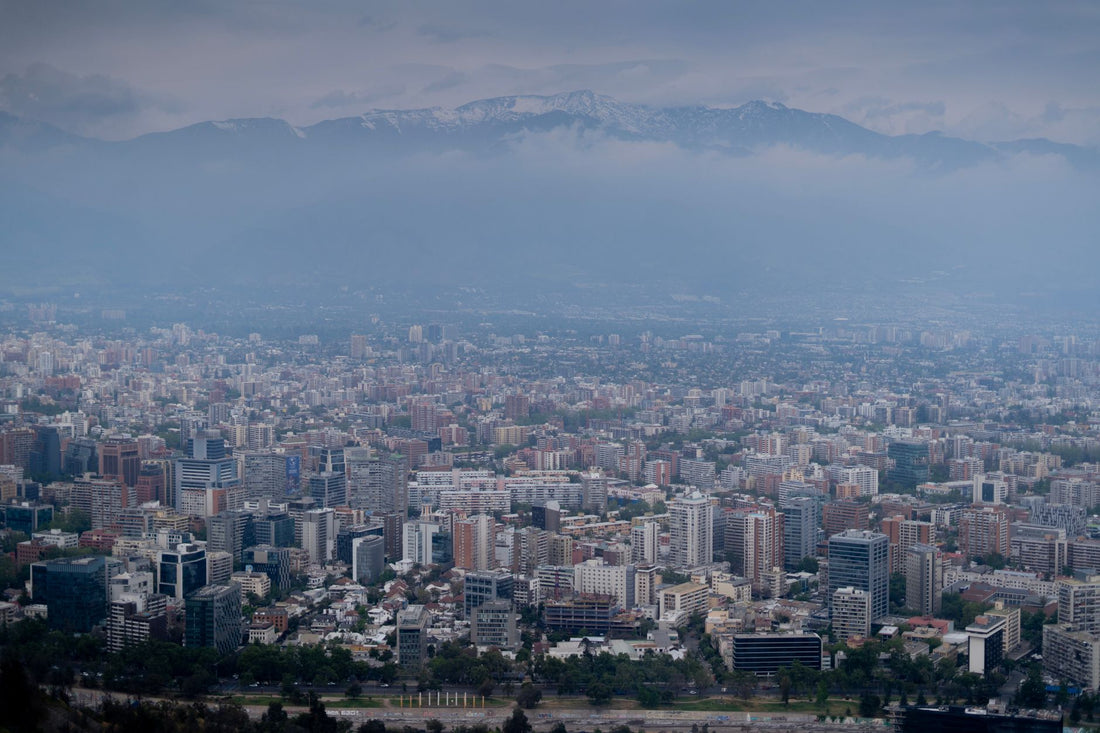
In practice, you'll have a smooth signal in Santiago, Valparaíso, Viña del Mar, La Serena, Puerto Varas, and most routes in the center of the country. Entel is usually the operator with the best reach in rural areas and in the deep south, while Movistar and Claro compete strongly in large cities. Where you will notice the limit of the map is in the northern altiplano, in the middle of the Atacama Desert outside San Pedro, and in remote sections of the Carretera Austral or Patagonia, where no operator (Chilean or otherwise) provides continuous coverage.
Tip: download offline Google Maps of your Patagonian route before leaving Puerto Montt. Between sections without coverage, your eSIM won't work magic, but your phone's GPS still functions even without data.
How many GB you need depending on your trip
The usual question. The short answer: for a typical 7-10 day trip with normal use (maps, WhatsApp, social media, a few Ubers, and looking for restaurants), 3 to 5 GB will suffice. If you stream, upload a lot of stories, or share your connection with a laptop, go up to 10 GB or get a plan with ample data.
Here's a guide based on the type of traveler:
| Travel profile | Duration | Recommended GB |
|---|---|---|
| Layover or weekend in Santiago | 2-3 days | 1-2 GB |
| Classic tourist (city + valleys) | 7-10 days | 3-5 GB |
| Long trip north + south | 2-3 weeks | 10-15 GB |
| Nomad / remote work | 1 month | 20 GB or unlimited |
A trick to stretch your data without getting stuck is to use the hotel WiFi for large downloads and updates. If you run short halfway through your trip, you can always top up or buy a second eSIM without losing the first one. If you want to extend your plan without running out of data halfway through your journey, here are tricks to save data on your trips with eSIM.

eSIM vs local SIM card (Entel, Movistar, WOM)
Buying a Chilean prepaid SIM card upon arrival is an option, but it comes with more friction than it seems: you have to find an open store, they sometimes ask for identification, and the prepaid registration process can be complicated if you don't speak calmly with the vendor. The eSIM saves you all that: you buy it from your couch at home and arrive with internet.
| Travel eSIM | Local SIM card (Entel/WOM) | Spanish roaming | |
|---|---|---|---|
| Activation | Before traveling, 1 minute | Physical store upon arrival | Automatic (and expensive) |
| Indicative price | Adjusted, you only pay for data | Cheap but with paperwork | Cost skyrockets |
| Keep your number | Yes (dual SIM) | No, Chilean number | Yes |
| Language / process | All in Spanish online | In person | None |
Compared to your home operator's roaming, the savings are clear: the cost of using your Spanish megabytes in Chile skyrockets as soon as you read the fine print of your tariff, and it makes no sense when a local data eSIM costs a fraction. Always check the current price with your operator before leaving to avoid surprises on your bill. We cover this in detail in eSIM vs roaming and international SIM vs eSIM, if you want to compare with numbers before deciding.
Chile from north to south: Atacama, Santiago, and Patagonia
Chile is a country almost 4,300 km long, and not all areas behave the same with coverage. It's worth knowing this before planning your route so you don't depend on having a signal where there won't be one.
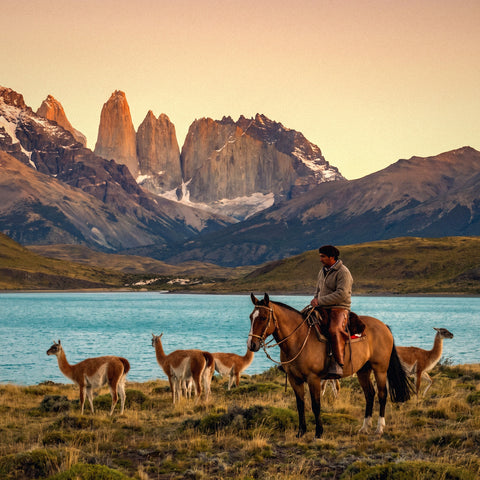
In the north (Atacama, San Pedro), you have good signal in towns and hotels, but on excursions to the desert, Tatio geysers, or altiplanic lagoons, you'll be without data: normal, it's one of the most remote places on the planet. In the center (Santiago, Valparaíso, wine valleys), coverage is excellent with reliable 4G/5G, even in the Metro, although in the deepest sections of some lines, the signal takes a few seconds to return after surfacing. In the south and Patagonia (Torres del Paine, Carretera Austral, Chiloé), the signal appears and disappears depending on the section: in towns there is coverage, in between there isn't. If your route continues beyond Chile, there's no need to change plans at every South American border: take a look at our guides on eSIM for Peru and Machu Picchu or eSIM for Colombia if your itinerary continues through those countries.
For Torres del Paine, warn your people that you will be unreachable in sections. It's not the eSIM: it's that there's no mobile network there. Use the refuge's WiFi to send signs of life.
How to activate your eSIM step by step
Activating the eSIM is the easiest part of the whole process and takes only 1 minute. Ideally, you should get it ready from home, with Wi-Fi, so you arrive in Chile already connected. Here's a summary:
- Purchase your Chile eSIM and receive the QR code instantly via email.
- Before traveling, with Wi-Fi, go to Settings and add the data plan by scanning the QR code.
- Label the eSIM as "Chile Data" and leave your home line for calls/SMS.
- Upon landing, activate data roaming for the eSIM and you're all set: internet.
If something gets stuck (which almost never happens), it's usually because you tried to install it in the country without Wi-Fi, or because your mobile doesn't support eSIM. You have the detailed step-by-step instructions, with screenshots, in how to install an eSIM. Spanish-speaking support is available 24/7 if you need a hand during your trip.
Myths and what almost no one tells you about eSIM in Chile
There are ideas that are repeated from traveler to traveler and are not always true. Here are a few, so you don't complicate your life unnecessarily.
Myth: "More GB is always better, I'll buy the big package just in case." Not necessarily. If you're going to be ten days between Santiago and Valparaíso with normal use, a 10-15 GB plan will go unused and you'll pay too much. First, look at the profile table above and adjust to your actual trip, not the one you imagine you're going to take.
Myth: "I have to activate the eSIM at Santiago airport as soon as I land." On the contrary: do it at home, with Wi-Fi, before checking your luggage. If you wait until you are in the arrivals hall of Arturo Merino Benítez to scan the QR, you will depend on the airport's public Wi-Fi, which requires email registration and is sometimes slow during peak international flight times.
Detail usually not mentioned: In Santiago, within the Metro, the signal is cut off in the deepest sections and takes a few seconds to return to the surface. This is not a failure of your eSIM or the operator: it happens with any line, Chilean or foreign, so don't panic if WhatsApp gets "sending" for a moment.
A detail that is not usually mentioned: in San Pedro de Atacama and in small towns in Patagonia (Puerto Natales, Villa O'Higgins), Uber barely has cars available. People use radio taxis or the hotel's own transportation. The problem there is not data coverage, but that there are not enough registered drivers in the app: plan for it and don't rely on ordering a car at the last minute.
When you activate the eSIM on your phone, the switch you need to turn on is usually called "data roaming" for that specific line. It sounds like you're going to be charged extra, but it's actually the opposite: it's the technical name for the setting that turns on your already paid Chilean plan. If you have doubts about the difference with your Spanish operator's expensive roaming, this guide on what data roaming is clarifies it well.
Frequently asked questions
Can I use the Chile eSIM in Argentina as well?
With a Chile-only eSIM, no: it covers Chilean territory. If you're crossing the Andes, it's more convenient to also buy an Argentina eSIM or choose a regional South America plan that includes both countries. This way, you don't change plans when crossing the border and continue to have data.
Does the eSIM work in San Pedro de Atacama and Patagonia?
In the towns and hotels of San Pedro and Patagonia, you will have a signal. On excursions to the desert, geysers, or remote routes of Torres del Paine, there is no coverage from any operator. This is not an eSIM malfunction: these are areas without a mobile network. Download offline maps beforehand.
Do I keep my Spanish number when using the eSIM in Chile?
Yes. The eSIM handles data, and your home SIM card remains active for calls and SMS (useful for bank codes). This is the dual SIM function. Just set data usage to the eSIM and leave your Spanish line without data to avoid roaming charges.
When do I activate the eSIM, before or upon arrival in Chile?
Install it at home with WiFi before flying: you scan the QR code and it's saved. The connection to the Chilean network automatically activates upon landing when you turn on data roaming for that eSIM. This way, you arrive with internet without searching for WiFi at Santiago airport.
Is an eSIM better or should I buy an Entel or WOM SIM card in Chile?
For a trip, an eSIM wins in convenience: you activate it beforehand, without paperwork, stores, or in-person prepaid registration. A local SIM card might be slightly cheaper for pure data, but you lose time and sometimes they ask for identification. For long stays, consider the SIM card; for tourism, eSIM.
Can I share my Chile eSIM data with my laptop or another traveler?
Yes, the vast majority of plans allow tethering (hotspot) at no extra cost. Keep in mind that sharing uses up GBs faster, so if you're splitting the same eSIM between two people or working with a laptop, calculate extra buffer beyond what the profile table indicates.
What if I run out of data halfway through my trip through Chile?
You can top up the same plan or buy a second eSIM without losing the one you already have active: no need to reinstall anything. While you're managing the top-up, use the hotel, café, or airport WiFi to avoid being out of touch for a couple of hours.
Conclusion
Chile is a country to be explored with your phone in hand: maps from north to south, reservations, Uber, and WhatsApp. With an eSIM, you'll be connected from minute one, keep your number, and forget about stores and expensive roaming. Just remember that in the desert and deep Patagonia, there's no network from anyone, so plan with offline maps. Get your Chile eSIM ready before boarding and land with real internet.